Minecraft 26.66 Update: Bug Fixes for Android and ChromeOS

2026-11-20
Minecraft 26.66 landed on Android and ChromeOS on 19 November as build 1.26.66.1. Here is what the hotfix repairs, what it skips and when Deep Freeze arrives.
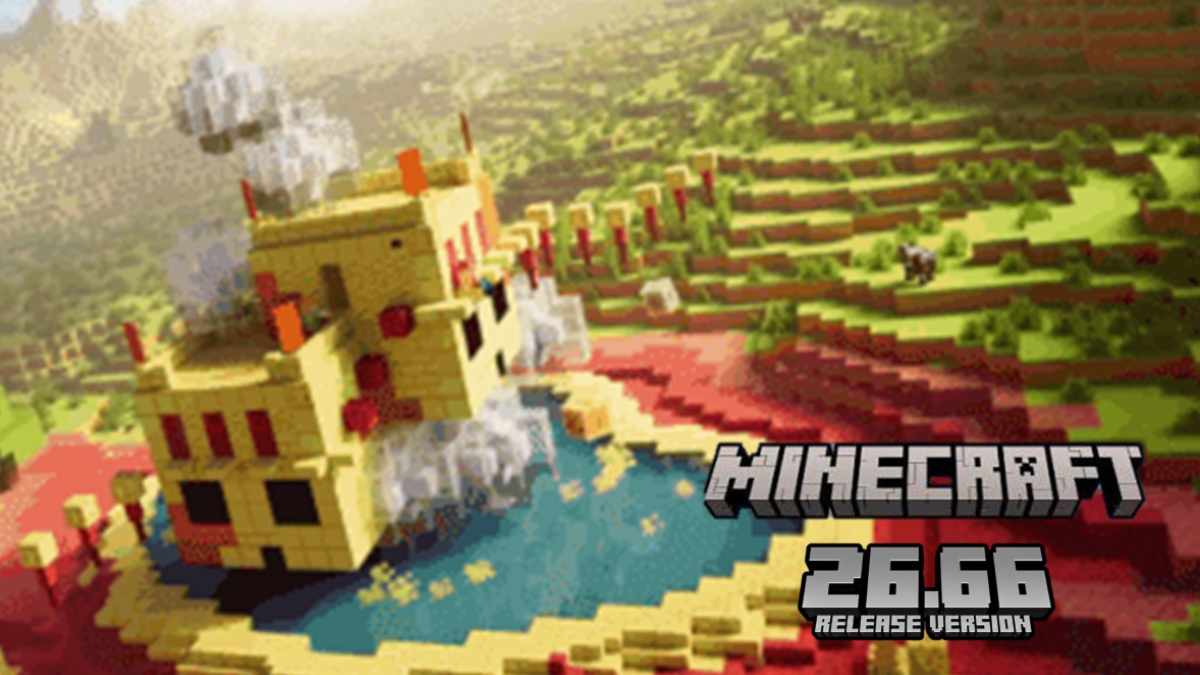
Minecraft 26.66 reached Android and ChromeOS on 19 November 2026, and the build number under it is 1.26.66.1, which is what the Bedrock Edition version counter reads on the title screen. That's the version on the Play Store listing today.
The whole release note reads "Various bug fixes!" Four words, no block, no mob, no biome. Mojang didn't sign a changelog article for this build either, so anyone hunting for an official list of what changed inside 1.26.66.1 will come up empty.
What matters is that the fixes inside it already have names. They were written down in the Minecraft 26.60 and 26.62 notes weeks ago. The 26.66 update is the build that finally carries them to a phone.
What the Minecraft 26.66 Update Ships and What It Skips
Minecraft 26.66 is a hotfix, and hotfixes in the 26.6x line ship with narrow platform scopes. Follow the sequence, and the logic shows up fast.
26.60, posted 27 October 2026, was the heavy one: more than 600 fixes, 89 of them reported by players. Then 26.62 on 5 November trimmed interaction and stability problems. 26.63 on 11 November went to Windows, servers and PlayStation 5 only.
Minecraft 26.66 comes back to mobile. That pattern explains a lot of confusion, because the highest number in the line is rarely the build with the most content in it.
If you play on a phone or a Chromebook, this is the delivery. If you play on a console, this build isn't aimed at you.
Mob Interaction Works Again on Minecraft Touch Screens
The most annoying bug in this batch involved villagers. Open your inventory in the middle of a trade and the villager went dead quiet. It ignored the trade window, refused the item in your hand, and stayed that way until you closed the menu and walked far enough away that the trade reset.
MCPE-138181 fixes that. The trade picks up where you left it, so checking your inventory for emeralds no longer costs you the deal.
A related fix landed in 26.62. Selecting a block for breaking used to block every interaction with a mob standing inside that block, which punished anyone who keeps chickens in a tight pen or a villager behind a counter. Tapping the mob works again with a block selected.
Small stuff, unless you've lost a trade to it.
Touch Control Stutter Disappears in Minecraft 26.66
Anyone who plays on glass knows the feeling. You drag the movement stick across the screen and the view shudders, like the camera drops a frame with every centimetre of finger travel across the glass.
MCPE-243048 is listed as a fix for visual stuttering with touch controls, and it ships in this line. The note doesn't say which control or which device, so treat the result as device-dependent rather than universal.
The gain is aim. In a building game, losing track of where your thumb sits costs blocks, cliffs and hearts. Getting a stable camera back is worth more than it sounds.
Achievements Return to Add-on Worlds in Minecraft 26.66
This is the item for anyone with a world that's been running for years. Maybe you noticed the achievements tab greyed out and never worked out why.
MCPE-242586 reads: worlds that had achievements incorrectly disabled due to add-on use will have them re-enabled on first play. Open the world once after updating and the flag clears.
Know the limits. It restores worlds that were mislabelled, not worlds you deliberately switched to creative or cheats. A world where you turned on cheats stays outside achievements, and the update doesn't bend that.
For a survival map you've carried across three phones since 2021, restoring the right to unlock the next achievement is the whole point of installing this thing.
Realms World Uploads Get Faster and More Reliable
Realms got the biggest technical change of the run. The 26.60 notes promise major improvements to the speed and reliability of world upload and download, tracked as REALMS-474 and REALMS-419.
If you've ever pushed a large world to a Realm and watched the bar freeze near the end, you know exactly what that costs a group: the upload restarts from zero while everyone else waits.
The same line fixed a second, quieter problem. Cached cloud sync settings could overwrite the config values a Realms purchase relied on, so a purchase could land with the wrong settings attached.
Solo players who never touch Realms won't notice either change. Group hosts will.
What ChromeOS Gets from the Minecraft 26.66 Build
Chromebooks run the same Play build as phones, so 26.66 arrives through the same update. The game takes keyboard and mouse input there, and touch on the models that have it.
Neither the store listing nor the notes quote a file size for this build, and the download runs incrementally anyway, so there's no number worth passing around. System requirements didn't move: Android 8.0 or newer covers every supported device.
Performance on a low-power Chromebook still comes down to render distance and simulation distance, and a hotfix that repairs interaction bugs won't hand you extra frames on a Celeron.
Where 26.66 Sits in the Bedrock 26.6x Line
The table below sorts the four builds that shipped in November by platform, which is the only way the numbering starts to make sense.
| Version | Date | Platforms | What it carries |
|---|---|---|---|
| 26.60 | 27 October 2026 | All platforms | 600+ fixes, 89 from player reports, plus experimental winter drop features |
| 26.62 | 5 November 2026 | Most platforms | Mob interaction, Xbox stability, Switch 2 crash, Realms sync settings |
| 26.63 | 11 November 2026 | Windows, servers, PS5 | Startup stuck at 73% on Windows, multiplayer features on first connection |
| 26.66 | 19 November 2026 | Android, ChromeOS | "Various bug fixes!", build 1.26.66.1 |
Read it by platform, not by number. The Android jump that brought most of these repairs was 26.62, and 26.66 is the polish on top.
How to Update to Minecraft 1.26.66.1
The store route is the clean one, and these steps also cover the case where the update button never appears on a phone that's clearly due for one.
- Open Google Play and go to the Minecraft listing.
- Tap Update and let the store finish installing.
- Launch the game and check the version on the title screen. It should read 1.26.66.1.
- If Play shows no update, clear the Play Store cache and reopen it.
- Before any update, copy your main world to the cloud or export a local backup.
If you'd rather install the package yourself, the APKPure listing for Minecraft keeps the 26.66 build next to the older ones, which helps when you need a specific version for a server. Stick to Google Play or APKPure, read the permissions the app asks for, and skip files from random mirrors. A repacked build can carry code you don't want near your account.


Minecraft Trial is a sandbox survival game that lets you test the core Minecraft experience for a limited time.

Problems Reported After the Minecraft 26.66 Update
Most of what's left is housekeeping rather than breakage.
- The version number doesn't change after installing. Close the game fully rather than backgrounding it, then relaunch.
- A world refuses to open with a version warning. It was probably opened in a 26.70 preview, and those saves don't roll back.
- You searched for official 26.66 patch notes and found nothing. That's accurate. No signed note exists for this build.
- Your own server rejects the client. Update the server software to 1.26.66.1 so both sides match.
- The game closes on launch with an old texture pack enabled. Disable the pack in the resource menu and re-enable it only if a compatible version exists.
New Features Arrive with Deep Freeze, Not 26.66
The part people keep searching for isn't in this build. The content drop of the season is Deep Freeze, named on 15 November 2026, and it lands as Bedrock 26.70 and Java 26.4.
The headline addition is ice caves, a cave biome that generates under cold biomes out of packed ice and calcite. Icicles hang from the ceiling and drop when light levels rise, ice crystals are the only light source down there, and brittle ice is part of the same package.
Frostbites come with it. They're zombie variants that switch between melee hits that apply the Freezing effect and thrown ice balls that deal 4 damage with knockback. They take no freezing damage themselves, and they walk on top of powder snow instead of sinking.
The 26.70.26 beta from 17 November also opened off-hand parity testing. You can hold any block in your off-hand, place from it, strip logs with an axe there, and swap hands on demand. Mojang says it's still in testing and aims for a proper release next year.
None of that changes 26.66. It's the next chapter, not this page.
Is the Minecraft 26.66 Update Worth Installing?
Yes, if you play on Android and any of these apply: a world with years of history, an add-ons pack you suspect broke your achievements, or a Realm you share with other people. The update costs a store tap and repairs problems that no settings menu can reach.
Skip it and you keep the villager freeze, the jittery camera and the achievements lock. That's a bad trade for a few megabytes.
Grab the current Minecraft build from APKPure before your next session so the version on your phone matches the one your friends run. A minute of updating now saves an evening of chasing a bug that's already fixed.
 NEWS
 REVIEWS
 HOWTO