

Pixel Launcher suits users who want a clean home screen that stays quick and straightforward. It focuses on simple navigation and fast access to everyday tools, so you can move between updates and apps with less effort. Plus, it reduces visual clutter and keeps core actions near your thumb. If your device supports it, installing the Pixel Launcher APK gives you the same layout and familiar gestures without extra setup.
Swipe for personalized cards
Swipe right from your home screen to view cards with news and other personal updates at the right time. This keeps important information one move away, then you can return to your apps quickly.
Search on the main screen
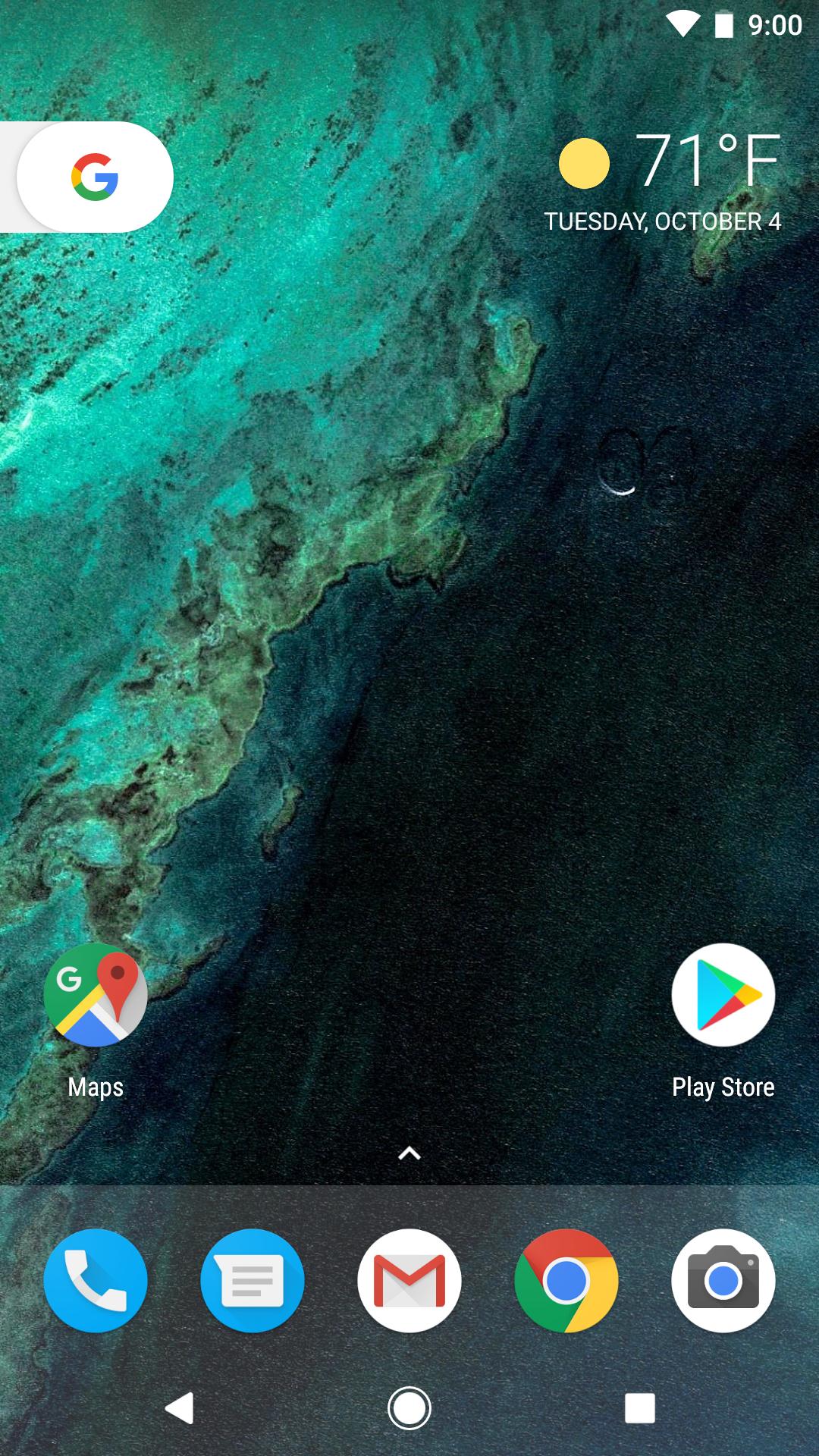
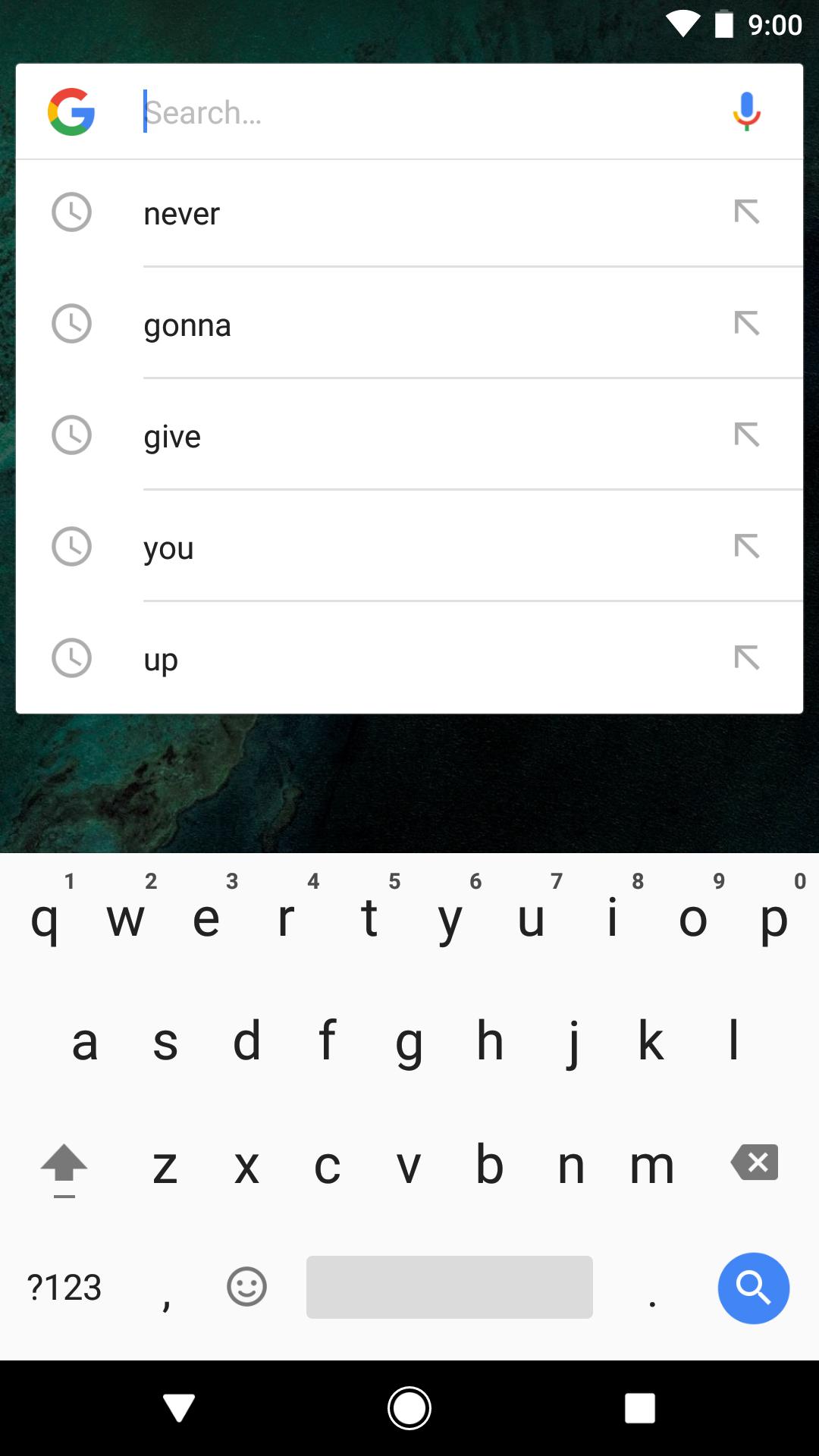
Pixel Launcher places Google Search on your primary screen for immediate queries and actions. A simple weather widget can also appear for a quick glance at conditions.
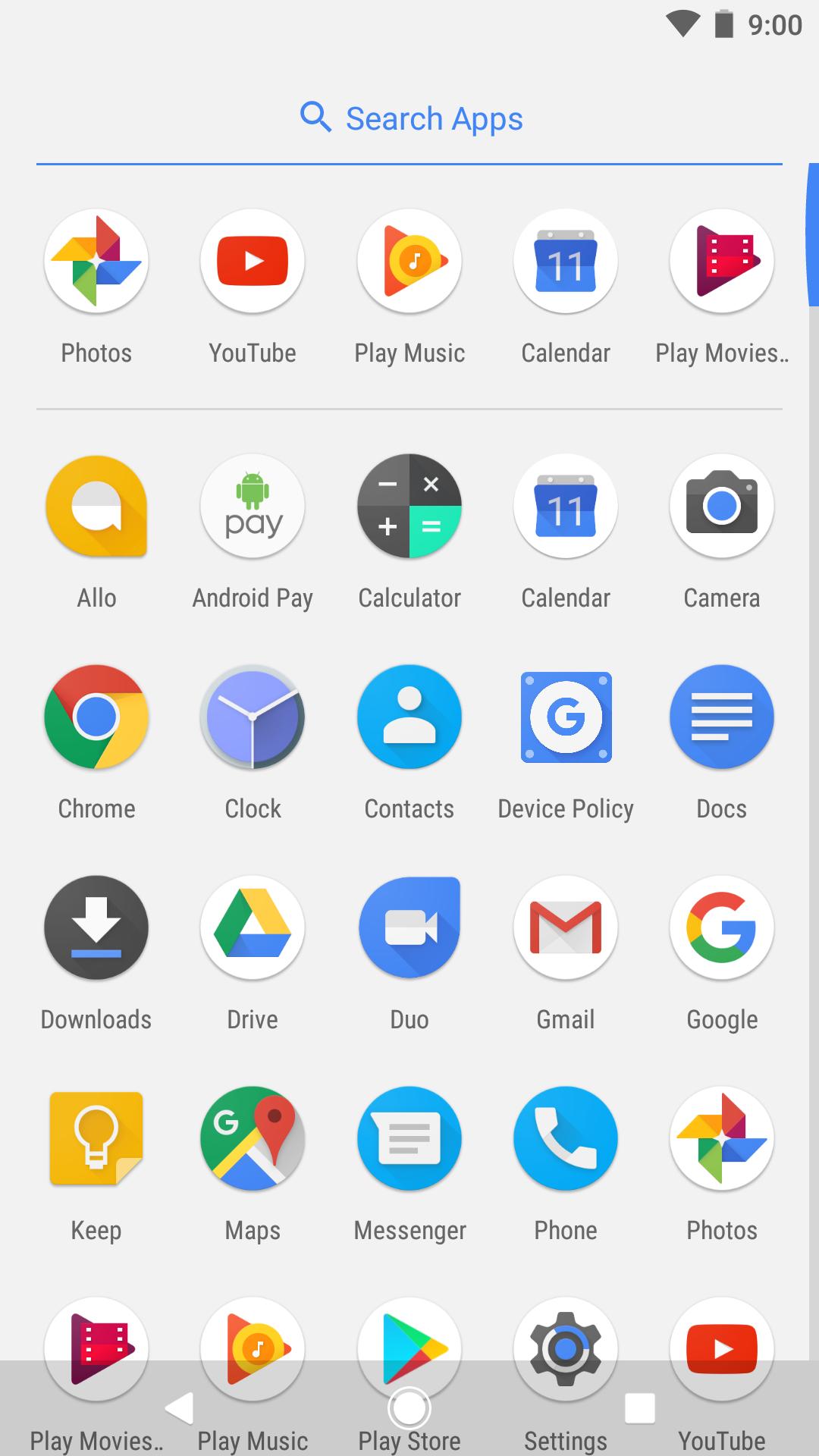
Find apps with gestures and suggestions
Jump into app shortcuts
Long press supported app icons to go straight to common tasks, or drag those shortcuts onto your home screen for one tap access. Availability depends on app support and the Pixel Launcher latest version on your device.
Pixel Launcher centers on fast access to search, your apps, and timely info. To try it on a compatible device, download Pixel Launcher and set it as your default home app.
Latest Version
14Uploaded by
Google LLC
Requires Android
Category
Free Tools AppContent Rating
Everyone
Report
Flag as inappropriateLast updated on Mar 30, 2024
This release includes minor bug fixes and general improvements. Update to the latest version for the best experience.


APKPure - A multi-platform app store primarily focused on Android, providing extensive app-related content. Discover the app you want easier, faster, and safer, with quick and efficient downloads and installations.