I love PhotoSphere. So i want to spread PhotoSphere all over the world.
----------PhotoSphere mode----------
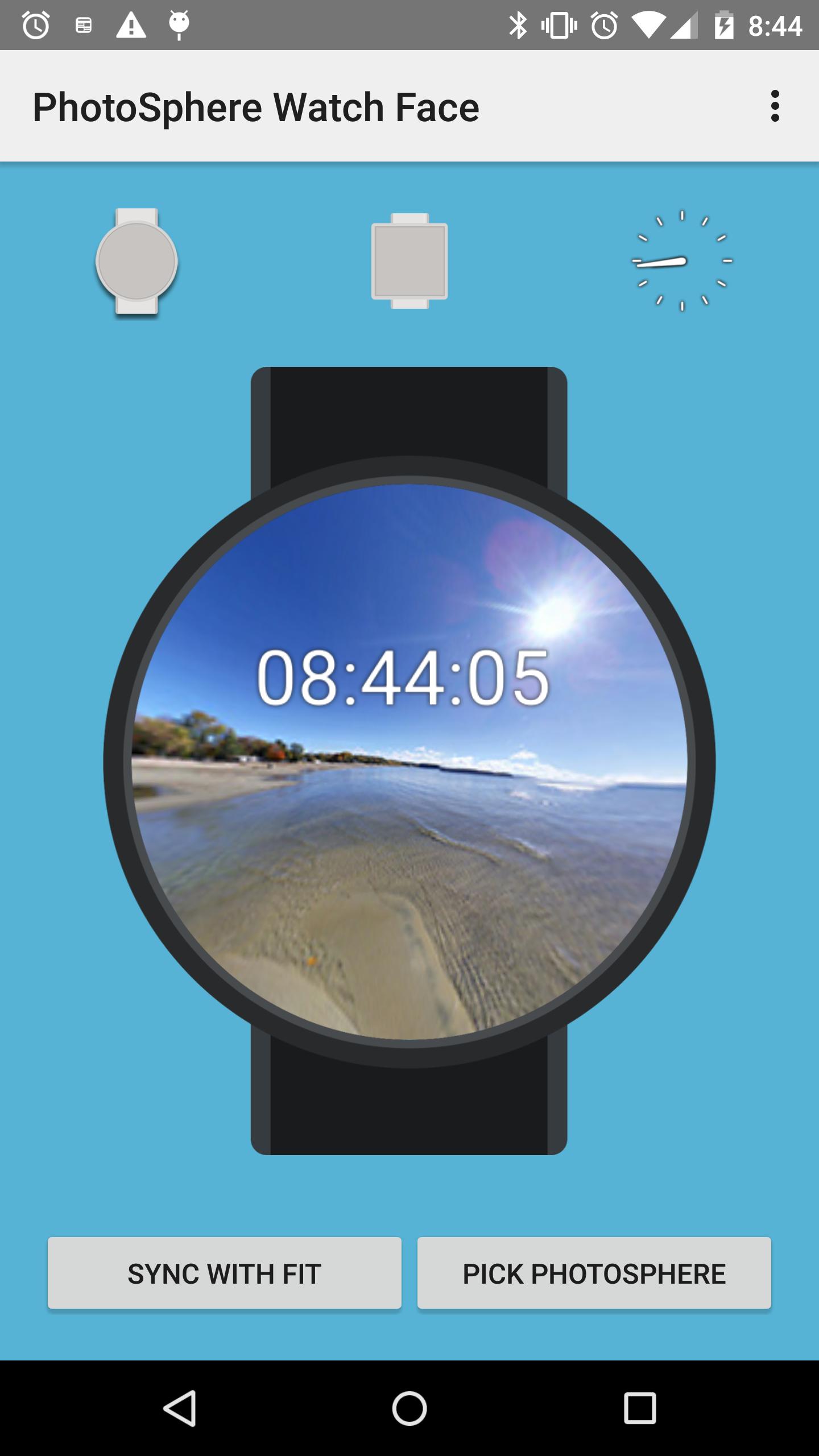
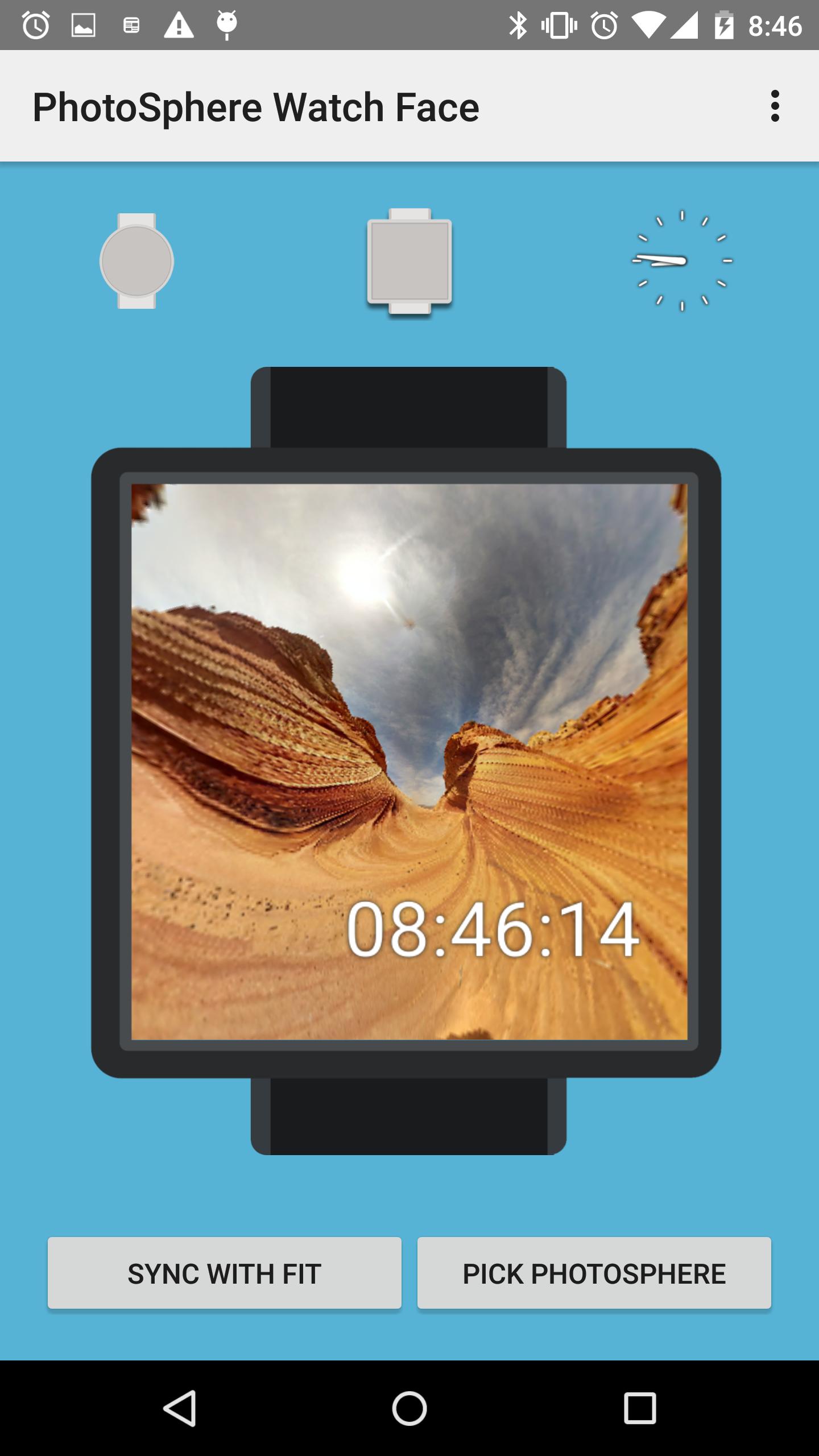
This watch face displays the PhotoSphere in the background.
It rotates slowly because it uses a small battery.
Moreover, you can change the background to your own PhotoSphere or Photo.
And you can customize camera's position.
----------TinyPlanet mode----------
This watch face can sync with Google Fit.
When you tilt it, watch face changes to Tiny planet mode.
This mode displays Step count and if your watch connects with your smartphone, your activity is displayed in the watch face.
----------How to take PhotoSphere----------
You can take it using Google Camera, Richo Theta, 360cam, PIXPRO SP360
----------Support Devices----------
I tested the devices below.
If this app does not work, please try reboot your Watch.
-Moto360
-LG G Watch
-LG G Watch R
-Samsung Gear Live
----------Using PhotoSphere and Samples----------
I use free great images to make this app and screen capture.
Vermont Beach Photosphere
https://creativecommons.org/licenses/by-nc-sa/2.0/
File:Tana Baru Cemetery Photosphere 01.jpg
http://commons.wikimedia.org/wiki/File:Tana_Baru_Cemetery_Photosphere_01.jpg
FREE HDRI: EUROPEAN PARK
http://www.cr-market.com/?p=1094
FREE HI-RES HDRI CITIES
http://www.cr-market.com/?p=1104
FREE HI-RES HDRI NATURE
http://www.cr-market.com/?p=1125
Latest Version
1.7.1Uploaded by
عبد كحك
Requires Android
Android 4.3+
Category
Free Health & Fitness AppContent Rating
Everyone
Report
Flag as inappropriateLast updated on Sep 21, 2016
-Added new feature "tap to switch mode".
Now, you can switch your watch face clock mode or fitness mode.
"tilt to switch mode" was abolished
-Performance improvements.
-Bug fixes.





APKPure - A multi-platform app store primarily focused on Android, providing extensive app-related content. Discover the app you want easier, faster, and safer, with quick and efficient downloads and installations.