

PhotoGrid suits moments when you want to pull photos and clips together without jumping between different tools. It helps you organize images, build collages or slideshows, and prepare posts that fit the format you need. With clear menus and simple controls, you can move from selecting media to exporting in a few steps. Plus, sharing to your favorite apps is straightforward so your creations reach friends fast. If that matches your routine, download PhotoGrid to keep your editing in one place.
Customizable collage layouts
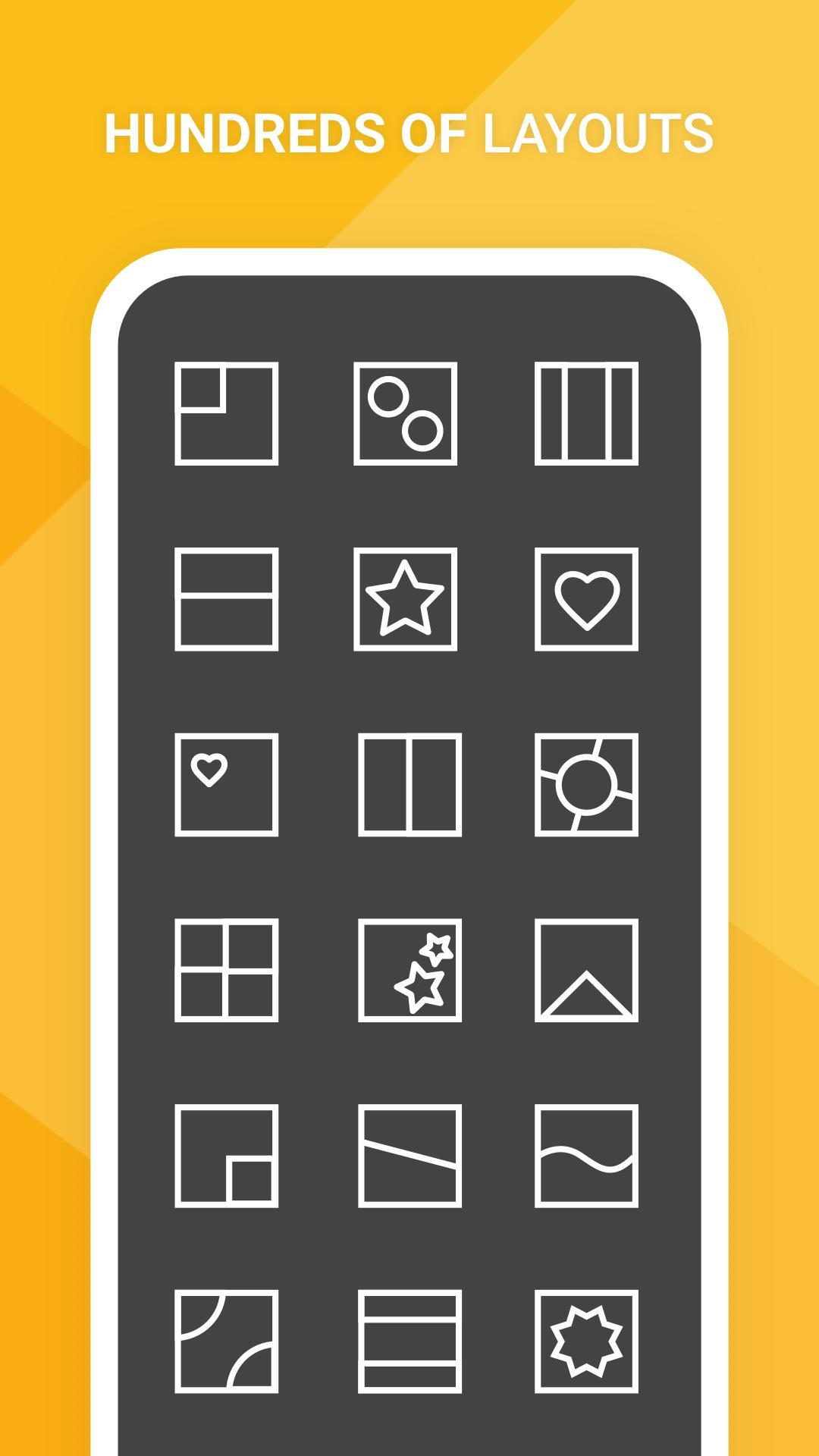
PhotoGrid lets you arrange images into grids, film strips, or a freestyle scrapbook. You can tweak spacing, ratios, and backgrounds to get a layout that fits your photos and the look you want.
Video editing essentials
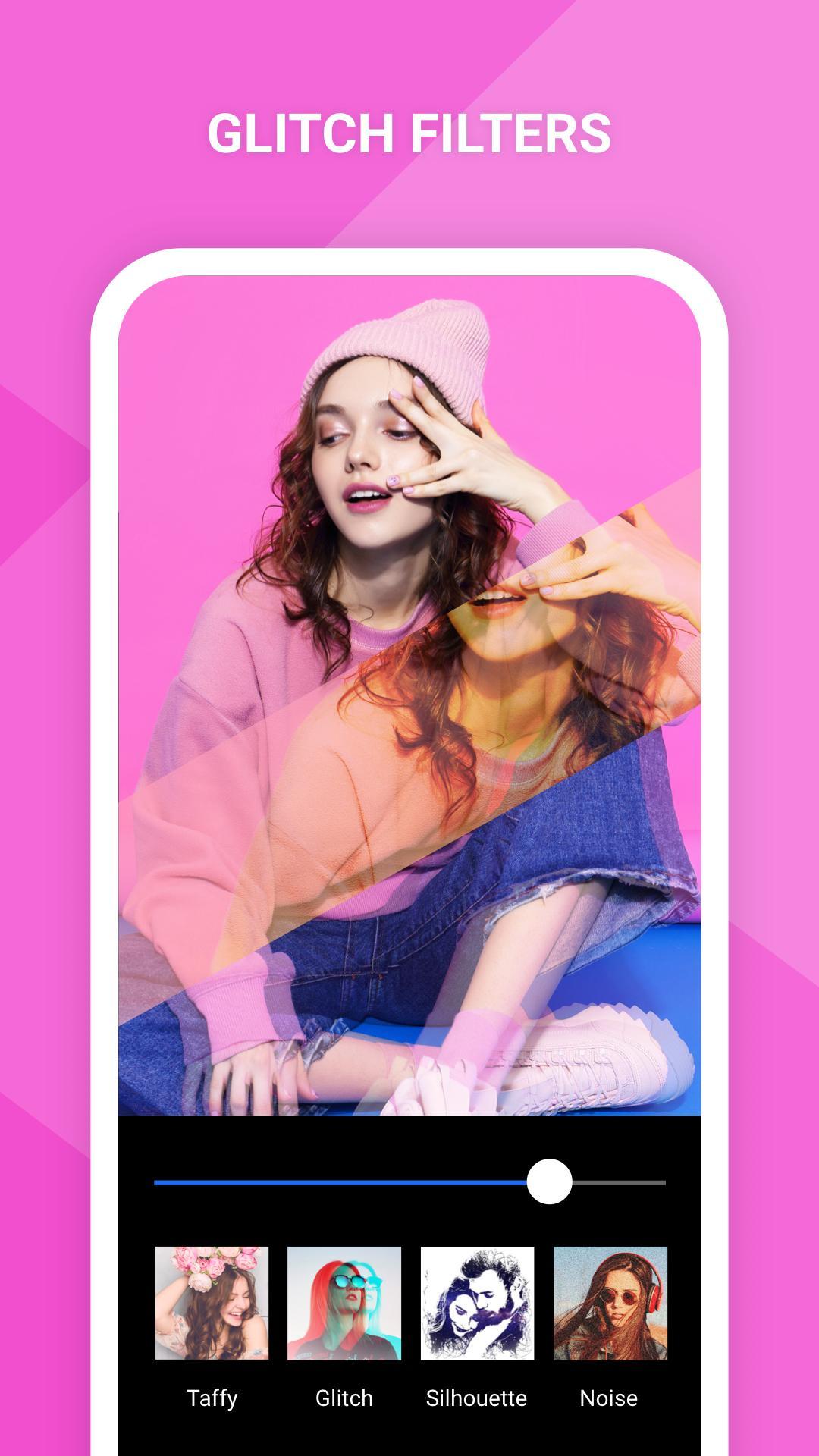
You can add music to clips, then trim, crop, and splice them into a single video. Slow motion, filters, and simple transitions are available so your edits look consistent from start to finish.
Photo tools and retouch
Helpful extras and device care
PhotoGrid brings collage design, video editing, and everyday photo fixes into one app. Set up your first project in minutes and export when ready. For the most recent tools and improvements, check the PhotoGrid latest version before installing.
Latest Version
8.81Uploaded by
PhotoGrid Official
Requires Android
Android 9.0+
Category
Free Photography AppContent Rating
Everyone
Report
Flag as inappropriateLast updated on Jun 12, 2024
Hello PGers,
Hope you’re doing well! In this version, we release new designs for Spring and more occasions including Easter and daily celebrations!











APKPure - A multi-platform app store primarily focused on Android, providing extensive app-related content. Discover the app you want easier, faster, and safer, with quick and efficient downloads and installations.