Scan Date:May 15, 2026
Show More


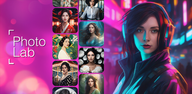
Photo Lab helps you turn ordinary photos into distinctive images using neural styles and server side processing. Edits run online, so results arrive quickly without relying on your device’s power. You can explore community creations, discover trending ideas, and share your own edits with the #PhotoLab tag. Therefore, it suits quick makeovers and longer creative sessions alike, from a fast selfie touch up to an artwork style transformation.
AI art styles for instant makeovers
Photo Lab applies neural styles to give photos a painted or illustrated look in a few taps. Processing happens in the cloud for fast, consistent results. You can preview, adjust intensity, and save your favorite looks for repeat use.
Face montages and swaps
Photo Lab detects faces automatically and places them into playful templates with minimal input. You can try cartoon or doll inspired looks and swap faces for quick jokes or themed portraits. It keeps alignment natural so the final image looks clean.
800 plus effects and filters
Photo Lab offers a large catalog that includes 3D, cartoon, vintage, anime, black and white, oil painting, and realistic styles. You can browse by Top, Trending, or Recent to find what matches your photo. Moreover, you can search by keyword to jump straight to the effect you want.
Background editor with clean cutouts
Photo Lab removes backgrounds for you and places the subject onto new scenes or simple colors. You can pick creative templates to match portraits, products, or travel shots. In addition, you can refine edges for a more polished look.
Frames and collages
Photo Lab adds frames that fit different moods, from simple borders to themed designs. You can build collages by selecting multiple images and arranging them into a structured layout. Then you can export a single image that tells the full story.
Community combos and trends
Photo Lab lets you stack effects into custom combos and save them for future edits. You can publish your combos to the #PhotoLab community and see how others use them. Also, you can explore Top, Trending, and Recent combos to keep your style current.
Photo Lab is an internet based editor. Each effect is generated on secure servers and returned to your device. Therefore, you need a stable connection, and processing time can vary with connection speed and effect complexity.
This approach keeps editing smooth on most devices since heavy lifting happens online. It also means you can continue exploring styles while your previous request finishes. So you can line up ideas without waiting on your phone’s hardware.
Photo Lab makes sharing straightforward. You can export your edited photo and post it to your favorite social channels. Add the #PhotoLab tag to join community highlights and find new ideas from other creators.
The in app feed surfaces Top, Trending, and Recent edits so you can learn what works. Consequently, you get quick inspiration before you start your own project. You can also revisit past edits to refine them and share again.
You can get the Photo Lab APK quickly and safely on APKPure. We provide the Photo Lab APK latest version so you always have current effects and templates. In addition, you can manage your Photo Lab app download history in one place for easy updates.
If you prefer a direct path, use the Download button on this page to start. After installation, open Photo Lab and sign in or continue as a guest to begin editing. Therefore, you can move from download to your first edit in minutes.
Photo Lab works best when you follow a simple flow. Start with a clear photo, then layer effects in a sequence that fits your goal.
Photo Lab gives you fast AI powered tools to restyle portraits, remove backgrounds, and build collages with minimal steps. Get the latest Photo Lab APK on APKPure and start transforming photos today.
Official resources for Photo Lab are listed below for your reference.
Does Photo Lab work offline?
No, Photo Lab requires an internet connection because all effects render on remote servers. This design helps Photo Lab deliver consistent quality regardless of your device’s hardware.
How do I download or update the Photo Lab APK latest version?
To download or update, use the Download APK button on this page and follow the on screen steps. APKPure provides the Photo Lab APK latest version so you can install or update Photo Lab without extra searches.
Why are my Photo Lab edits taking longer than usual?
Photo Lab processes images online, so speed depends on your connection and the complexity of the chosen effect. If it feels slow, try a different network or switch to a less complex effect, then retry.
How can I join trends and share with #PhotoLab?
Export your finished photo from Photo Lab and post it on your social accounts with the #PhotoLab hashtag. You can also browse Top, Trending, and Recent inside Photo Lab to follow current styles before you share.
Can I combine multiple effects in Photo Lab?
Yes, you can create effect combos in Photo Lab by stacking styles and saving them for reuse. This lets you apply a consistent look across multiple photos without rebuilding the workflow each time.
Latest Version
3.13.97Uploaded by
Geravel Tocol
Requires Android
Android 6.0+
Category
Free Photography AppContent Rating
Teen
Security Report
Report
Flag as inappropriateLast updated on May 15, 2026
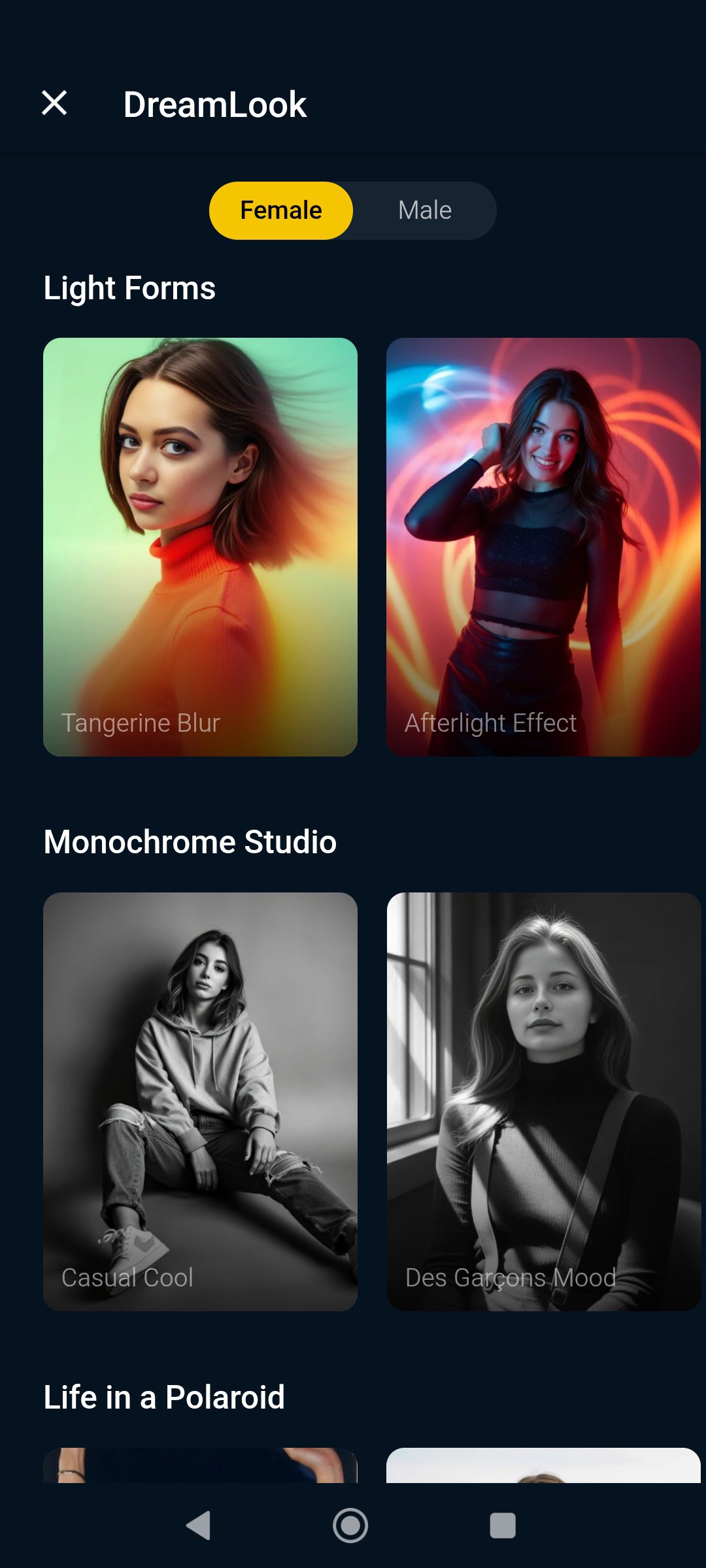
Improve your creativity like never before! With our latest AI technologies you can turn into reality even the craziest ideas. Try now or apply our ready-to-go arts — new collection of looks is already available.





APKPure - A multi-platform app store primarily focused on Android, providing extensive app-related content. Discover the app you want easier, faster, and safer, with quick and efficient downloads and installations.