

Phone Master–Junk Clean Master helps when storage keeps filling up or apps start running slowly. It brings everyday tools into one place so you can tidy files, handle apps, and watch data use without hunting through settings. With a simple layout, it focuses on quick actions that feel familiar on any Android phone. For users comparing installers, Phone Master–Junk Clean Master APK is available so you can set it up on compatible devices with minimal steps.
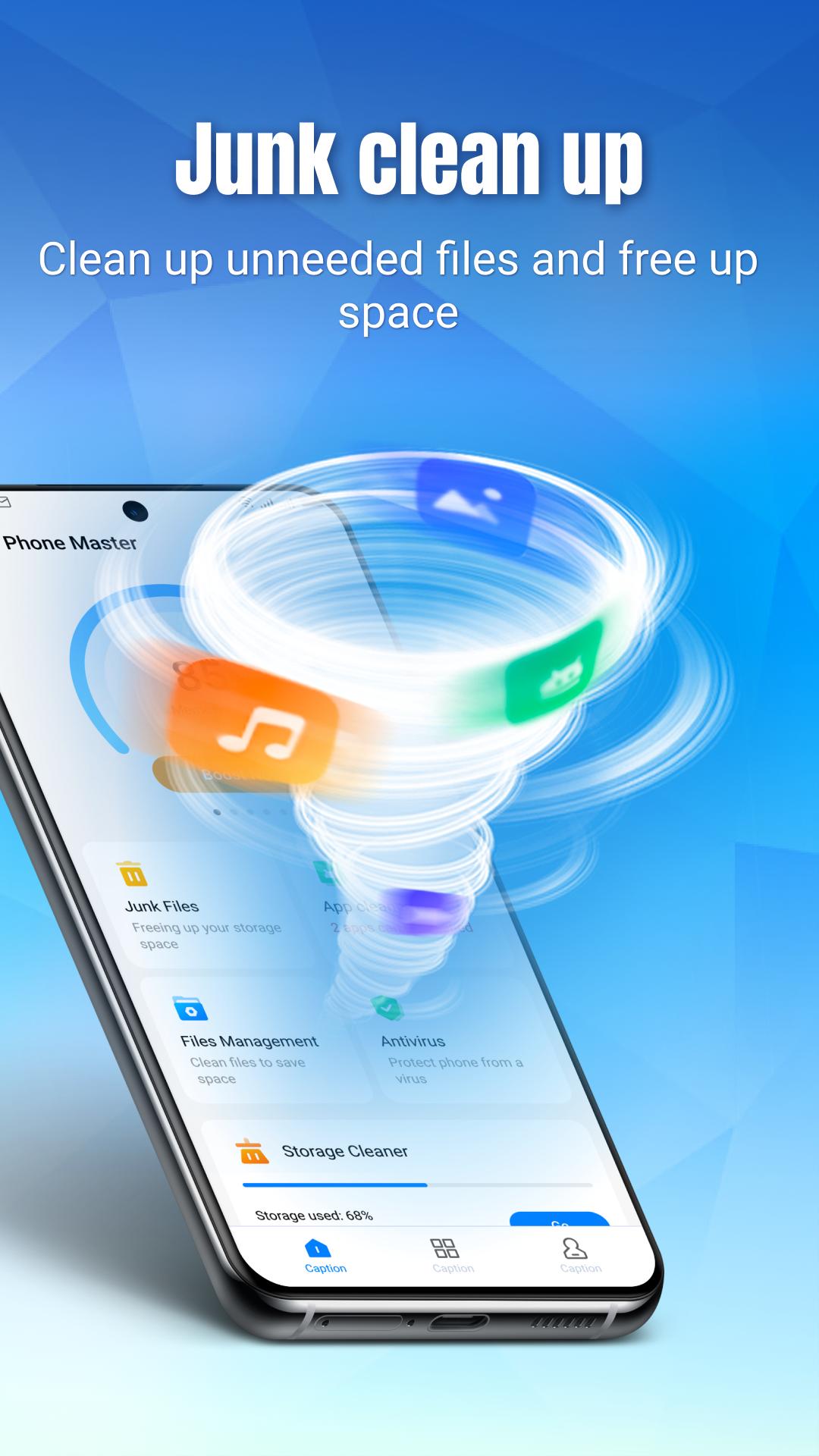
Junk cleanup
Phone Master–Junk Clean Master scans cache, residual files, ad leftovers, and obsolete data so you can reclaim space quickly. You can run a one tap clean to remove clutter in seconds and see how much storage is freed. It is designed for frequent use, which helps keep the device responsive between larger cleanups.
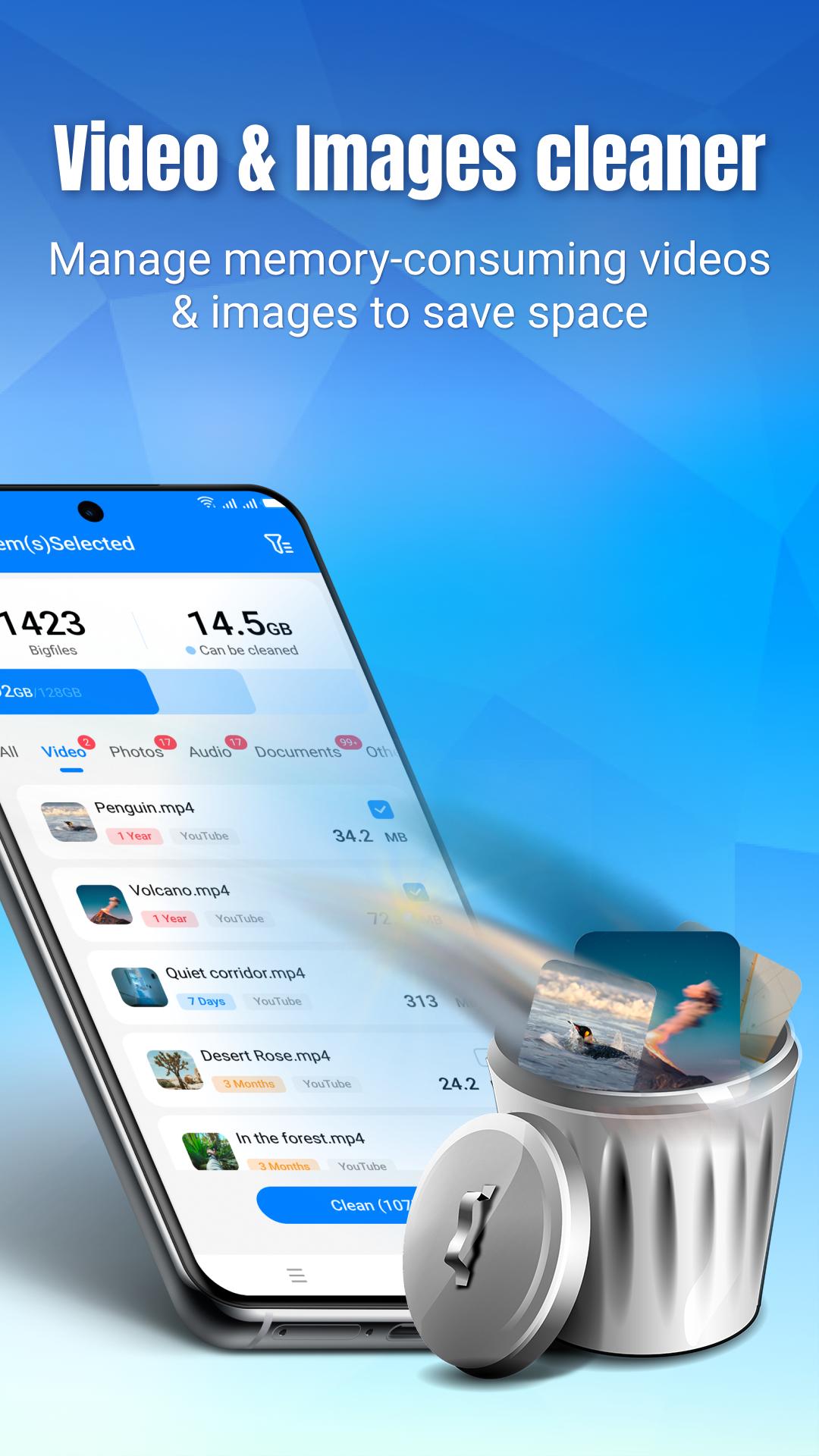
Smart file management
You get clear categories for duplicates, blurry photos, large videos, and other big files. This view makes it easy to review, select, and delete items in bulk without digging through folders. When storage is tight, you can also compress images to save space while keeping everyday quality usable for sharing and viewing.
App management
The app highlights expired APKs and rarely used apps so you can decide what to remove. You can batch uninstall to open space quickly, or keep items that still matter. This organized view reduces guesswork and helps you manage storage without manually checking each app.
App lock
You can add a passcode to selected apps to prevent casual access to chats, photos, and other private content. Locking sensitive apps is straightforward and works alongside the rest of your device security. It adds a focused layer of privacy for moments when someone borrows your phone.
Data usage monitor and saver
Real time charts show mobile and Wi‑Fi usage, along with background consumption by app. You can spot unexpected spikes, then adjust usage settings to avoid overage. Keeping an eye on background activity also helps reduce waste from apps you rarely open.
The app requests the MANAGE_EXTERNAL_STORAGE permission strictly to scan and delete junk across folders during cleanup and file management. According to its privacy agreement, it does not collect private emails, and it follows a privacy first approach for everyday tasks. Users who care about data handling can review permissions on first launch and adjust them later in Android settings.
APK download options are available so you can choose the latest release or a previous build if needed. This helps when you prefer stability on an older device or want to test a newer release on a spare phone. If you are comparing names, look for the build that includes app lock, data saver, and image compression to make sure you are on the correct Phone Master–Junk Clean Master entry.
Phone Master–Junk Clean Master supports dozens of interface languages, which helps users follow cleanup steps in their preferred language. It runs on a wide range of Android phones from different brands, including devices often searched together with Phone Master or Junk Clean Master. If you switch languages on your device, the app interface adapts so menus and labels remain easy to follow.
Getting started is straightforward and takes only a few minutes. If you plan to download Phone Master–Junk Clean Master first, install it on your Android device and prepare to grant the required permissions. The following steps outline a simple first cleanup and setup flow.
Phone Master–Junk Clean Master brings junk cleanup, file tools, app control, privacy lock, and data monitoring into one place for everyday maintenance. Users who want a practical setup can check the Phone Master–Junk Clean Master latest version to keep tools and language support up to date.
Latest Version
6.0.6.00011Uploaded by
MusiX Studio1
Requires Android
Android 6.0+
Category
Free Tools AppContent Rating
Everyone
Report
Flag as inappropriateLast updated on Dec 8, 2024
Minor bug fixes and improvements. Install or update to the newest version to check it out!





APKPure - A multi-platform app store primarily focused on Android, providing extensive app-related content. Discover the app you want easier, faster, and safer, with quick and efficient downloads and installations.