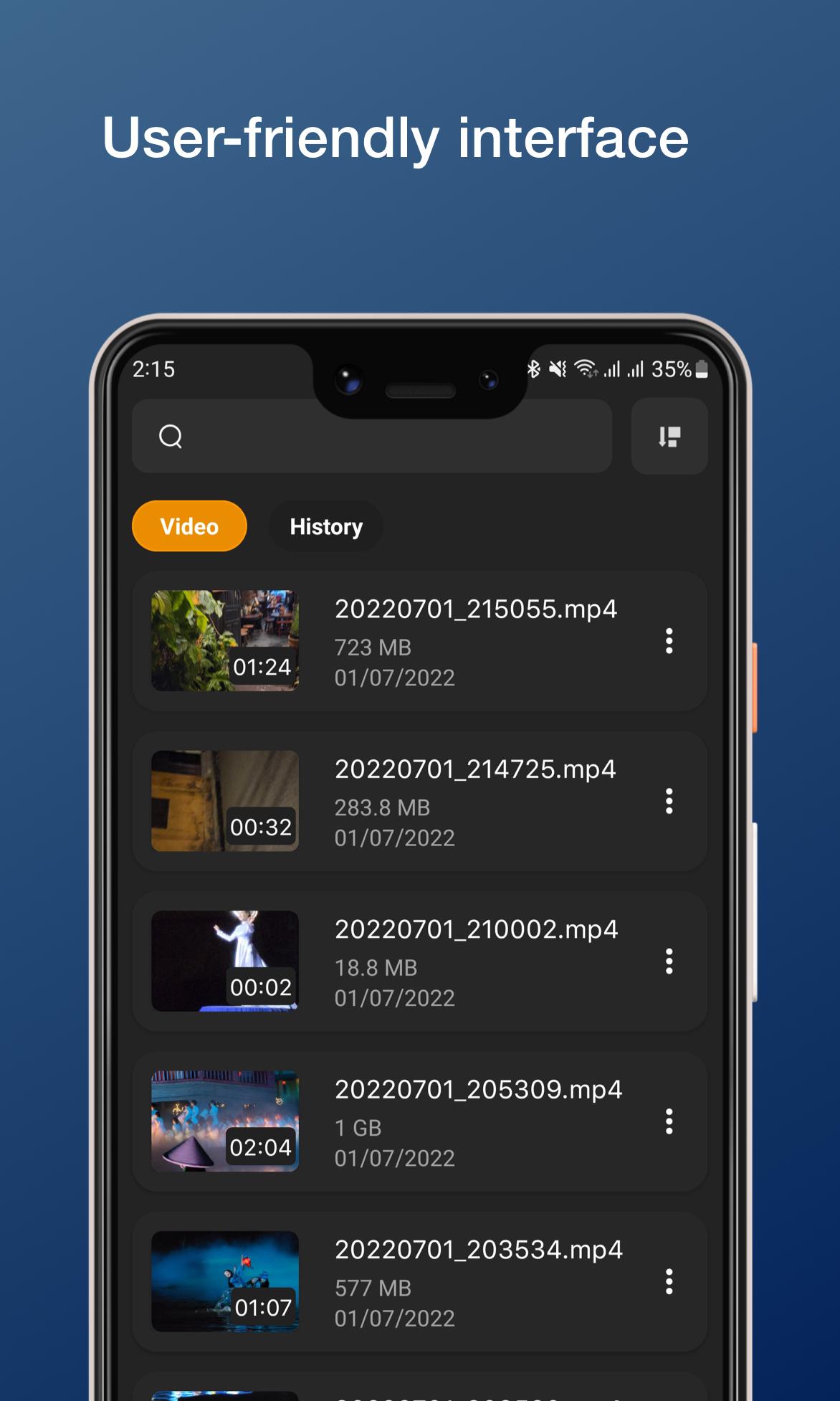
NVPlayer helps when you want a straightforward way to watch videos on your Android phone or tablet without extra setup. It works with local files and online streams, so you can start viewing quickly in most everyday situations. The interface is simple, and actions are easy to find, which suits users who prefer clarity over complex menus. In short, it is built to play reliably and feel familiar. For those looking to install, the NVPlayer APK is commonly used on Android devices.
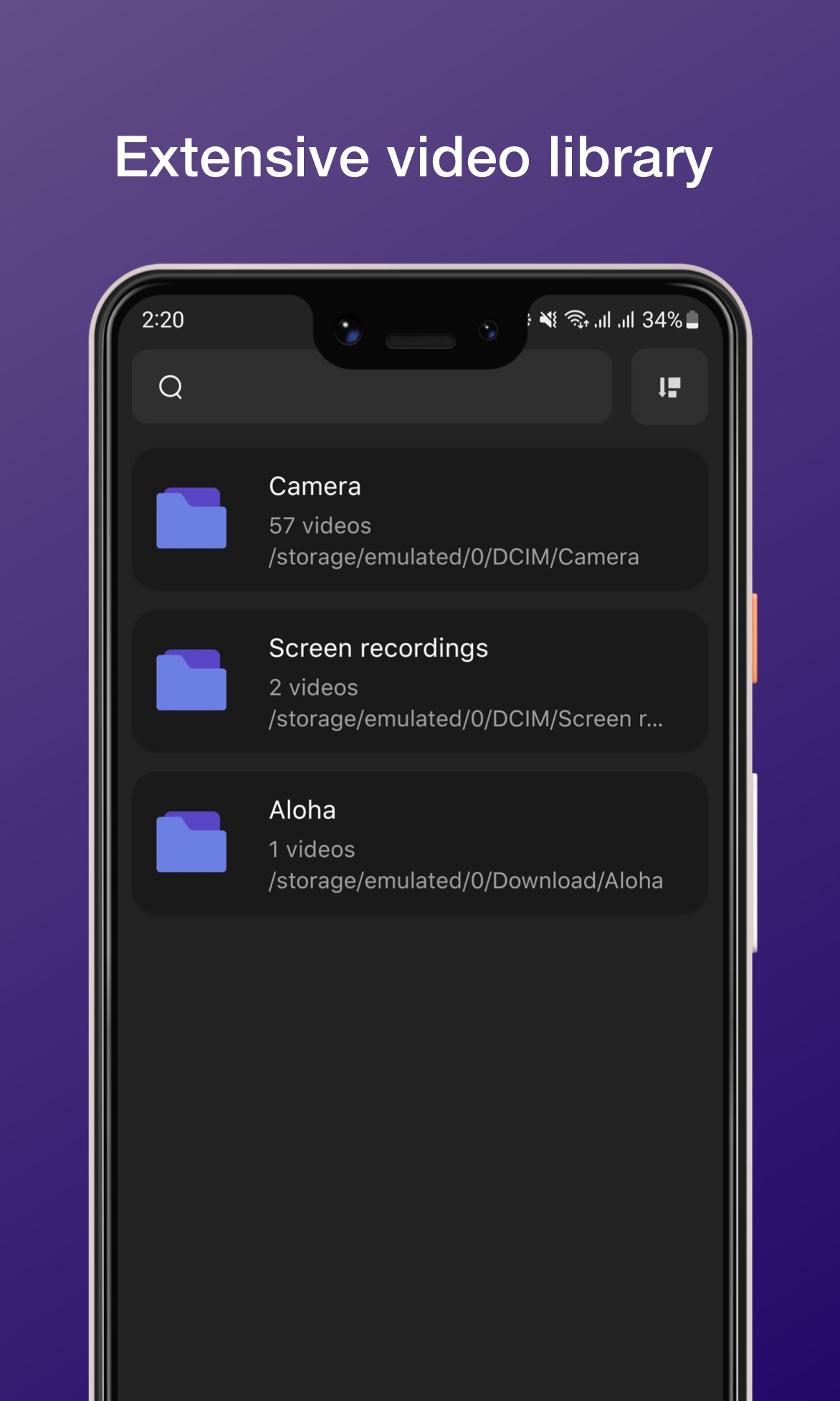
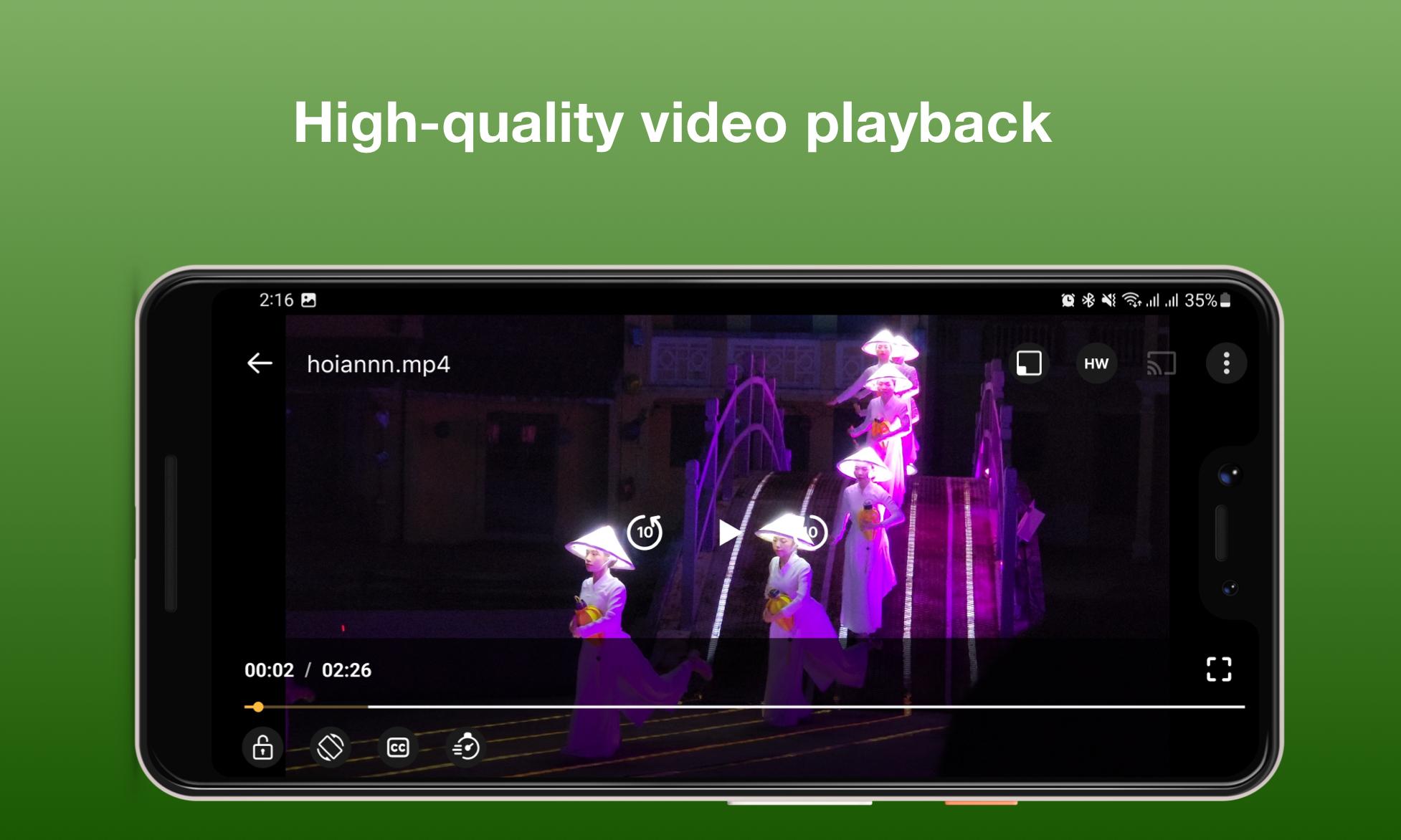
NVPlayer handles major video formats so you can open files without worrying about conversion. Playback is stable across common resolutions, which helps reduce stutter during regular viewing. As a result, you spend less time troubleshooting and more time watching.
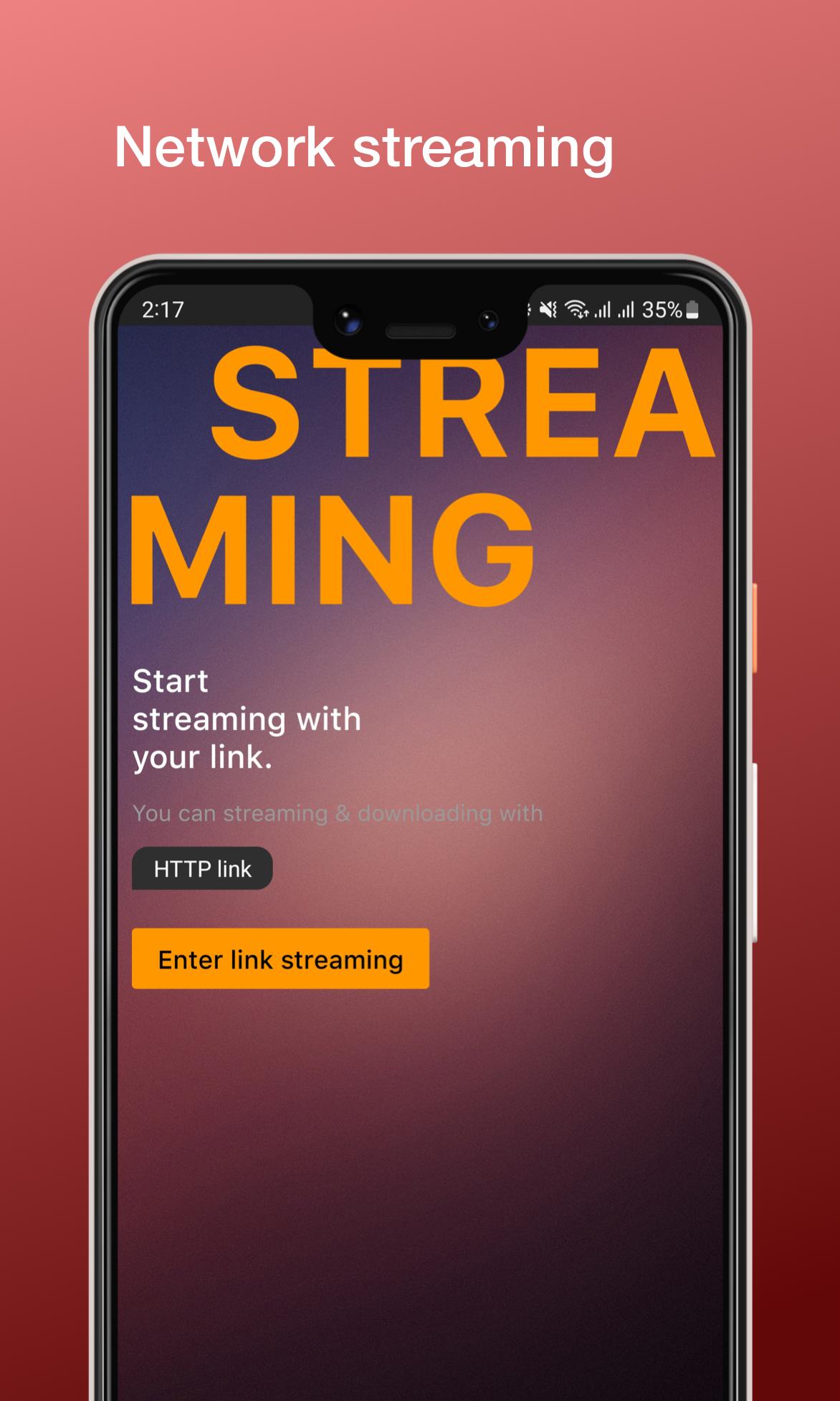
Offline playback and network streamingYou can play videos stored on your device or stream from a local server and direct URLs. NVPlayer keeps the flow simple, so moving from a downloaded file to a network source feels consistent. This helps when your library is split between local storage and home media servers.
Subtitle support with automatic fetchingNVPlayer supports subtitles in multiple languages and can fetch them automatically when available. You can add your own subtitle file or let the app look up matching text for the video. This reduces manual steps and helps keep dialog clear in multilingual viewing.
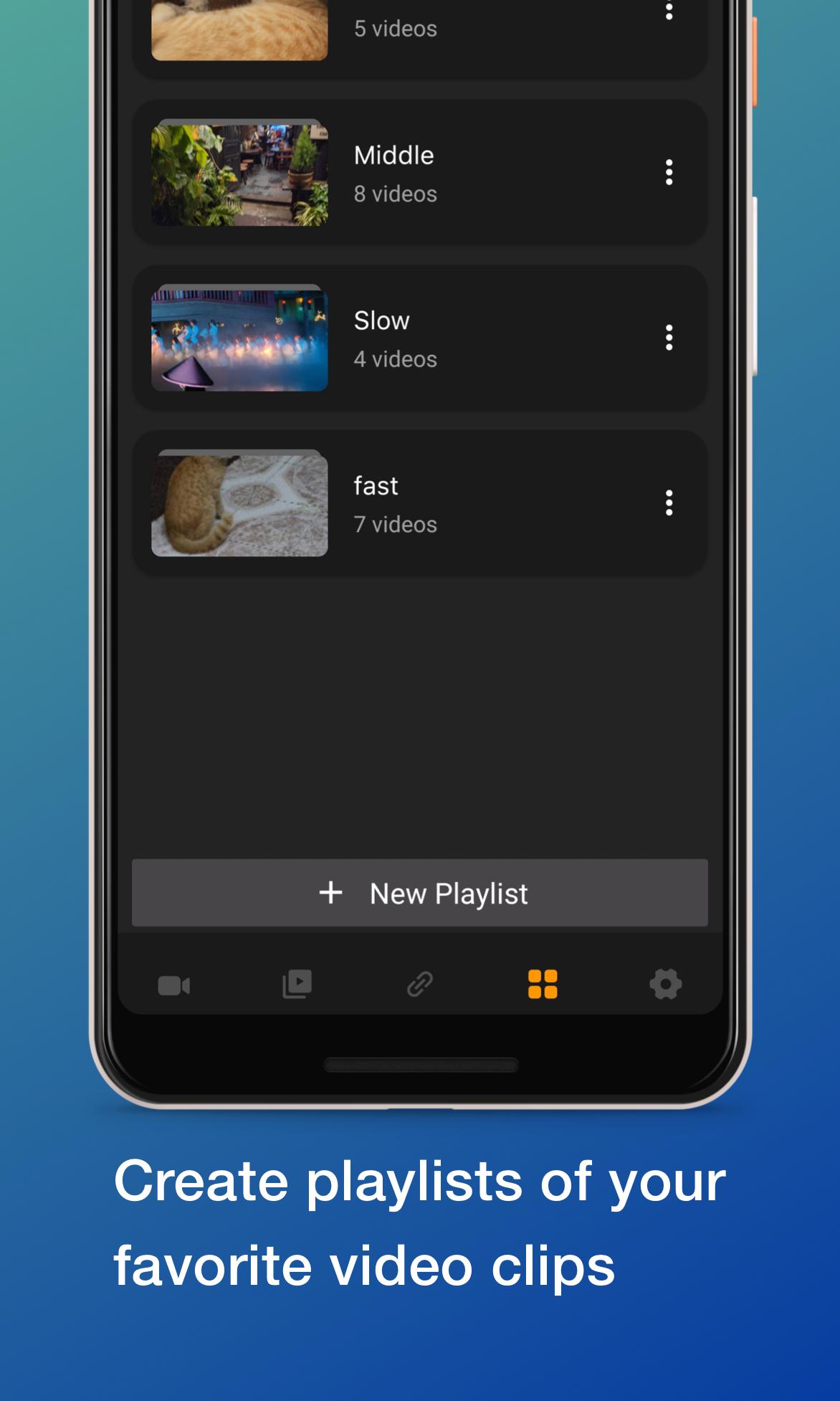
Playlist management for continuous viewingYou can build playlists for uninterrupted playback across multiple videos. NVPlayer lets you arrange order and save lists so episodes or clips play in sequence. This is useful for long sessions where you prefer to set once and watch without interaction.
Chromecast casting to your TVNVPlayer supports casting to Chromecast enabled TVs for room viewing. You start playback on your phone and then send it to the TV, while using the phone for controls. This keeps navigation familiar and avoids juggling separate remotes.
NVPlayer for Android is designed for phones and tablets, with casting support for Chromecast devices. Some users try sideloading to Android TV or Firestick, but behavior can vary by device and remote controls. If you consider this, expect that certain UI actions may feel different on a TV interface, and performance can depend on hardware and firmware. For best results on a television, casting from your phone to Chromecast keeps controls consistent.
NVPlayer focuses on smooth playback and a simple layout rather than deep customization. Advanced controls like adjustable speed, audio sync tools, or an equalizer may not be the emphasis here. If those controls are essential to your routine, keep expectations aligned and check whether the NVPlayer latest version meets your needs. For most everyday use, core viewing remains the priority.
Availability of ads can depend on the build provided by the developer. Modified packages, often labeled as mod APKs, may change app behavior and can break features or cause instability. To keep features working as intended, use original releases from the developer. If you encounter an NVPlayer XAPK package, follow the installer instructions provided by your device or installer tool.
Getting started is quick once the NVPlayer APK is installed. The interface is clear, and core actions are placed where you expect them. Follow these steps to move from first launch to regular viewing in a simple flow.
NVPlayer offers dependable playback, clear controls, and helpful touches like subtitles, playlists, and Chromecast casting. It is built for everyday viewing without extra complexity, so you can focus on the video. When ready, download NVPlayer and start watching in a few steps.
Latest Version
1.3.2Uploaded by
Ara Entertainment
Requires Android
Android 4.4+
Category
Free Tools AppContent Rating
Teen · Mild Violence
Report
Flag as inappropriateLast updated on Apr 7, 2025
This release includes minor bug fixes and general improvements. Update to the latest version for the best experience.


APKPure - A multi-platform app store primarily focused on Android, providing extensive app-related content. Discover the app you want easier, faster, and safer, with quick and efficient downloads and installations.