Scan Date:Mar 27, 2026
Show More

Have you ever been in a situation where you question whether it’s dangerous enough to call 911? Instead of worrying yourself with indecision, use Noonlight. Noonlight uses advanced technology to get emergency help to your exact location with just the release of a button. It can be used in moments where you simply feel unsafe, as well as moments where you need immediate emergency help.
Here’s how simple it is:
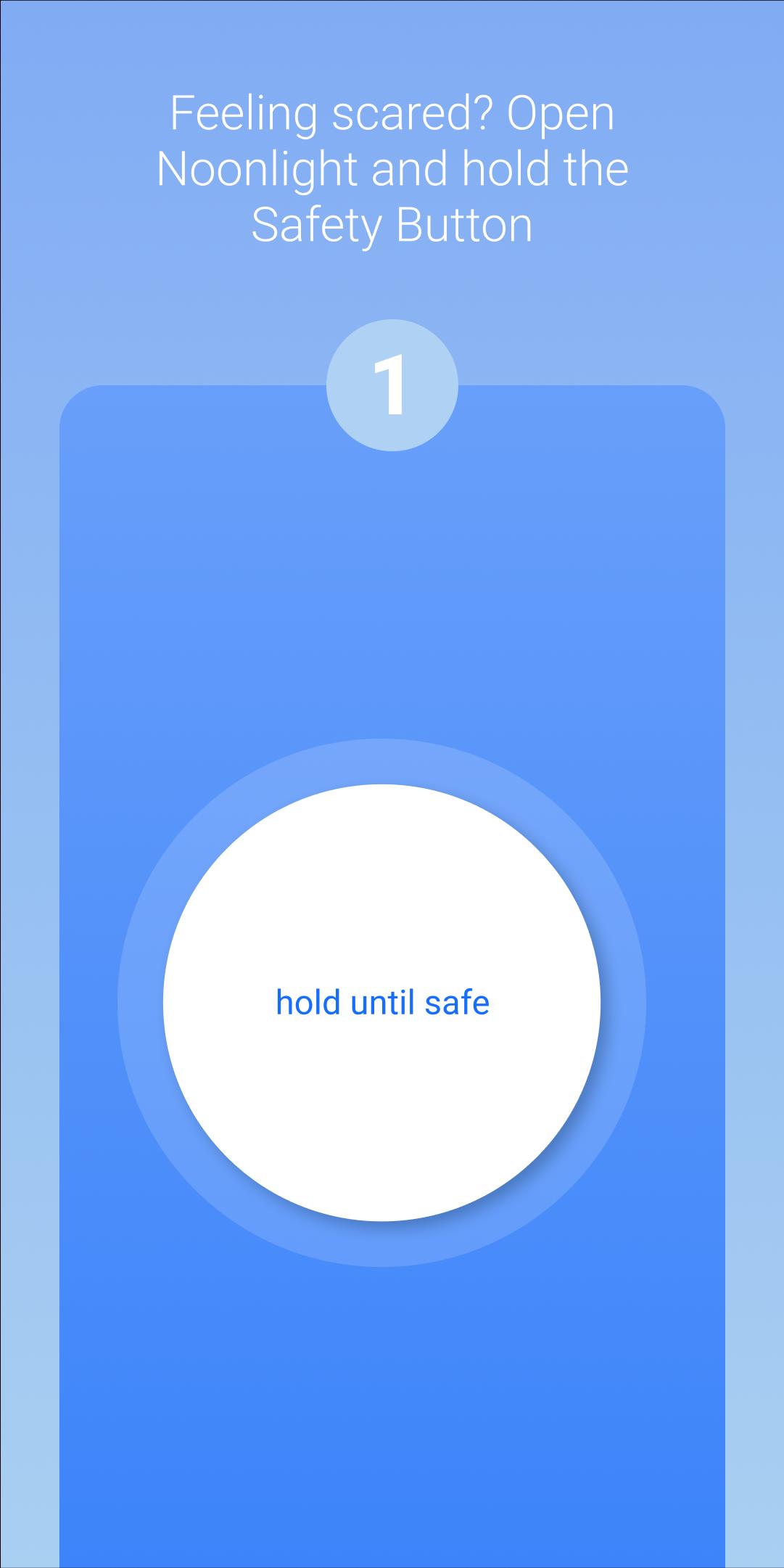
1. Press and hold the button whenever you feel uneasy.
2. Release the button when you have reached your home, car, or a safe destination and enter your 4-digit pin.
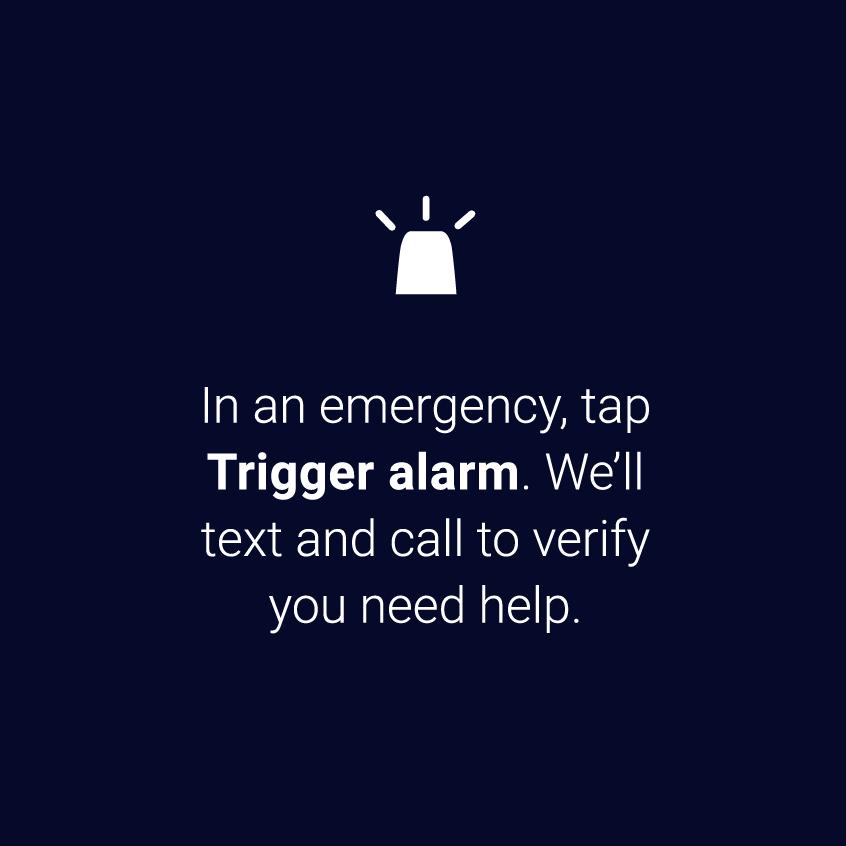
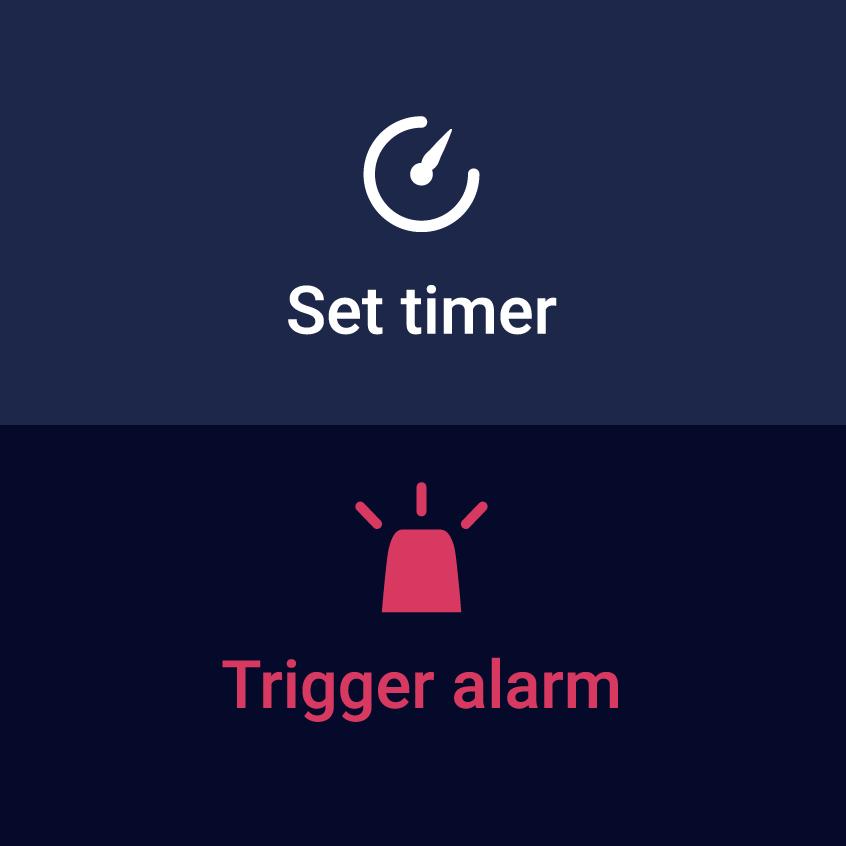
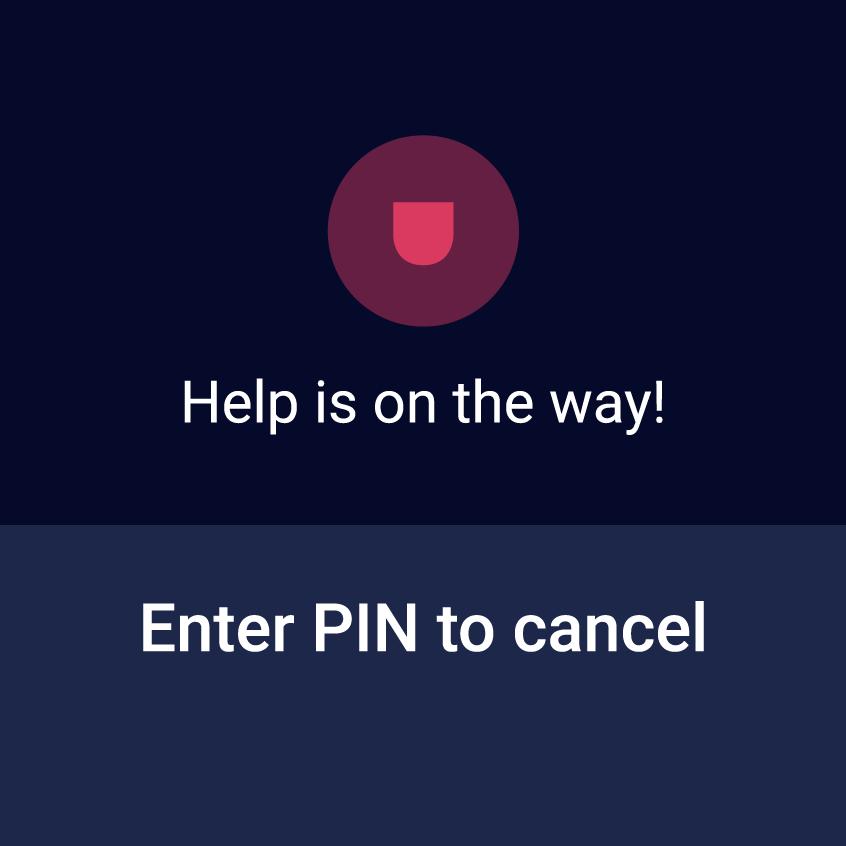
3. In danger? Simply release the button and do not enter your pin. Your local police will be notified of your location and emergency.
Be prepared for any situation:
• Prefer texting? If you can’t talk in an emergency, you can still communicate with us via text.
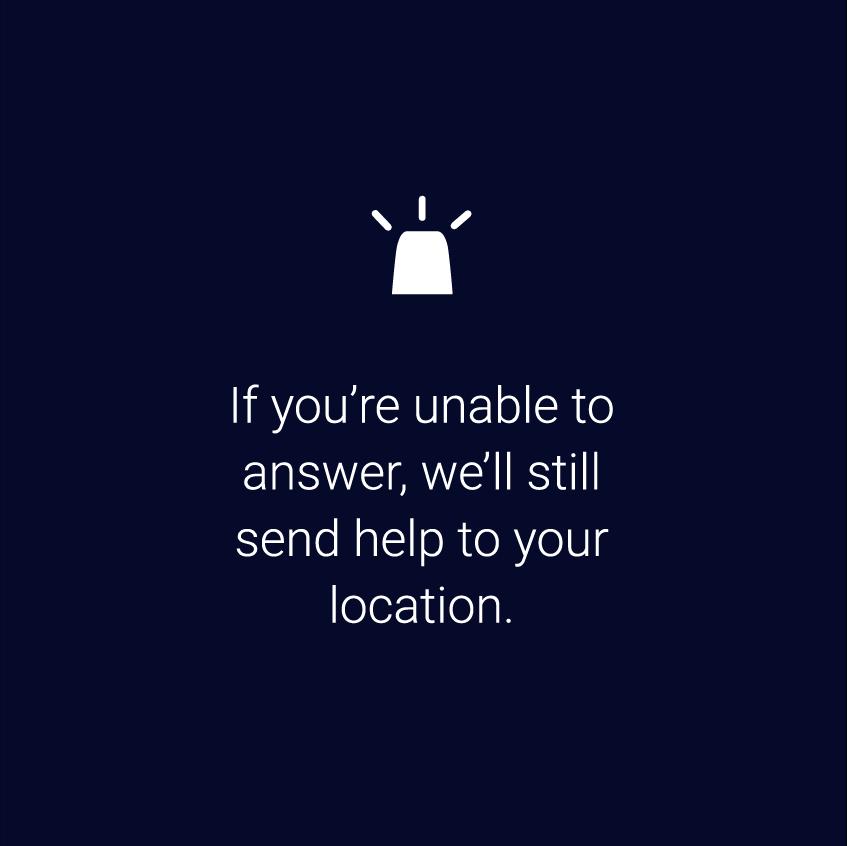
• Can’t text or talk? No worries, we’re still sending help to your exact location.
• On the move? We update your location even if you’re in a taxi, bus, running, or walking.
• Phone not easily accessible? Noonlight also has a Wear OS app to get you help from your wrist.
• On-call team of friendly, certified dispatchers ready 24/7/365 to get you help, asap.
We take the satisfaction and safety of our customers very seriously. Please check out our reviews to see how Noonlight is helping people just like you!
Noonlight's Terms of Use: https://noonlight.com/terms
Noonlight's Privacy Policy: https://noonlight.com/privacy
NOTE: In order for us to send help to your exact location during an emergency, the app must continue to access your location while in the background (e.g., if you minimize or force quit the app). In this case, a notification will appear in the status bar letting you know that location services are still actively accessing your location.
Also note that continued use of GPS running in the background can dramatically decrease battery life. Noonlight will only use your GPS location in the background if you have an active alert.
Latest Version
2.16.1Uploaded by
Armand Prasetya
Requires Android
Android 11.0+
Category
Free Lifestyle AppContent Rating
Everyone
Security Report
Report
Flag as inappropriateLast updated on May 5, 2026
Minor bug fixes and improvements. Install or update to the newest version to check it out!




APKPure - A multi-platform app store primarily focused on Android, providing extensive app-related content. Discover the app you want easier, faster, and safer, with quick and efficient downloads and installations.