
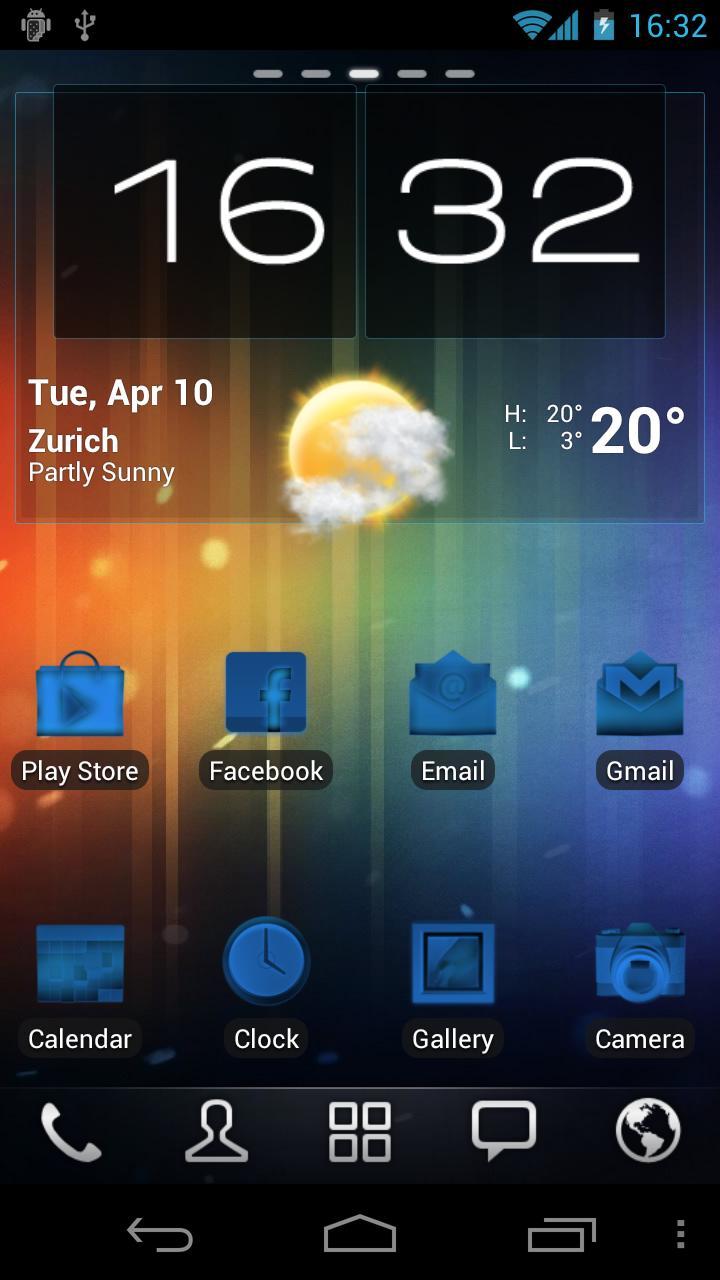
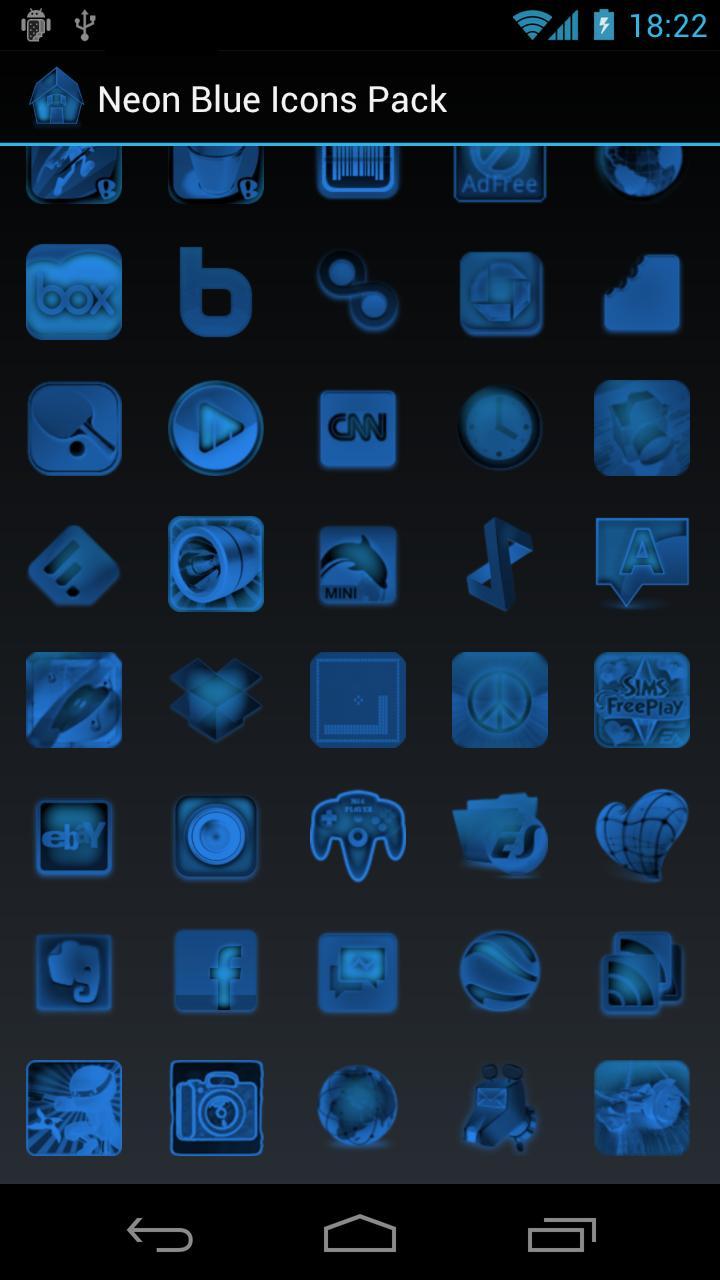
Neon Blue Icons Pack for Launch-X, ADW Launcher EX, Go Launcher EX and LauncherPro.
This icons pack includes over 350 HD icons compatible with:
* Launch-X (both FREE and Pro versions)
* ADW Launcher EX
* GO Launcher EX
* LauncherPro (both FREE and Plus versions)
The icons pack is compatible also with Honeycomb and Ice Cream Sandwich (ICS) devices.
** HOW TO USE WITH: **
*** LAUNCH-X ***
* APPLY ICONS PACK *
- Open Launch-X
- Select an existing widget (or create a new one)
- Select 'Appearance Options'
- Scroll to the bottom
- Click on 'Icons Pack'
- Select your desired theme/icons pack
* APPLY SINGLE ICON *
- Open Launch-X
- Select an existing widget
- Click on 'Select widget items'
- Click on the item you'd like to change the icon
- Select 'Custom icon'
- Select 'Theme Icons Packs'
- Select your desired theme/icons pack
- Choose your custom icon
*** ADW LAUNCHER ***
* APPLY ICONS PACK *
- Go to your homescreen
- Press menu and select 'ADWSettings'
- Select 'Themes Preferences'
- Under 'Icons' press 'Choose...'
- Select your desired theme/icons pack
* APPLY SINGLE ICON *
- Long-press an item (app/shortcut)
- Select 'Edit'
- Press the icon button
- Choose 'ADWTheme IconPacks'
- Select your desired theme/icons pack
- Choose your custom icon
*** GO LAUNCHER ***
* APPLY ICONS PACK *
- Go to your homescreen
- Press menu and select 'Themes'
- Press the 'Setting' button
- Select 'Icons'
- Select 'Theme icon'
- Select your desired theme/icons pack
* APPLY SINGLE ICON *
- Long-press an item (app/shortcut)
- Click on 'Replace'
- Select 'Theme's icon'
- Change the 'Selected theme'
- Select your desired theme/icons pack
- Choose your custom icon
*** LAUNCHERPRO ***
* APPLY ICONS PACK *
- Go to your homescreen
- Press menu and select 'Preferences'
- Select 'Theme Settings'
- Click on 'Icon Pack'
- Select your desired theme/icons pack
To request new icons simply send us an email to support [at] droidahead [dot] com.
Latest Version
1.1Uploaded by
Xtet Xtet
Requires Android
Android 1.6+
Category
Free Personalization AppContent Rating
Everyone
Report
Flag as inappropriateLast updated on Aug 13, 2015
Neon Blue Icons Pack v1.1
- Improved support for Go Launcher (now includes 'iconback')
- Fixed some apps package names



APKPure - A multi-platform app store primarily focused on Android, providing extensive app-related content. Discover the app you want easier, faster, and safer, with quick and efficient downloads and installations.