Scan Date:Apr 1, 2026
Show More

🏠 Home screen with only what you need
Customize it with [Events + To-Dos + Timetable] to focus on your day,
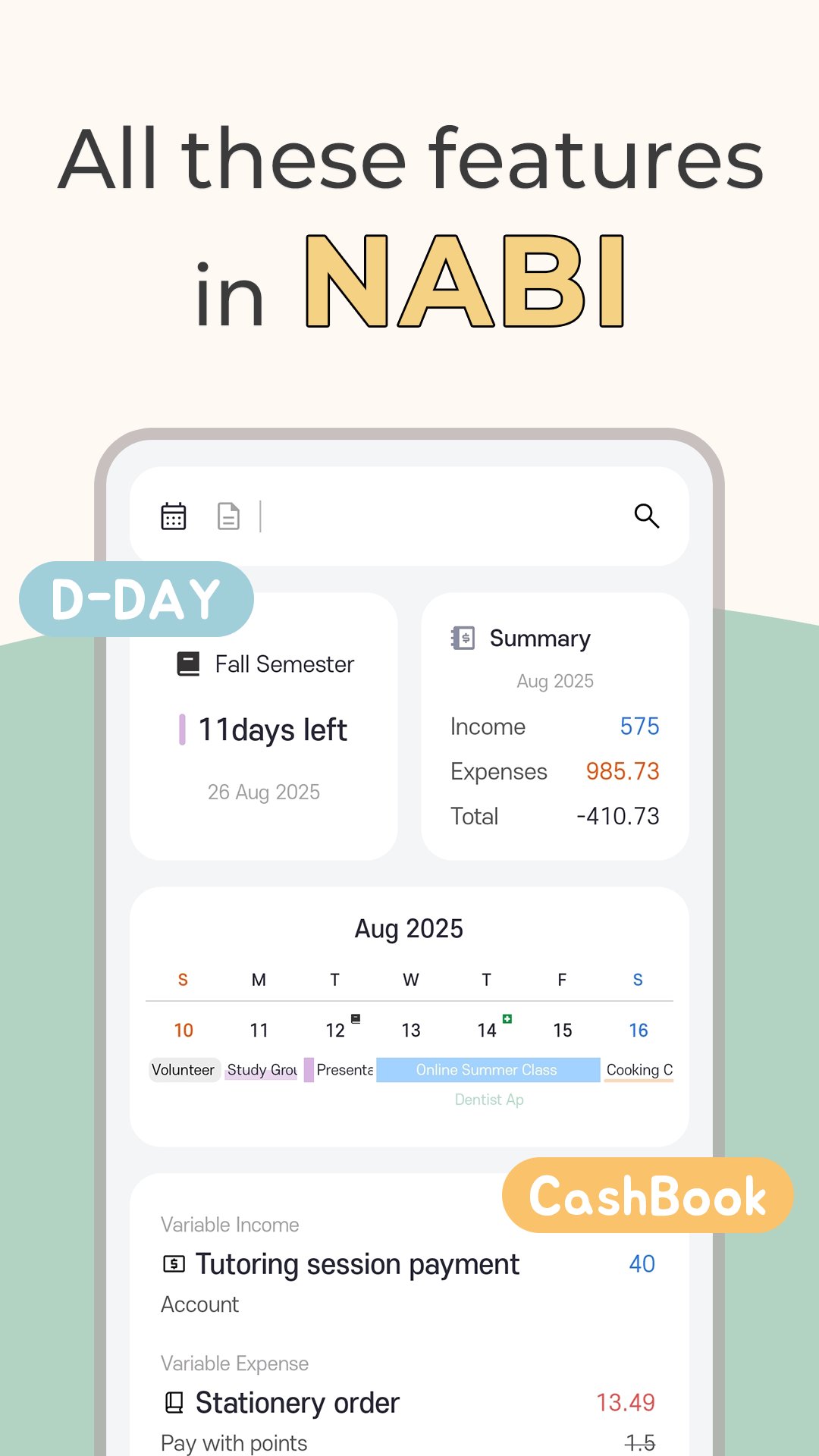
or with [Calendar + CashBook + D-Day] to get a bigger picture of your life.
📆 Event
Add events simply or with detailed notes.
Set reminders, start and end alerts so you won’t miss anything.
You can also import events from Google Calendar.
📅 Calendar
Decorate your calendar with different event types, patterns, and images.
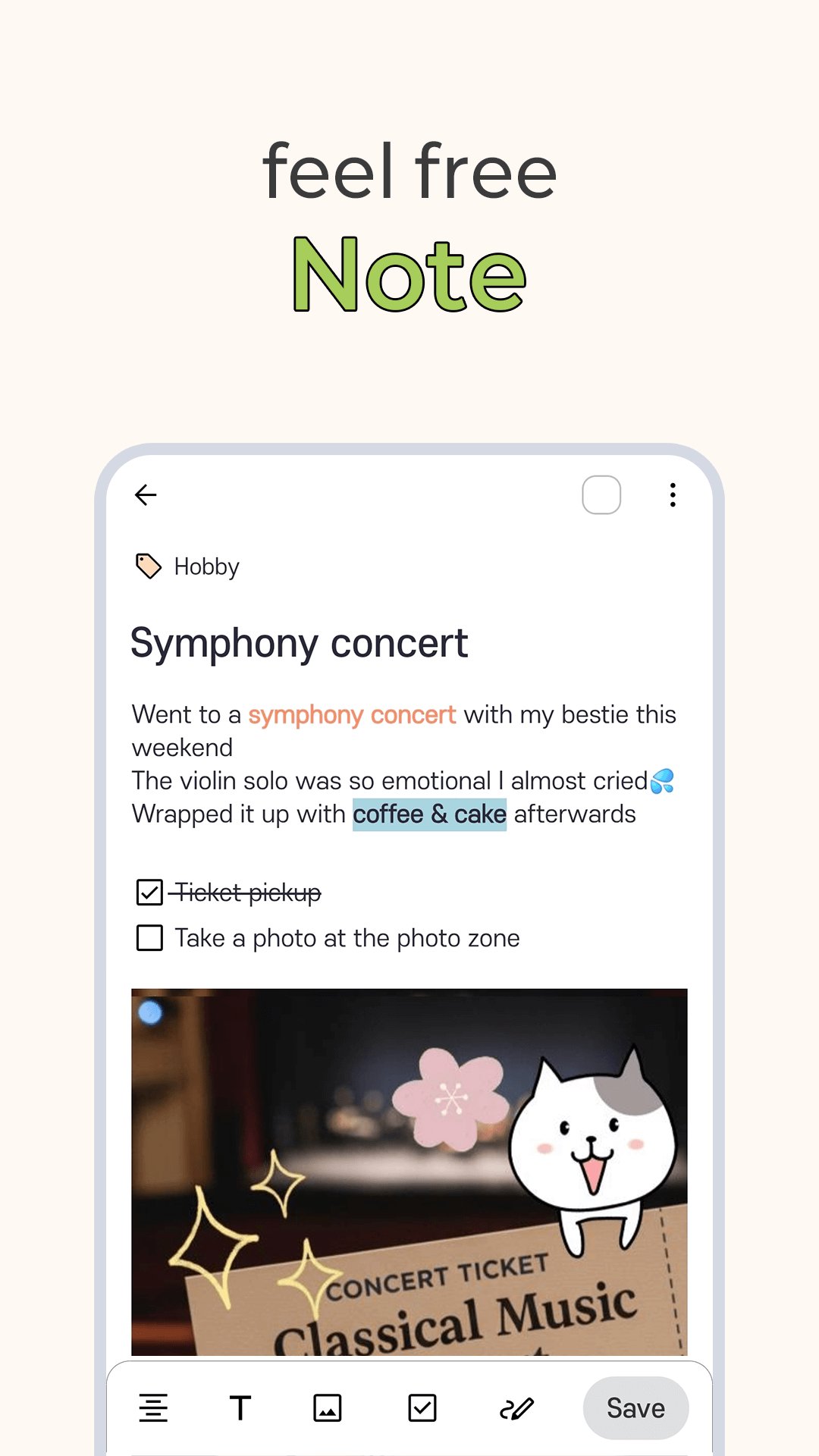
📝 Notes
Write freely in text, photos, or checkboxes—no fixed format needed.
Organize your notes with tags.
💰 CashBook
Keep track of your spending easily, without complicated features.
1) General Permissions Guidelines for "NABI - My Schedule assistant app"
- have full network access: Used to handle network operations
- view network connections: Used to check network status
- prevent phone from sleeping: Used to wait for a long task when syncing with the calendar
- Google Play billing service: Used for in-app payments
- run at startup: Used to register for notifications when the device is launched
2) Access Permissions Guidelines for "NABI - My Schedule assistant app"
- Camera (take pictures and videos)
Used to save the photo after taking a picture in the post
- Contacts (find accounts on the device)
Used to view the account list of devices linked with Google Calendar
- Storage (read the contents of your shared storage, Modify or delete SD card contents)
Used to view/store photos and backup files
- Google Calendar Integration
Access is required to sync your schedule with Google Calendar.
- Google Drive Integration
Access is required to Google Drive for backups and file storage.
Provided by: SevenToEighty
Latest Version
2.61Uploaded by
Whalmir Neto
Requires Android
Android 5.0+
Category
Free Lifestyle AppContent Rating
Everyone
Security Report
Report
Flag as inappropriateLast updated on Apr 1, 2026
What's New:
1. Calendar events up to 2 lines (1-line option)







APKPure - A multi-platform app store primarily focused on Android, providing extensive app-related content. Discover the app you want easier, faster, and safer, with quick and efficient downloads and installations.