Movie4K helps users who store videos on an Android phone and want reliable offline playback without extra steps. It focuses on local files rather than streaming catalogs, so it suits anyone who prefers a straightforward player for content already on the device. With simple controls and organized access, it aims to make watching saved clips and movies easy at home or on the go. For those comparing options, finding the Movie4K APK is about getting a solid tool for everyday viewing.
Movie4K supports a wide range of containers and codecs so your files open without conversion. Supported formats include AVI, MP4, MKV, MOV, WMV, FLV, TS, MPG, 3GP, M4V, RM and RMVB, WebM, VOB, and MXF. This breadth reduces playback errors and helps you keep one player for most local media.
Automatic media scanAfter installation, Movie4K scans your storage to identify video and audio files. It lists them in one place for quick access, so you do not need to browse multiple folders. This approach saves time when your library spans internal memory and an SD card.
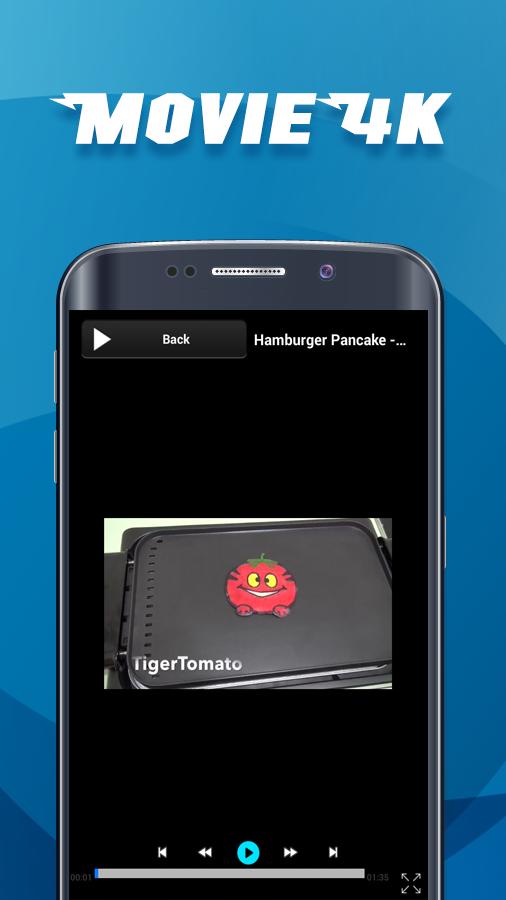
Smooth start and resumePlayback starts quickly and continues without stutter on supported hardware. If you stop a video, Movie4K remembers the last position and resumes on the next launch. This helps you continue where you left off during commutes or breaks.
Fragment recordingWhen a moment matters, you can record a fragment and save a short clip. This is useful for collecting highlights, tutorials, or reference segments from longer files. The feature keeps the process simple so you can capture and store snippets for later.
Offline focused interfaceMovie4K keeps the interface lightweight and centered on local playback. There is no signup flow, which makes starting a session direct and quick. Combined with broad compatibility, it suits users who want a dependable player for files stored on the device.
In search results, some users look for a free movie app or ask which app has 4K movies. Movie4K is a local offline player, not a streaming service or movie catalog. It plays files that you already have on your phone or tablet. Video resolution, including 4K, depends on the file and your device capability.
When evaluating options, check the version number and note that APK download packages are updated over time. Users often search for Movie4K latest version or APKPure download to compare builds. Confirm that the release you install matches your device’s needs and that it suits your local playback workflow.
This guide shows how to play local files with Movie4K. It covers basic steps from first launch to saving a clip. If you plan to download Movie4K, the process below outlines what to expect.
Movie4K focuses on reliable offline viewing with broad format support and helpful controls. For quick setup and everyday use, it organizes your media and remembers progress. To keep your library accessible, download Movie4K and start playing files stored on your device.
Latest Version
1.0Uploaded by
Belmin Durakovic
Requires Android
Android 2.2+
Category
Free Video Players & Editors AppContent Rating
Everyone
Report
Flag as inappropriateLast updated on Jul 1, 2016
Minor bug fixes and improvements. Install or update to the newest version to check it out!




APKPure - A multi-platform app store primarily focused on Android, providing extensive app-related content. Discover the app you want easier, faster, and safer, with quick and efficient downloads and installations.