Scan Date:Jan 17, 2026
Show More

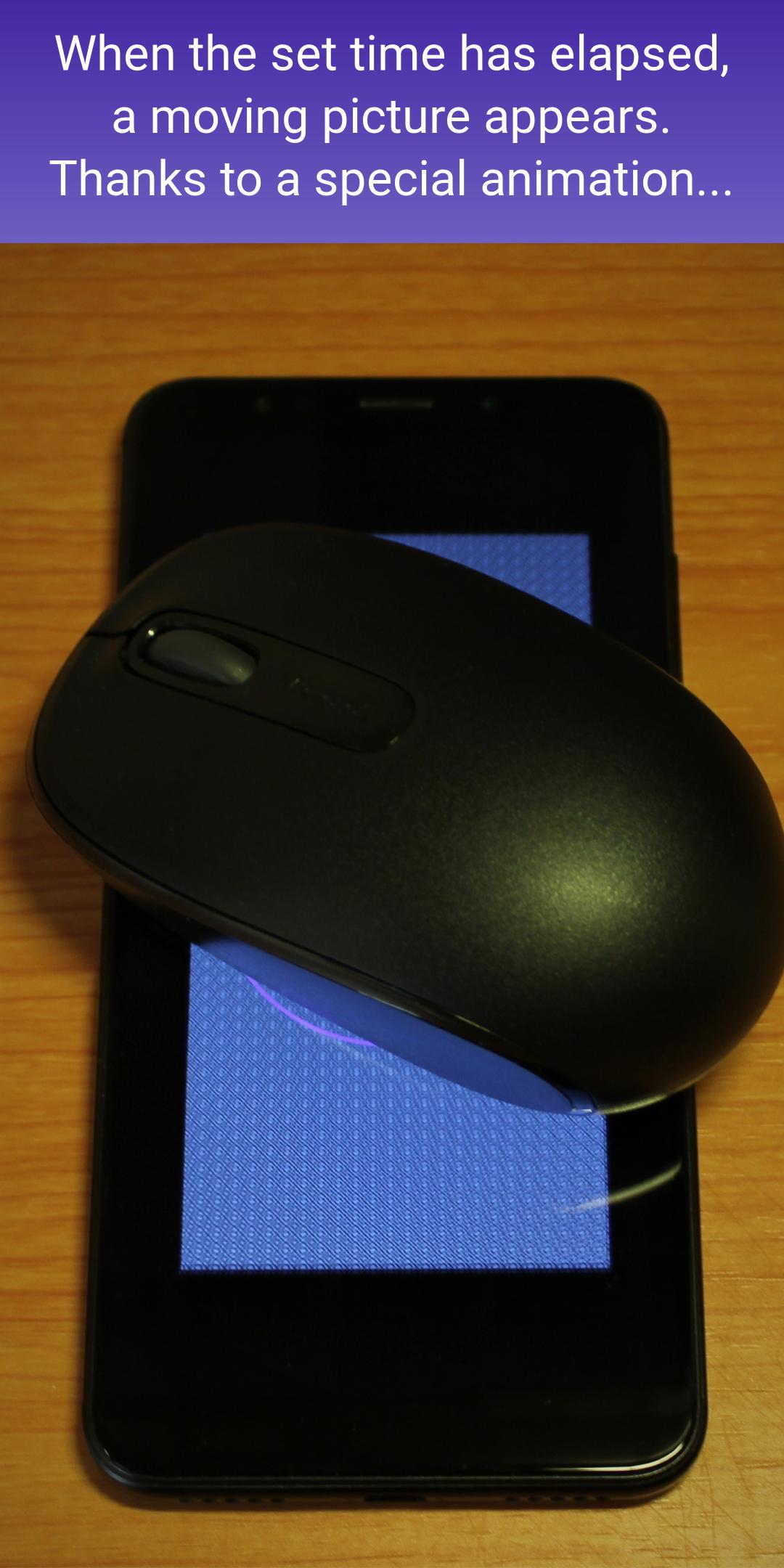
The Mouse Ripple app is very simple. It does nothing other than periodically display a fine mesh image. The application periodically affects the computer mouse, imitating its movement and thereby stimulating the user's activity. Thus, it keeps the computer active even if for some reason you cannot turn off the screen lock in the operating system settings.
The impact interval on the computer mouse is set in the application settings in a range from 20 seconds to 10 minutes.
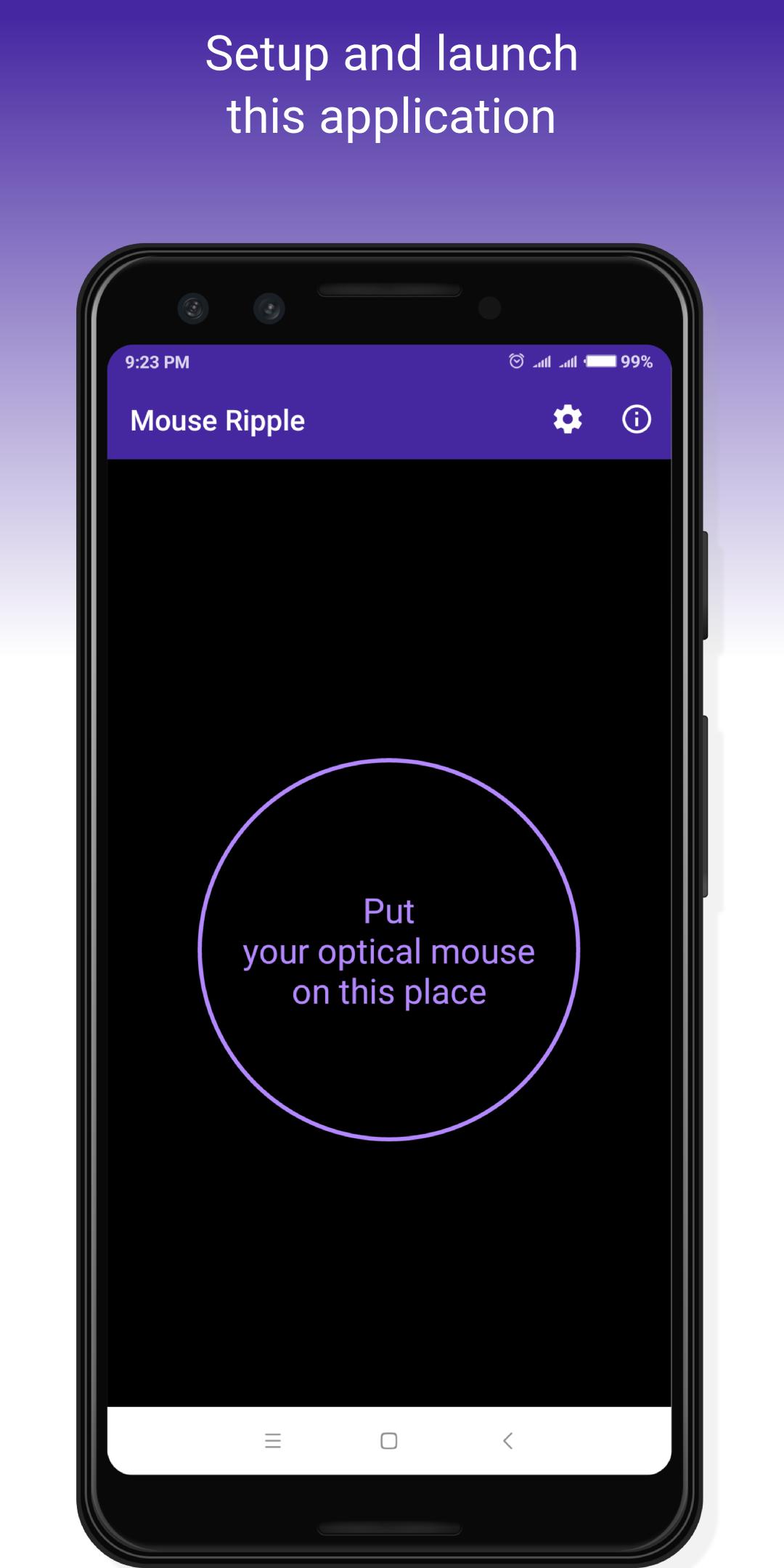
This application does not need any connections and settings on your computer. Just put the computer mouse on the screen of the phone with Mouse Ripple running on it, and you will be spared from having to enter the password a hundred times a day.
The application will save a lot of time and nerves that you spend daily on entering your computer password. Using the application in the office workplace and other crowded places reduces the risk of compromising your password since the less you type it on the keyboard, the more difficult it is to peek.
The application does not violate usual office information security rules. After leaving the workplace, you always manually lock the computer and take your mobile phone with you, do not you?
Do not be distracted by annoying interference. Use your time more effectively.
It is ideal for cases when the computer screen should be active for a long time in the absence of actions on your part, such as
- real-time processes supervising on dashboards;
- maintaining the visibility of your home screen while you are working on another console or busy talking with a colleague;
- waiting for the completion of long-running tasks: copying files, installing applications, backing up and system checks of a PC;
- watching videos and participating in webinars;
- show presentations.
Unlike analogs, our application is small and carefully consumes your phone battery.
Attention! The app does not work on all mouse models. As a minimum requirement, try to use a mouse with a red light optical sensor. If it has an invisible optical sensor, it definitely won't work.
Laser mice and most modern optical mice do not respond to changing images on the smartphone screen. We recommend using light-emitting diode (LED) mice of older models.
There are no guarantees, but according to user feedbacks, the application works successfully with the following types of mice:
A4Tech
Amazon Basics
Anker ergonomic optical USB wired vertical mouse 1000/1600 dpi
Defender Luxor 330
DELL (Logitech) M-UVDEL1
DEXP KM-104BU
DM-3300b
HP/Logitech M-UV96
HP/Logitech M-U0031-O
Klip Xtreme KMW-33ORD
Logitech g400
Logitech M100
Logitech M185
Logitech M310
Medion AGM-946P
Microsoft Mobile Mouse 3600
Microsoft Optical Mouse 2.0
Targus amw57
If you're lucky and the app is compatible with your mouse, please let us know. We will include your mouse model in this compatibility list.
If it doesn't work, try setting your phone to maximum screen brightness and turn on the Glide mode in the application settings.
The Mouse Ripple app needs an internet connection only for showing ads. You can disable advertising in this application. It is a paid option.
Latest Version
1.47Uploaded by
မိက္ဂြံဒု္မၷိဟ္ ေဗွ္ဆာန္မြဲဘဝ
Requires Android
Android 7.1+
Category
Free Productivity AppContent Rating
Everyone
Security Report
Report
Flag as inappropriateLast updated on Jan 10, 2026
Updated for Android 16





APKPure - A multi-platform app store primarily focused on Android, providing extensive app-related content. Discover the app you want easier, faster, and safer, with quick and efficient downloads and installations.