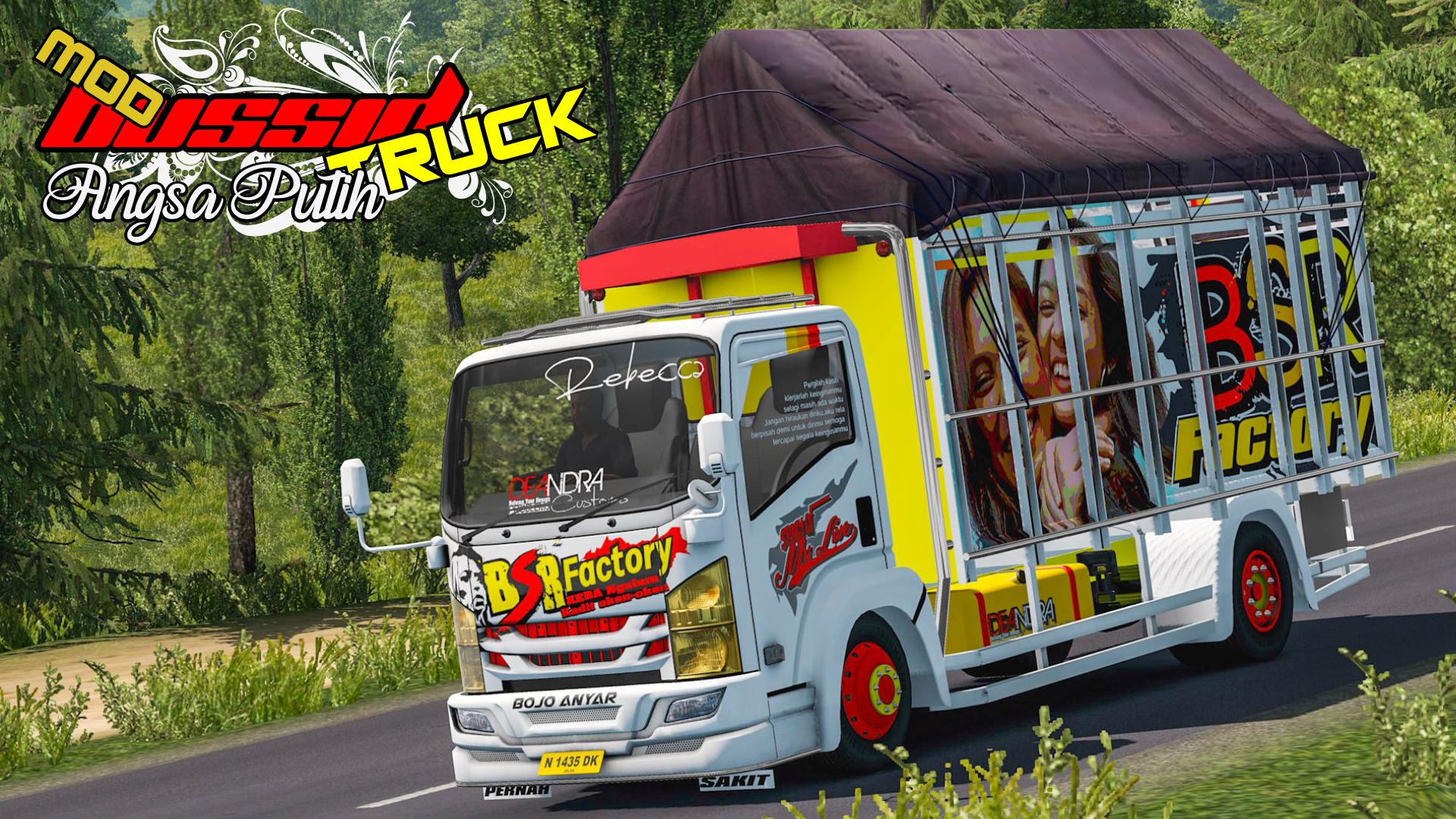
Cool, this is the best mod truck, this Angsa Putih you deserve. This is the best type of bus livery design.
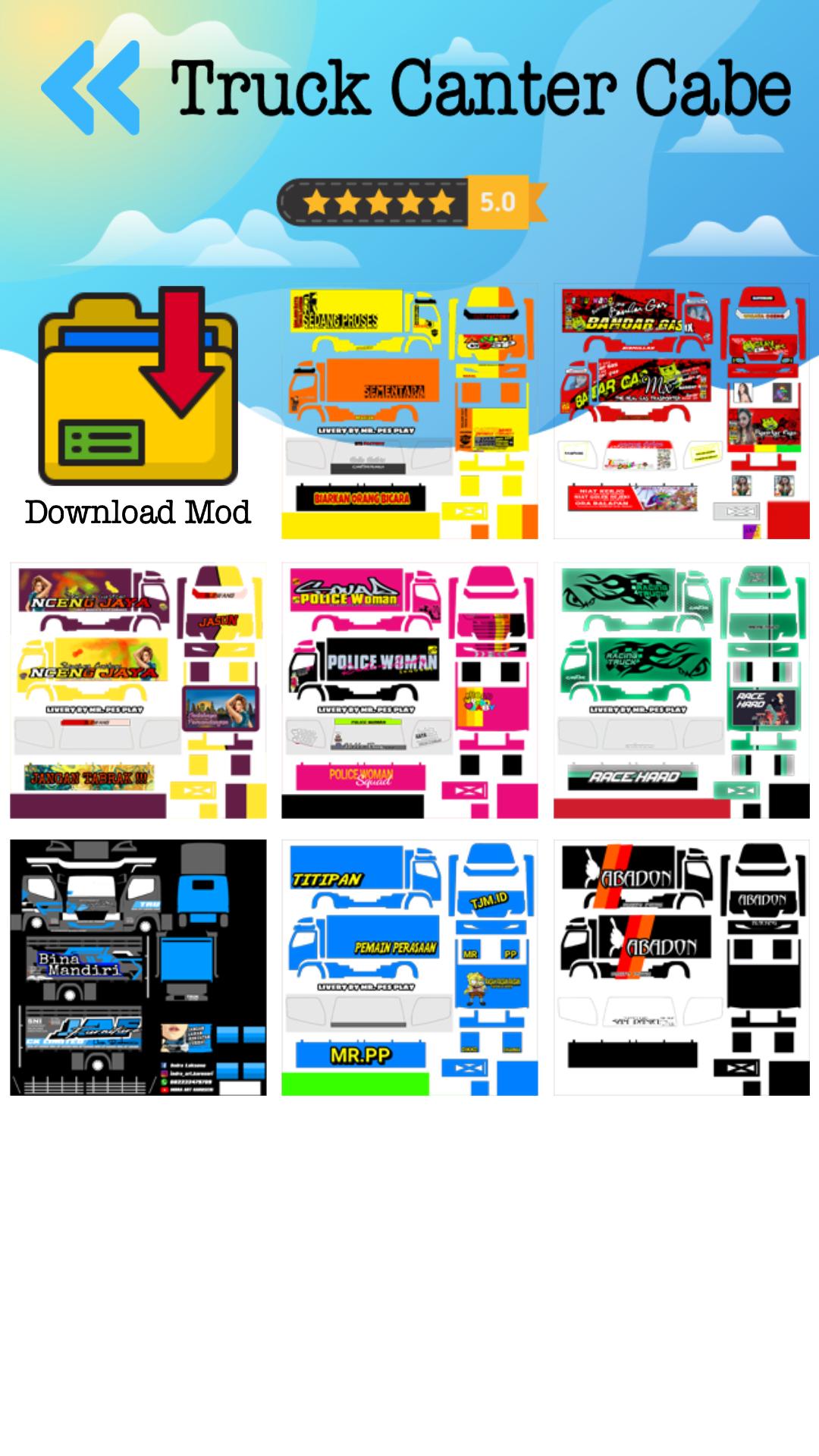
You can change the type of vehicle and type of skin truck according to your choice.
This Bus Simulator Mod will continue to update to make you satisfied to continue playing it.
How to install this Bus Simulator Vehicle Mod are:
1. Make sure you have downloaded the BUSSID game
2. Download the BUSSID Simulator Indonesia Mod
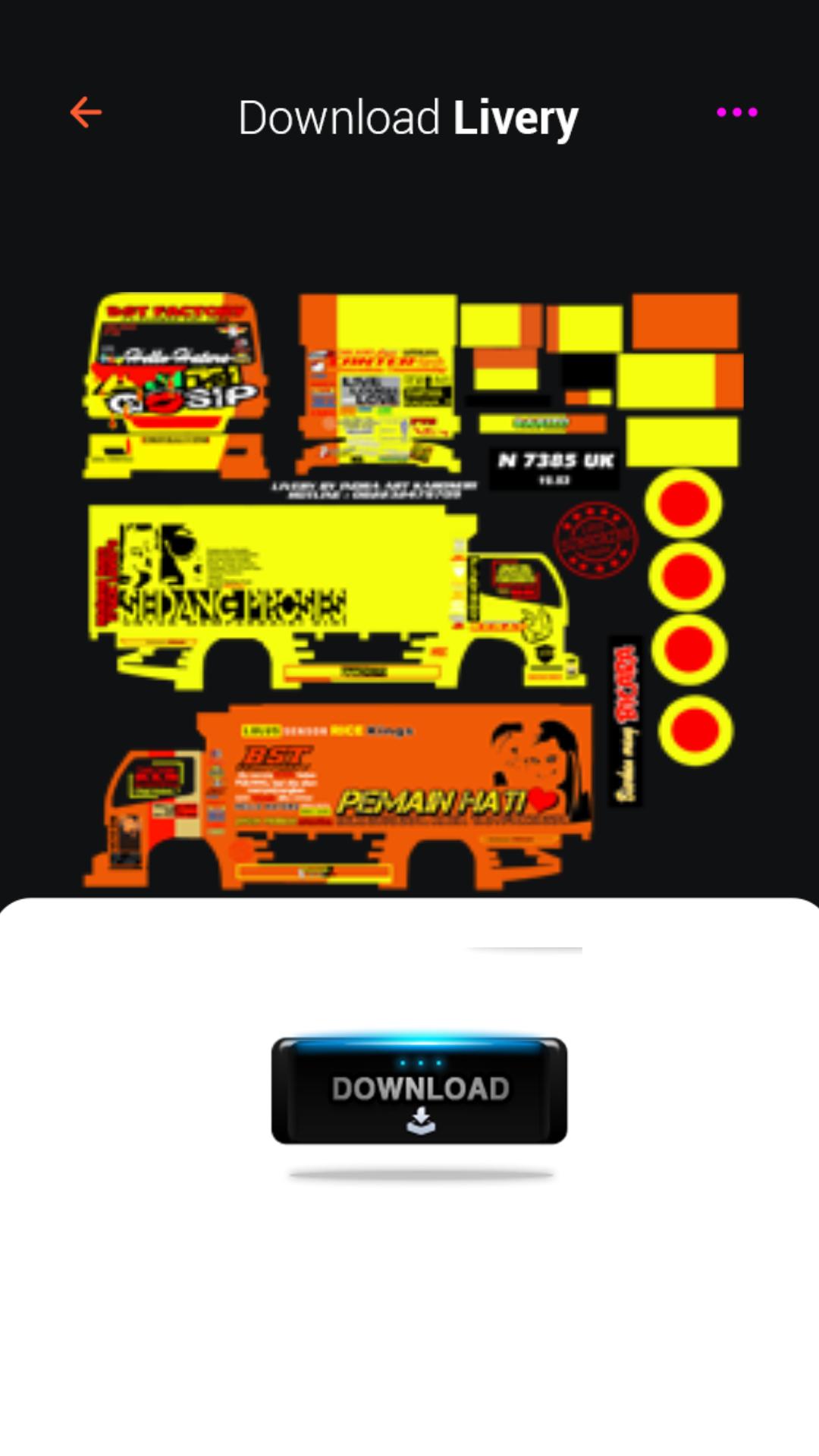
3. Open the Application and download the mod or livery
4. Open the file manager, move the downloaded file to the BUSSID folder
5. Open the BUSSID game, then enter the garage, then select import
6. Select an existing mod, then select the v mark, and activate it
7. After the mod bar appears, select Apply
8. Done.
Easy, right, let's wait no more
Latest Version
1.2Uploaded by
Leni S Medi
Requires Android
Android 4.1+
Category
Free Auto & Vehicles AppContent Rating
Everyone
Report
Flag as inappropriateLast updated on Jan 9, 2020
Truck Angsa Putih Mod
Fix Bug




APKPure - A multi-platform app store primarily focused on Android, providing extensive app-related content. Discover the app you want easier, faster, and safer, with quick and efficient downloads and installations.