Package Name:com.xyz.screen.miniTo
SHA-256:d99528c9dc083ac35e186f6e191712870e435d8dbb6773cbbde15b052a7b4031
Show More

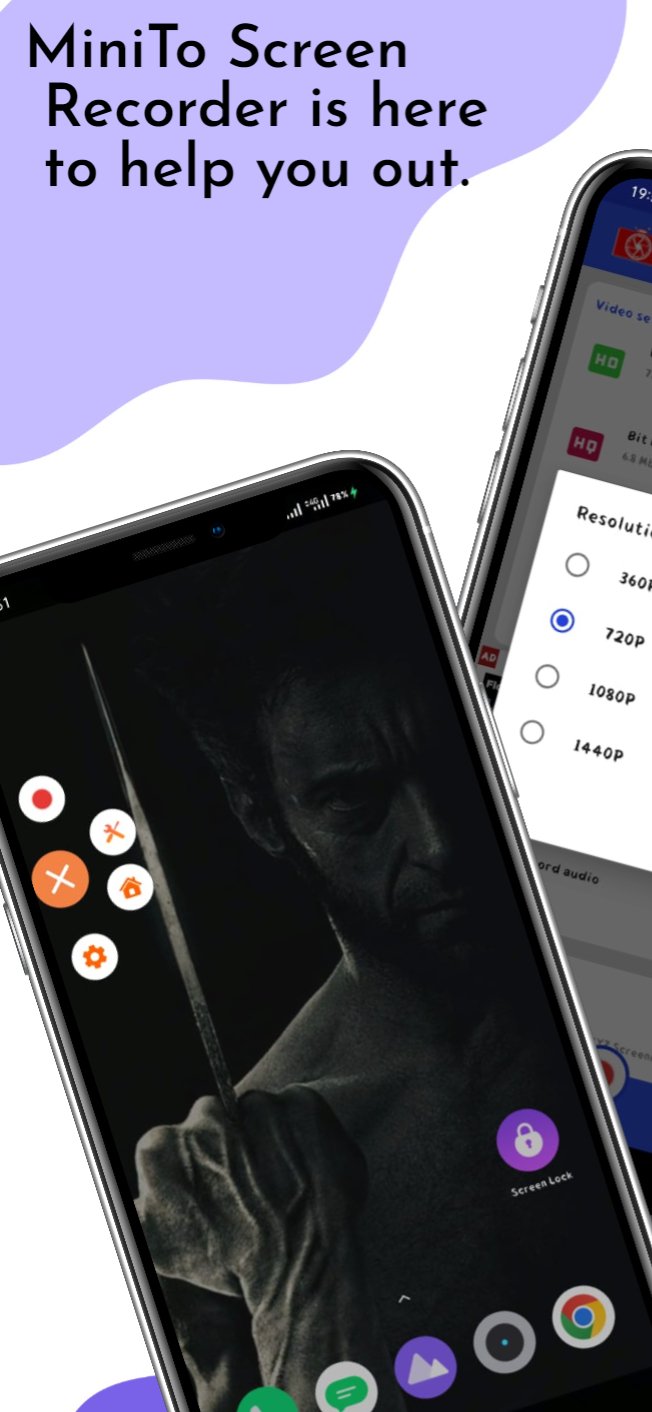
MiniTo Screen Recorder is here to help you out. It's available for both iPhone and Android. That means no matter which platform you use, you can get your screen recorded for later viewing.
|-| You can also choose whether you want the audio part of the screen recording to be heard or not. The software comes with advanced editing tools that will let you edit your videos as per your requirements. Plus, there are lots of themes from which you can choose from to make the video look more attractive and interesting. For complete peace of mind and security, install MiniTo Screen Recorder on your device today!
It's not just about taking a phone call, recording a video is also an important career booster. MiniTo screen recorder can be your best buddy when wanted to record videos on the fly.
This handy app allows you to capture videos in HD quality and save them with the click of a button. All you have to do is start recording, and then add your own audio narration or leave it out for better video quality. With this handy app, you'll never miss anything exciting ever again!
What if you could capture every moment of your life? No more forgetting moments and key events, because MiniTo screen recorder is here to help. This convenient app lets you record videos and take pictures with ease. You can easily post updates on social media or save a movie for later consumption on your favorite device. Screen recorder comes equipped with features that make it easier to work with such as audio recording capabilities and live streaming.
Whether you're trying to improve a presentation, create an enticing video for social media, or simply document a memorable event for posterity, MiniTo screen recorder will do the trick!
Have you ever thought of recording your screen on your phone and doing other things at the same time? No, that's not possible anymore.
With miniTo screen recorder, you can record whatever you see on your computer monitor or smartphone display. You can also edit audio from it afterwards. The app is completely free and gives you plenty of features to work with.
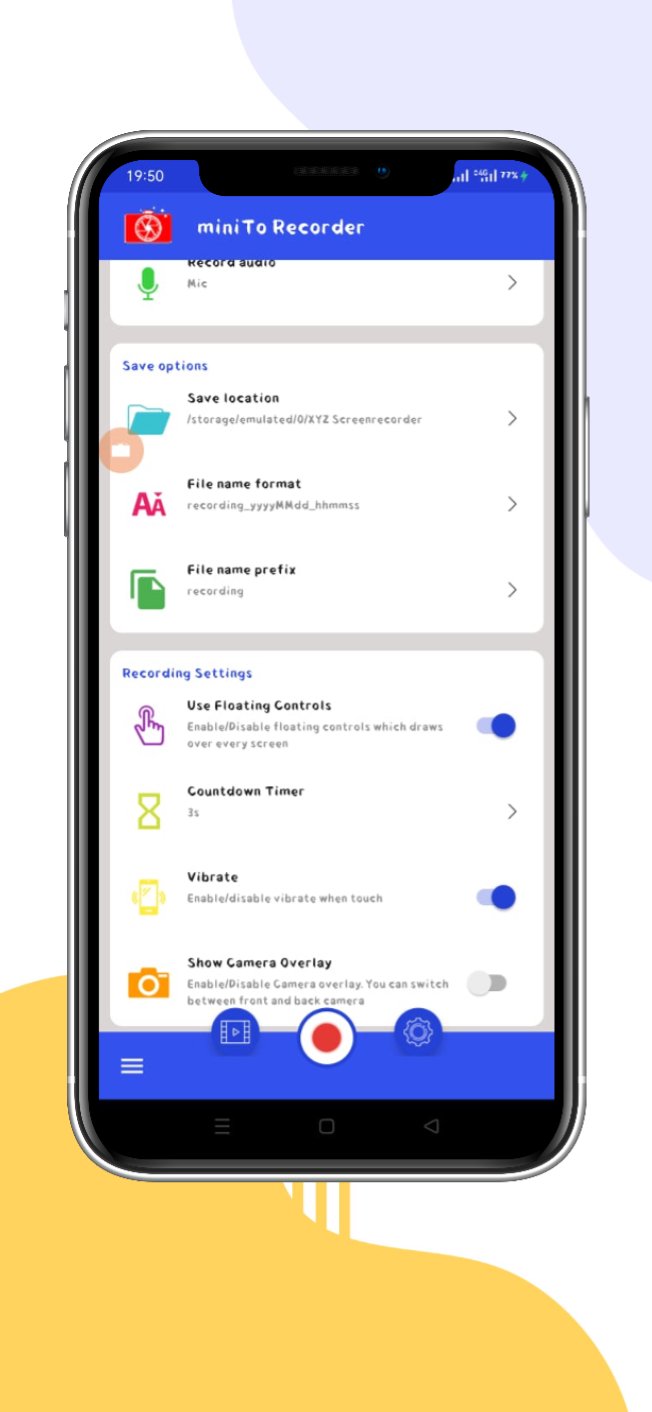
There are various settings in this application that help you customize the output as per your needs and requirements. Also, there is a facecam mode present in this app which allows you to do dual recording while using FaceTime on your iPhone or iPad device.
Latest Version
2.0Uploaded by
علي رياض
Requires Android
Android 4.4+
Category
Free Tools AppContent Rating
Everyone
Security Report
Check Now
Report
Flag as inappropriateLast updated on Feb 12, 2026
Fixed some bugs.




APKPure - A multi-platform app store primarily focused on Android, providing extensive app-related content. Discover the app you want easier, faster, and safer, with quick and efficient downloads and installations.