

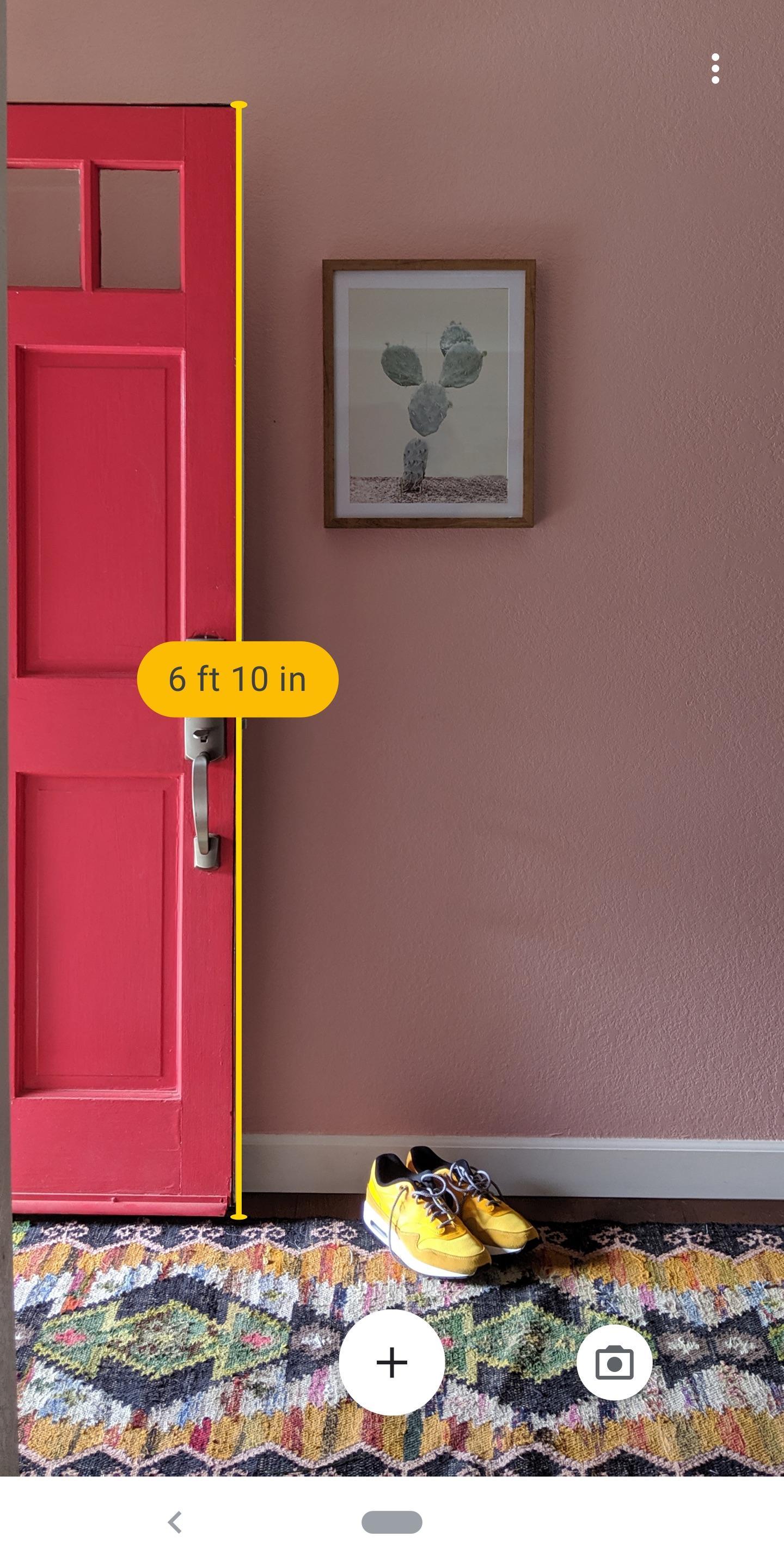
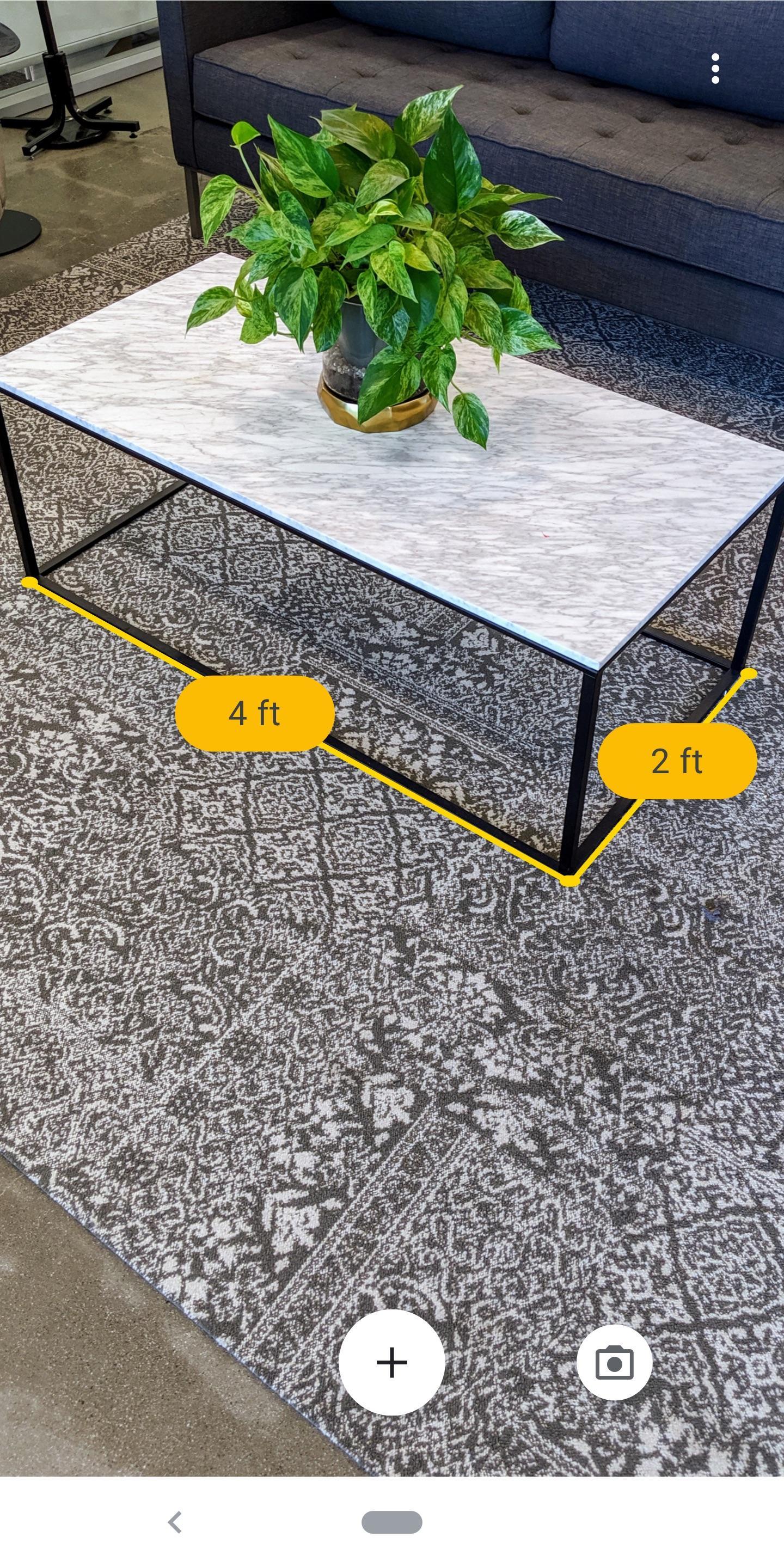
Measure fits moments when you need a quick size check at home or at work. If you download Measure for tasks like checking a rug or planning a sofa placement, it helps you locate a flat surface and guides you through a simple point and tap process. You see an estimated length or height on the screen, and you can make adjustments before finishing. This approach keeps quick checks simple, while keeping the focus on practical, everyday measurements.
Estimate lengths and heights on flat surfaces
Quick capture and basic actions
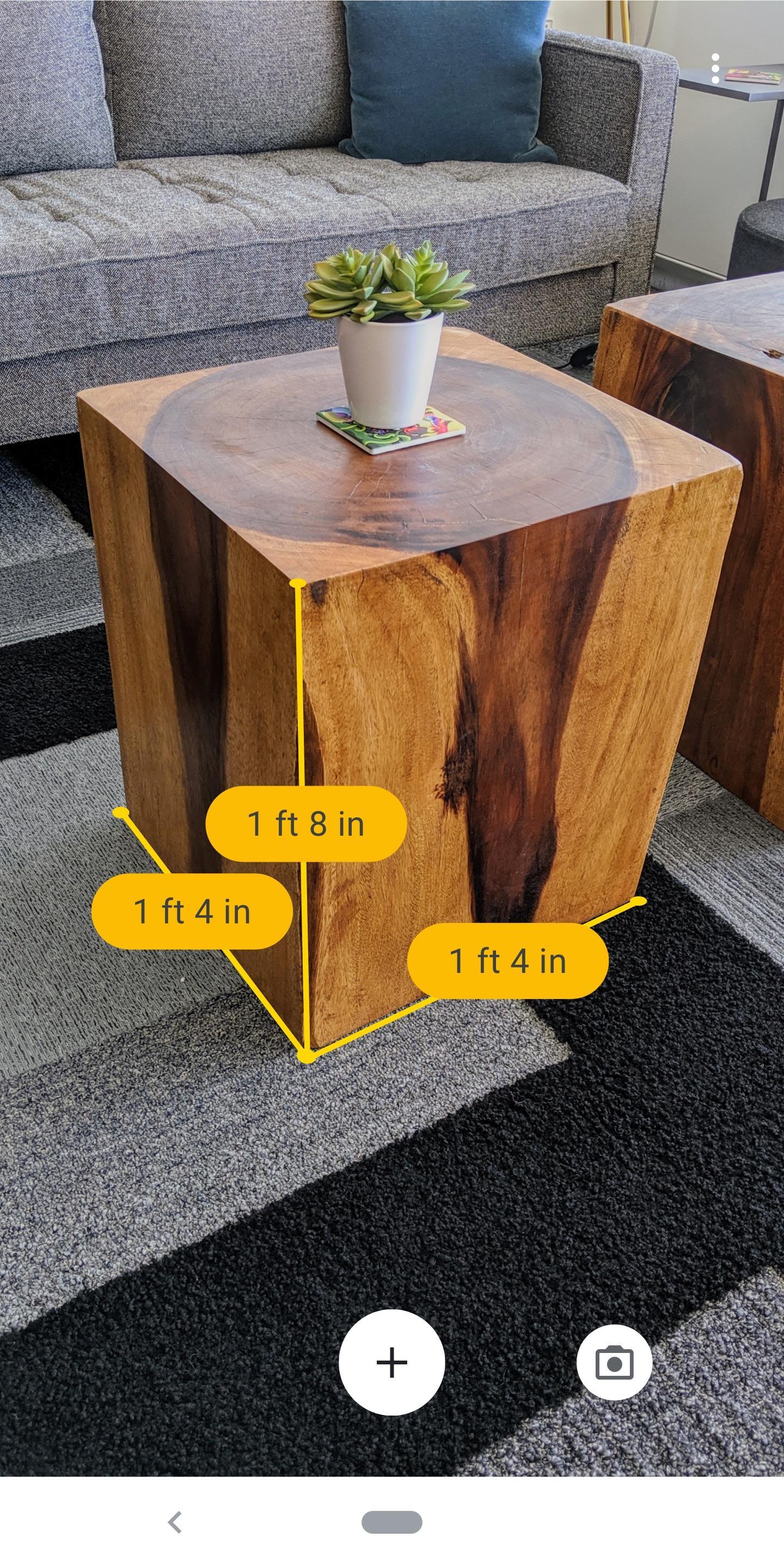
Measure lets you take a photo of your measurement for reference. After you finish, tap the result to view copy and delete options. In the Measure APK, these controls appear beside the value for fast use when noting sizes or sharing details.
Switch between units with conversion
You can easily change between imperial and metric units before or after placing points. Tapping a measurement shows a quick reference to unit conversion, which helps when you need a different unit for a note or message.
Guided setup for better detection
Move your phone around to help the app find a flat surface such as a tabletop or the floor. Point to the area, tap to start, then follow the prompts until your line is in place. Results are estimates, so treat them as approximations.
Measure provides fast estimates for common tasks in a house or office. It keeps the process direct by showing results on screen and letting you change units when needed. Install the Measure latest version to use the current tools for everyday measurements.
Latest Version
2.5.200124026Uploaded by
Kagami Hinako
Requires Android
Android 7.0+
Category
Free Tools AppContent Rating
Everyone
Report
Flag as inappropriateLast updated on Feb 6, 2020
• Enhanced surface visualizations to make it easier to take accurate measurements
• New features to increase usability, including unit conversion
• Bug fixes and performance improvements




APKPure - A multi-platform app store primarily focused on Android, providing extensive app-related content. Discover the app you want easier, faster, and safer, with quick and efficient downloads and installations.