Scan Date:Feb 16, 2026
Show More

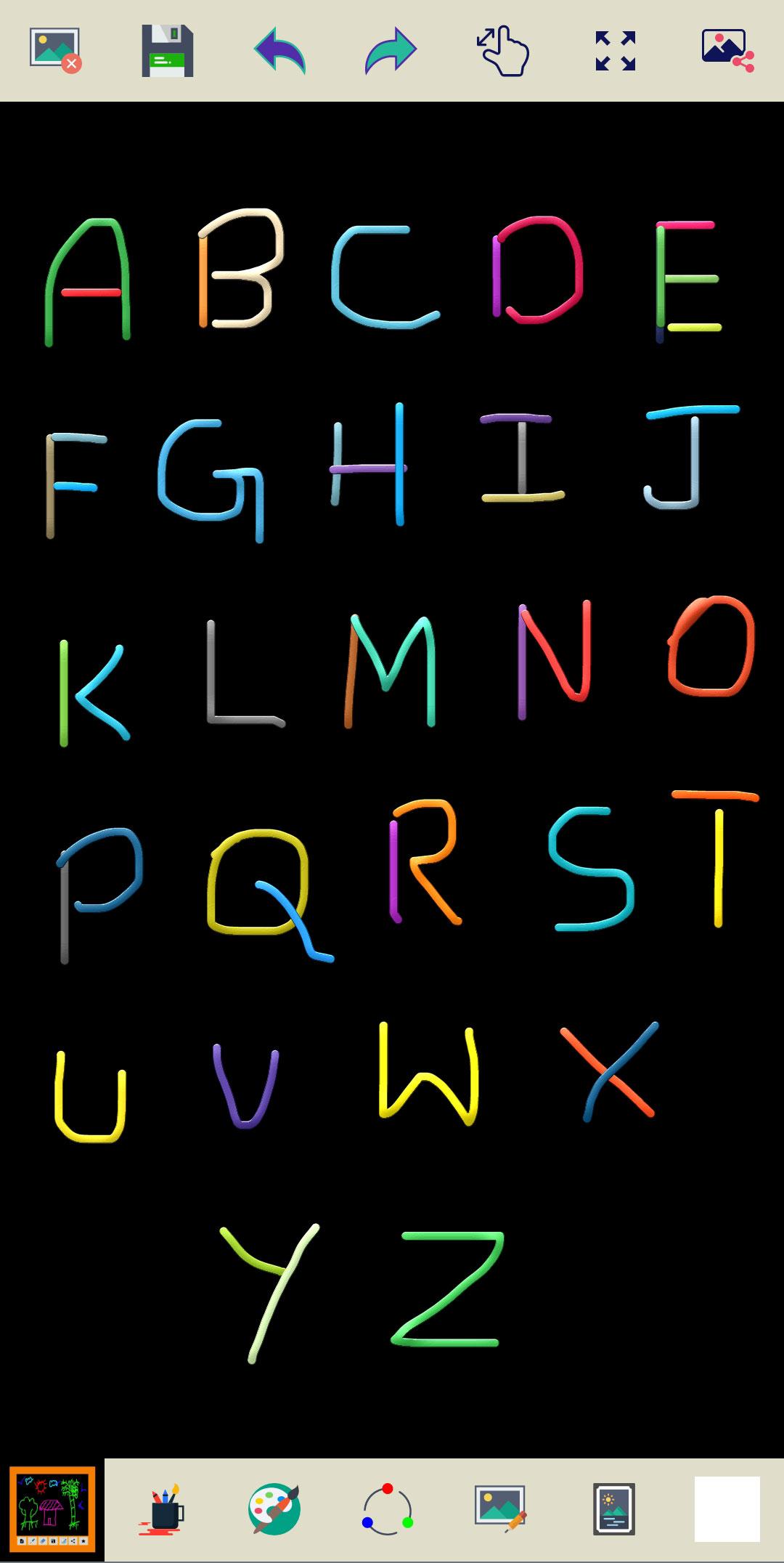
Unleash your creativity with the Magic Slate app, the perfect digital drawing board for all! This app is perfect for those who loves doodling and coloring, Magic Slate offers an intuitive and exciting feature to bring your imagination to life. You can use the brush tools to draw a stroke and also use different brushes like pen, pencil, calligraphy, inner glow, outer glow, emboss, and shapes. Select the brush size tool and adjust the size of the brush. This application helps practice drawing images with multiple colors and writing letters and numbers. This app can help you develop an interest in painting and creative thinking.
Key Features:
🎨 Enjoy a smooth and natural drawing experience that captures every stroke.
🌈 Vibrant Colors and Tools: Express yourself with a wide range of vibrant colors and creative tools.
✏️ Magic Slate's simple interface ensures that everyone can dive in and start drawing without any hassle. It's perfect for kids and adults.
👪 Kids can learn to draw or write alphabets and numbers.
🖼️ You can save your children's drawings on your phone.
⤵️ Magic Buttons "Undo" erases mistakes, like erasing a wrong line. "Redo" brings back what you erased by mistake.
🔍 Pinch your fingers to zoom in and zoom out and see the whole picture.
🖌️ Each brush creates a unique style when you draw. Some brushes make thin lines, others make thick ones. Pick a brush, and see how your drawing changes!
📸 Magic Slate lets you import images, so you can trace and transform your favorite pictures into your own unique creations.
🤳 Share and print your kid's artwork with family and friends.
🌈 "Random Brush Color" feature surprises you with different colors, every time you draw, the brush picks a new color.
🌟 Multi color brushes and sizes are available to choose from.
🎨 You can pick variety of colors to make your drawing background stand out. Just like choosing a canvas for your masterpiece!
🖼️ "My Art Gallery" Explore your wonderful collection of drawings, paintings, and sketches, all kept safe in one place.
Don't keep the "Magic Slate" app a secret! We grow with your support, so please keep sharing :)
Please don't leave negative feedback! Instead, please contact us at ng.labs108@gmail.com, and we'll do our best to solve your issues.
Latest Version
4.5.2.1Uploaded by
Leone Novaes
Requires Android
Android 7.0+
Category
Free Education AppContent Rating
Everyone
Security Report
Report
Flag as inappropriateLast updated on Dec 7, 2025
Thank you for using Magic Slate! This release contains the following features.
✓ Fixed toolbar display issues that caused it to hide behind the device status bar.
✓ Improved app appearance with fully optimized Light and Dark themes.






APKPure - A multi-platform app store primarily focused on Android, providing extensive app-related content. Discover the app you want easier, faster, and safer, with quick and efficient downloads and installations.