


Package Name:com.logochanger.gg.play
SHA-256:fe7f9a611cc058ae8f769a3e338eb02c8892368479f74922586c0f5919b70194
Show More

Logo Changer is the ultimate professional tool for designing stunning app icons and brand identities directly on your mobile device. Whether you are a developer preparing for an app launch, an entrepreneur building a brand, or a creative hobbyist, Logo Changer provides a high-end, native experience to bring your vision to life.
Designed for speed and precision, Logo Changer works entirely offline. No subscriptions, no AI delays, and no internet required—just pure creative control at your fingertips.
UNLIMITED CUSTOMIZATION
Logo Changer offers three core design modules to ensure every pixel of your brand is perfect:
1. STYLE & BACKGROUND
Custom Corner Radii: From sharp squares to perfect circles and smooth "squircles."
Border Controls: Fine-tune border thickness and color for a polished, professional look.
Pro Gradients: Create depth with linear gradients using a curated professional color palette.
Dynamic Shadows: Add elevation and "pop" with adjustable blur and opacity settings.
2. SYMBOLS & ICONS
Massive Icon Library: Choose from dozens of high-quality vector icons across various categories (Tech, Lifestyle, Nature, and more).
Custom Image Upload: Import your own PNG or JPG assets to use as a primary logo element.
Transformation Suite: Precisely control scale, rotation, and offsets with pixel-perfect sliders.
Opacity & Color: Blend symbols into your background with professional transparency controls.
3. ADVANCED TYPOGRAPHY
Professional Fonts: Select from high-end typefaces like Inter, Outfit, and Playfair Display.
Text Effects: Add professional strokes, glow intensities, and letter-spacing for a premium feel.
Positional Control: Align your text anywhere on the canvas with ease.
PROFESSIONAL WORKFLOW
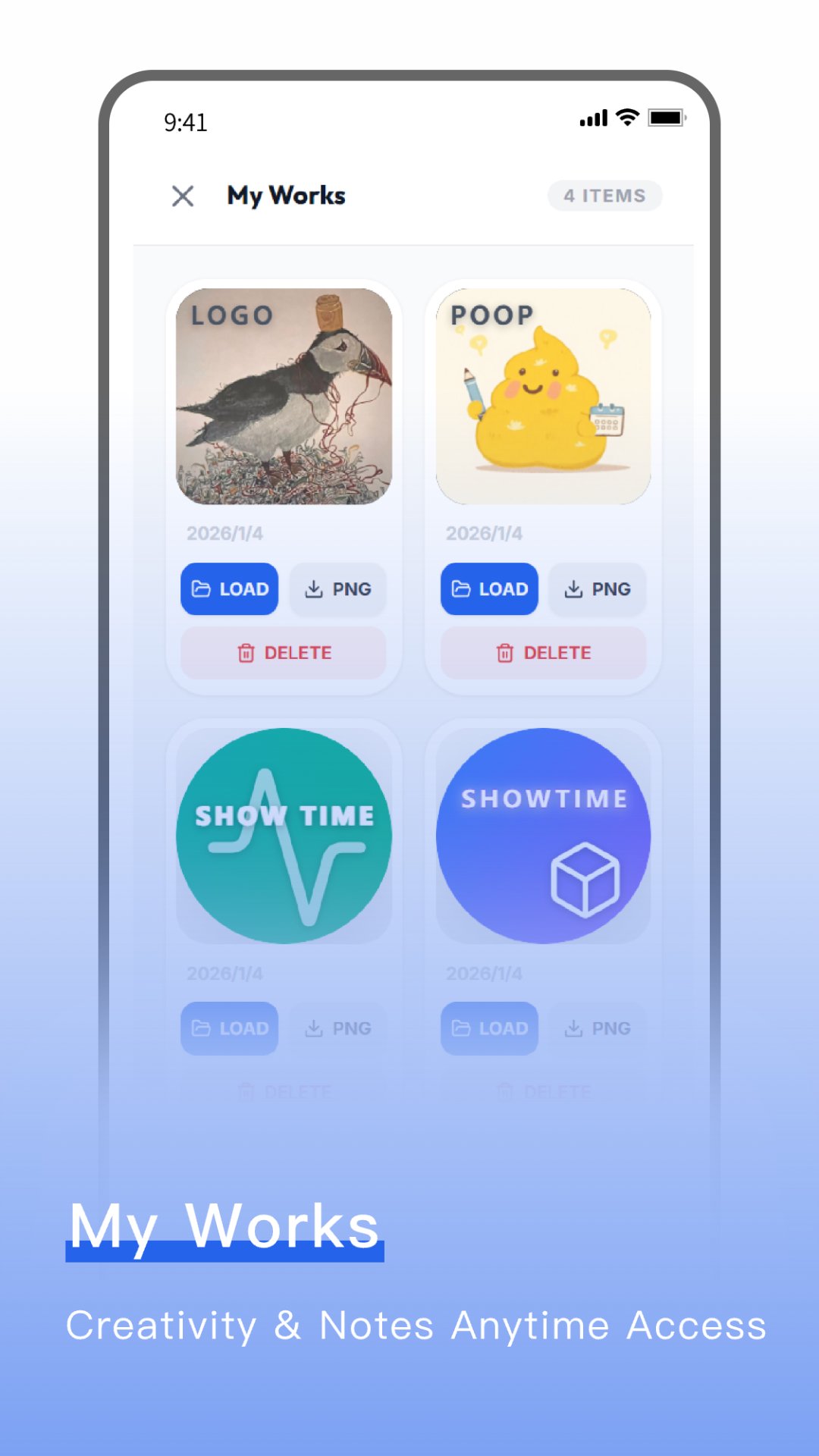
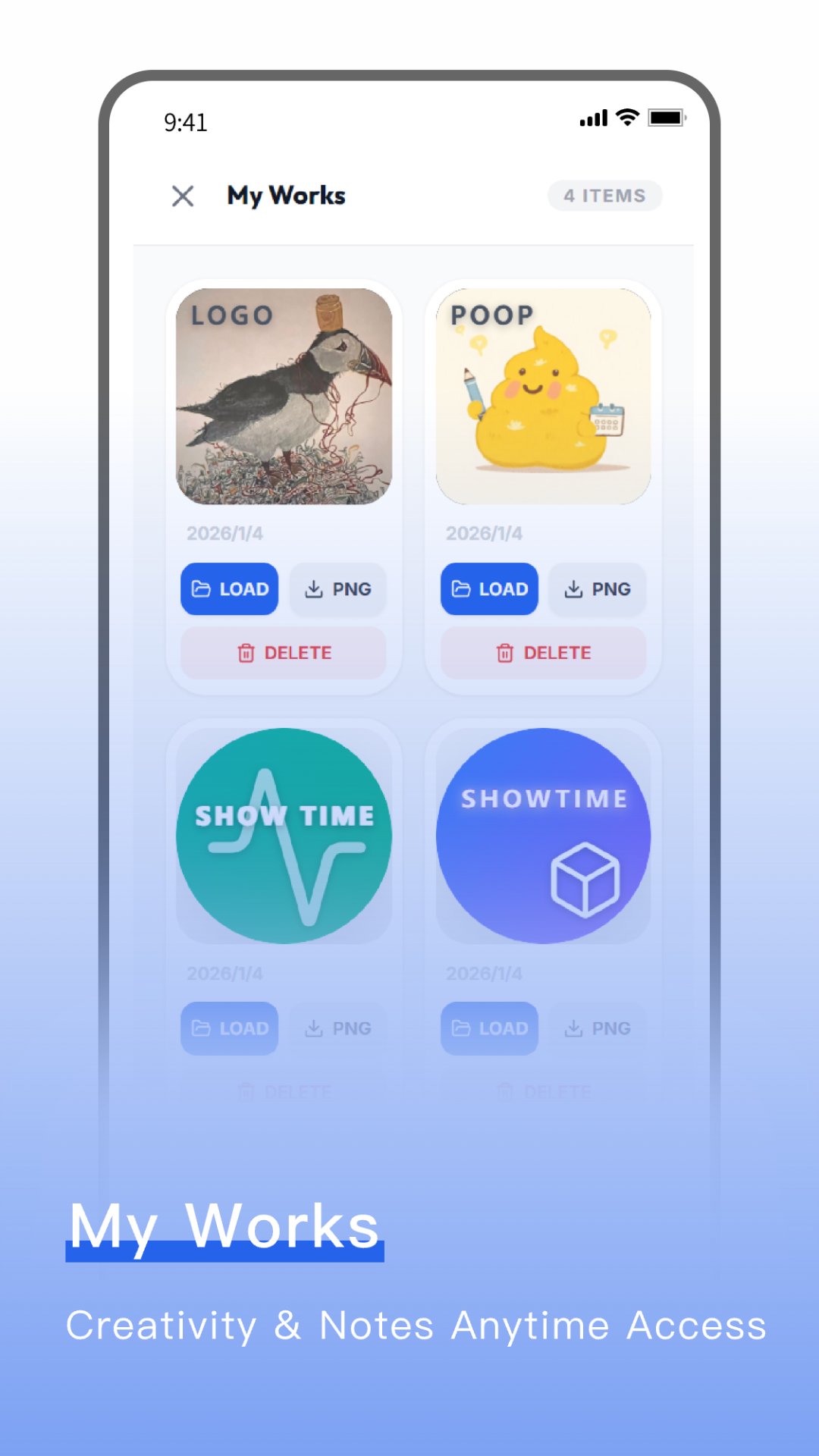
Local Gallery: Save your masterpieces to "My Works." Edit, delete, or re-export them anytime.
High-Res Export: Generate 1024x1024 PNG files ready for the App Store, Play Store, or social media.
One-Tap Reset: Experiment freely and start fresh instantly with the global reset function.
WHY LOGO CHANGER?
Offline First: Design anywhere, anytime. Your creativity isn't limited by your data plan.
Native Performance: Built for a smooth, lag-free experience that feels like a system app.
Privacy Focused: Your designs stay on your device. We never upload your assets to a server.
Transform your brand identity today with the most intuitive logo changer on the market. Download now and start creating!
Latest Version
1.3.0Uploaded by
Tho Vilavongsa Vilavongsa
Requires Android
Android 7.0+
Category
Free Productivity AppContent Rating
Everyone
Security Report
Check Now
Report
Flag as inappropriateLast updated on Mar 23, 2026
Minor bug fixes and improvements. Install or update to the newest version to check it out!






APKPure - A multi-platform app store primarily focused on Android, providing extensive app-related content. Discover the app you want easier, faster, and safer, with quick and efficient downloads and installations.







