Transfer files between two devices quickly using iZap
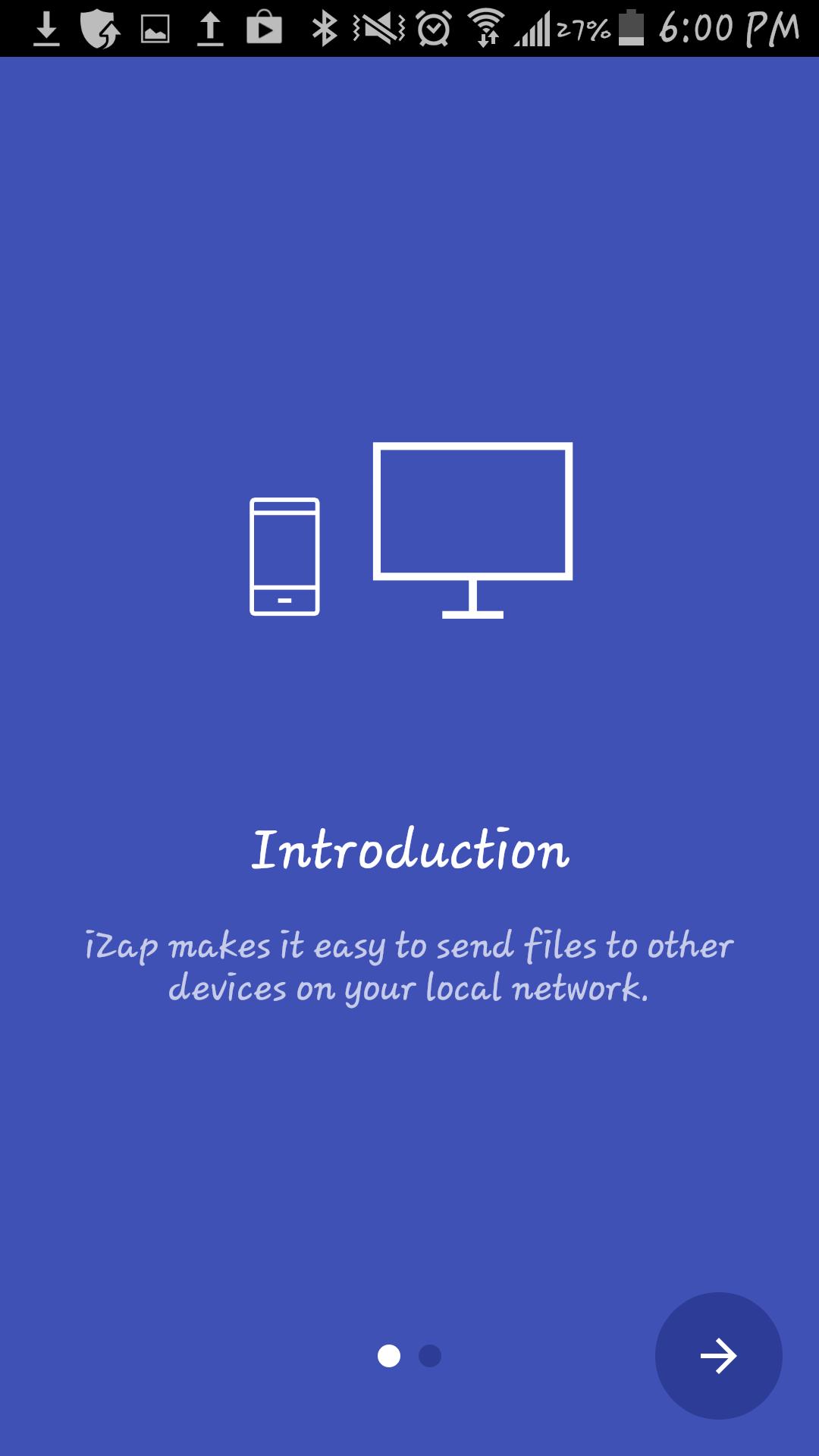
It`s an app based on WiFi technology designed to speed up your file transfers.
iZap is way more faster that the traditional BT transfers.
How to use it:
1. Install the App on both devices
2. Make sure there is a WiFi connection between the devices (on the same WiFi router or hotspot. You can also start the portable hotspot feature on one device and connect the other)
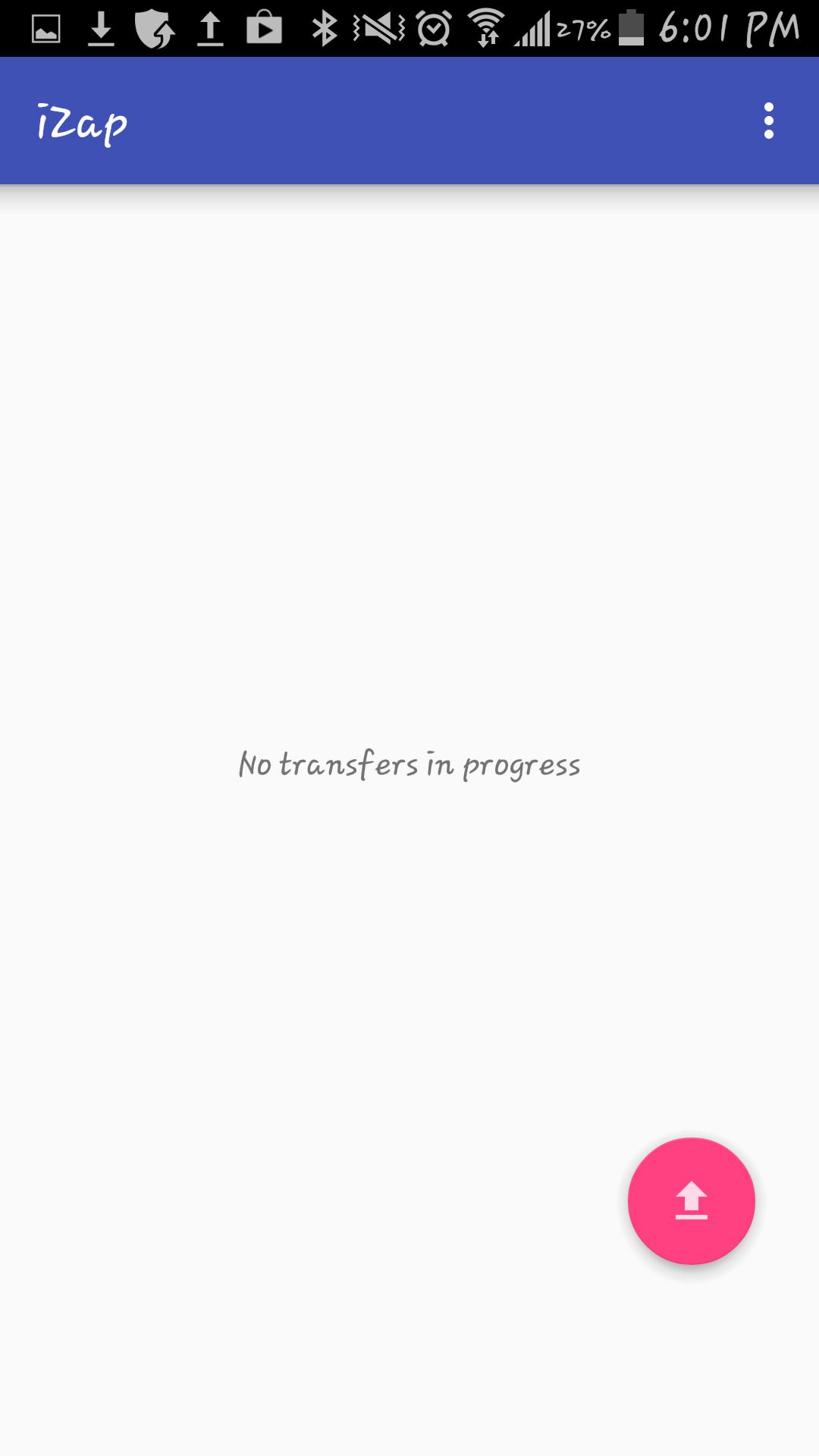
3. Click on the pink "upload" button.
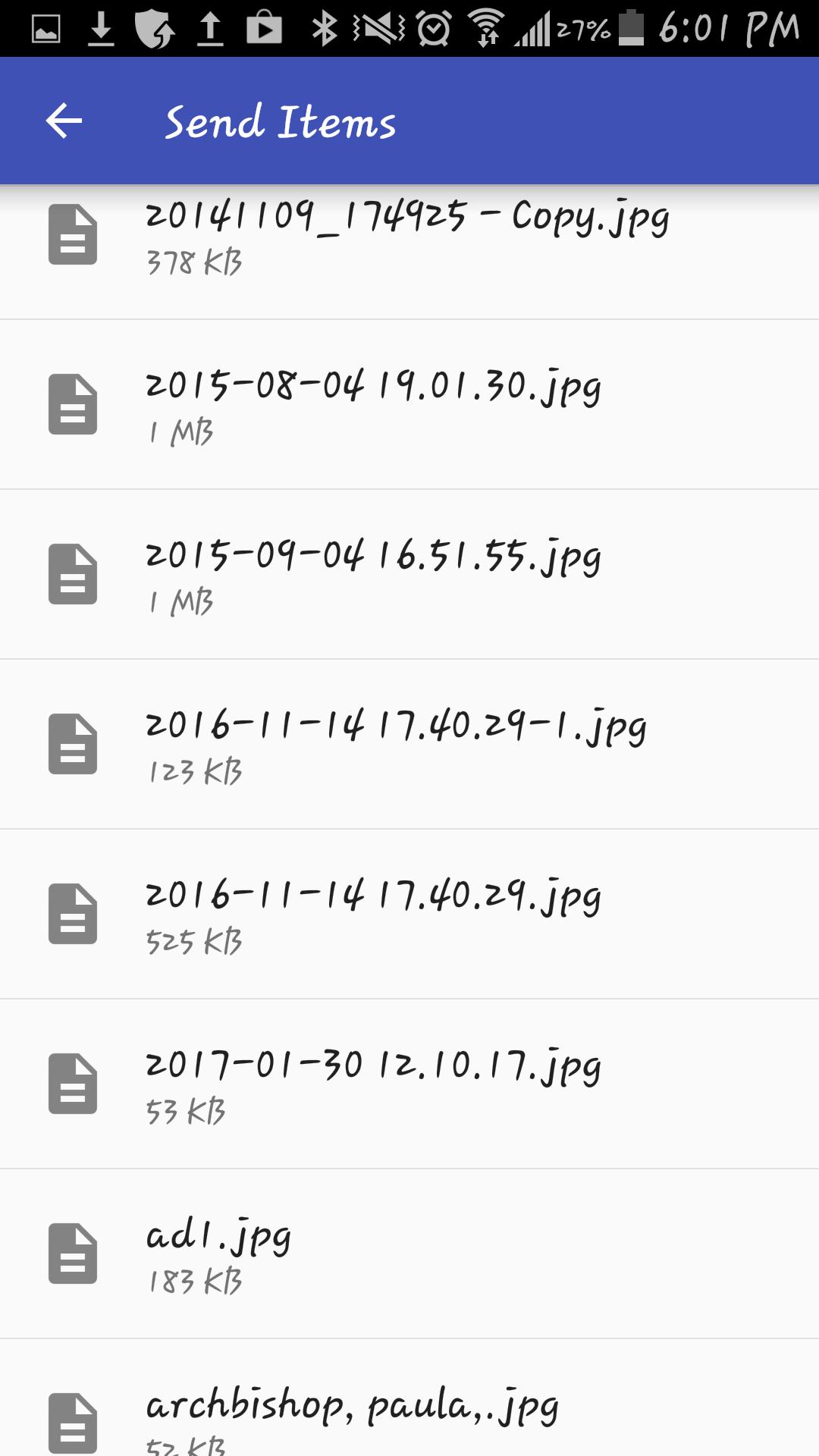
4. Select the file(s) you wish to transfer.
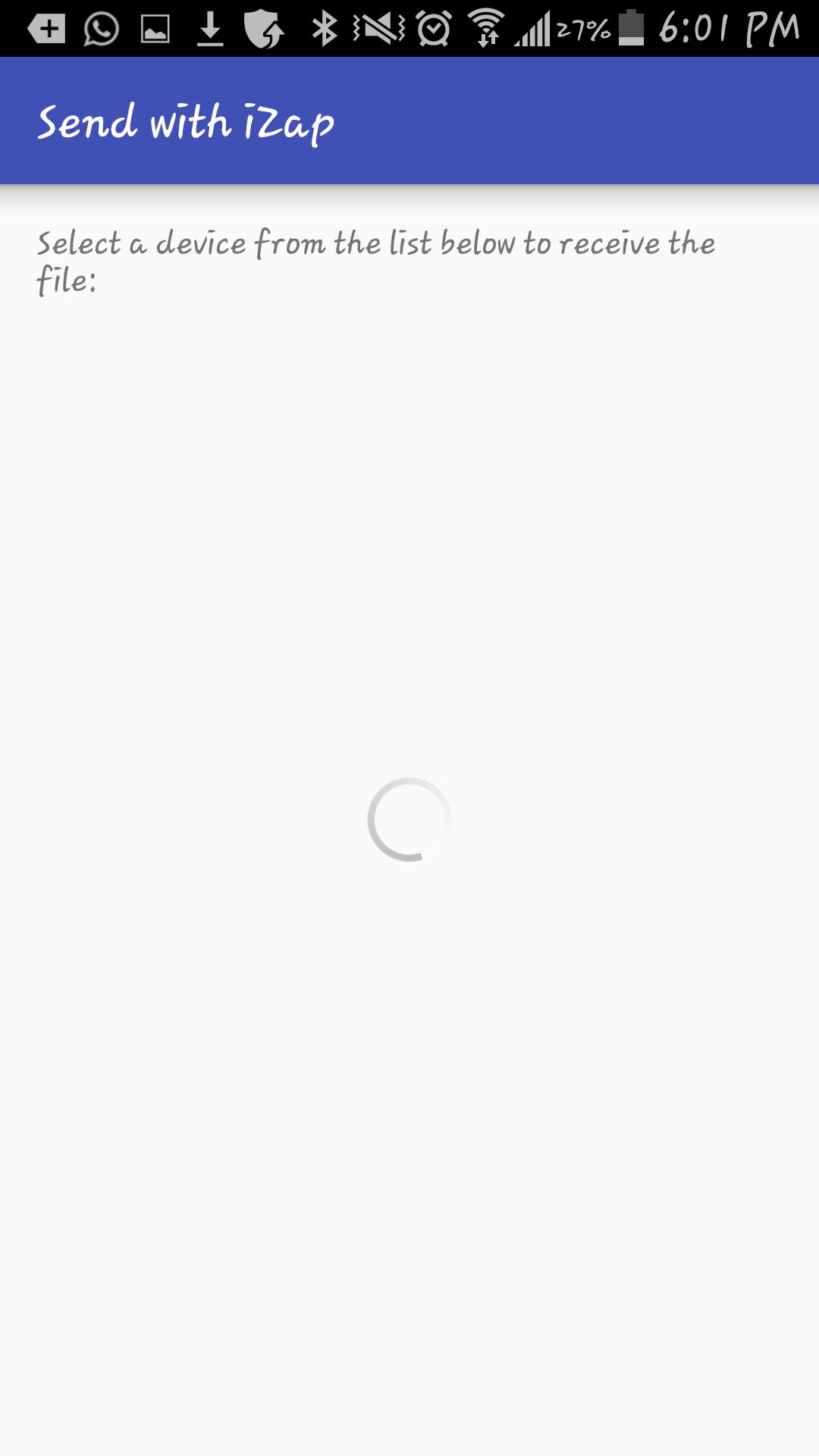
5. Select the device which you want to transfer the files to.
6. Share!
iZap is free and will always be.
Get it today for free!
9e2a93208e
Last updated on 2018年01月11日
このバージョンには軽微な不具合の修正と全般的な改善が含まれています。快適に利用するため、最新版にアップデートしてください。


APKPure - Androidを中心としたマルチプラットフォームのアプリストアで、豊富なアプリ関連コンテンツを提供しています。より簡単に、より速く、より安全にアプリを見つけることができ、ダウンロードとインストールも迅速かつ効率的です。