Transfer files between two devices quickly using iZap
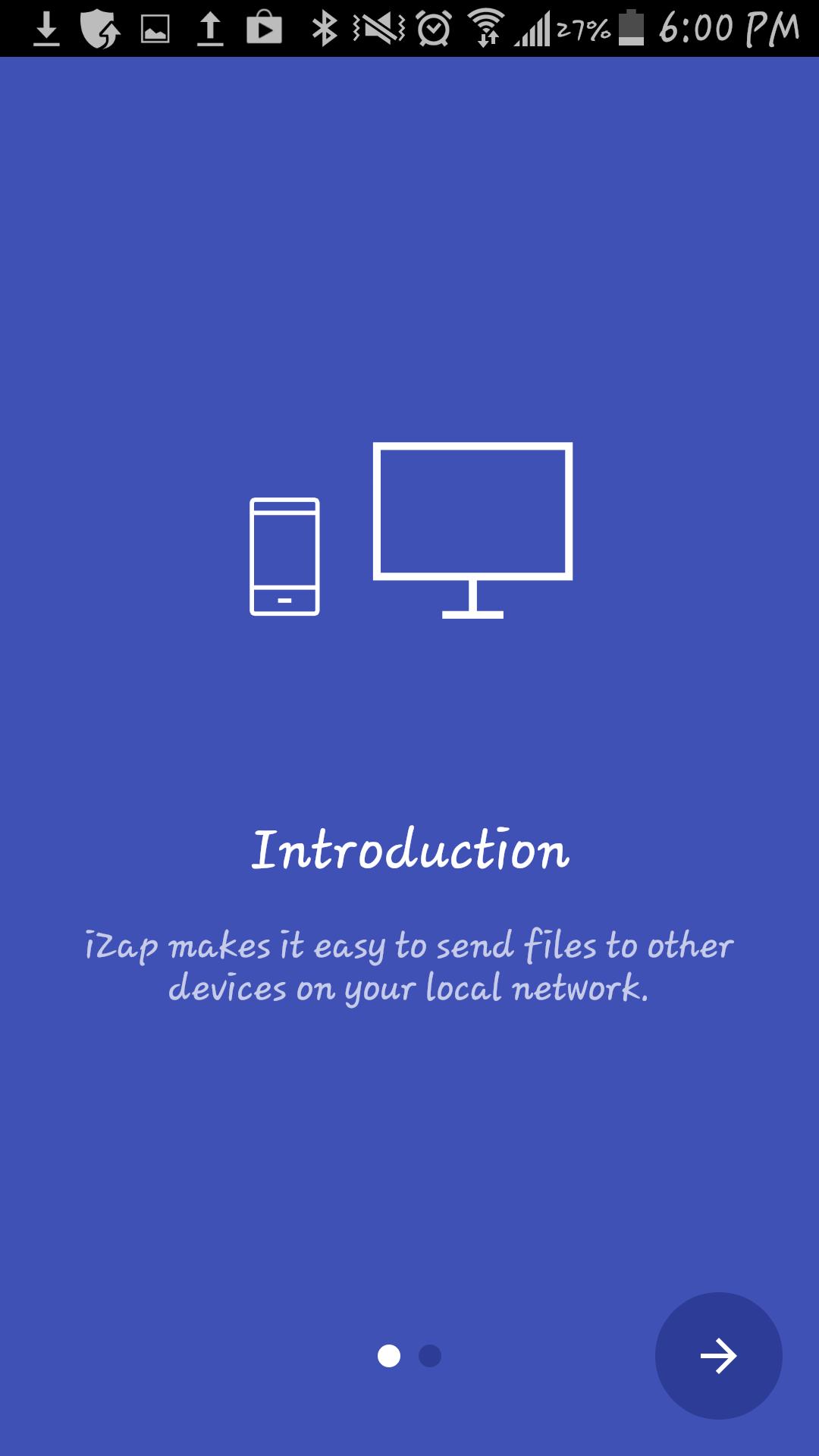
It`s an app based on WiFi technology designed to speed up your file transfers.
iZap is way more faster that the traditional BT transfers.
How to use it:
1. Install the App on both devices
2. Make sure there is a WiFi connection between the devices (on the same WiFi router or hotspot. You can also start the portable hotspot feature on one device and connect the other)
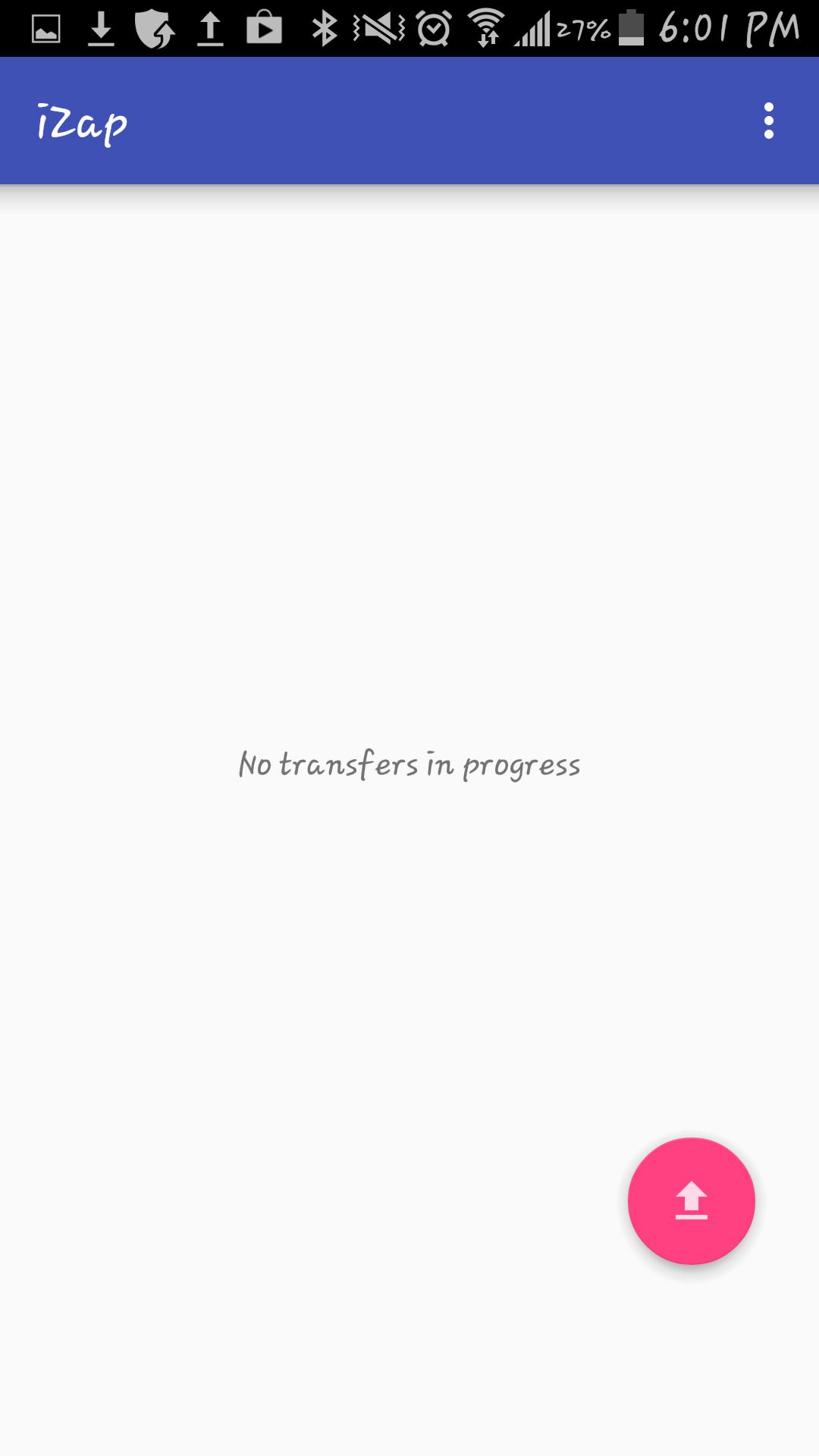
3. Click on the pink "upload" button.
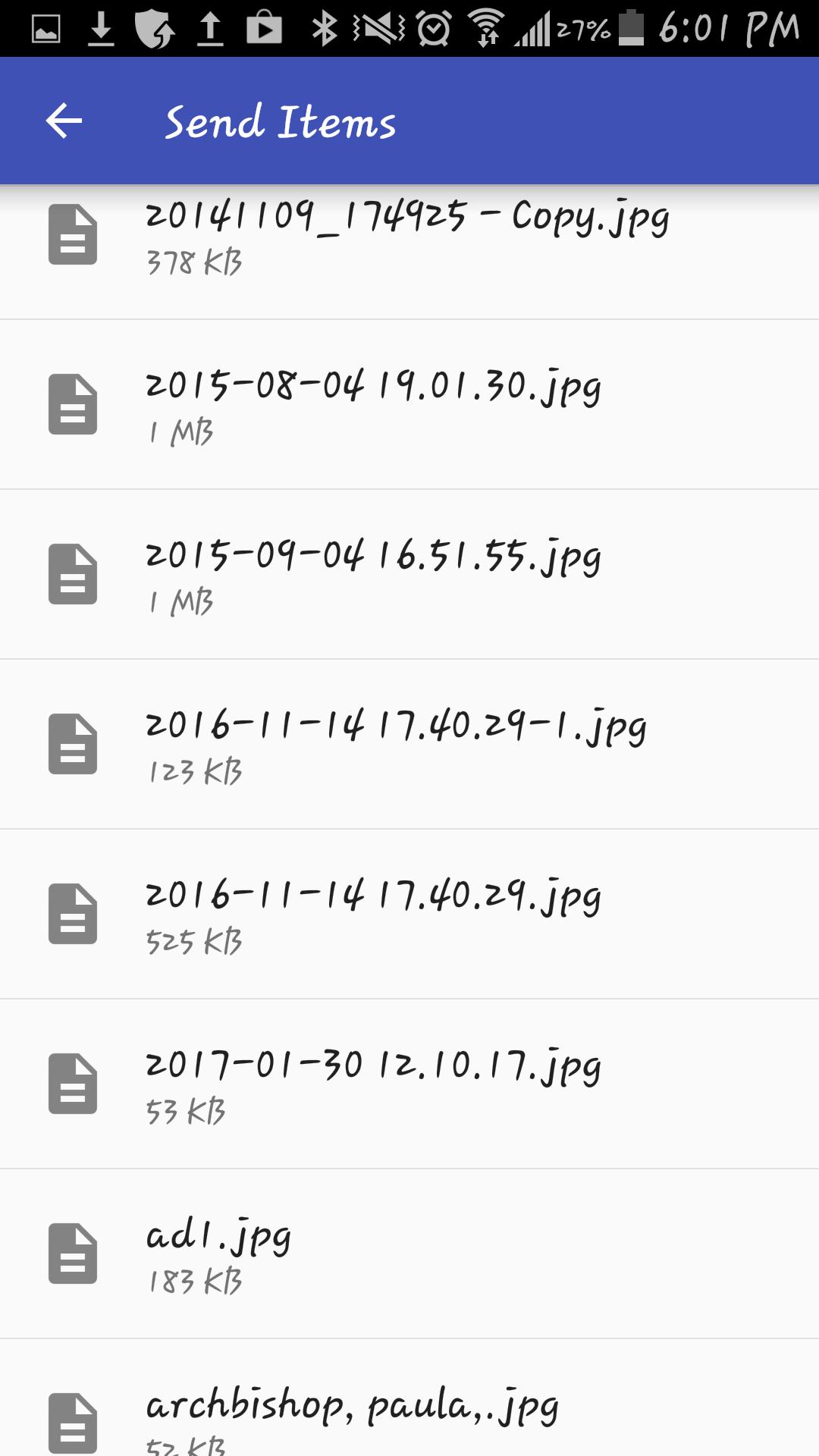
4. Select the file(s) you wish to transfer.
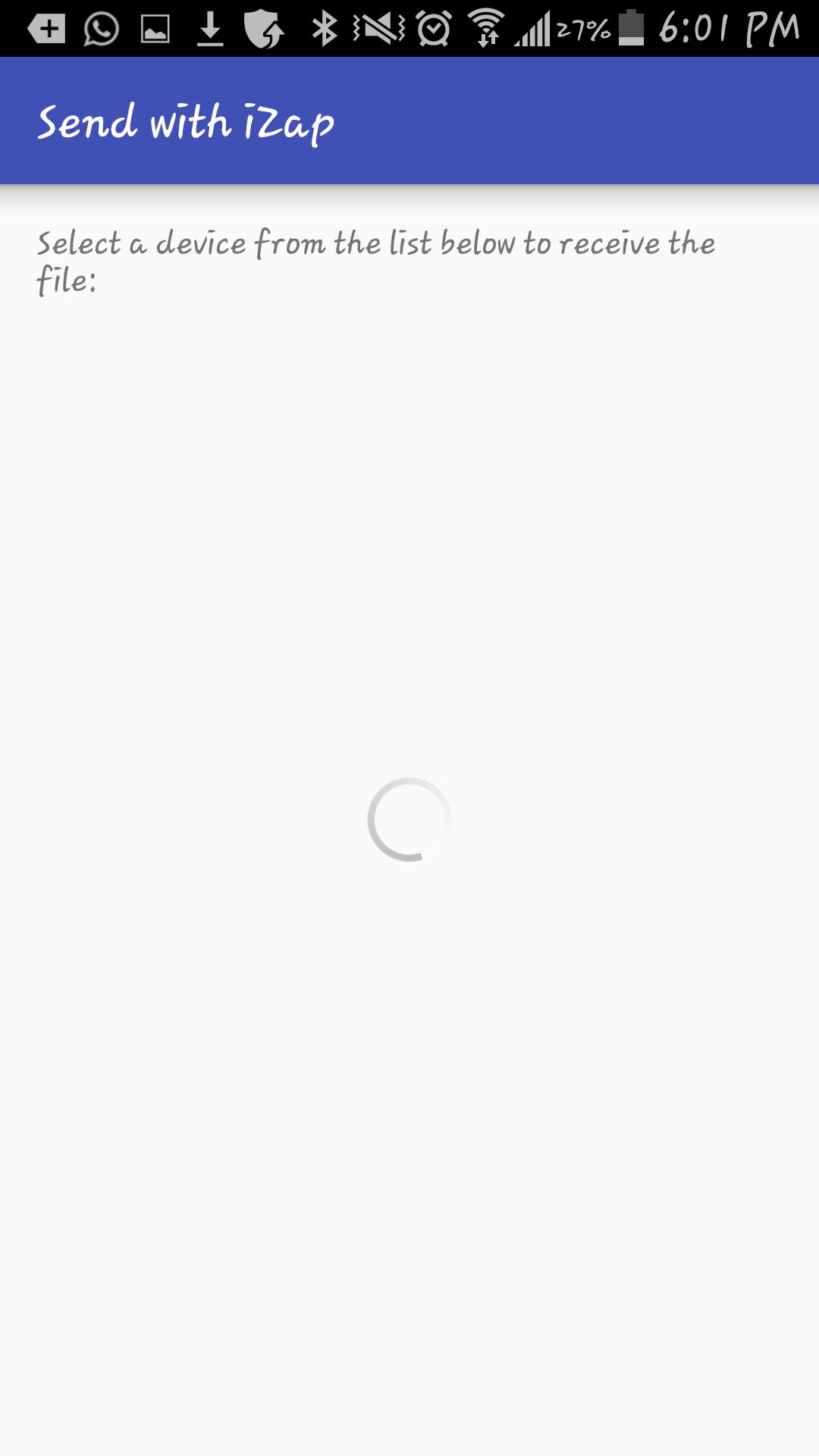
5. Select the device which you want to transfer the files to.
6. Share!
iZap is free and will always be.
Get it today for free!
9e2a93208e
Versi Terbaru
1Diunggah oleh
عبدالله عبد اللخ
Perlu Android versi
Android 4.1+
Kategori
Gratis Alat APLIKASIRating konten
Everyone
Last updated on Jan 11, 2018
Versi ini berisi perbaikan bug kecil dan peningkatan umum. Update ke versi terbaru untuk mendapatkan pengalaman terbaik.


APKPure - Toko aplikasi multi-platform yang terutama berfokus pada Android, menyediakan konten terkait aplikasi yang luas. Temukan aplikasi yang Anda inginkan dengan lebih mudah, cepat, dan aman, dengan unduhan dan pemasangan yang cepat dan efisien.