Transfer files between two devices quickly using iZap
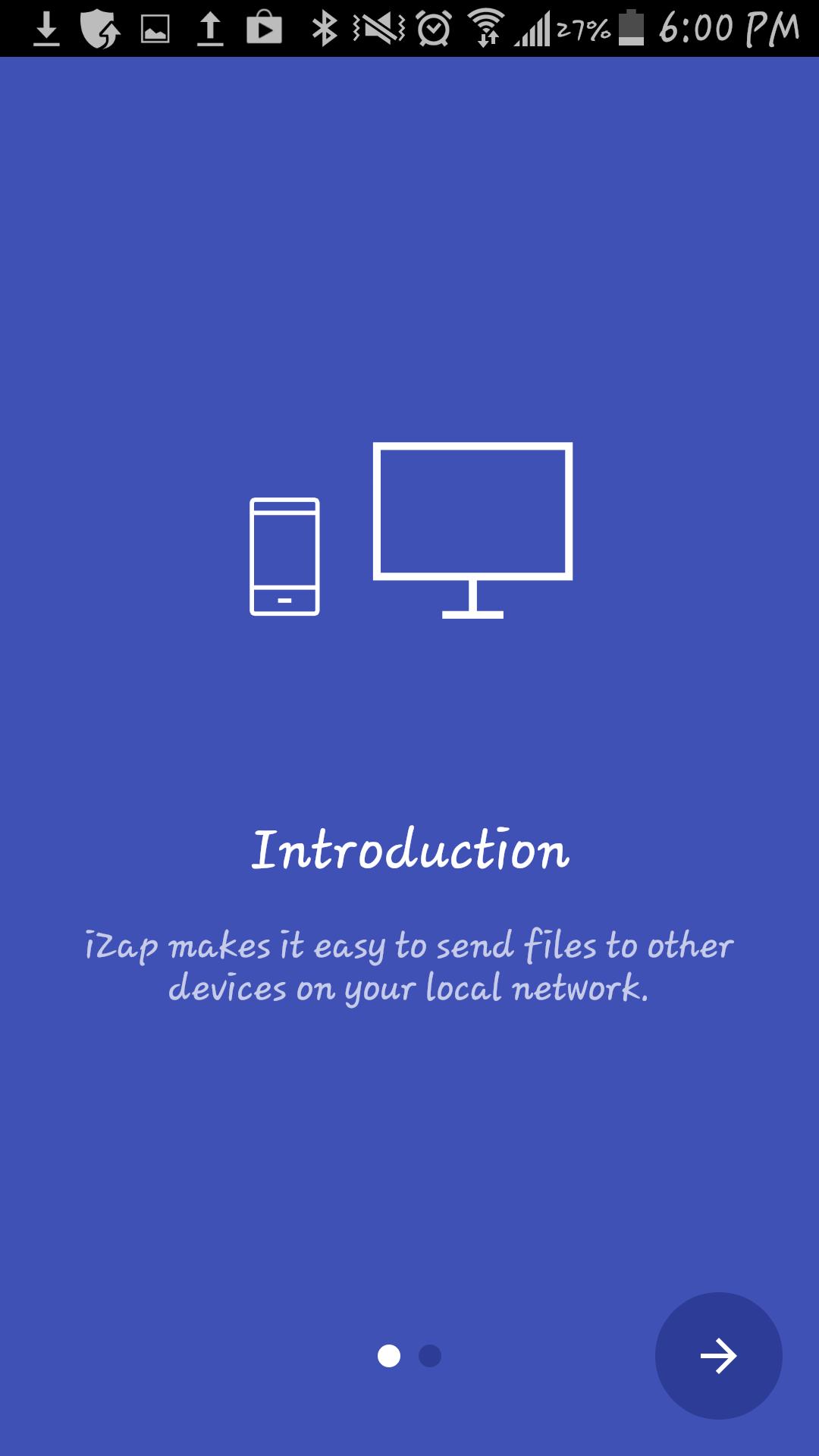
It`s an app based on WiFi technology designed to speed up your file transfers.
iZap is way more faster that the traditional BT transfers.
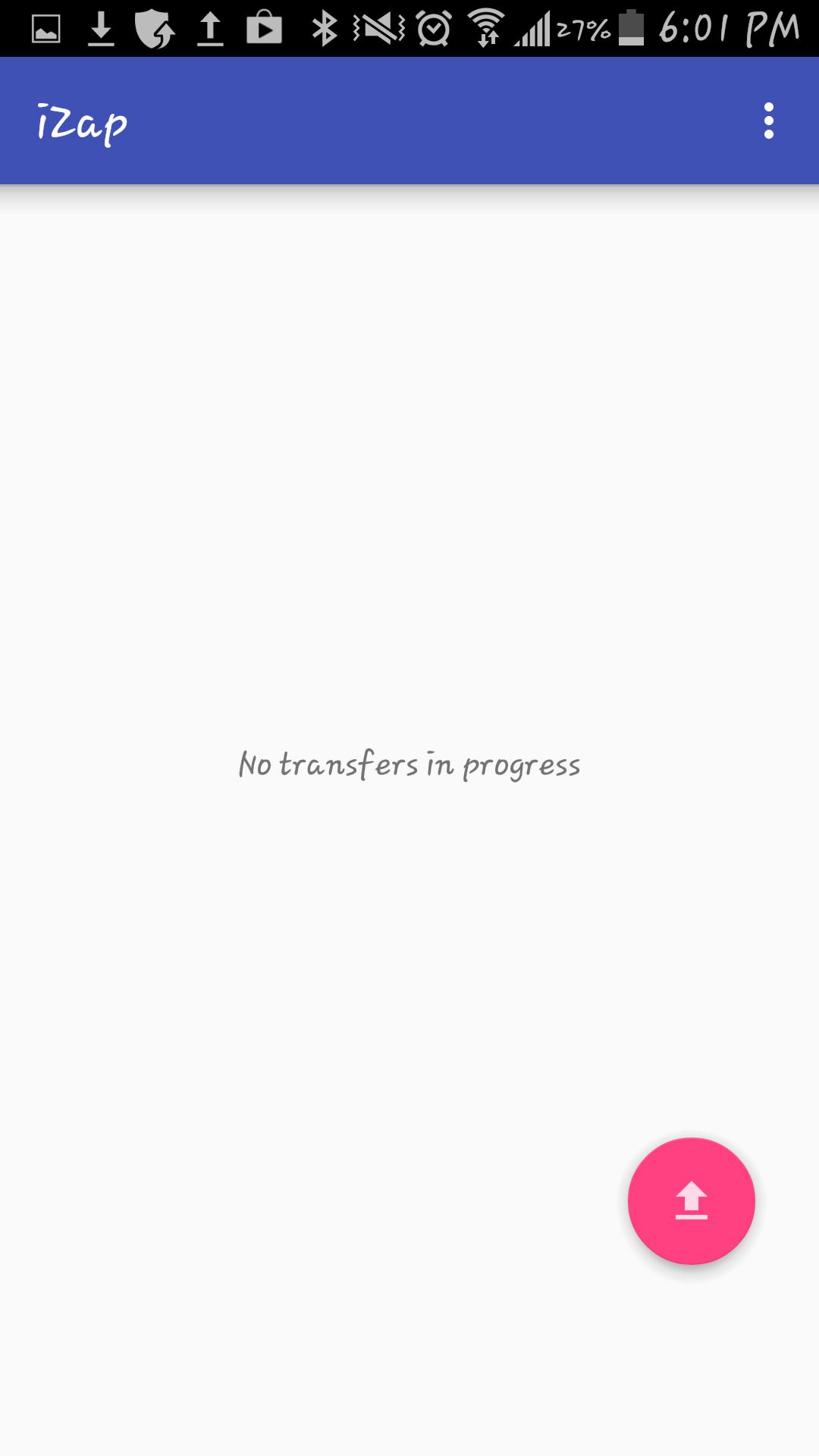
How to use it:
1. Install the App on both devices
2. Make sure there is a WiFi connection between the devices (on the same WiFi router or hotspot. You can also start the portable hotspot feature on one device and connect the other)
3. Click on the pink "upload" button.
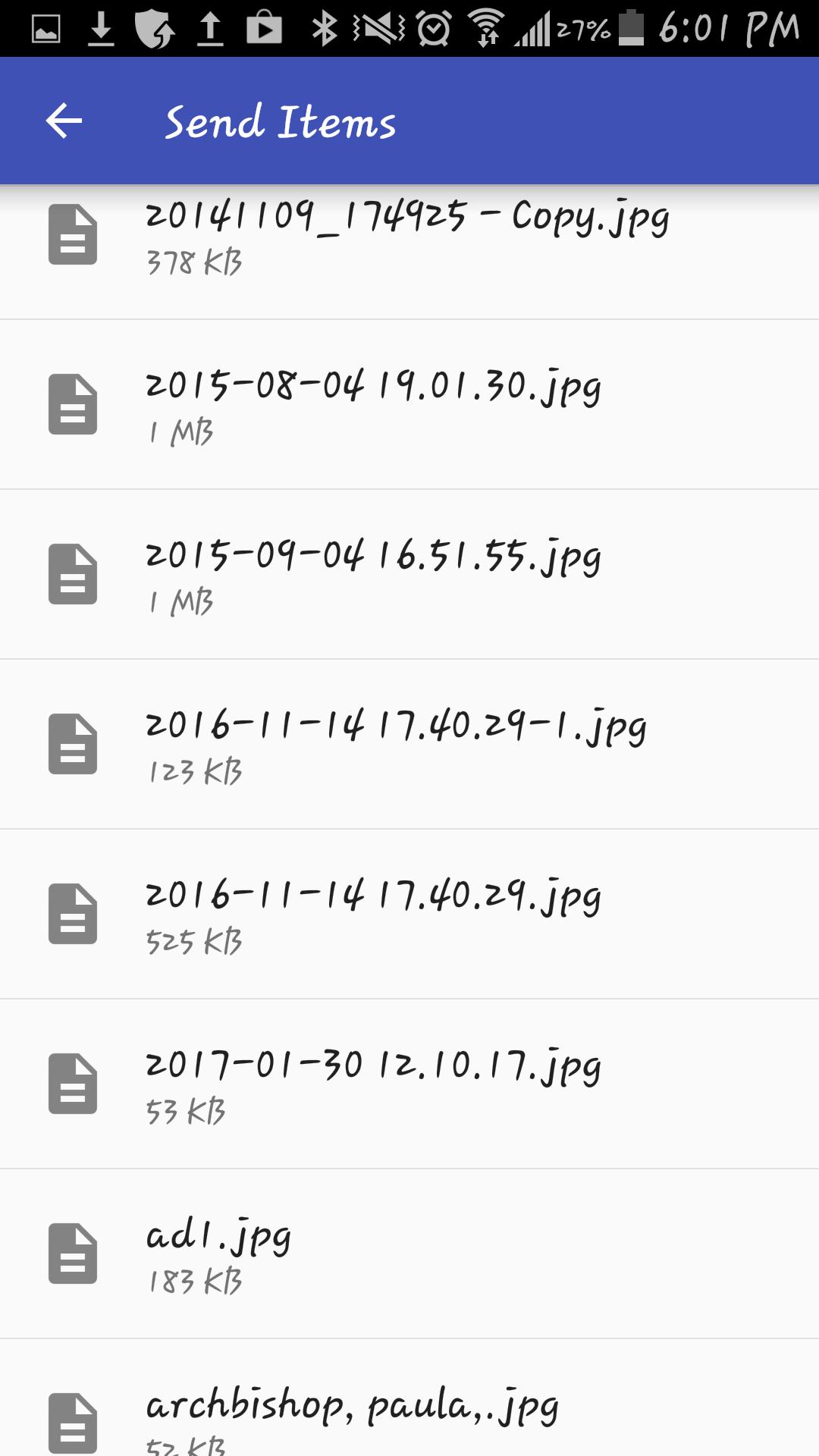
4. Select the file(s) you wish to transfer.
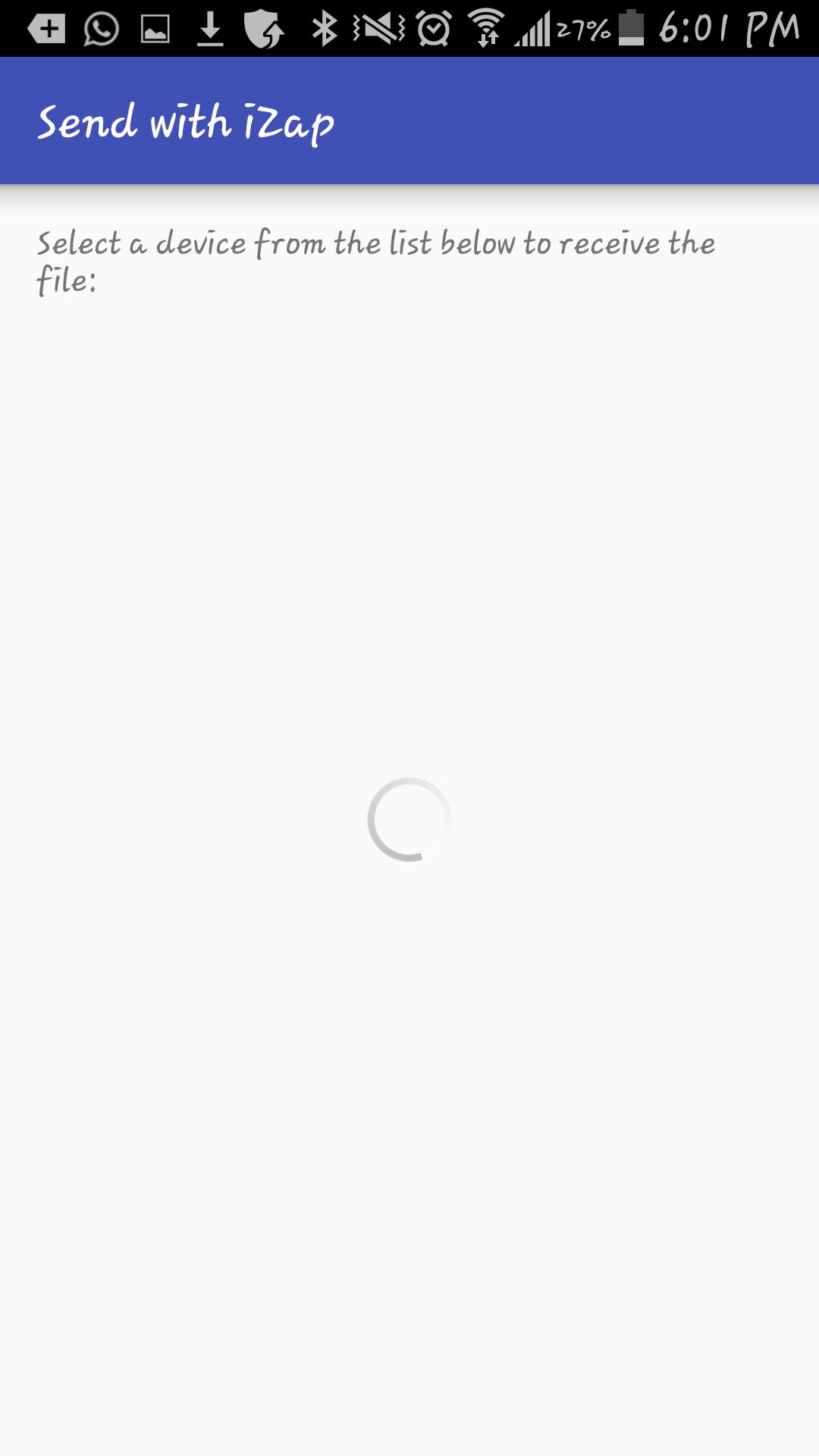
5. Select the device which you want to transfer the files to.
6. Share!
iZap is free and will always be.
Get it today for free!
9e2a93208e
احدث اصدار
1محمل
عبدالله عبد اللخ
Android متطلبات النظام
Android 4.1+
تقييم المحتوى
Everyone
الإبلاغ
تحديد كغير مناسبLast updated on 11/01/2018
يتضمن هذا الإصدار إصلاحات بسيطة للأخطاء وتحسينات عامة. حدّث إلى أحدث إصدار للحصول على أفضل تجربة.


APKPure - متجر تطبيقات متعدد المنصات يركز بشكل أساسي على نظام أندرويد، ويوفر محتوى واسع يتعلق بالتطبيقات. اكتشف التطبيقات التي تريدها بسهولة وسرعة وأمان، مع تنزيلات وتثبيتات سريعة وفعالة.