Transfer files between two devices quickly using iZap
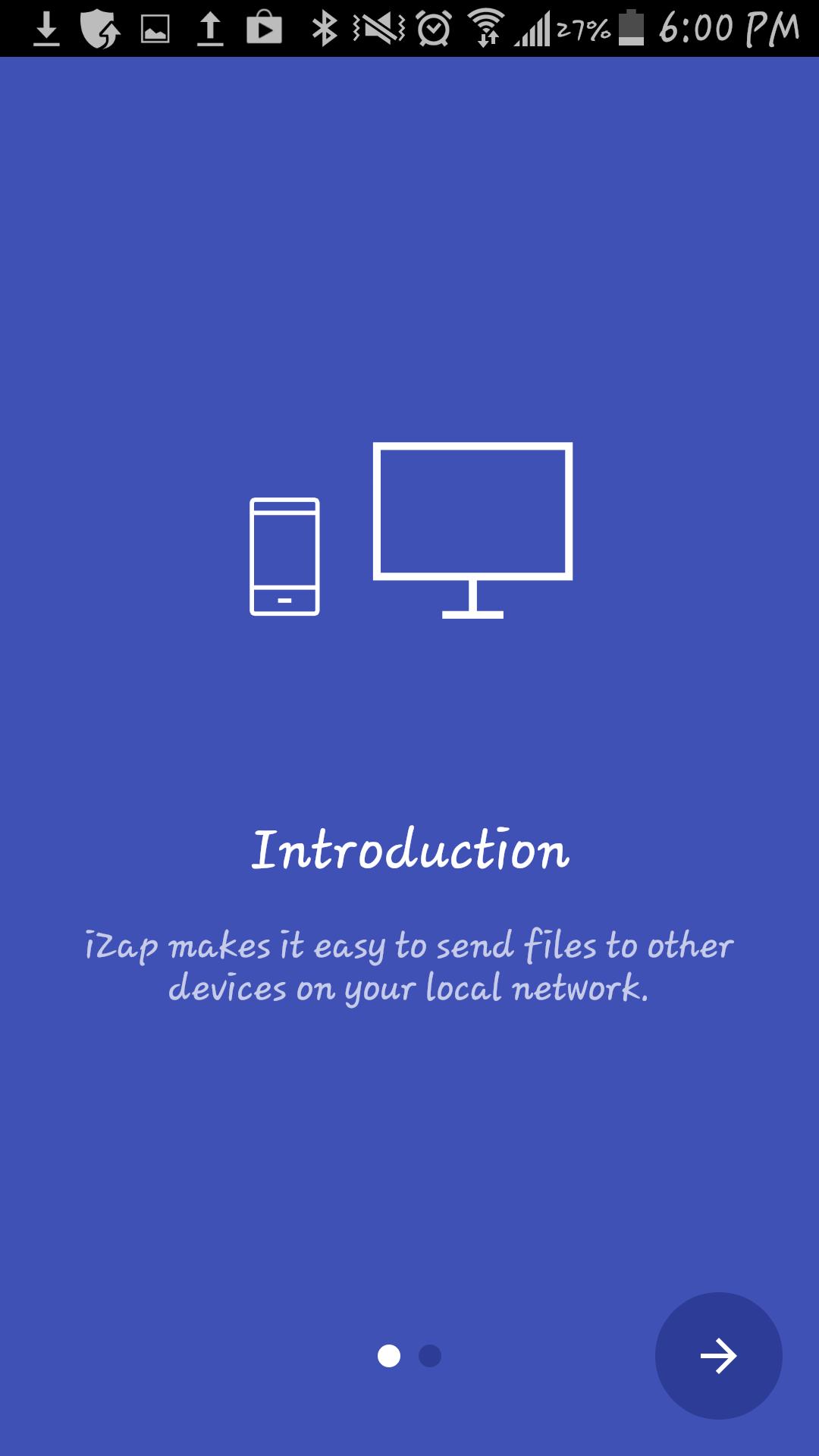
It`s an app based on WiFi technology designed to speed up your file transfers.
iZap is way more faster that the traditional BT transfers.
How to use it:
1. Install the App on both devices
2. Make sure there is a WiFi connection between the devices (on the same WiFi router or hotspot. You can also start the portable hotspot feature on one device and connect the other)
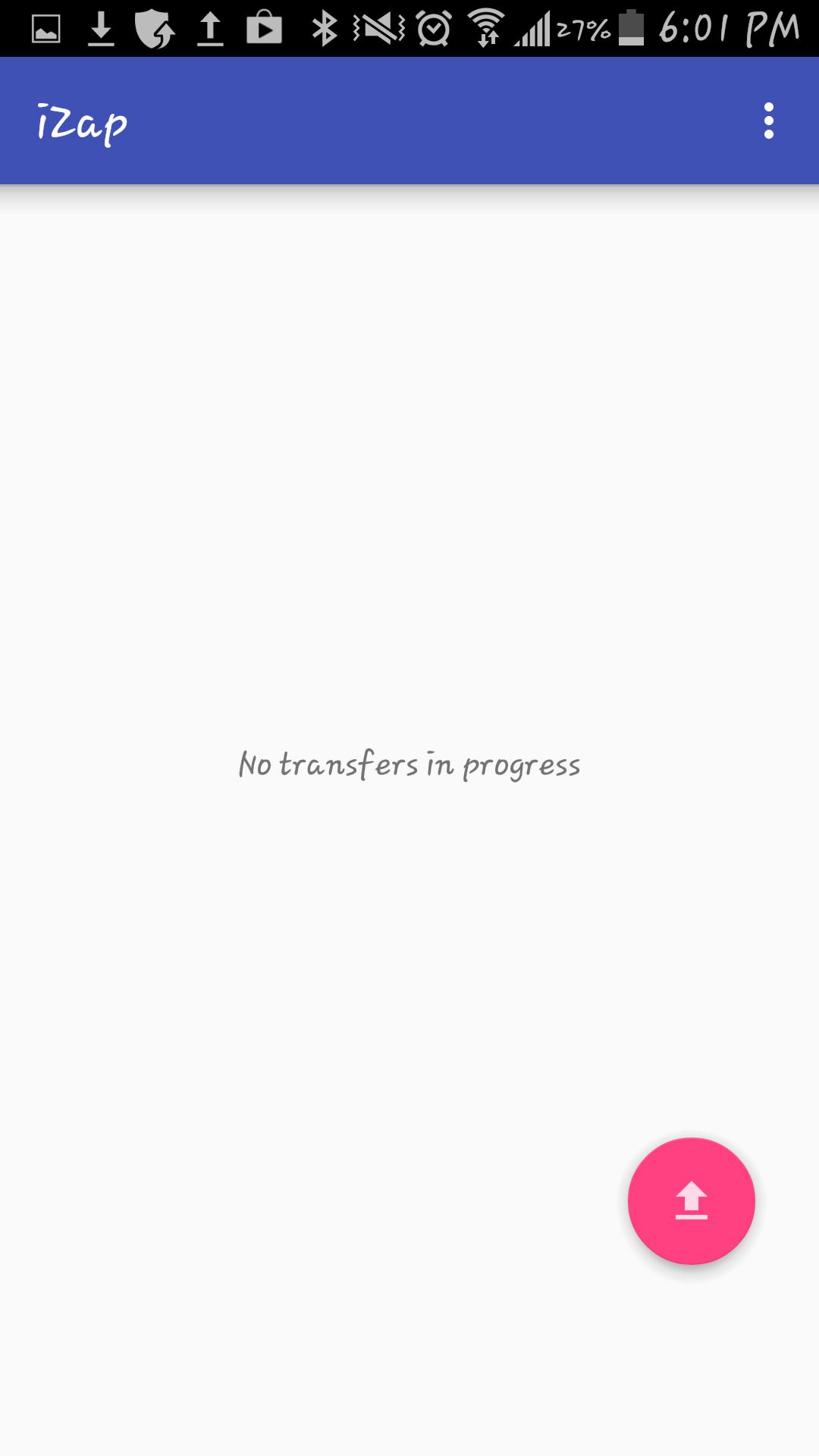
3. Click on the pink "upload" button.
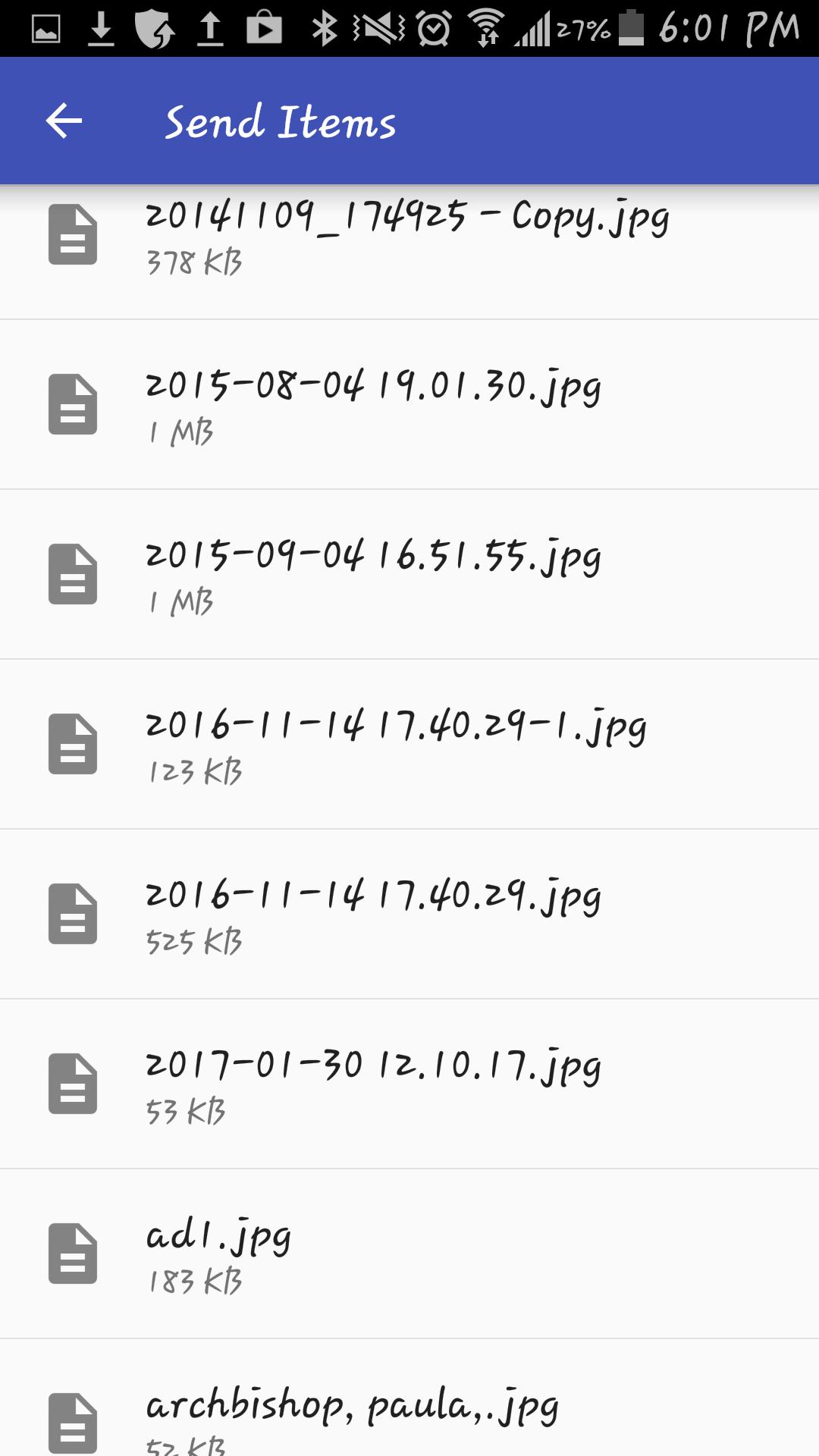
4. Select the file(s) you wish to transfer.
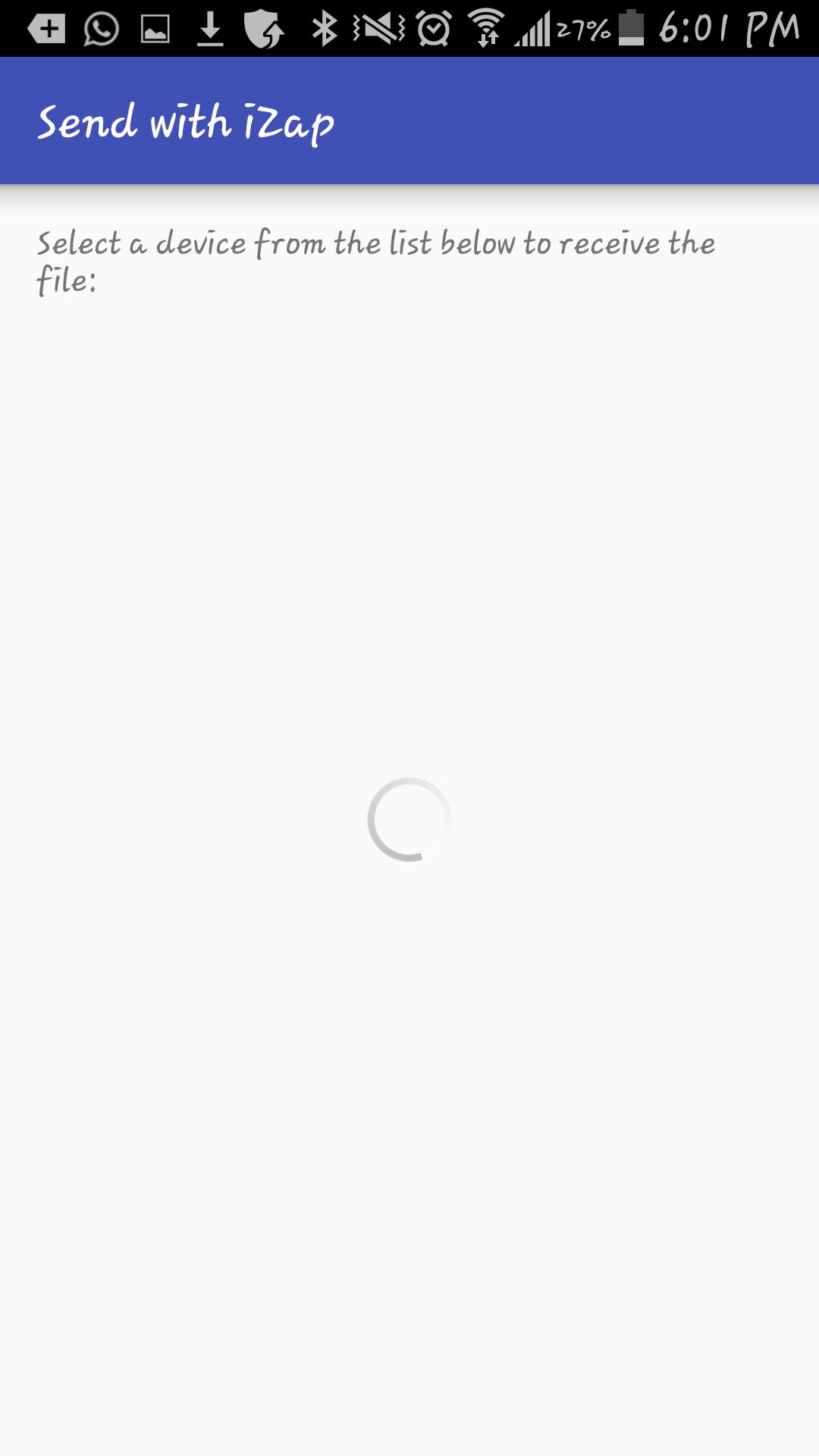
5. Select the device which you want to transfer the files to.
6. Share!
iZap is free and will always be.
Get it today for free!
9e2a93208e
Aktuelle Version
1Von hochgeladen
عبدالله عبد اللخ
Erforderliche Android-Version
Android 4.1+
Kategorie
Gratis Tools APPAltersfreigabe
Everyone
Last updated on Jan 11, 2018
Diese Version enthält kleinere Fehlerbehebungen und allgemeine Verbesserungen. Aktualisiere auf die neueste Version, um die bestmögliche Nutzererfahrung zu erhalten.


APKPure – Ein plattformübergreifender App-Store mit Fokus auf Android, der eine Vielzahl an Apps und relevanten Inhalten bietet. Entdecken Ihre gewünschte App, laden und installieren Sie schneller, sicherer und effizienter.