A stunning interface for your Android device! Please read the instructions and watch the video tutorial before purchasing! Email me for help, reply within 1-2 working days. FAQ can be found below.
(This is a reupload of "Iron UI J.Q", previous buyers can email to receive the app free of charge.)
REQUIREMENT
- Install "UCCW" to use this skin: https://bit.ly/1iJCXPK
Optional:
- Wallpapers & Icon: http://imgur.com/a/t3yGp
- Third-party launcher with features like homescreen grid sizer. "Nova Launcher" is one example.
- Music player (unfortunately track info no longer supported): Install "Media Utilities" to enable music widget: https://bit.ly/1rdP5ki
Open the app and tick [✔]UCCW, [✔]Use alt..., [✔]Attempt direct... and [✔]Send Song..., in settings.
- - - - - - - - - - - - - - - - - - -
TUTORIAL & SUPPORT
Video tutorial: http://youtu.be/AXPspija9Mk
Music Widget tutorial: http://youtu.be/wpxXW4yZ6ss
FAQ:
SKIN DOES NOT SHOW IN WIDGETS
After downloading the skin and UCCW from google play, move on by adding a UCCW widget to your homescreen, then choose which skin to apply.
THE WIDGETS LOOKS TOO SMALL / DOESN'T ALIGN WELL
You need to change the grid size of your launcher accordingly to your screen resolution. Try hiding your notification bar (if supported by your launcher) and the dock, this will increase the screen real estate.
HOW DO I EDIT HOTSPOTS?
Open UCCW and go to its settings menu, select "lock widgets", set it to "OFF". Tap the widget you wish to edit, set "lock widgets" to "ON" when done.
HOW TO ENABLE UNREAD EMAIL COUNTER?
Email counter is only supported by the Gmail application as of now. You can however link any other types email (such as Yahoo, Outlook etc.) to the Gmail application. Start by opening UCCW and go to its settings menu, select "lock widgets", set it to "OFF". Tap the email widget and navigate to "Objects". Find and select "Gmail", then "Gmail settings". Finally, select your gmail account and inbox. Set "lock widgets" to "ON" when done.
I DON'T HAVE THE "THREE DOT" BUTTON
The "three-dot-button" shown in the video tutorial is a substitute to the physical "menu" button on devices with hardware buttons.
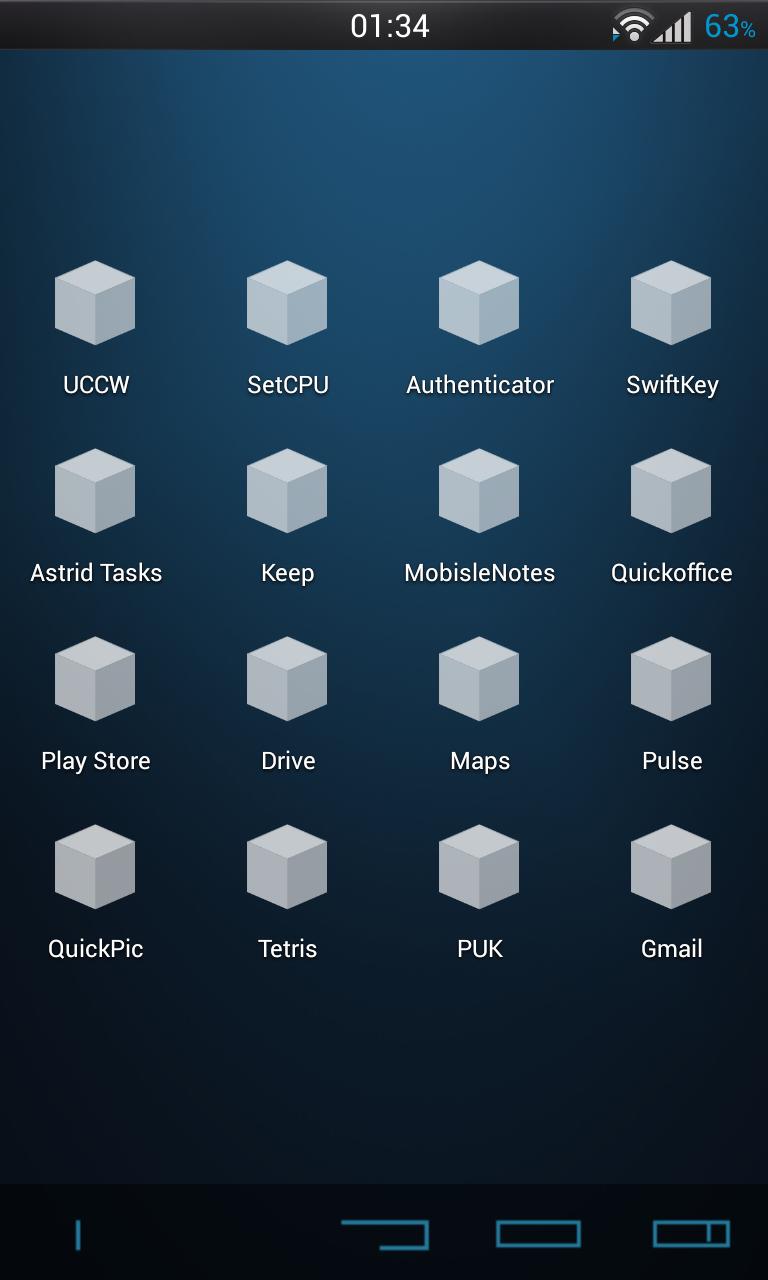
I DO NOT HAVE QUICKPIC
Quickpic is just another gallery application which handles your images. It does not matter which gallery application you're using when setting up your icon or wallpaper.
CAN I USE LAUNCHERS OTHER THAN "NOVA"?
Yes, you can use launchers like "ADW launcher" or "GO Launcher", as long as the launcher provides many customizable features!
LOCATION NAME IS NOT CORRECT.
Open the UCCW appication and go into the settings menu. Under "Location", select whether to manually input your location or to let UCCW automatically find your location.
======================================
DISCLAIMER:
This UCCW skin is NOT affiliated to the franchise "Iron Man" nor Marvel/The Walt Disney Company. All art included are ORIGINAL ART.
Latest Version
1.4.2Requires Android
2.2
Category
Personalization AppContent Rating
Everyone
Report
Flag as inappropriateLast updated on Jun 7, 2015
Minor bug fixes and improvements. Install or update to the newest version to check it out!






APKPure - A multi-platform app store primarily focused on Android, providing extensive app-related content. Discover the app you want easier, faster, and safer, with quick and efficient downloads and installations.