Package Name:ca.bintec.meescan.c84077400
SHA-256:a9c7a3bf04e4f108ae5cc4eb35717d56f9804864ac76a37c3b776caf658374da
Show More

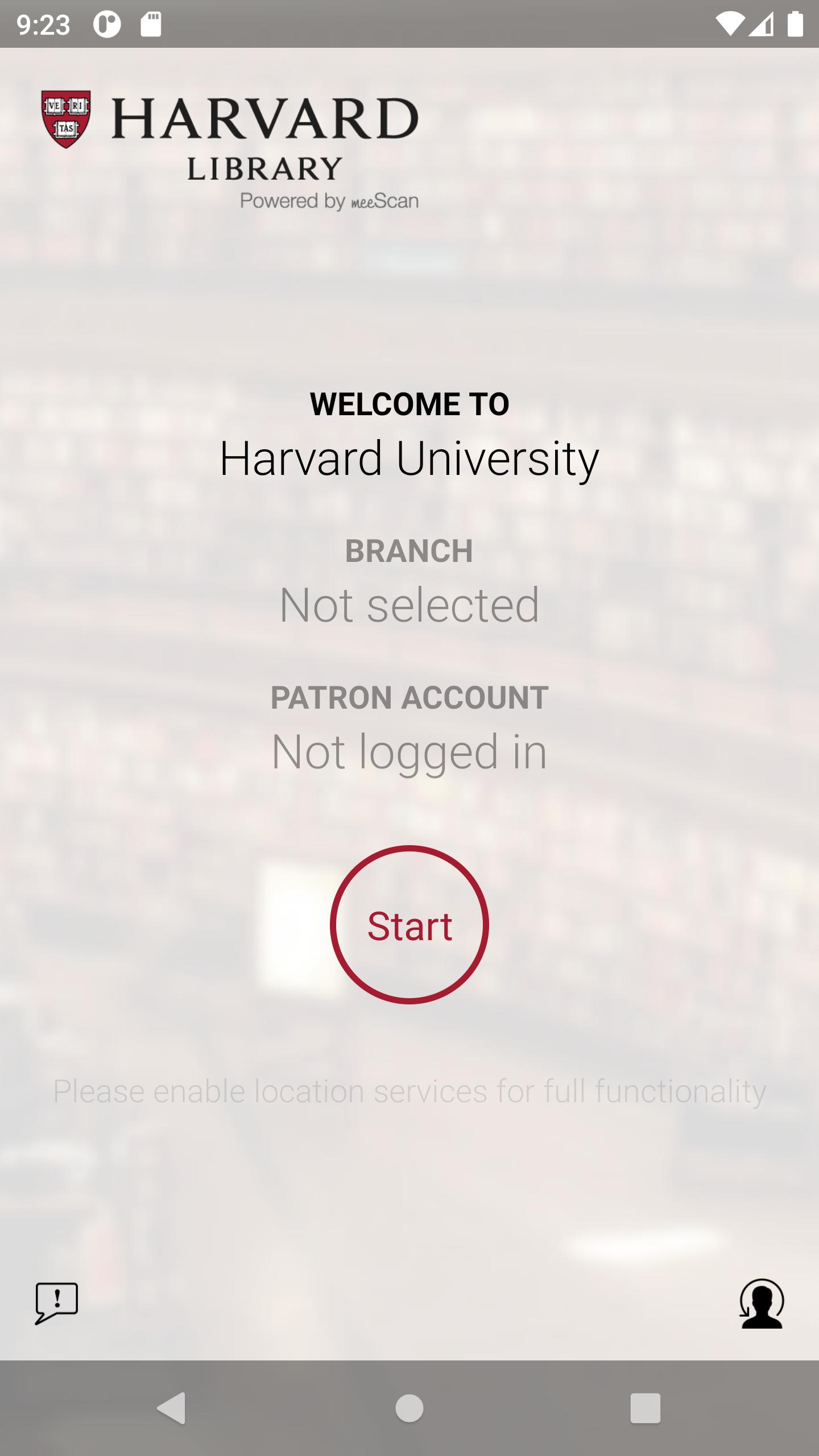
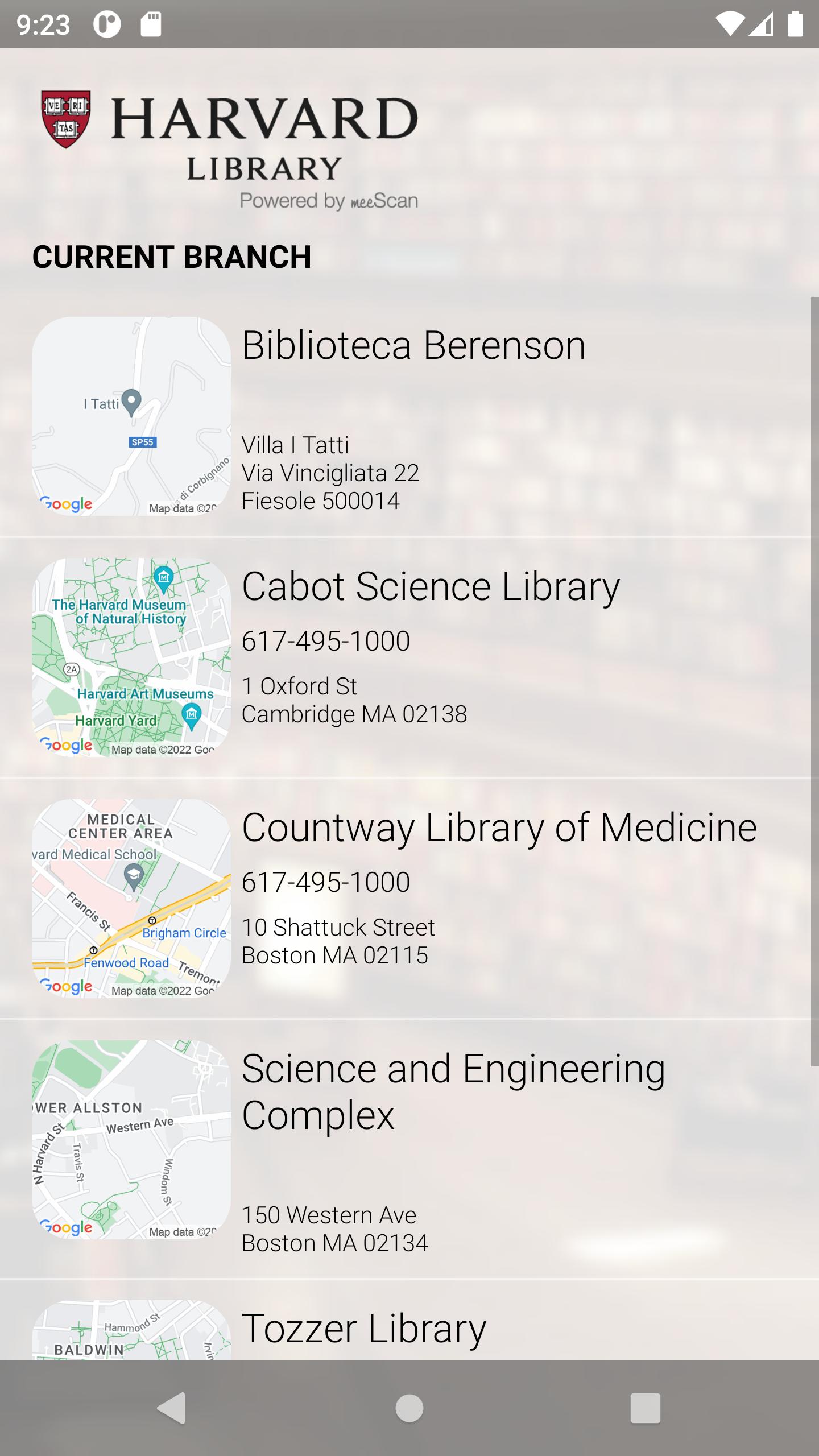
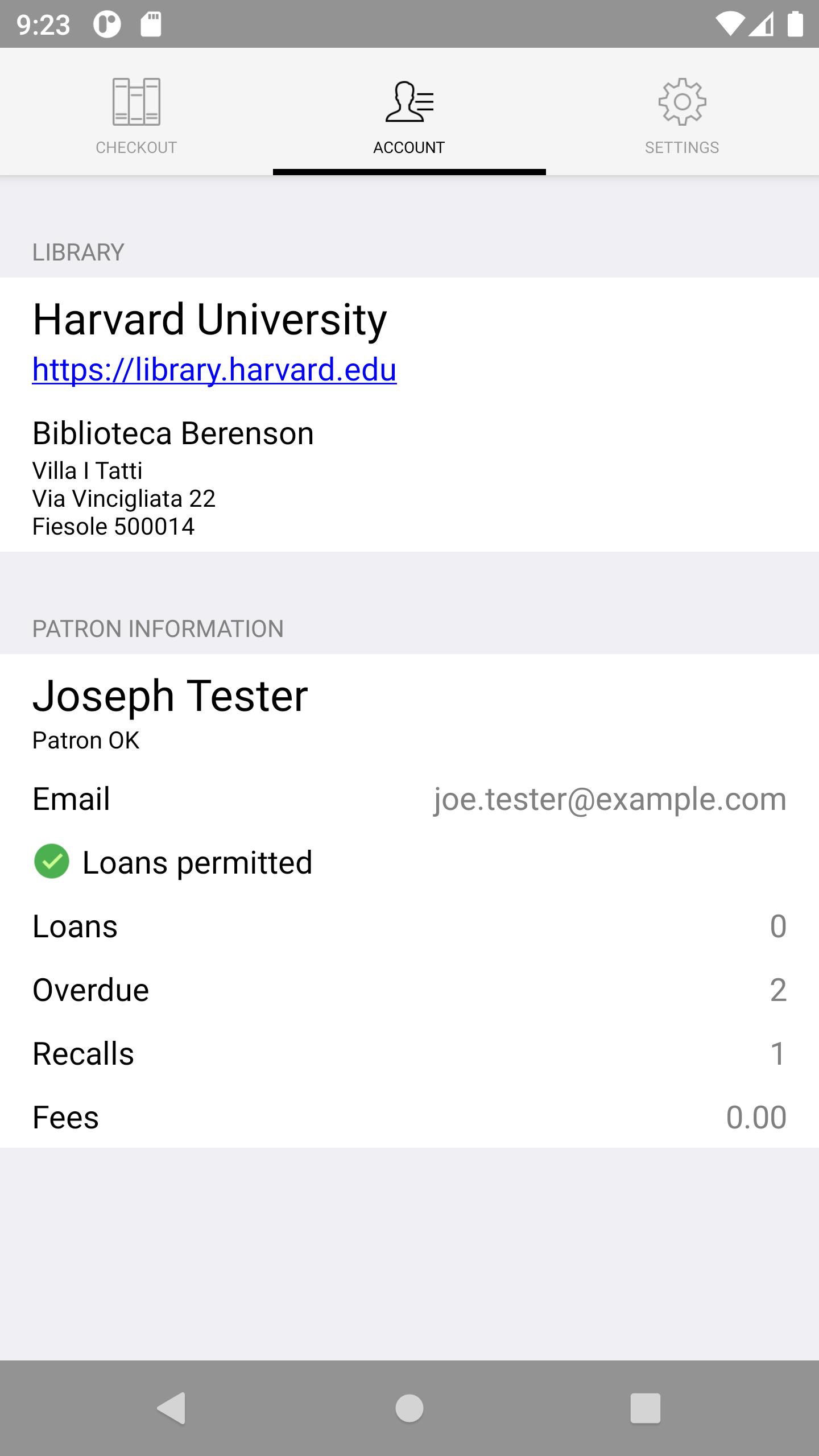
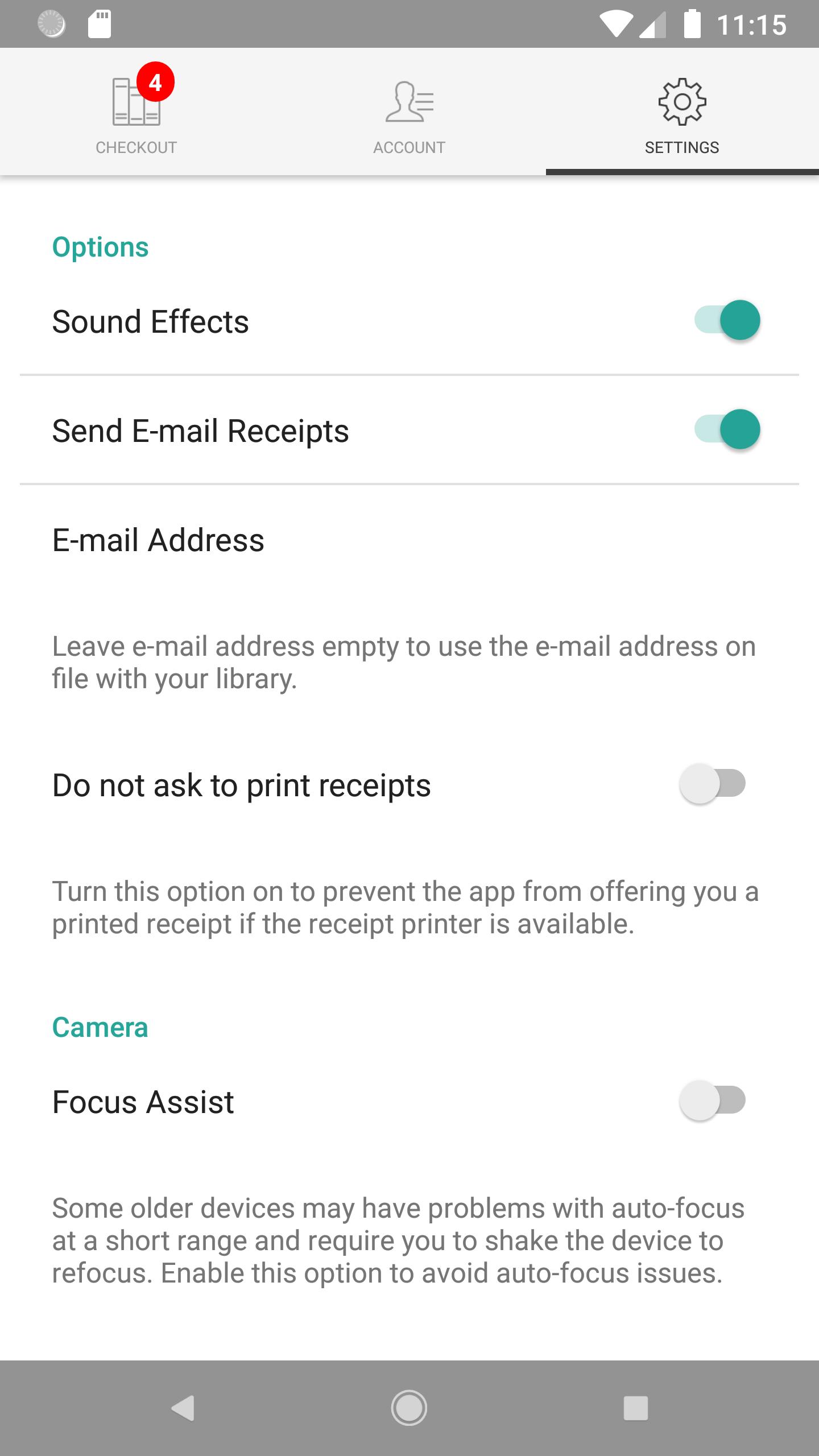
All patrons with a Harvard Library borrowing account may use the Harvard Library checkout app to check out items from Cabot Science, Tozzer, and Countway Libraries and the Biblioteca Berenson
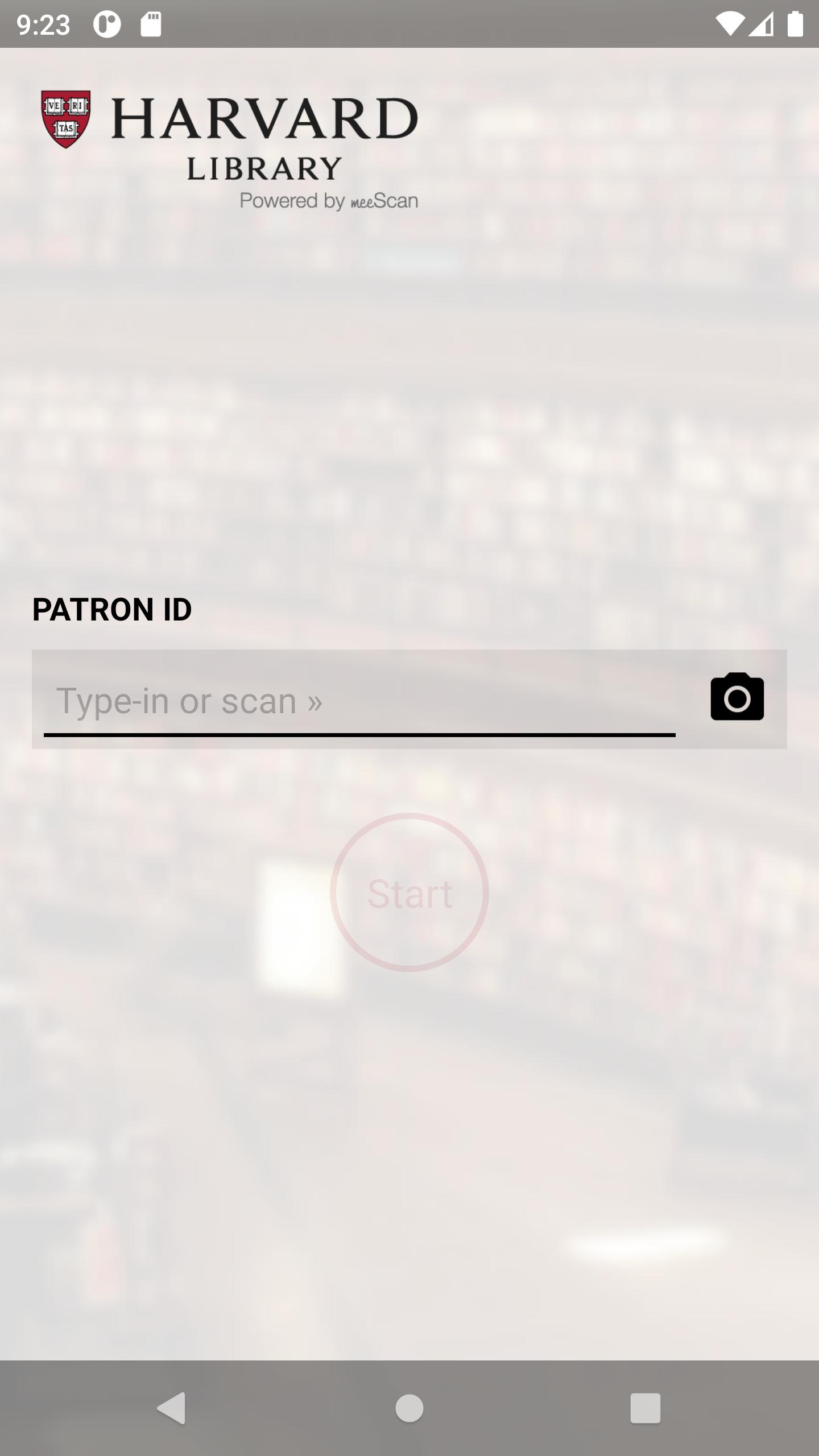
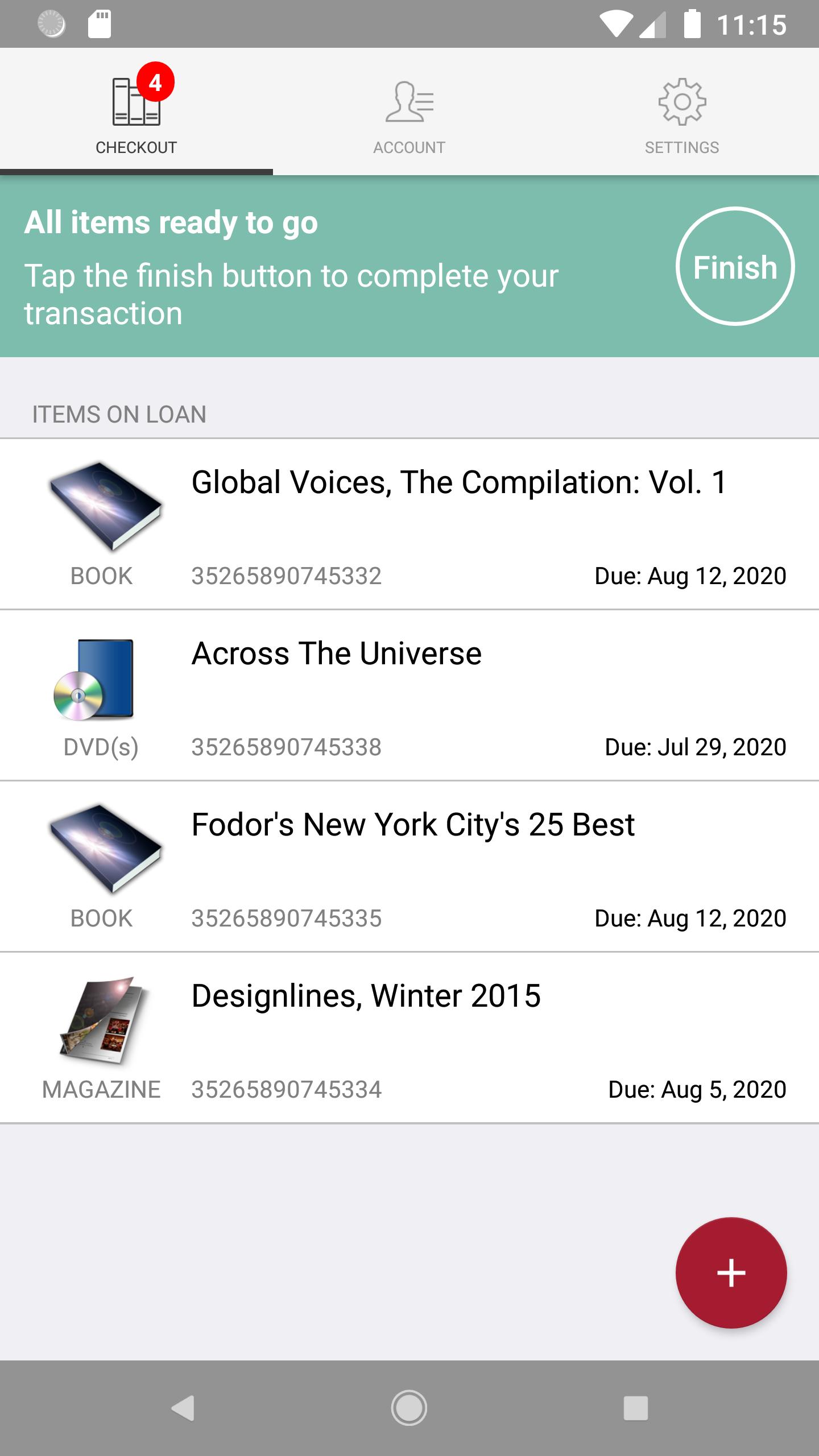
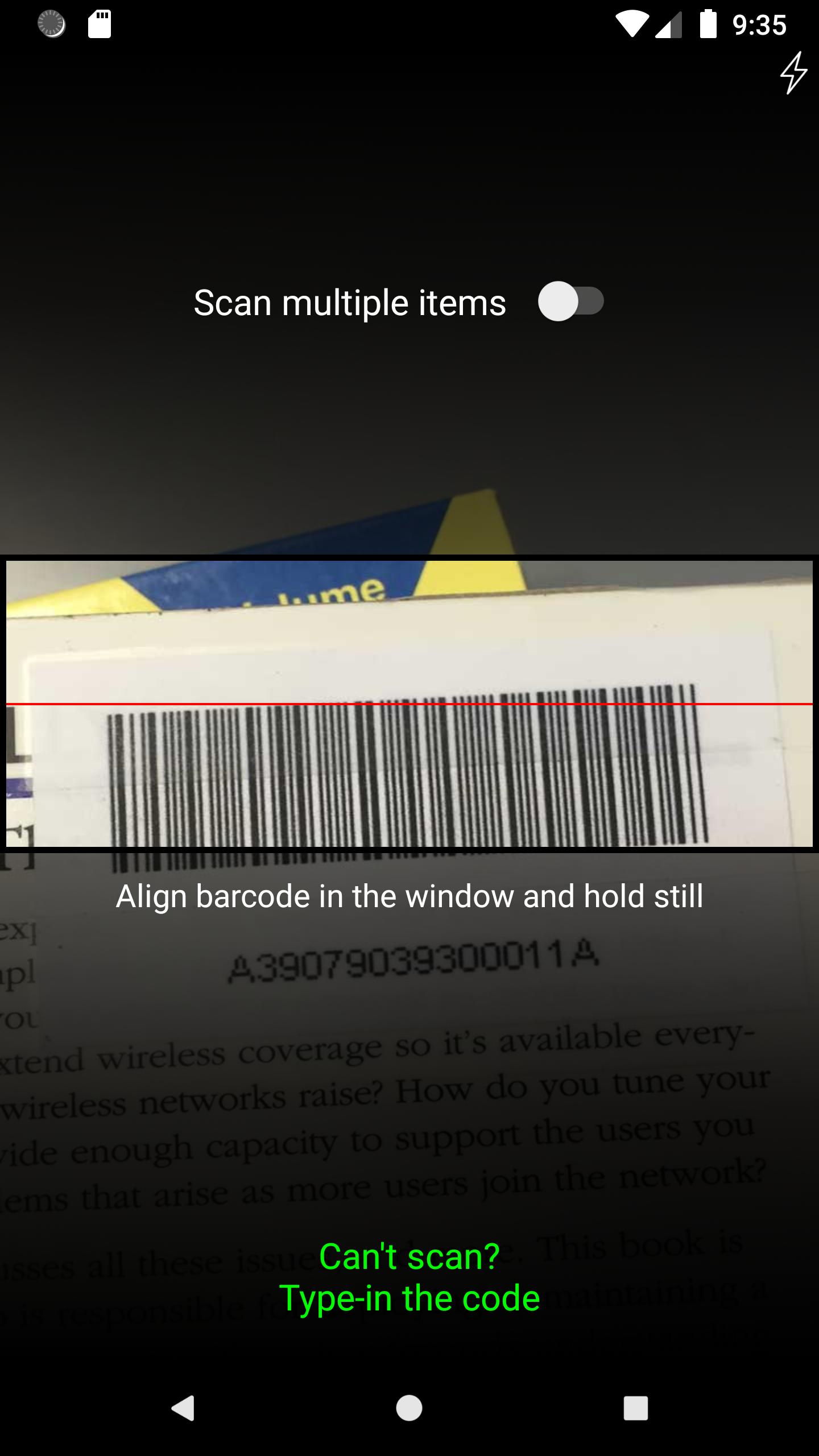
The app will automatically recognize your library location. Download the app to your phone, open the app and login with your with your Harvard ID number (located on the front of your Harvard ID or Harvard Library borrower card) and use your phone’s camera to take pictures of the barcodes on the items you want to check out. Note that at Tozzer Library you will also need to deactivate the checked-out item at the deactivation station before leaving the library.
Latest Version
4.11.04Uploaded by
Mido Al Adly
Requires Android
Android 5.0+
Category
Free Lifestyle AppContent Rating
Everyone
Security Report
Check Now
Report
Flag as inappropriateLast updated on Sep 15, 2025
Thanks for using Harvard Library Checkout! To make our app better for you, we bring updates to the App Store regularly. This update also includes minor usability improvements and bug fixes.


APKPure - A multi-platform app store primarily focused on Android, providing extensive app-related content. Discover the app you want easier, faster, and safer, with quick and efficient downloads and installations.