

GlassesOn helps when you need pupillary distance and glasses details to order eyewear or set up an AR or VR headset at home. It provides clear guidance to capture required measurements quickly, using simple steps you can follow on your phone. As a result, you can continue with your order or device setup without visiting a clinic. To start quickly, download GlassesOn and follow the on screen instructions.
Quick PD measurement
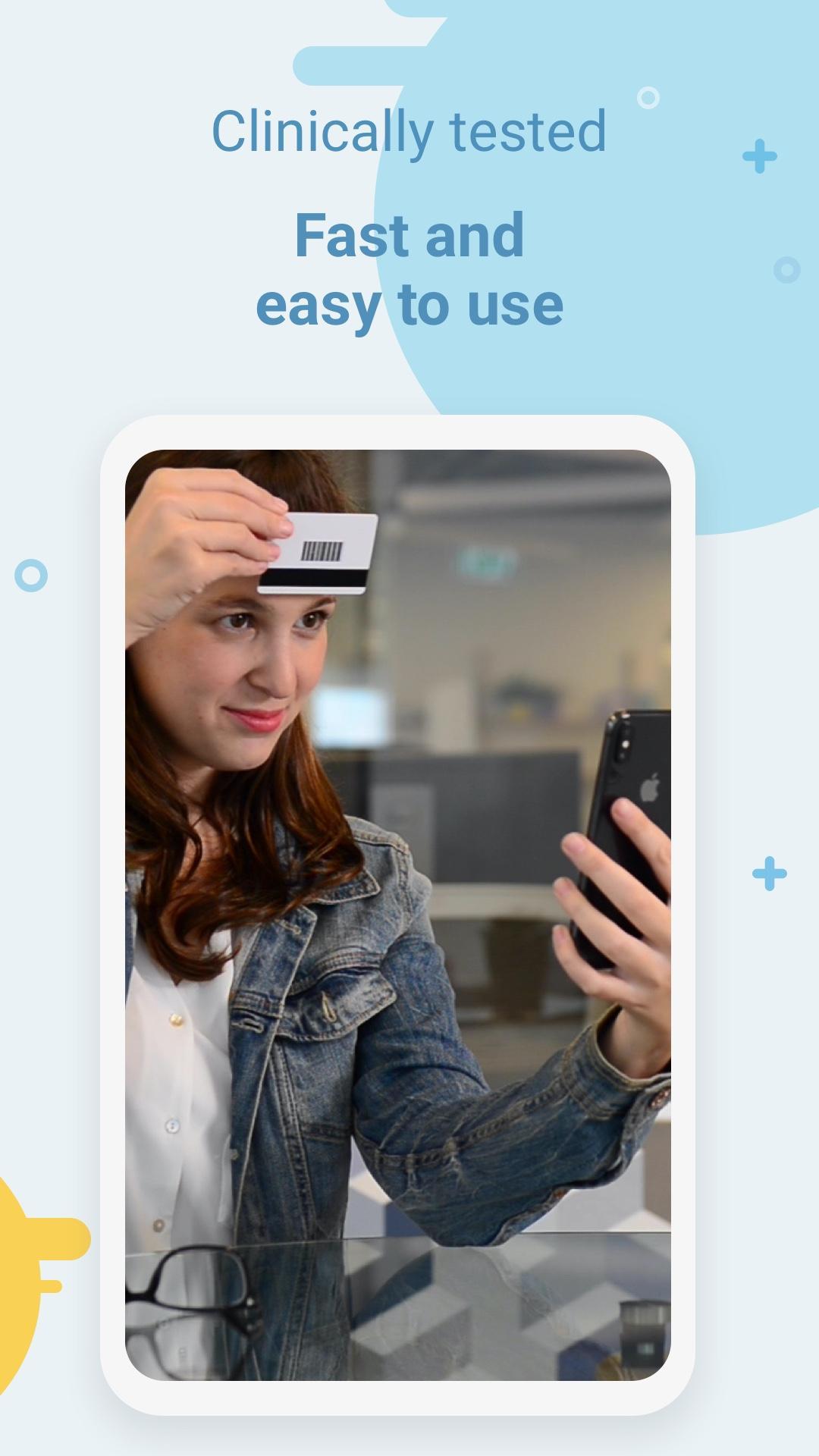
GlassesOn guides you to measure pupillary distance in under a minute. Tap Start PD and follow voice prompts while holding a magnetic card for scale. After installing the GlassesOn APK, you can repeat the process anytime without a ruler or mirrors.
Scan glasses for parameters
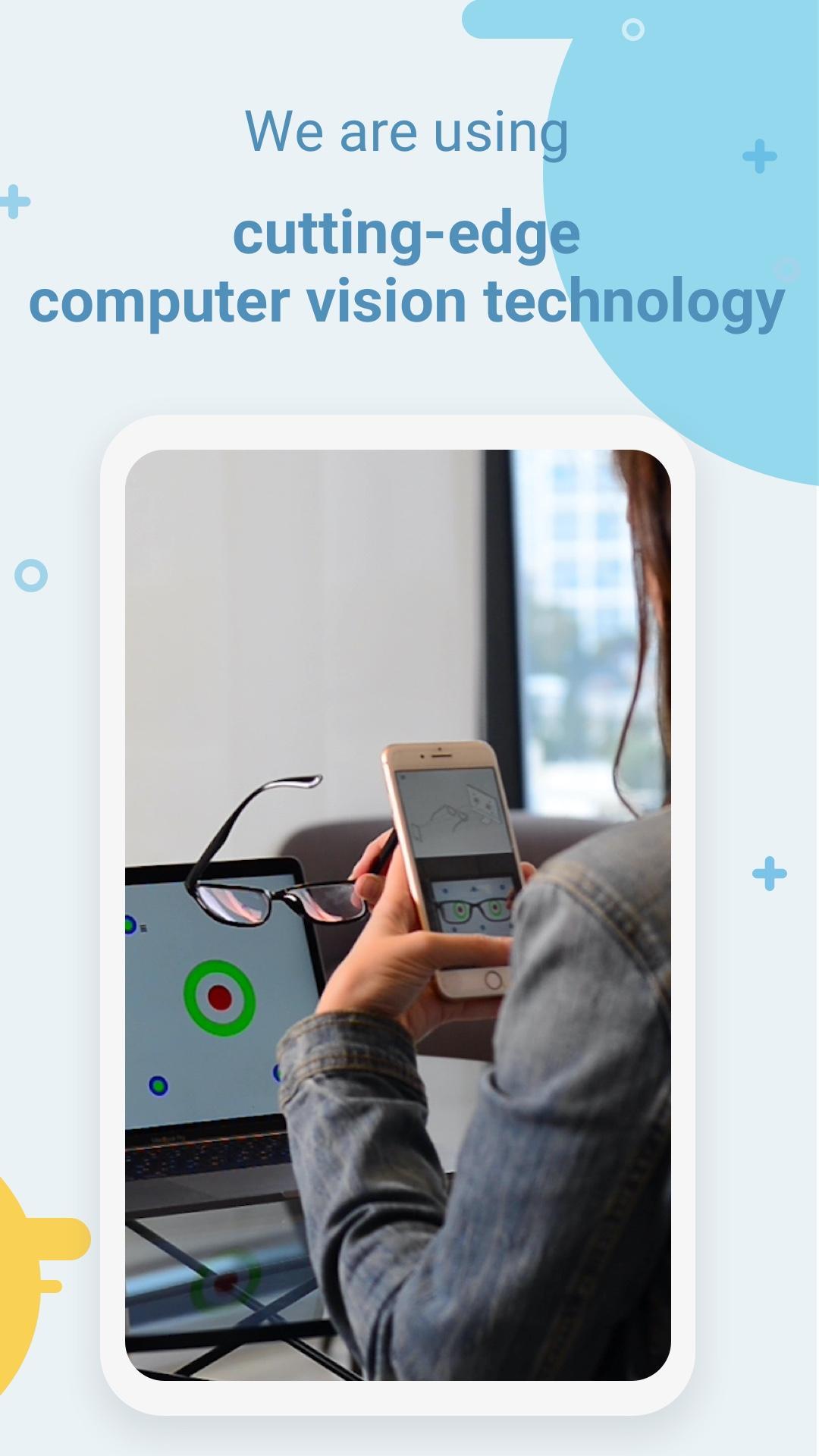
Next, extract sphere power, cylinder, axis, and PD from single vision glasses. The workflow uses a 12 to 27 inch computer screen, your glasses, and a magnetic card. It supports prescriptions between minus 6.00 and plus 3.00, with cylinder up to minus 2.50. It is not for multifocal, progressive, or prism lenses.
Accuracy and device listings
Finally, measurements follow ANSI Z80.17 accuracy guidelines within 0.25 diopter, and PD within 2 millimeters. GlassesOn is listed with FDA, CE, Health Canada, and TGA. The app does not replace an eye exam, and scanned parameters are not a prescription.
GlassesOn offers guided steps to capture PD and basic glasses details at home. Review the eligibility notes and set up the required screen and card before starting. For updates and improvements, install the GlassesOn latest version and follow the in app guidance.
Latest Version
5.40.1400Uploaded by
عابر السبيل
Requires Android
Android 9.0+
Category
Free Medical AppContent Rating
Everyone
Report
Flag as inappropriateLast updated on Dec 16, 2024
Minor bug fixes and improvements. Install or update to the newest version to check it out!





APKPure - A multi-platform app store primarily focused on Android, providing extensive app-related content. Discover the app you want easier, faster, and safer, with quick and efficient downloads and installations.