It is a free tool for specific games where you can fully customize the game's graphics to get smooth gameplay and beautiful pictures .
Main features
• 90 fps
• Smooth gameplay
• Unlock all FPS levels
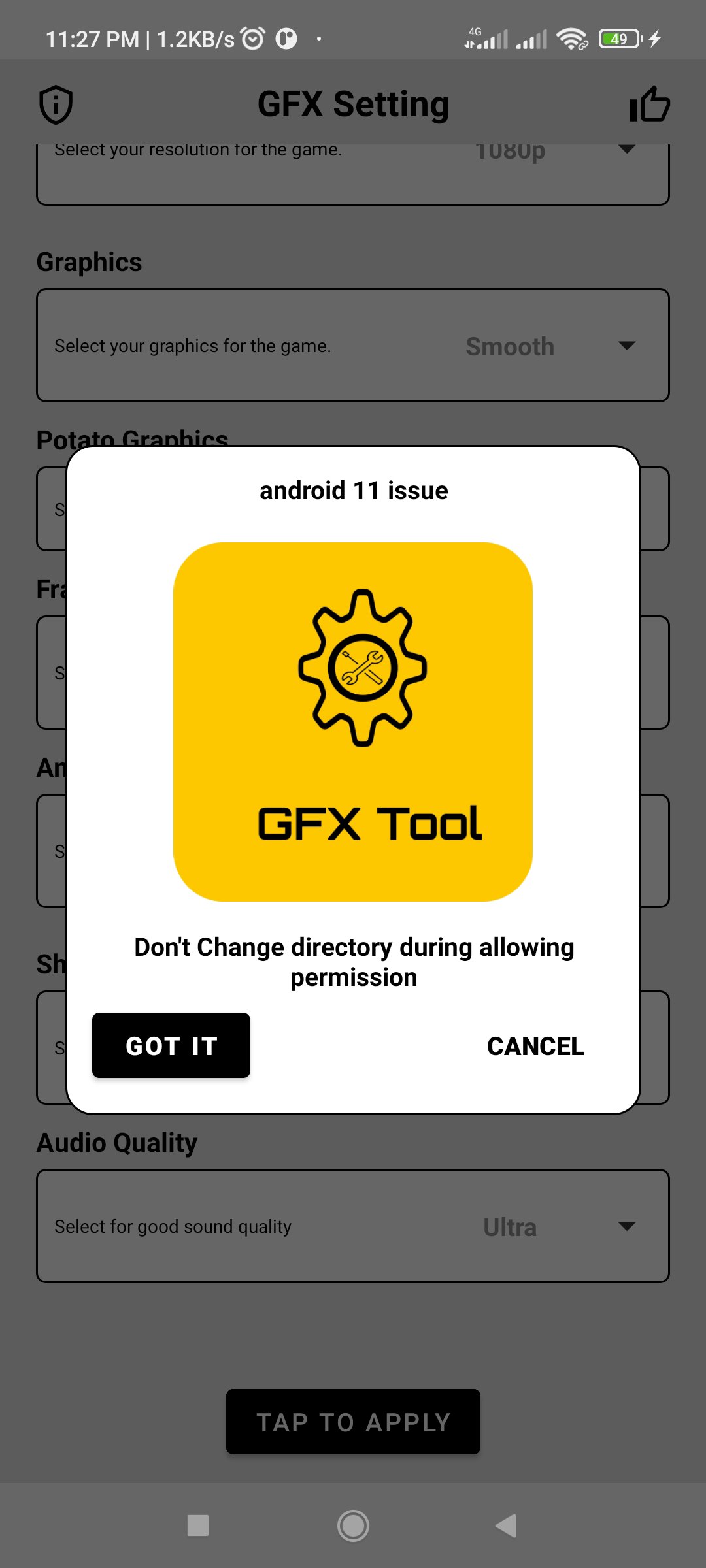
• Select Ultra HDR graphics
• Change shadows and Anti-aliasing
• Android 11, 12 and lower versions support.
How to use GFX Tool
• If you are currently running the game then close it before starting this app
• Open GFX Tool and select version of your game
• Select the FPS and other options as you desire
• Tap on Apply button
• Once every thing is done then tap on 'Run Game!' to launch the game.
DISCLAIMER: This is an UNOFFICIAL application for specific games. This app is not associated in any way with other developers and brands.
Latest Version
1.0.1Requires Android
5.0
Category
Free Tools AppContent Rating
Everyone
Report
Flag as inappropriateLast updated on Aug 19, 2022
This release includes minor bug fixes and general improvements. Update to the latest version for the best experience.






APKPure - A multi-platform app store primarily focused on Android, providing extensive app-related content. Discover the app you want easier, faster, and safer, with quick and efficient downloads and installations.