Scan Date:Dec 23, 2024
Show More


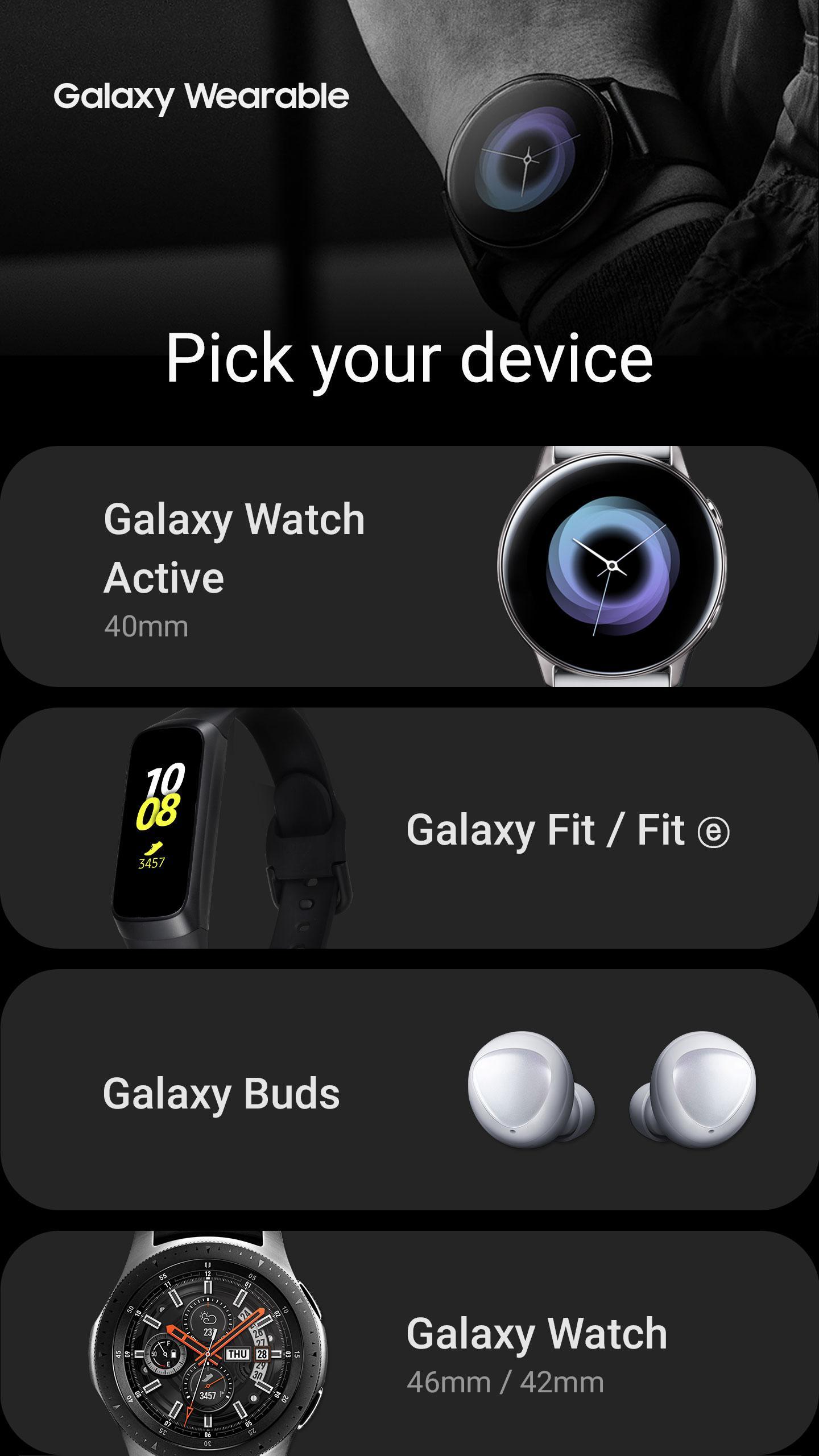
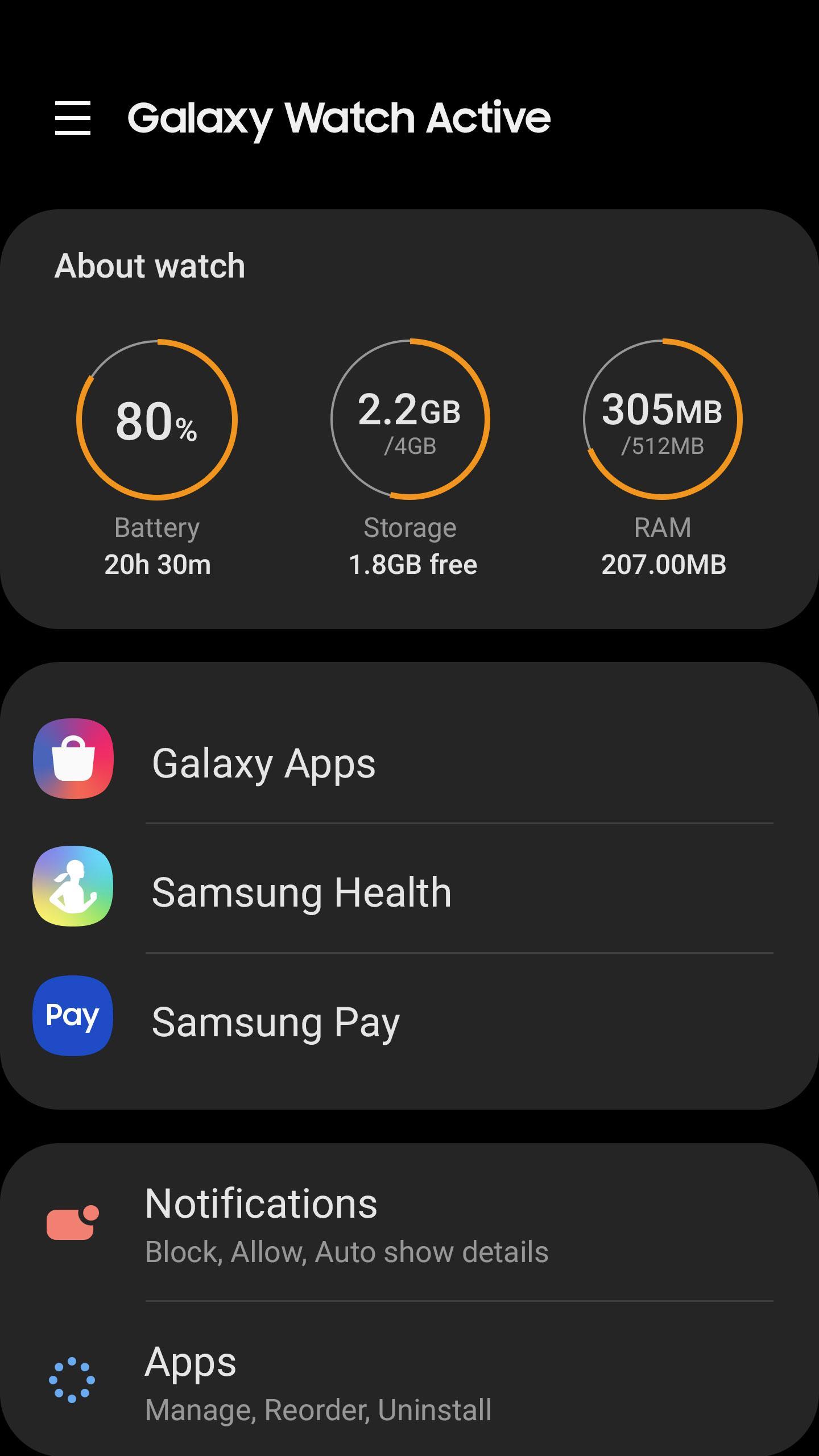
Gear S Plugin helps users who own a Samsung Gear or Galaxy smartwatch connect it to an Android phone in a reliable way. It works as an official add-on to the Galaxy Wearable app and handles pairing, data alignment, and watch services. First install Galaxy Wearable, then add this plugin so your phone can discover and manage the watch easily. Built by Samsung Electronics, it is not a standalone app, so only download Gear S Plugin when you need the companion component.
Gear S Plugin enables your phone to find nearby Samsung Gear devices over Bluetooth and then start pairing through Galaxy Wearable. Bluetooth scanning uses the Location permission to detect your watch, so grant it when prompted for smooth setup. Once discovered, pairing completes in a guided flow handled inside Galaxy Wearable.
Sync key phone dataGear S Plugin keeps essential information aligned between phone and watch, including calendar events, SMS, and call logs. Grant the related permissions to allow timely alerts and an up-to-date schedule on your wrist. This sync runs in the background so your watch reflects what is on your phone.
File transfer between phone and watchWith Gear S Plugin, you can send and receive stored files between your phone and compatible smartwatches. Transfers are managed from Galaxy Wearable, making it straightforward to move content in either direction. This helps keep important files accessible on both devices.
Samsung account-linked servicesSome services require Samsung account integration, and Gear S Plugin supports that through the Contacts permission when requested. This enables account-tied features to function correctly across your phone and watch. As an official component from Samsung Electronics, account handling follows standard setup flows.
eSIM activation with QR codeOn supported Gear models, Gear S Plugin assists with eSIM activation by scanning a carrier QR code. The Camera permission is optional and only needed for this task. If your watch supports eSIM, the QR process appears within Galaxy Wearable during setup or later in connectivity settings.
Gear S Plugin does not run on its own. Install Galaxy Wearable first, then add the plugin to bridge your phone and Samsung Gear watch. The plugin is designed for users who want official connectivity and sync handled by Samsung Electronics. If you use a compatible Gear model, this component is required for discovery and management.
Permissions enable core functions. You can review and change them anytime by going to Settings > Apps > Gear Plugin > Permissions. According to the developer’s data safety disclosures, this component reports no data collected or shared. The following items describe how each permission relates to specific tasks:
Use Gear S Plugin together with Galaxy Wearable to connect, sync, and manage your Samsung Gear smartwatch. For stable performance, install the Gear S Plugin latest version before pairing. Follow these steps to get started with your Android phone and compatible watch.
Gear S Plugin is the official Samsung Electronics component that links your phone with a compatible Samsung Gear smartwatch. Add it to Galaxy Wearable to enable discovery, sync, file transfers, and optional eSIM tasks. If you prefer manual installation, you can get Gear S Plugin APK to set up the plugin on your device.
For support and official information, use the following resources.
Latest Version
2.2.03.23121551Uploaded by
Samsung Electronics Co., Ltd.
Requires Android
Android 5.0+
Category
Free Tools AppContent Rating
Everyone
Security Report
Report
Flag as inappropriateLast updated on Dec 19, 2023
Minor bug fixes and improvements. Install or update to the newest version to check it out!




APKPure - A multi-platform app store primarily focused on Android, providing extensive app-related content. Discover the app you want easier, faster, and safer, with quick and efficient downloads and installations.