Scan Date:May 8, 2026
Show More

Gboard focuses on speed, reliability, and easy typing on phones and watches. It offers multiple input options for different situations, accurate correction, and tools that make everyday messaging simple. It supports a wide range of languages and scripts for bilingual and multilingual users. The Search button inside the keyboard now centers on in‑keyboard utilities such as finding emoji and GIFs on Android, since web results were removed.
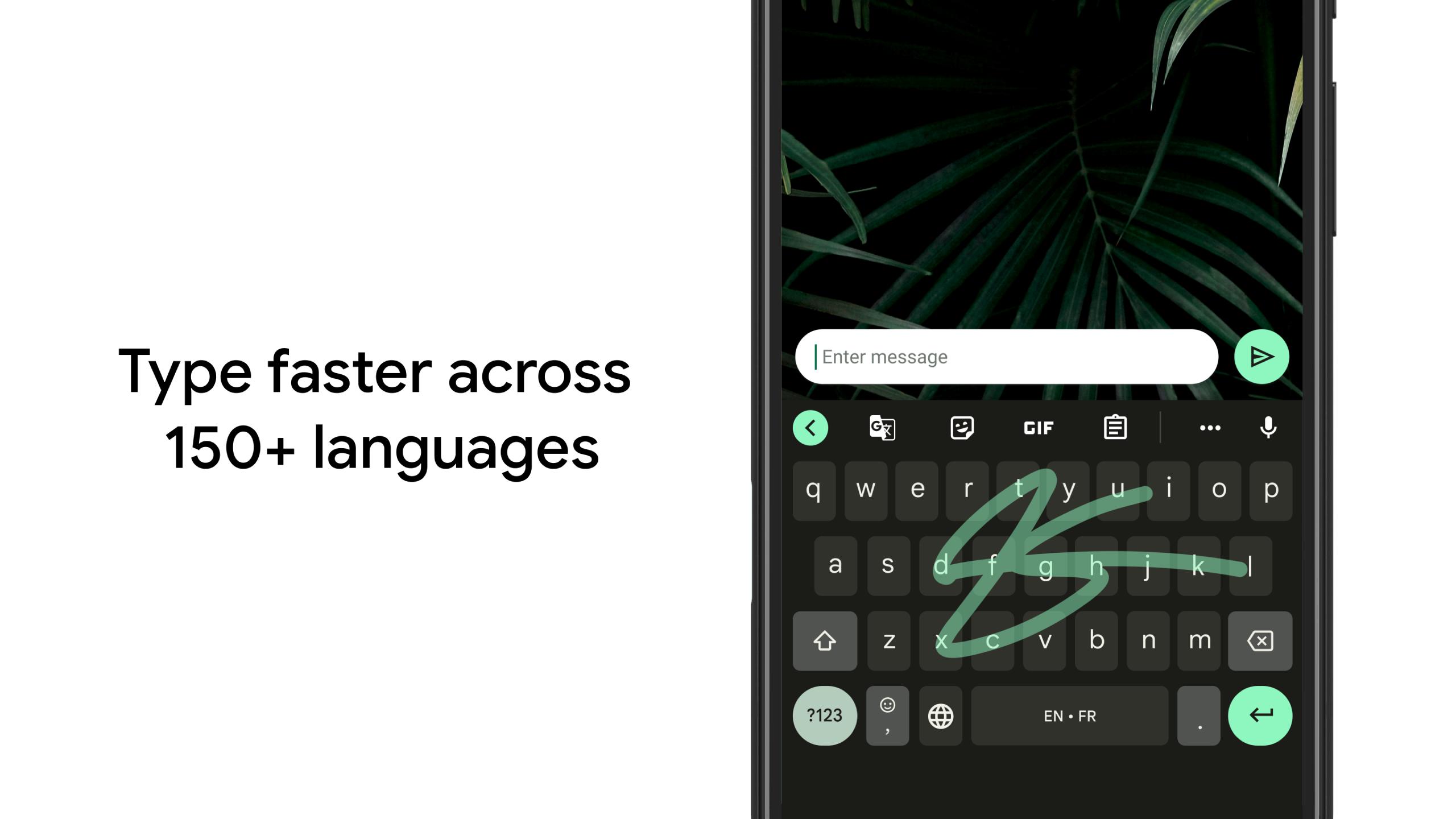
Glide Typing
Gboard lets you slide your finger from letter to letter to form words. This reduces taps and helps you write messages quickly. It also pairs with smart corrections to keep sentences clear.
Voice typing
You can dictate messages directly from the keyboard by tapping the microphone. This is useful when your hands are busy or when long texts feel slower to type. Gboard converts speech to text with clear punctuation options.
Handwriting input
Gboard supports writing in cursive or printed letters in the keyboard area. This suits notes, names, and non Latin scripts where handwriting feels more natural. It also works well when you prefer a pen or stylus.
Multilingual typing
Gboard suggests and autocorrects across your enabled languages without manual switching. You can add multiple languages and keep one keyboard layout. This saves time for bilingual chats and mixed-language messages.
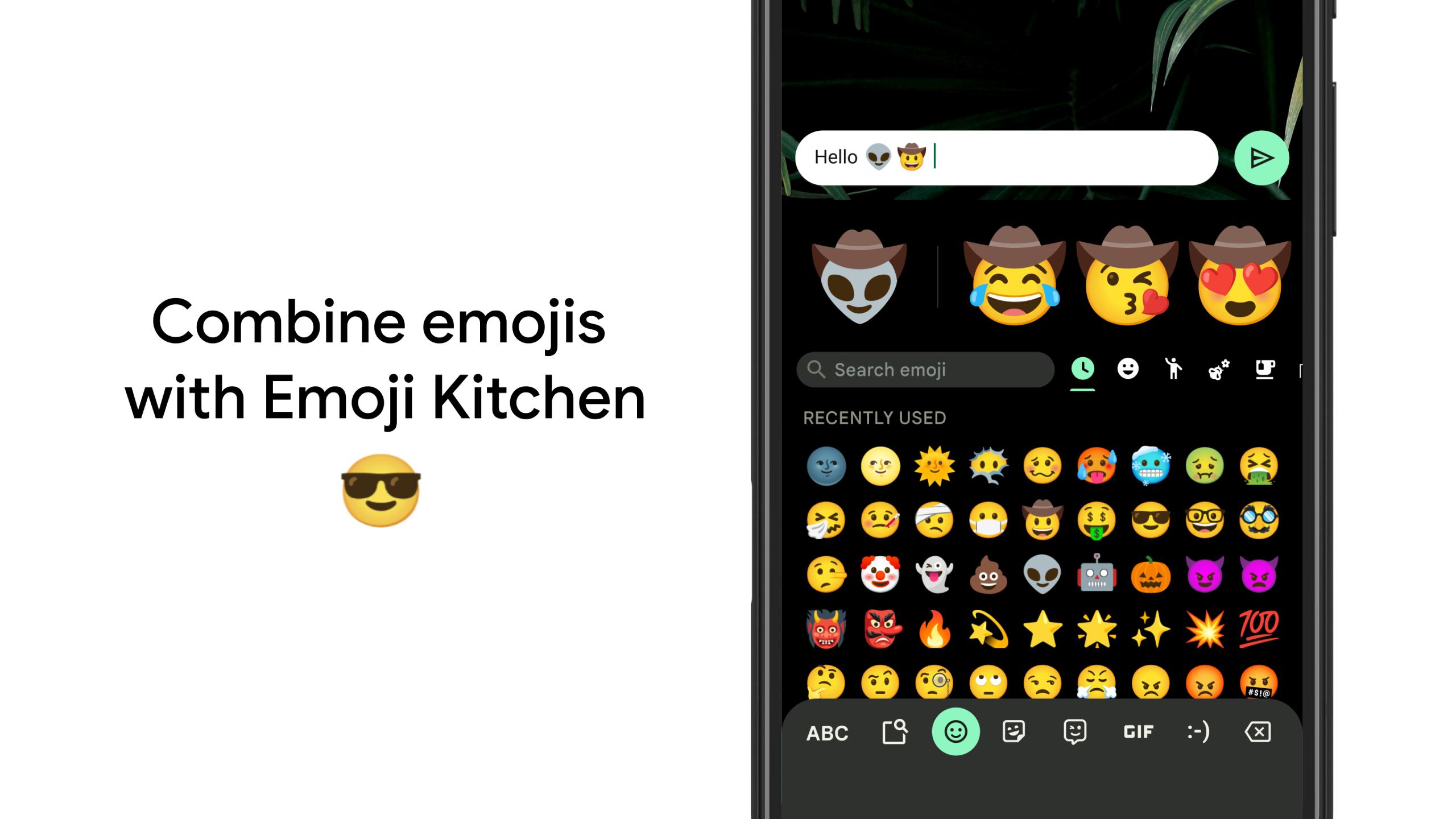
Emoji and GIF search
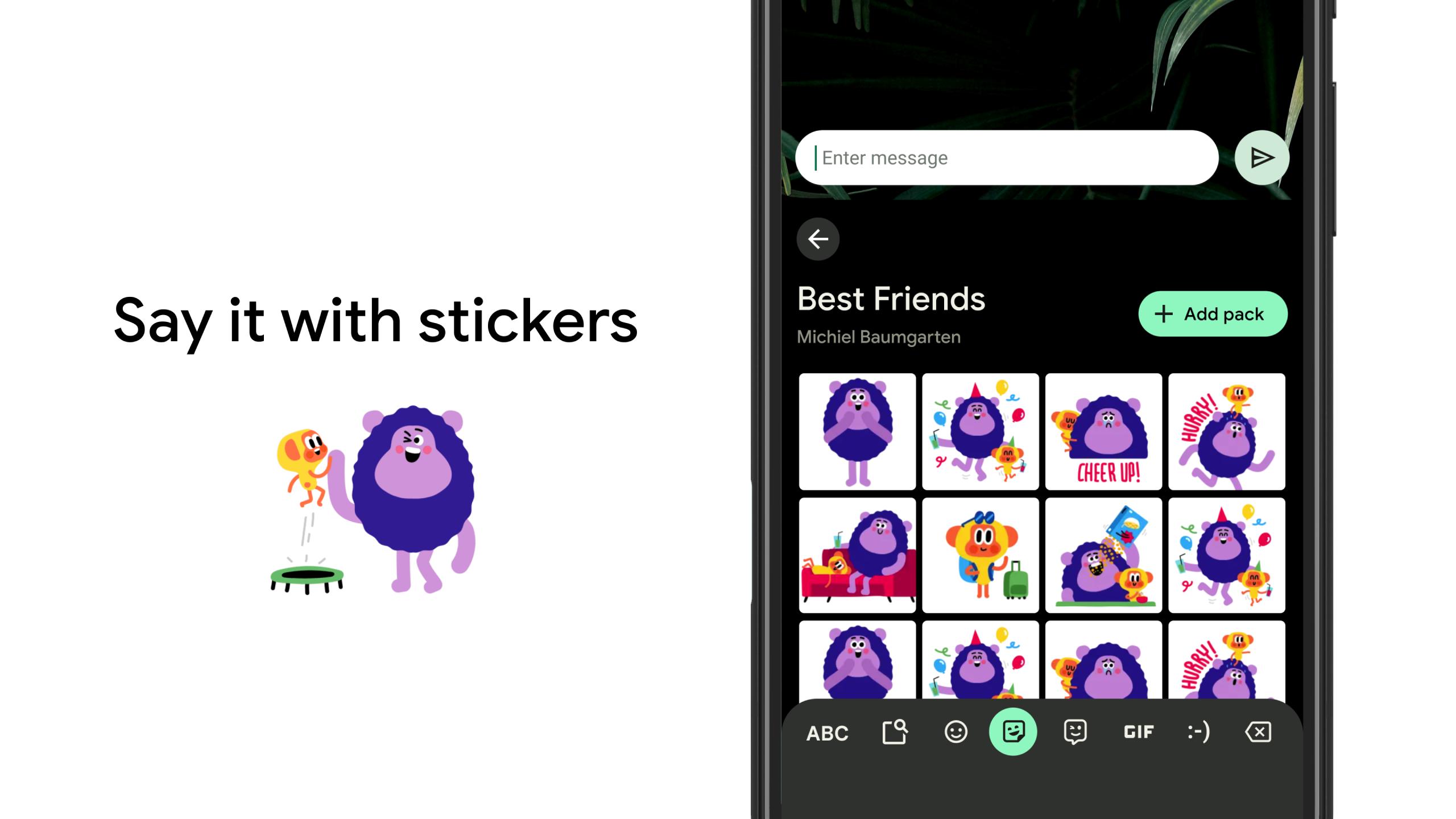
It includes fast search to find emojis and GIFs by keyword. On Android, the Search button focuses on in keyboard tools such as emoji, stickers, and GIFs. Web results inside Gboard were removed, so you can expect search to stay within the keyboard.
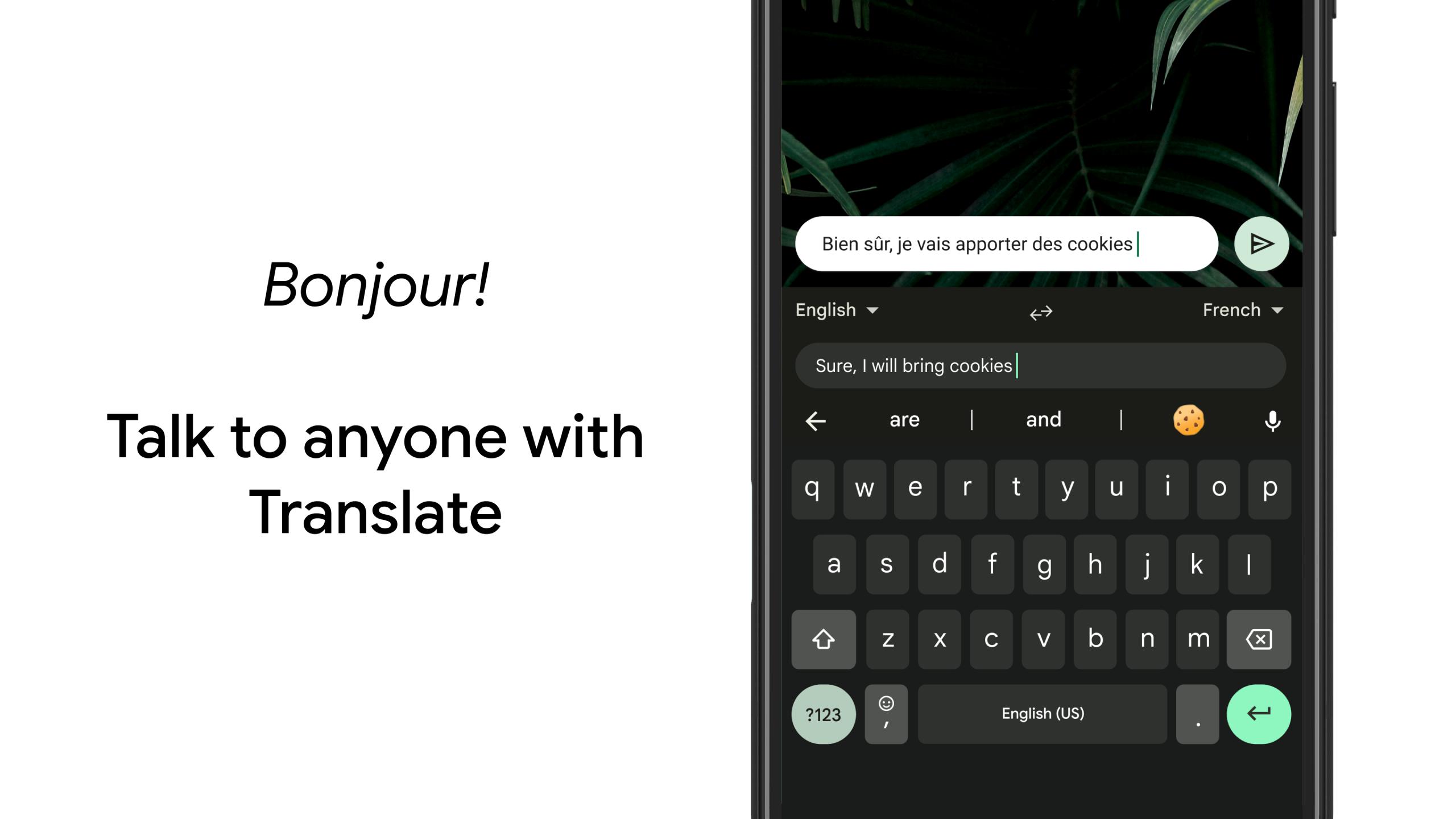
Translate as you type
Gboard can translate your text inside the keyboard before you send it. You type in your language and choose a target language to see the translation. This helps you reply in chats without switching apps.
Gboard is also available on Wear OS for quick replies from your watch. You can swipe with Glide Typing, use voice input, and send emojis without reaching for your phone. This makes short responses and on-the-go chats straightforward.
Gboard covers hundreds of language varieties and writing systems, including complex scripts. You can enable multiple languages and set preferred layouts to match your needs. For details, see the official help center for Gboard's language list on the support site.
On Android, Gboard no longer shows web search results inside the keyboard. The Search button now helps you find emoji, stickers, and GIFs, and it offers other in keyboard utilities. This keeps your focus on composing messages without leaving the current app.
Follow these steps to install, set up, and start typing with confidence. The process is simple and works across most Android devices.
Download Gboard APK from APKPure and install it. Open any text field to start the setup prompt if it appears.
Open Gboard and set it as your default keyboard from the in-app guide or your device settings. Confirm the selection in the on-screen prompt.
After that, open Gboard Settings and add the languages you use. Turn on multilingual typing so suggestions work across your chosen languages.
Try Glide Typing by sliding your finger across letters to form words. Use the microphone icon to start voice typing when speaking is faster.
Then, tap the emoji icon to search emoji and GIFs by keyword. Open Translate from the Gboard toolbar to type in one language and send text in another.
Gboard brings fast input, helpful corrections, and tools for expression across many languages. Download Gboard on APKPure today for fast and easy typing on your phone and watch.
Official support
Help Center: support.google.com/gboard
Is the Gboard app safe?
Gboard is developed by Google and is widely used as a default keyboard on many devices. It processes typing features on the device and may connect to the internet for services like voice typing and emoji or GIF search. If you prefer, adjust Gboard permissions and privacy settings, and download Gboard APK latest version on APKPure for a secure download.
Why are web results missing from Gboard's Search button on Android?
Web results were removed from the keyboard search in Gboard on Android, so the Search button now focuses on emoji, stickers, GIFs, and other keyboard tools. This change keeps the experience centered on composing messages without switching contexts.
Does Gboard support my language?
Gboard supports hundreds of languages and many regional layouts, and you can enable multiple languages at once. Open Gboard Settings to add your languages and choose preferred layouts. For a full list and setup tips, visit the official Gboard Help Center. Note that emoji and GIF search is not available on Android Go devices.
Latest Version
17.3.3.902587967-beta-arm64-v8aUploaded by
Doğukan Erdinç
Requires Android
Android 8.0+
Category
Free Tools AppContent Rating
Everyone
Security Report
Report
Flag as inappropriateLast updated on May 11, 2026
Minor bug fixes and improvements. Install or update to the newest version to check it out!



APKPure - A multi-platform app store primarily focused on Android, providing extensive app-related content. Discover the app you want easier, faster, and safer, with quick and efficient downloads and installations.