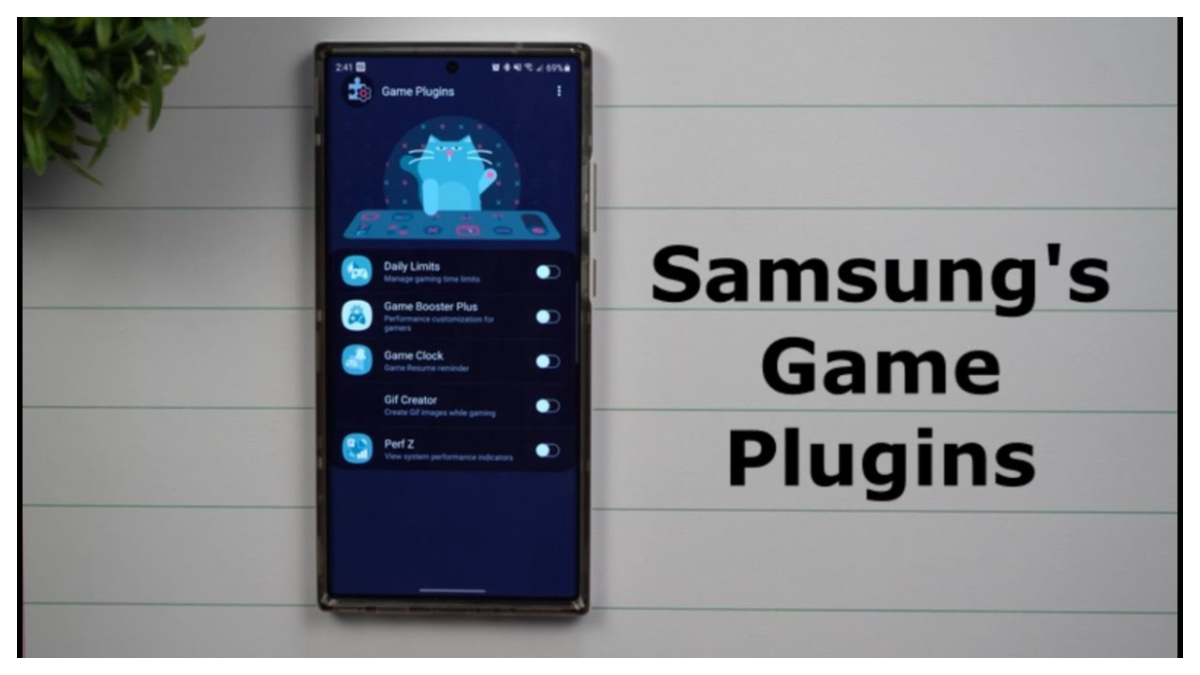
Game Plugins helps when a game feels too hot, drains battery fast, or needs smoother play. It gives you practical control over performance and visuals, plus insight into how a session affects your device. With clear stats and quick switches, you can balance speed, quality, and battery use without guesswork. Game Plugins latest version is designed for Samsung Galaxy devices and supports recent Android releases, so settings apply reliably across titles. It suits short practice bursts and long story sessions alike.
Per-game performance modes
Game Plugins lets you choose performance profiles in Game Booster Plus: Max FPS, Balanced, Battery Saving, High Quality, Auto, or Custom. Higher frame rate suits competitive play, while richer visuals fit story modes. Apply profiles per title or across your library for consistent behavior.
Real-time overlay and metrics
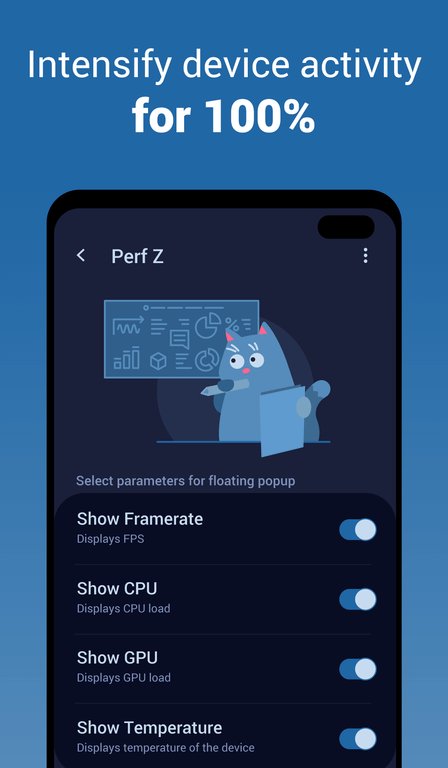
Perf Z provides a live overlay for FPS, CPU, GPU, and temperature. You can move it, pin or unpin, and enable Auto fold so it minimizes when not needed. Adjust color and opacity, and collapse the panel with a tap if it ever blocks controls.
Daily Limits and activity insights
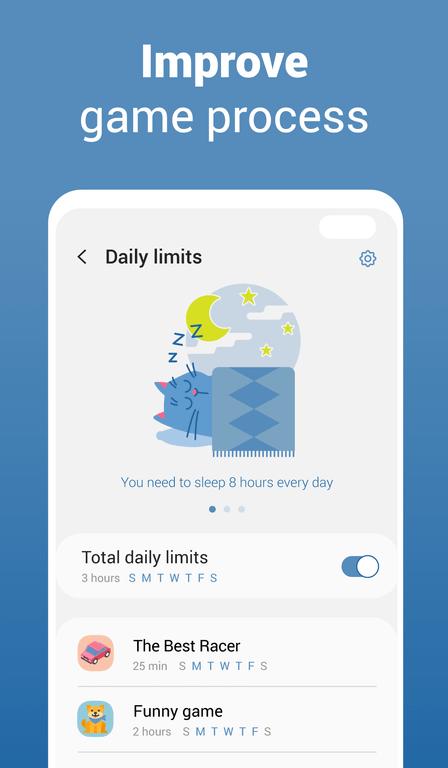
Daily Limits lets you set simple caps for each game and choose which days they apply. Weekly and monthly charts reveal trends so you can adjust habits. When the day’s time is used, it’s easier to pause and return refreshed.
Centralized game list and compatibility
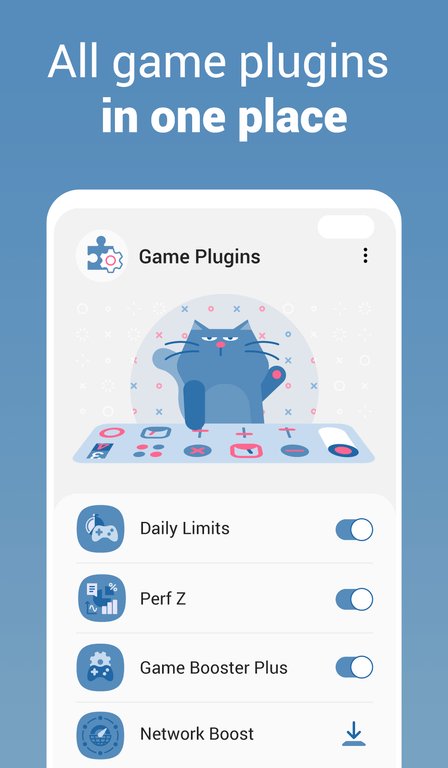
Through a centralized list, Game Plugins launches titles, starts enabled modules at play, and stops them in the background. After sessions, review CPU, GPU, FPS, and battery usage by mode. It works with Game Optimizing Service v2.0.01.2 or later on Samsung Galaxy devices, supporting Android R, S, T, and U. Installing the Game Plugins APK adds these tools.
Game Plugins offers clear control over performance, visuals, and playtime with data that helps fine tune each title. For a stable baseline, start with Balanced, then adjust toward Max FPS or High Quality while watching heat and battery. When ready, download Game Plugins and follow the on screen steps to install.
Latest Version
5.1.07Uploaded by
Samsung Electronics Co., Ltd.
Requires Android
Android 12.0+
Available on
Game Plugins
Category
Free Tools AppReport
Flag as inappropriateLast updated on Feb 17, 2025
This release includes minor bug fixes and general improvements. Update to the latest version for the best experience.



APKPure - A multi-platform app store primarily focused on Android, providing extensive app-related content. Discover the app you want easier, faster, and safer, with quick and efficient downloads and installations.