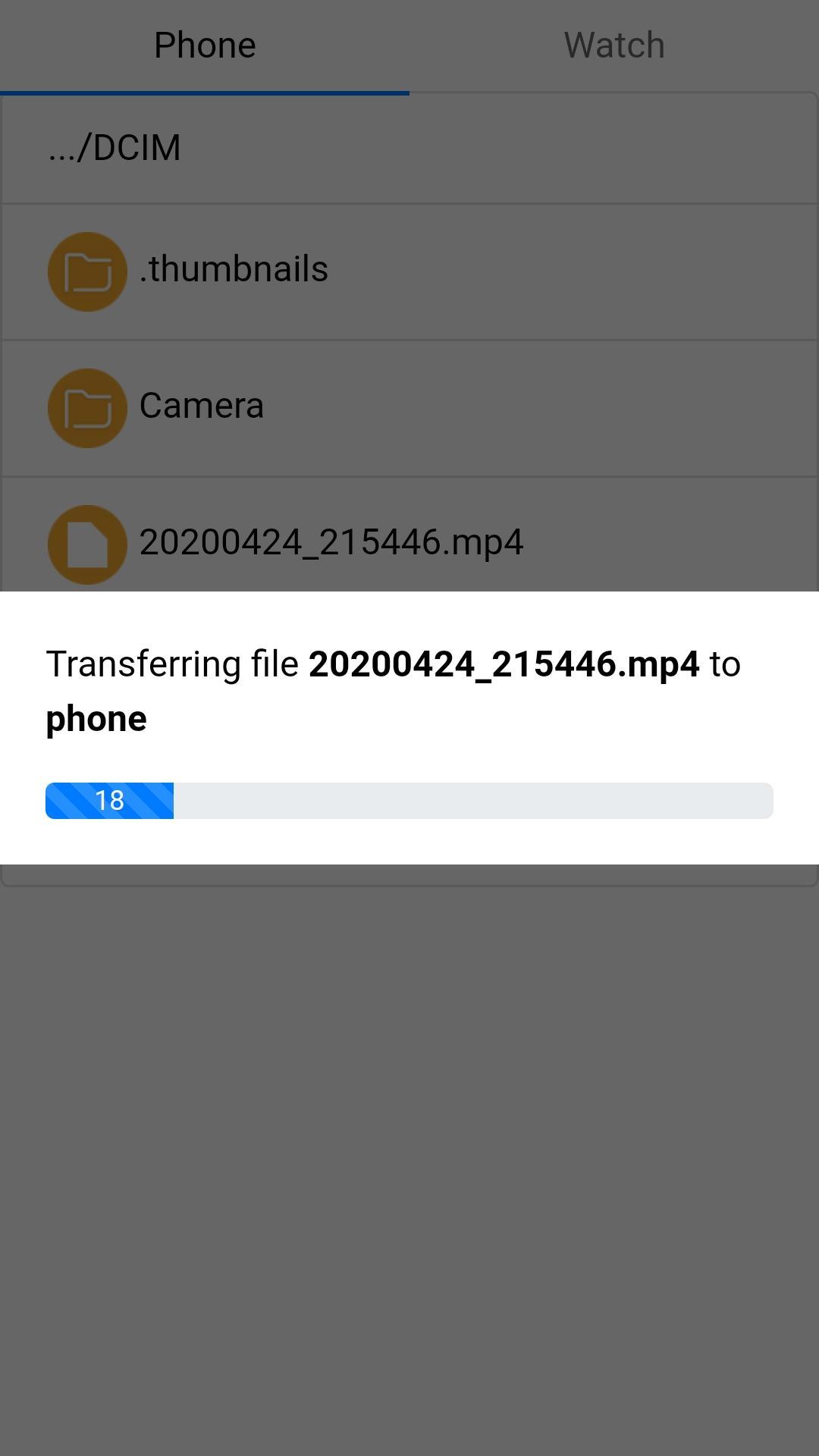
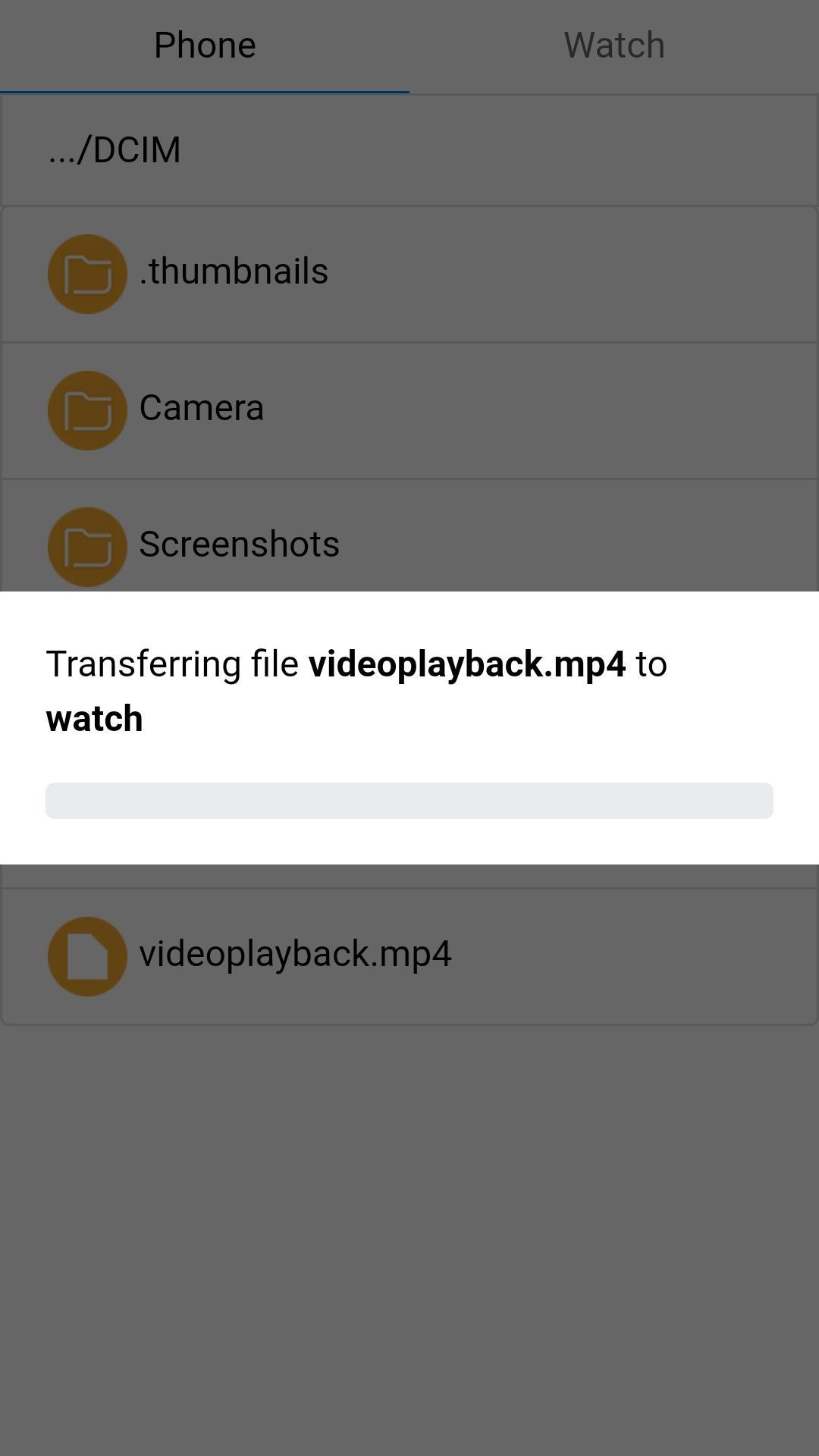
Please follow exactly below step to transfer file between Samsung galaxy Gear/Watch and smart phone:
1. Connect phone and gear/watch via blue tooth.
2. Open "File Manager Pro" app on gear/watch
3. Open File Manager Plugin in phone app.
4. Tap to "Connect to Watch" button until connect success
5. Select file to send between phone and gear/watch
Link To download gear/watch app: https://galaxy.store/gwasfiles
Latest Version
1.0.7Uploaded by
مؤمل اديب الشريفي
Requires Android
Android 4.2+
Category
Free Tools AppContent Rating
Everyone
Report
Flag as inappropriateLast updated on Aug 7, 2020
This release includes minor bug fixes and general improvements. Update to the latest version for the best experience.



APKPure - A multi-platform app store primarily focused on Android, providing extensive app-related content. Discover the app you want easier, faster, and safer, with quick and efficient downloads and installations.