Our website uses necessary cookies to enable basic functions and optional cookies to help us to enhance your user experience. Learn more about our cookie policy by clicking "Learn More".
Accept All Only Necessary Cookies
Samsung Accessory Service icon

Samsung Accessory Service


Samsung Electronics Co., Ltd.
3.1.96.61111
  • 9.3
    11 Reviews
  • Dec 3, 2025
    Update date
  • 0/50
    Security
  • Everyone
  • Android 4.0.3+
    Android OS

About Samsung Accessory Service

Bernadine Wisoky avatar
Reviewed byBernadine WisokyContent Editor

Samsung Accessory Service is a system service app that connects Samsung accessories to your mobile device.

Samsung Accessory Service supports users who connect Galaxy watches, fitness bands, or compatible cameras with a phone. It keeps communication steady across different connection types, so manager apps can handle setup and everyday use without extra steps. Whether you are setting up a new wearable or maintaining an existing one, the service runs in the background to keep things working. If this link is required for your accessory, download Samsung Accessory Service to add the needed system component.


Samsung Accessory Service Features

Accessory compatibility

  • Galaxy Gear and Gear 2
  • Gear S Series and Galaxy Watch Series
  • Samsung Gear Fit 2
  • Samsung NX1

Connection and data exchange

Next, Samsung Accessory Service maintains a link between your phone and the connected accessory so data can be sent and received reliably across supported connectivity environments.

Media file transfer

Additionally, you can move media files between the phone and an accessory when supported. The service needs storage permission to handle these transfers.

Manager app integration and setup notes

  • Works with manager apps such as Galaxy Wearable and Samsung Camera Manager Inst.
  • On Android versions before 6.0, update the system to manage app permissions.
  • After a software update, previously allowed permissions can be reset in device settings.
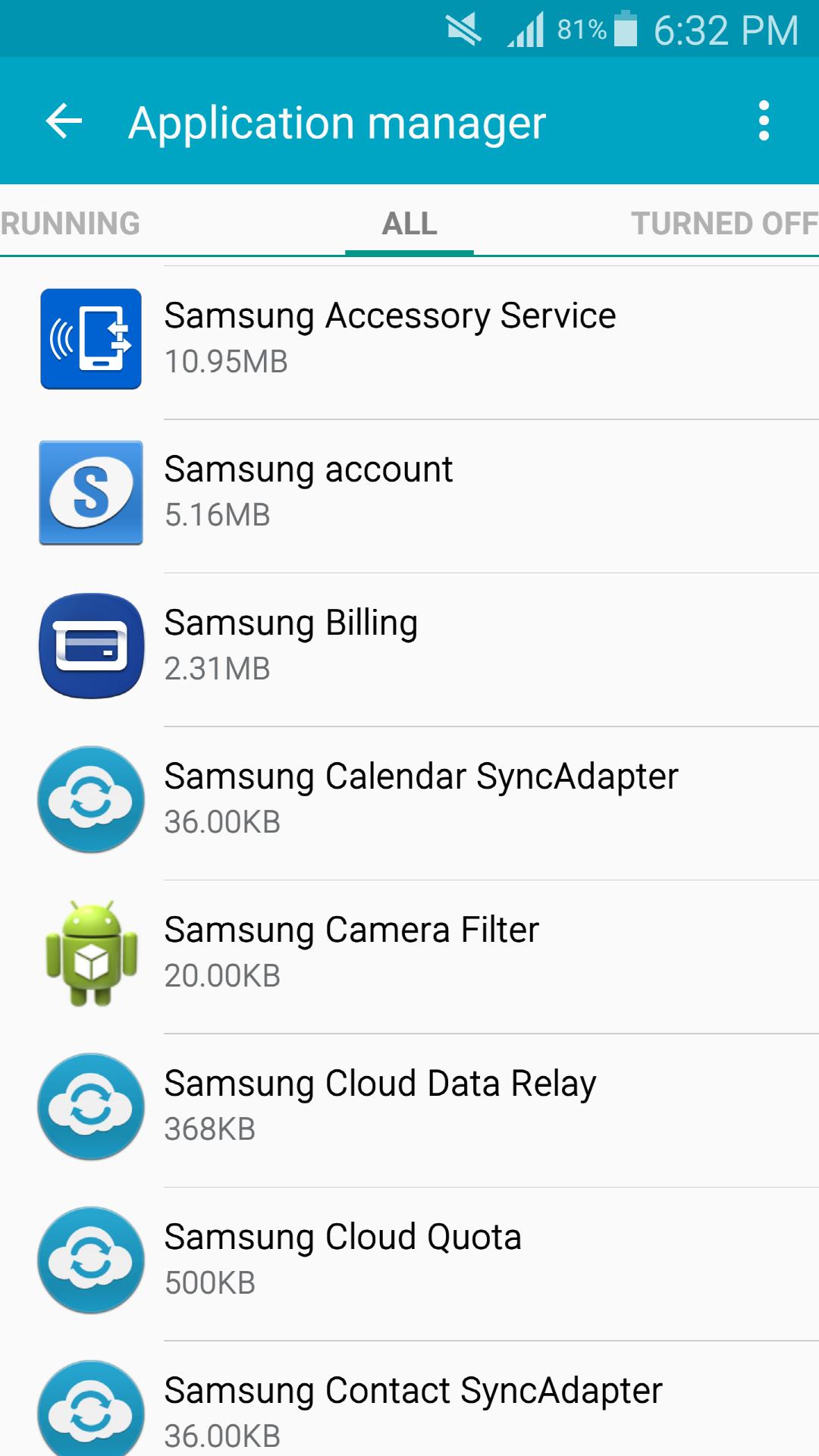
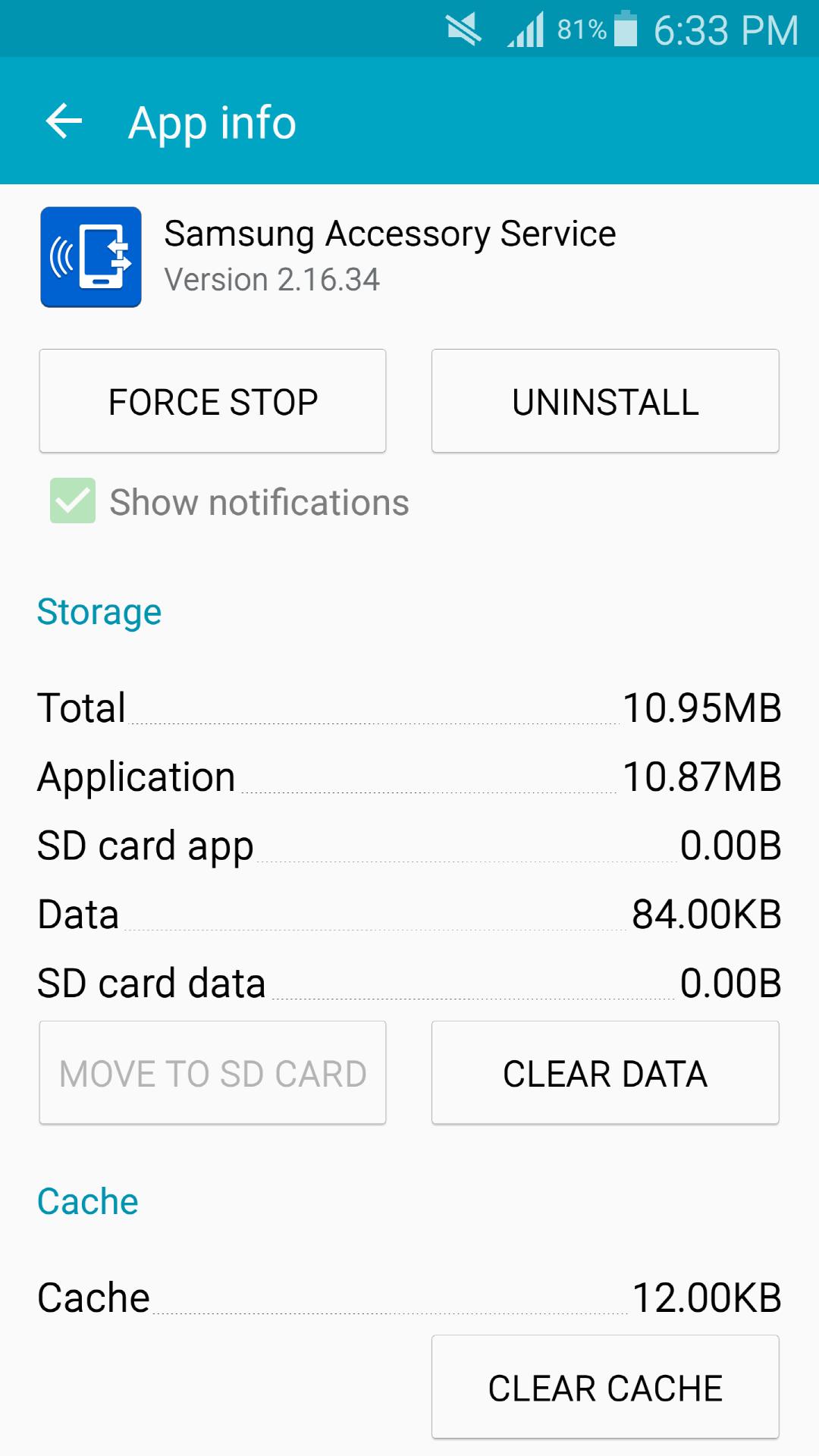
  • If installed or moved to external storage, the service may not operate correctly. To avoid issues, keep the app on internal storage and use the Samsung Accessory Service latest version when available.


Install and start connecting

Samsung Accessory Service provides the background component your phone needs to work with supported wearables and cameras. To begin, install the Samsung Accessory Service APK and follow prompts in your manager app to connect your accessory.

Show More

Additional APP Information

Latest Version

3.1.96.61111

Uploaded by

Şmł Ę Ğáį

Requires Android

Android 4.0.3+

Available on

Content Rating

Everyone

Security Report

What's New in the Latest Version 3.1.96.61111

Last updated on Dec 3, 2025

Support Target SDK 35
Show More
0/50
Scan Result: Secure
No security vendors flagged this file as malicious
No Virus
No Spyware
No Malware
No Virus
No Spyware
No Malware
Scan Date:Dec 3, 2025
Package Name:com.samsung.accessory
SHA-256:a57f643d8a9d8f42a6ea5f71eebba68e074bd2110e326f261f5c0f8952417460
SHA-1:7f70669ff1563a9a54174be1b505e9c69c210951
Show More
View Security Report

Samsung Accessory Service Screenshots

Samsung Accessory Service posterSamsung Accessory Service screenshot 1Samsung Accessory Service screenshot 2Samsung Accessory Service screenshot 3

Related Tags

Samsung Accessory Service Articles

Subscribe to APKPure
Be the first to get access to the early release, news, and guides of the best Android games and apps.
No thanks
Sign Up
Subscribed Successfully!
You're now subscribed to APKPure.