


Scan Date:May 6, 2026
Show More


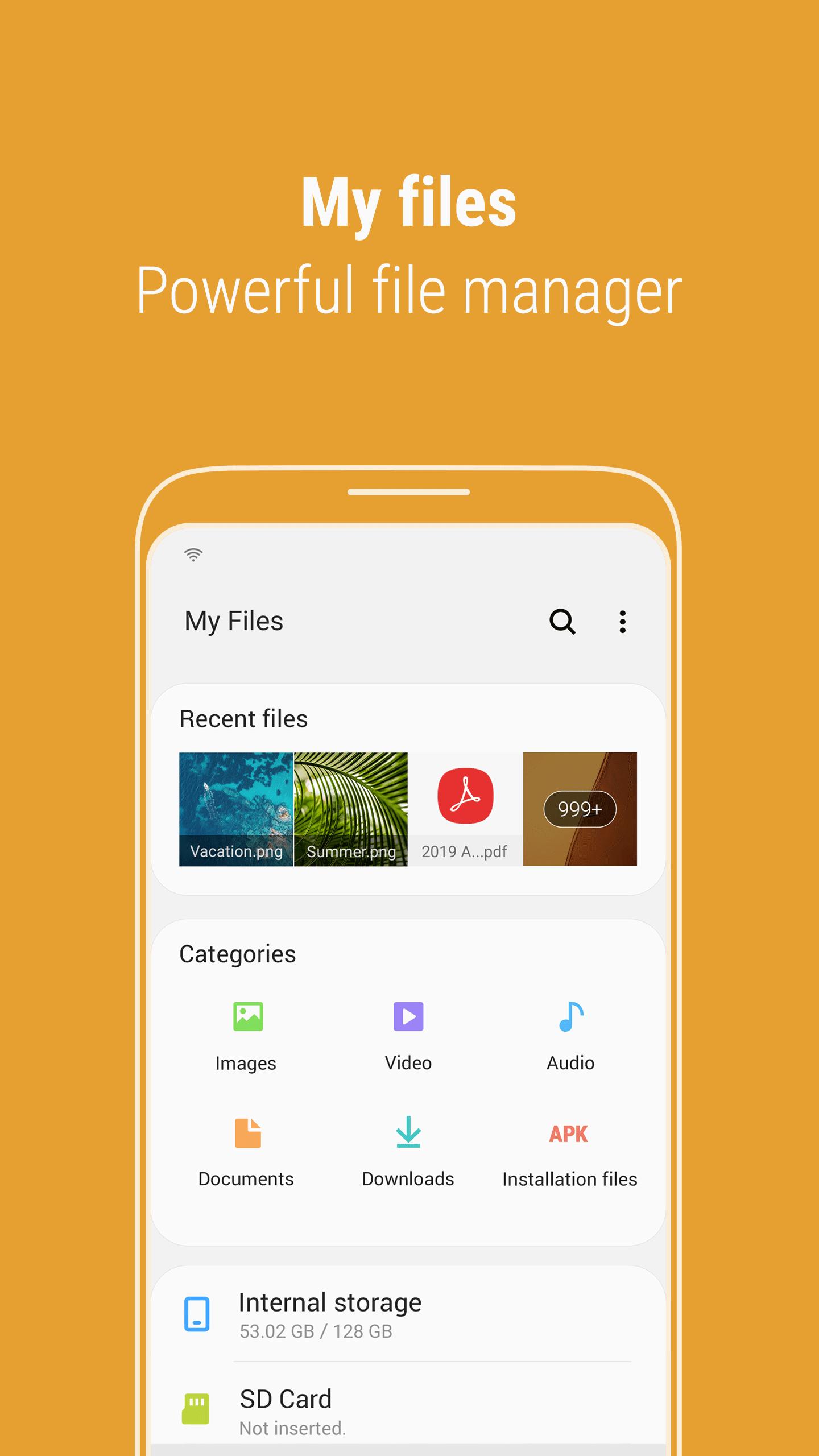
Samsung My Files addresses everyday storage tasks when your phone gets crowded or you need to locate items fast. It brings internal storage, SD cards, USB drives, and connected cloud accounts together in a single view, so you can see and manage everything without switching apps. The interface uses clear folders and simple actions, making it easy to browse and keep things organized. If you prefer a familiar computer like layout on mobile, Samsung My Files APK provides a straightforward way to handle your files.
Free up and tidy storage
Samsung My Files latest version adds Storage Analysis on the main screen and an option to hide unused storage spaces from the home view. Use these tools to check usage and free up space quickly.
Complete file management
Find items faster
Access internal, external, and cloud storage
You can browse files on internal storage, SD cards, and USB drives in one place. Cloud services such as Google Drive and OneDrive are supported for convenient access. Feature availability may differ by device model.
Samsung My Files keeps your phone organized across device, card, and cloud locations. It covers common file tasks and offers tools to recover space when needed. To get started, download Samsung My Files and allow storage and notification permissions so ongoing actions can run and show progress.
Latest Version
15.6.00.29Uploaded by
Samsung Electronics Co., Ltd.
Requires Android
Category
Free Tools AppContent Rating
Everyone
Security Report
Report
Flag as inappropriateLast updated on May 6, 2026
Minor bug fixes and improvements. Install or update to the newest version to check it out!



APKPure - A multi-platform app store primarily focused on Android, providing extensive app-related content. Discover the app you want easier, faster, and safer, with quick and efficient downloads and installations.
![[Samsung] Always On Display APK](https://image.winudf.com/v2/image1/Y29tLnNhbXN1bmcuYW5kcm9pZC5hcHAuYW9kc2VydmljZV9pY29uXzE1ODAyODcwMThfMDQ4/icon.png?w=102&fakeurl=1)










