Scan Date:Apr 11, 2026
Show More


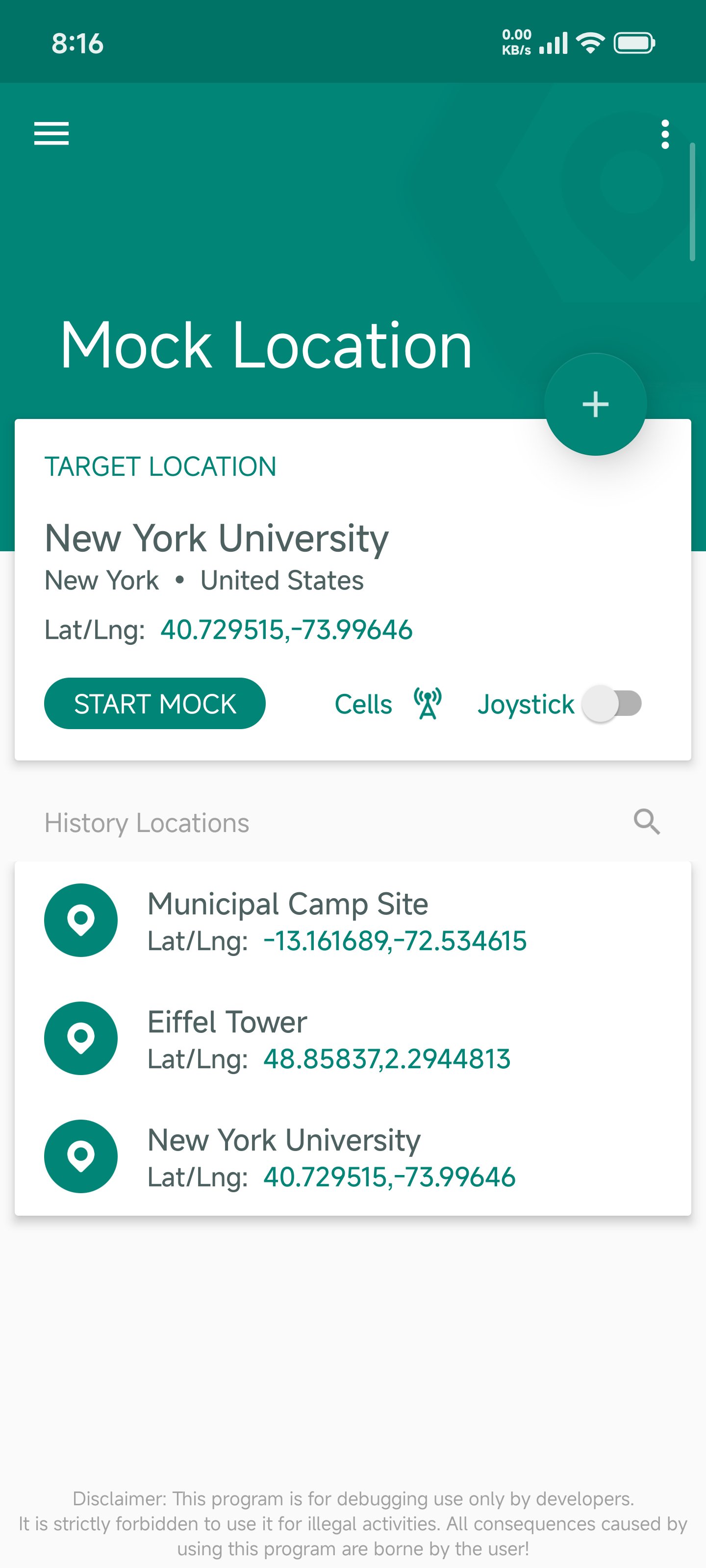
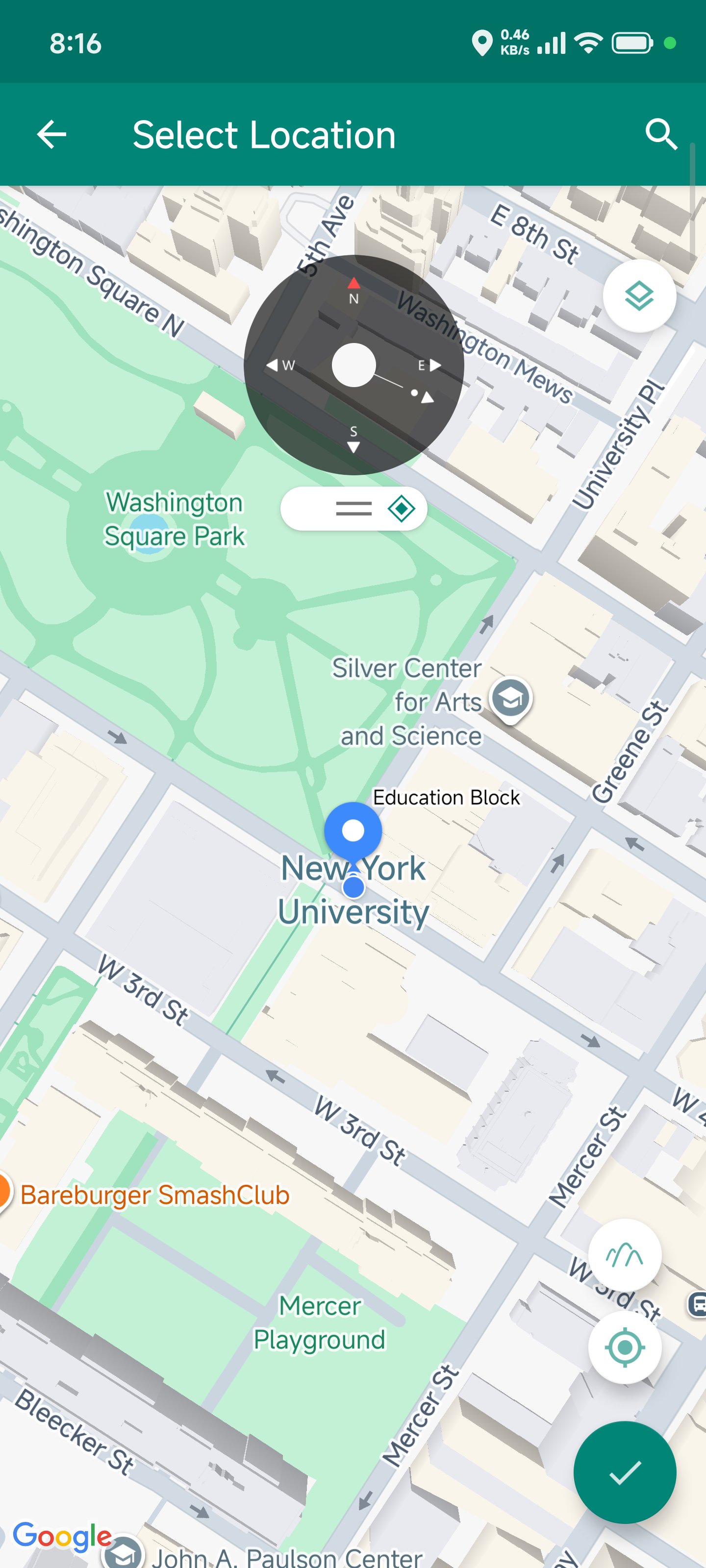
Fake Location addresses common development and testing needs when you must validate location behavior without traveling. It supplies simulated inputs so apps can handle places, routes, and nearby signals during debugging. The tool supports use without root for quick checks, while root mode offers deeper control for system level tests. It also works with Android 5 to 16 for broad device coverage; for setup notes and updates, see the Fake Location APK page.
NOROOT mode essentials
Advanced movement and data options
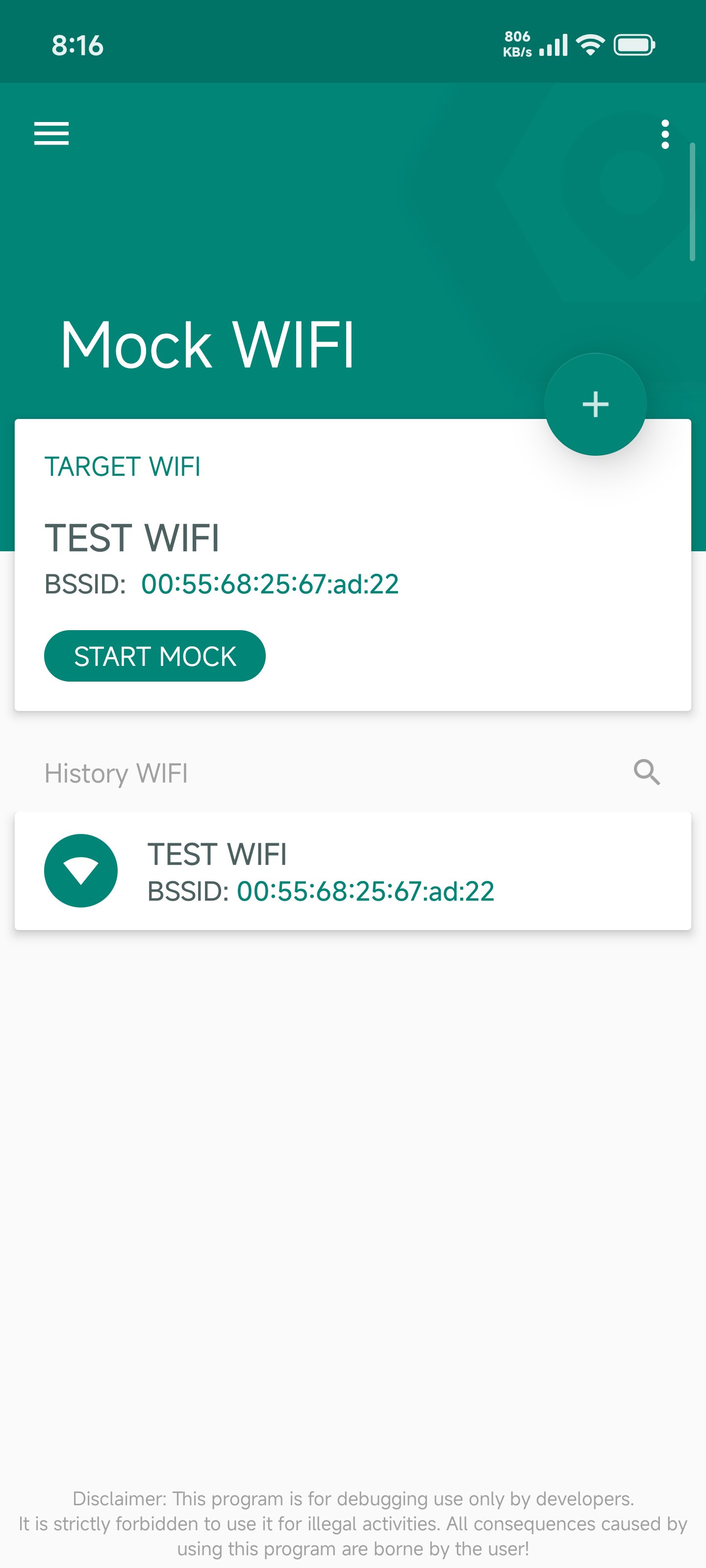
For deeper scenarios, Fake Location provides paid additions such as route simulation, joystick speed control, and altitude simulation. You can choose preset or custom speeds for walking, running, cycling, driving, and airplane. It also supports collecting location information from GPS, base stations, and WiFi for testing.
ROOT mode for system level simulation
Fake Location provides controlled location inputs for app development, from quick checks to system level simulations. Choose the mode that fits your project and review any paid requirements as needed. To begin, download Fake Location and configure your test settings.
Latest Version
1.5.0Uploaded by
Lê Vũ
Requires Android
Android 5.0+
Category
Free Tools AppContent Rating
Everyone
Security Report
Report
Flag as inappropriateLast updated on Apr 11, 2026
- Upgraded the Mock core
- Added external API call support - supports command-line control of Mock Location
- Fixed an issue where devices would restart after emulation for a period of time on some models
- Fixed an issue where the emulation would "keep spinning" in some areas
- Optimized in-app webpage loading speed
...







APKPure - A multi-platform app store primarily focused on Android, providing extensive app-related content. Discover the app you want easier, faster, and safer, with quick and efficient downloads and installations.