


Scan Date:May 9, 2026
Show More

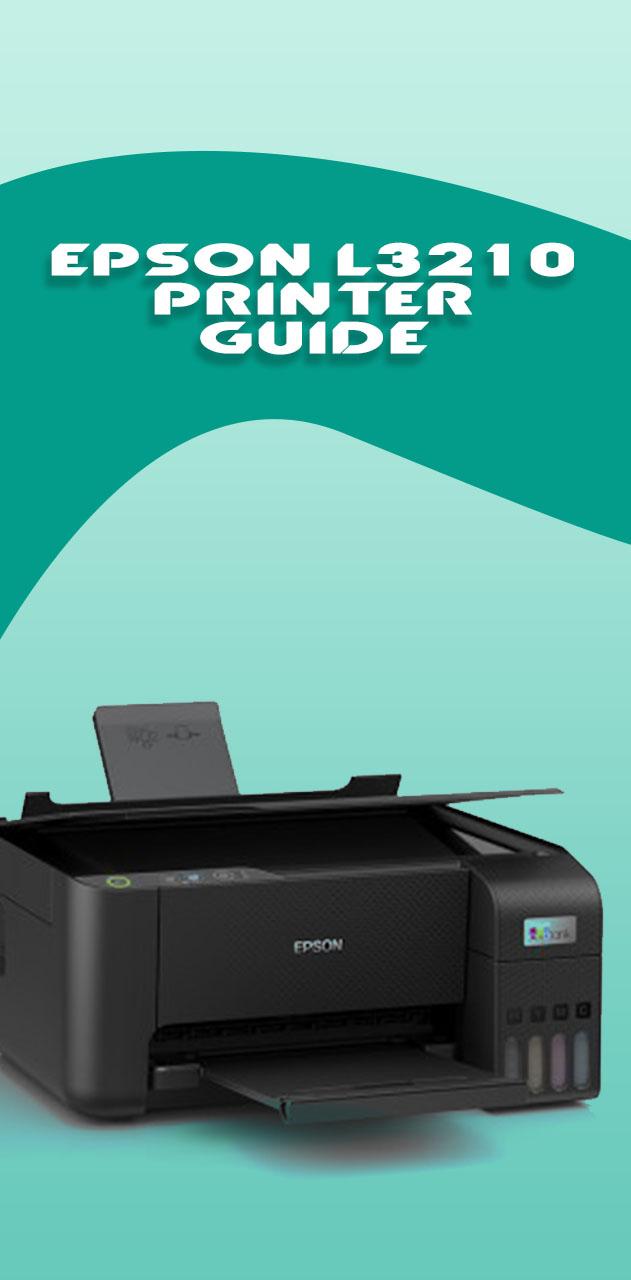
The Epson L3210 is one of the best value EcoTank printers out there — but refilling ink, fixing clogged nozzles, and getting print settings right can be more confusing than it should be.
This guide fixes that.
WHAT'S INSIDE
✔ Ink costs money, and most people waste more of it than they realize. The ink savings calculator helps you estimate how much ink each print job actually uses, so you can make smarter decisions about print quality, page volume, and when to refill — before you run dry.
✔ Streaky prints and faded lines are almost always a nozzle clog. The Nozzle Clog Troubleshooter walks you through a step-by-step diagnosis — identifying which color is blocked, what severity you're dealing with, and the right cleaning cycle to run — so you stop guessing and start fixing.
✔ Getting the wrong output from your print jobs? The Print Settings Optimizer recommends the ideal combination of quality, paper type, and color mode for whatever you're printing — documents, photos, or borderless output — so every print looks the way it should.
✔ Planning a photo print run but not sure how many pages your ink will cover? The Photo Print Estimator calculates page yield based on print size and quality settings, giving you a realistic number before you commit to a big print job.
✔ Refilling the L3210's ink tanks is straightforward once you know the order and the precautions — the Ink Refill Cheat Sheet puts everything in one place: which bottle goes where, how to avoid spills, and what to do if ink does get out.
✔ Beyond the interactive tools, you'll find a full Troubleshooting & FAQ section covering 20+ common questions, a guide to checking your connection status, how to handle the auto power-off feature, and step-by-step instructions for cleaning spilled ink safely.
KEY FEATURES
- Fully offline — all content guides work without internet
- Interactive tools load via fast external connection
- Ink Refill Cheat Sheet works as a quick offline reference
- Clean, easy-to-read layout optimized for mobile screens
DISCLAIMER: This is an independent, unofficial guide app and is not affiliated with, endorsed by, or connected to Seiko Epson Corporation or any of its subsidiaries.
All product names, trademarks, and brand references are the property of their respective owners and are used solely for identification purposes.
Latest Version
1.3.1.6Uploaded by
Damian Karczewski
Requires Android
Android 7.0+
Category
Free Productivity AppContent Rating
Everyone
Security Report
Report
Flag as inappropriateLast updated on May 9, 2026
- v1316





APKPure - A multi-platform app store primarily focused on Android, providing extensive app-related content. Discover the app you want easier, faster, and safer, with quick and efficient downloads and installations.







