
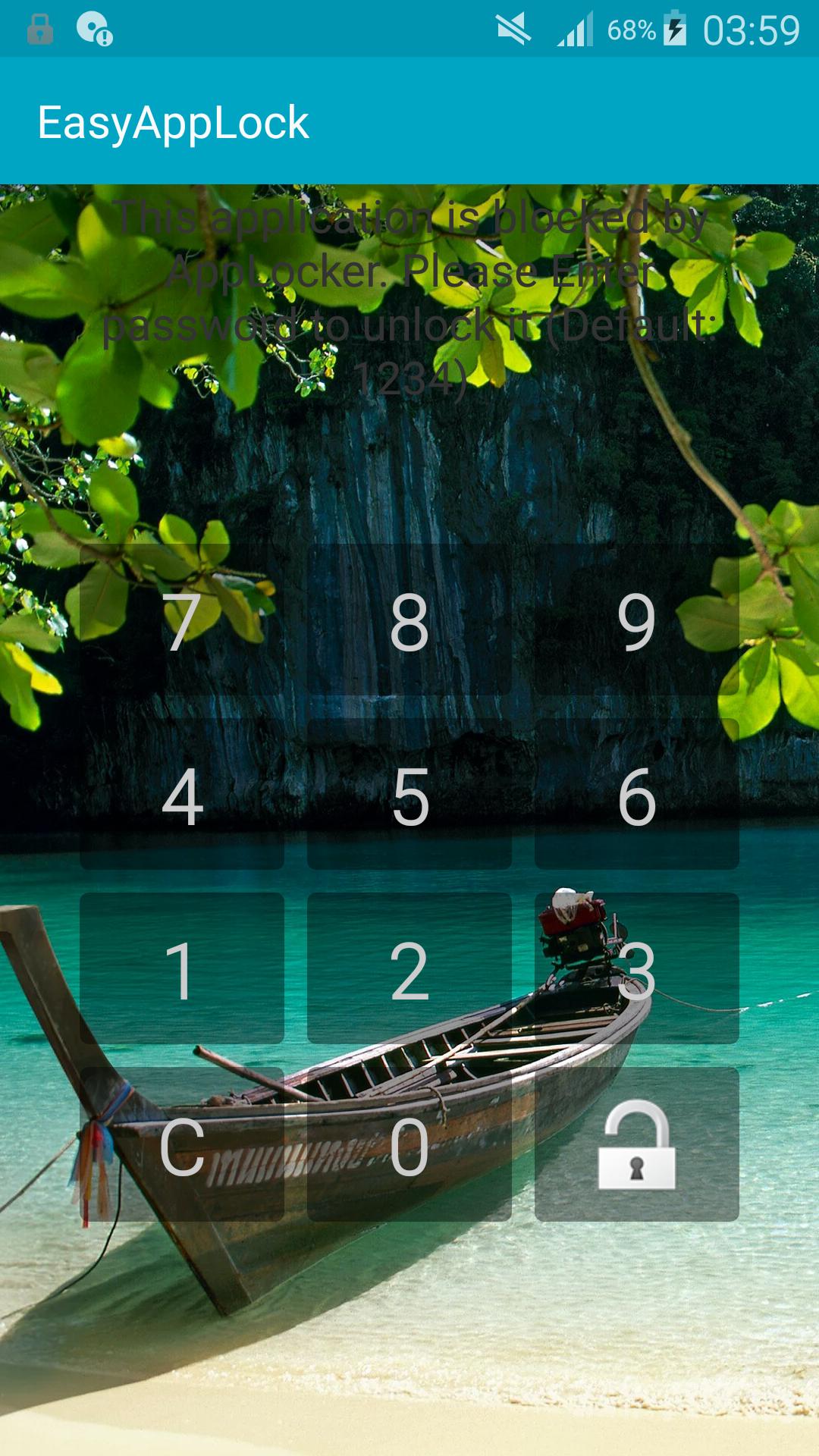
Easy App Lock allows android phone users to protect specific applications by entering unlock password
instead of locking the entire phone to prevent accidental or unauthorized access by others.
Every phone user should have to protect personal data from unauthorized access.
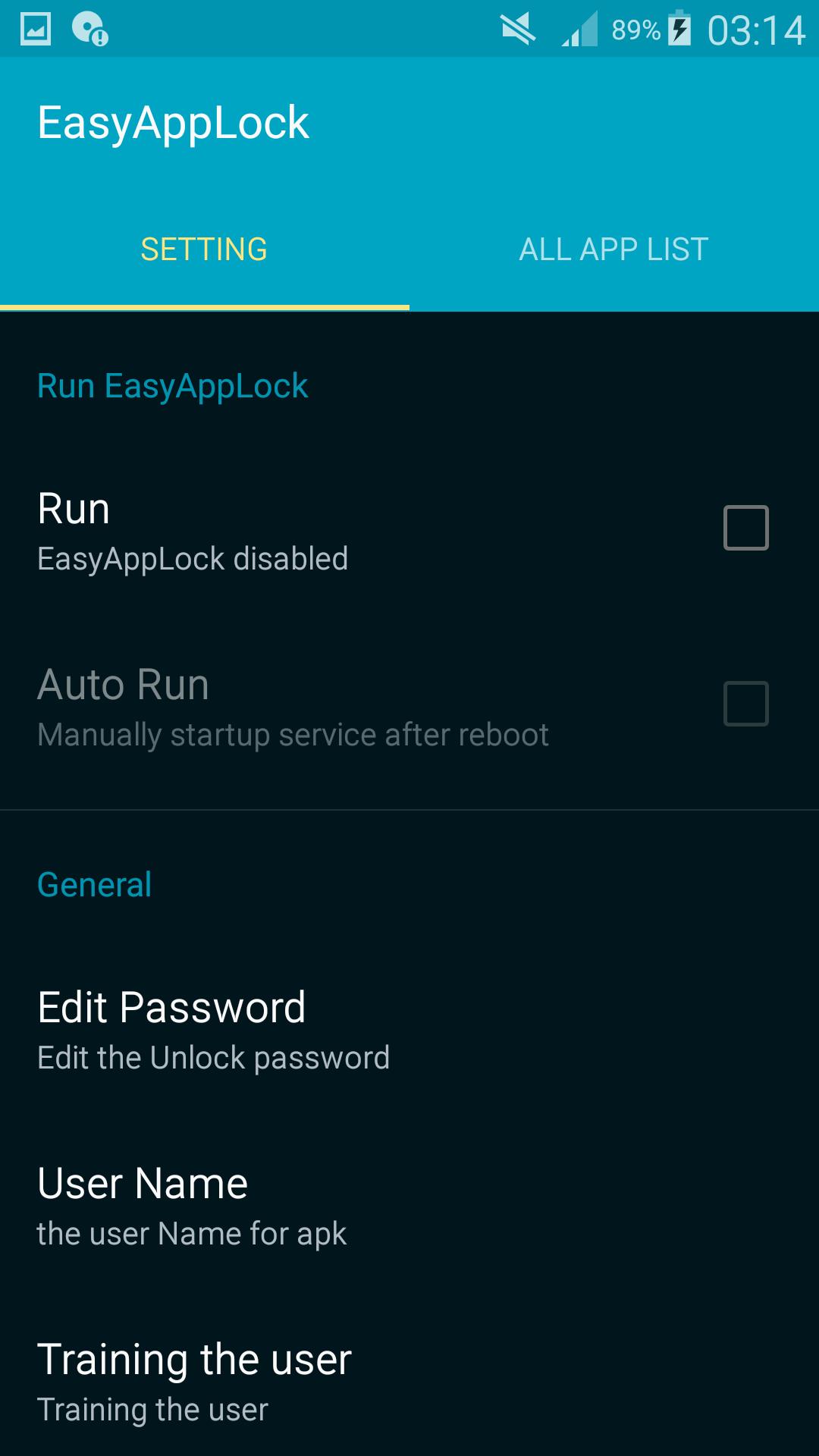
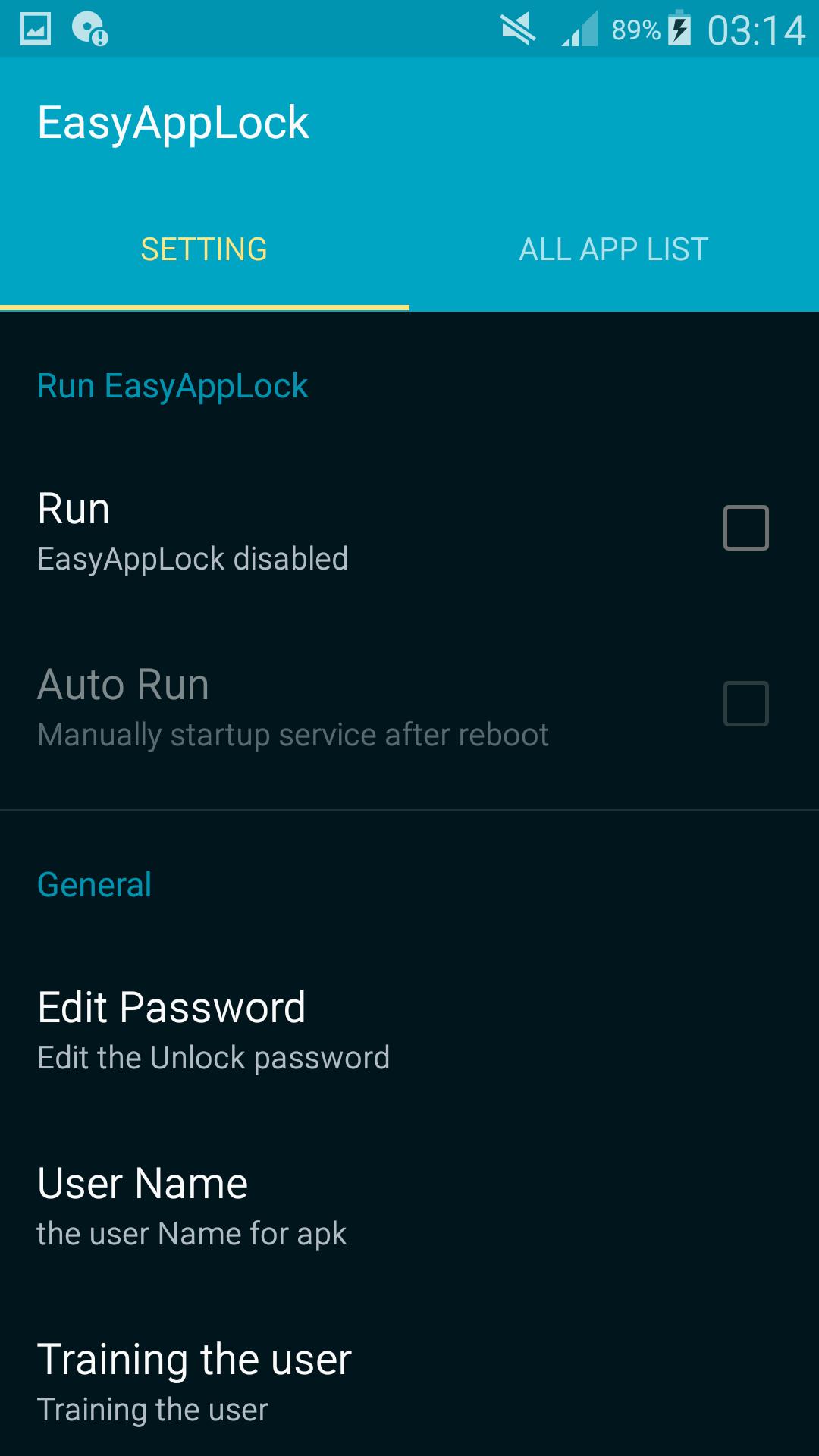
Easy to use just click on selected apps you want to lock and then from setting Enable Run or choose edit
password for your choice numbers.
It is really a useful tool that helps you protect any programs that we do not want to be utilized or
seen by other people, such as, email, gallery, SMS, contacts, photos, etc.
Features:
-Its key feature is handy and easy to operate
-Lock your apps with password Edit password in setting is used
-you can set username for you app
-App have default password (1234)
-Auto Run features start up manually after reboot
-Relock Time out feature
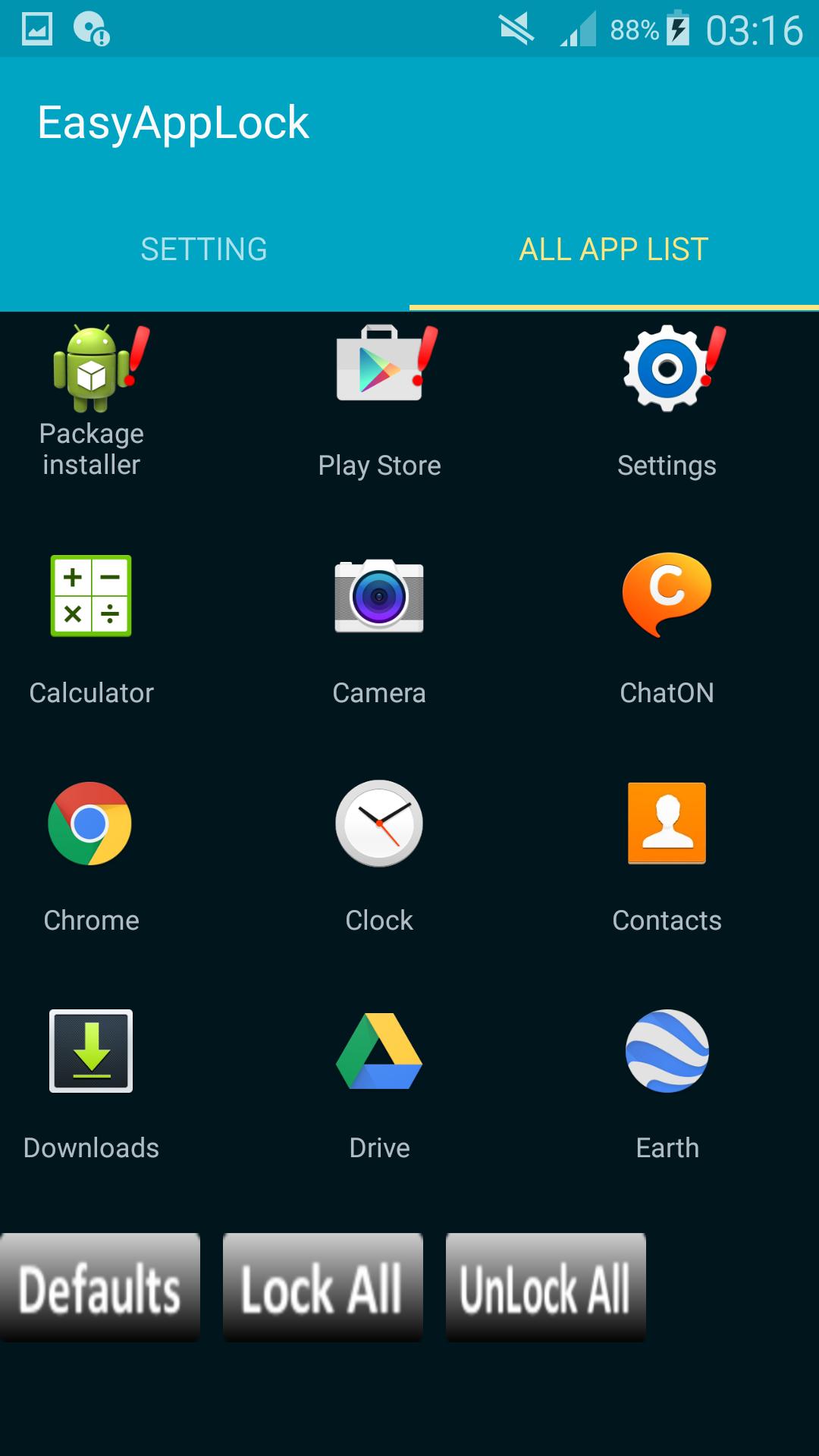
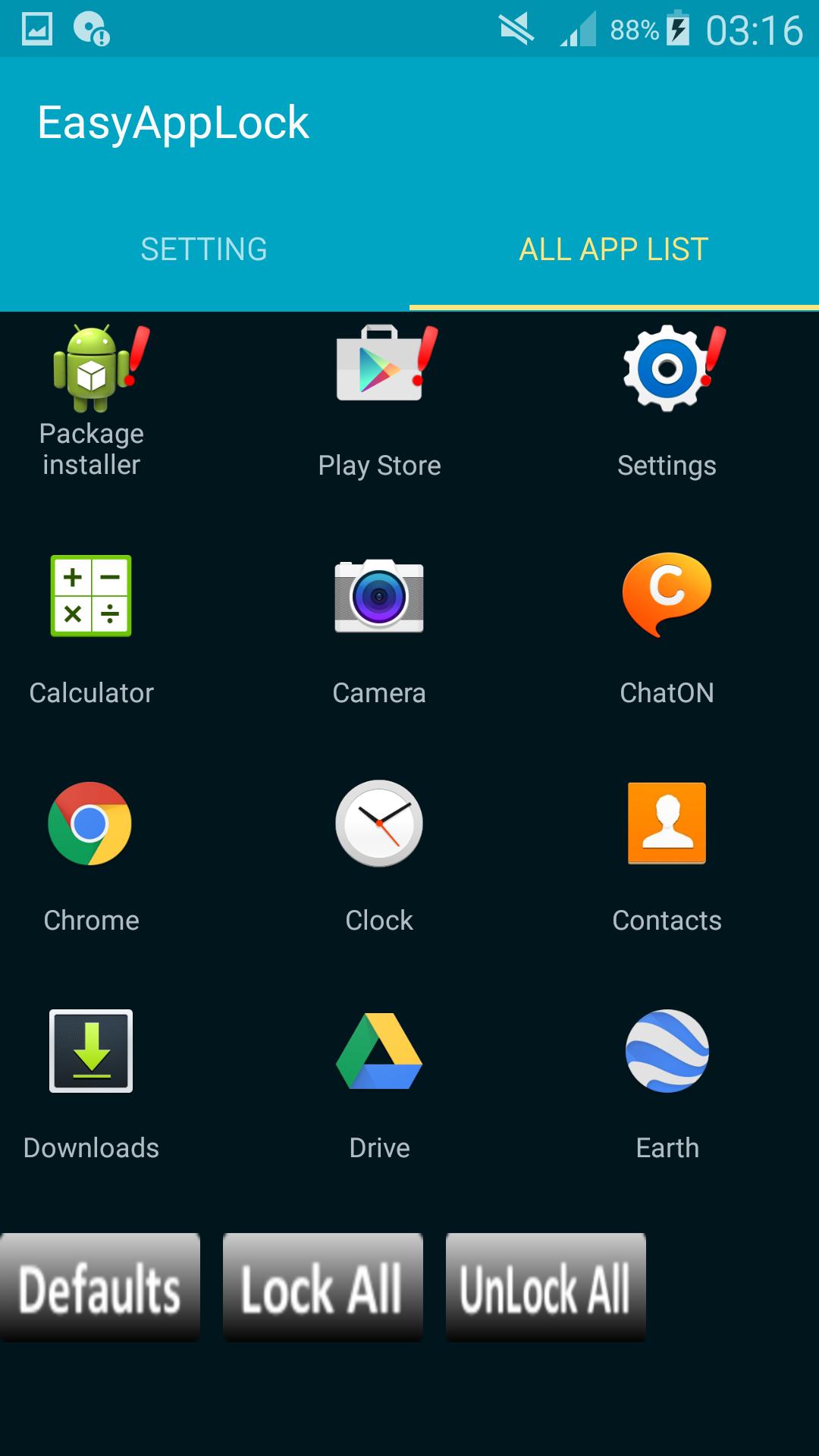
-In All app list (Load All your apps in grid)
-Click to Lock selection apps or choose (Defaults, Lock All, and Unlock All)
More features will be added in next updates.
Latest Version
1.1Uploaded by
Harzhen Stegen
Requires Android
Android 2.3.2+
Category
Free Tools AppContent Rating
Everyone
Report
Flag as inappropriateLast updated on Mar 2, 2016
code modification




APKPure - A multi-platform app store primarily focused on Android, providing extensive app-related content. Discover the app you want easier, faster, and safer, with quick and efficient downloads and installations.













