Scan Date:Nov 3, 2025
Show More

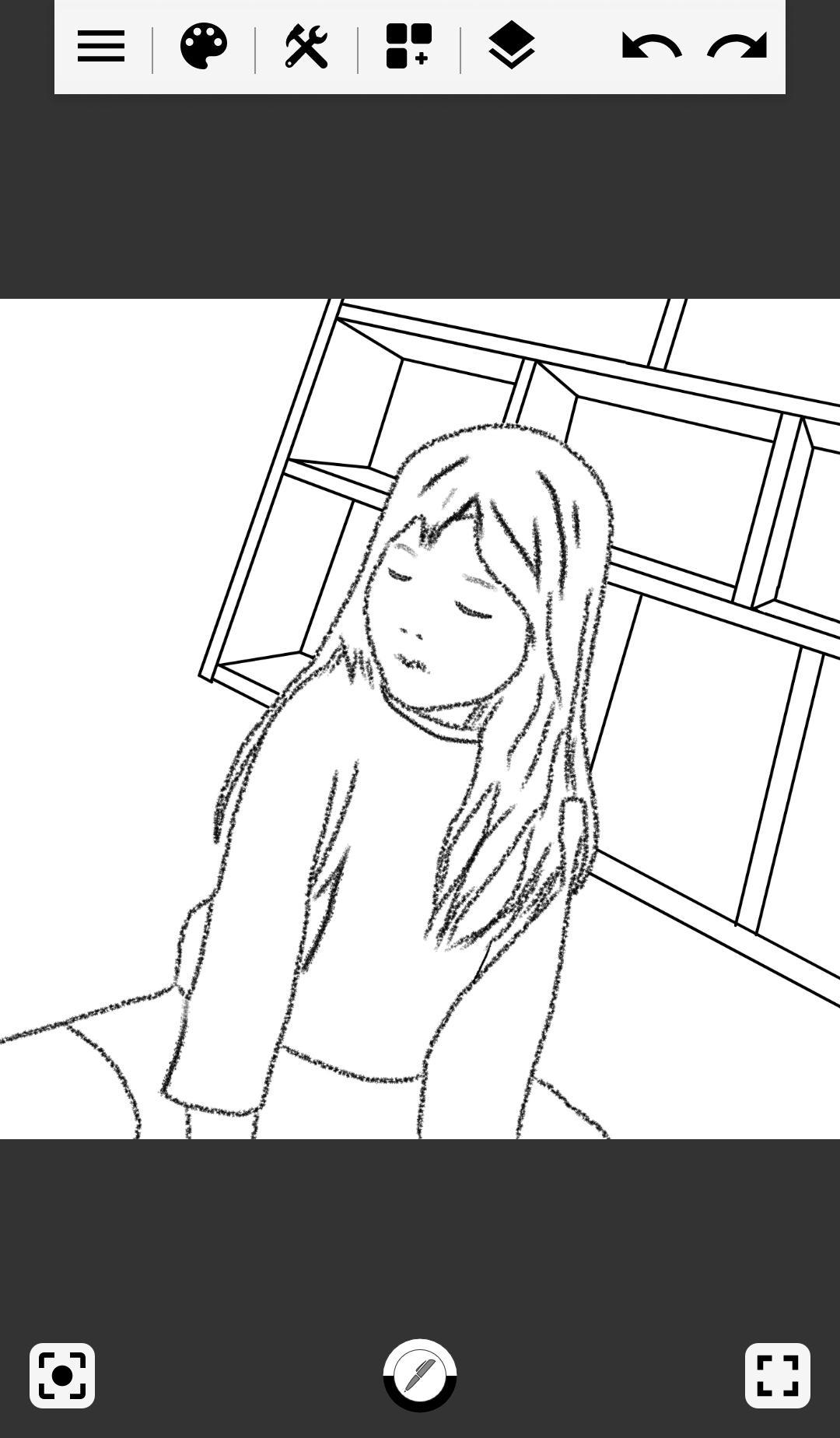
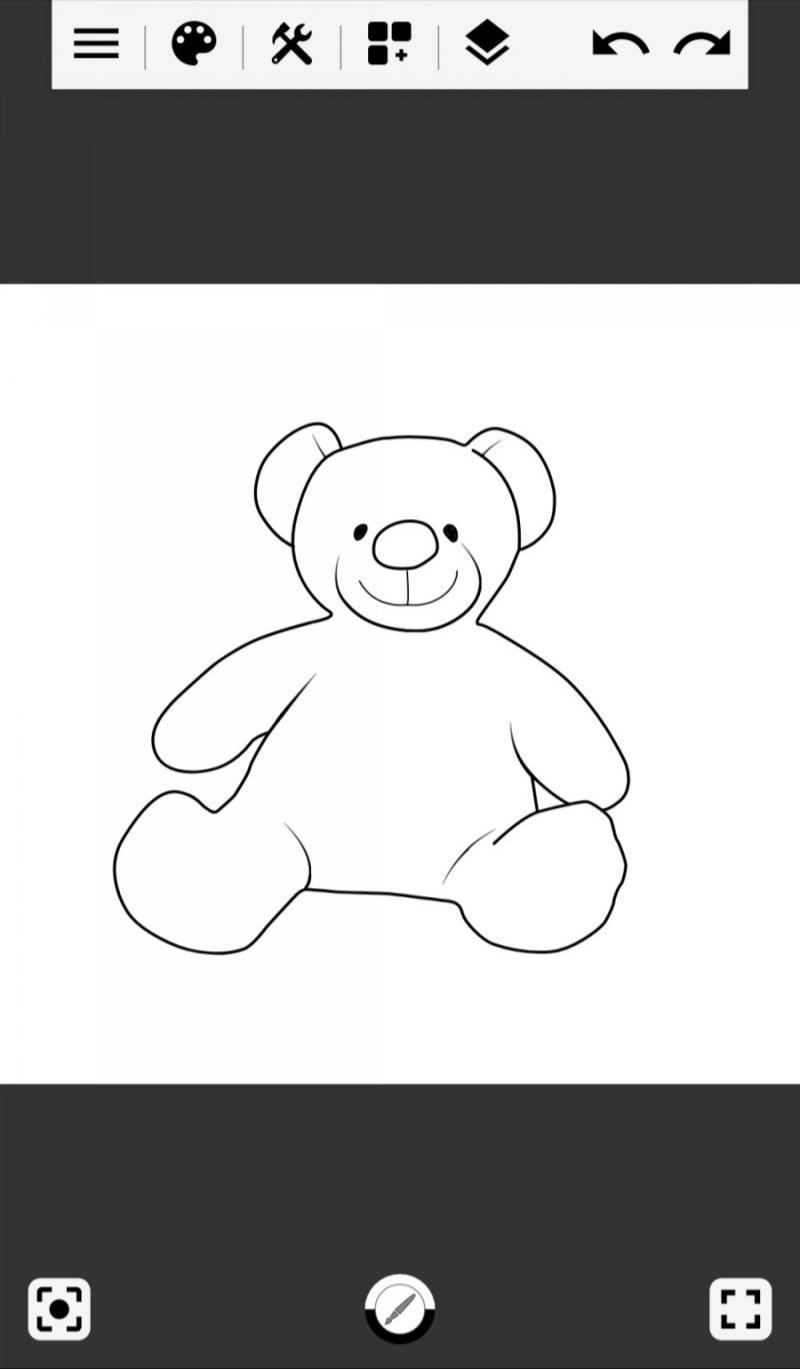
This app lets you draw, save and edit picture easily with a simple menu.
Main features
- Support multiple drawing modes: free line, straight line, rectangle, circle
- Various pens: ordinary pen, pencil, paint brush, brush pen, color fill, gradients, neon pen, starring, rainbow, stamp, mosaic, blur
- Change pen thickness, transparency and color
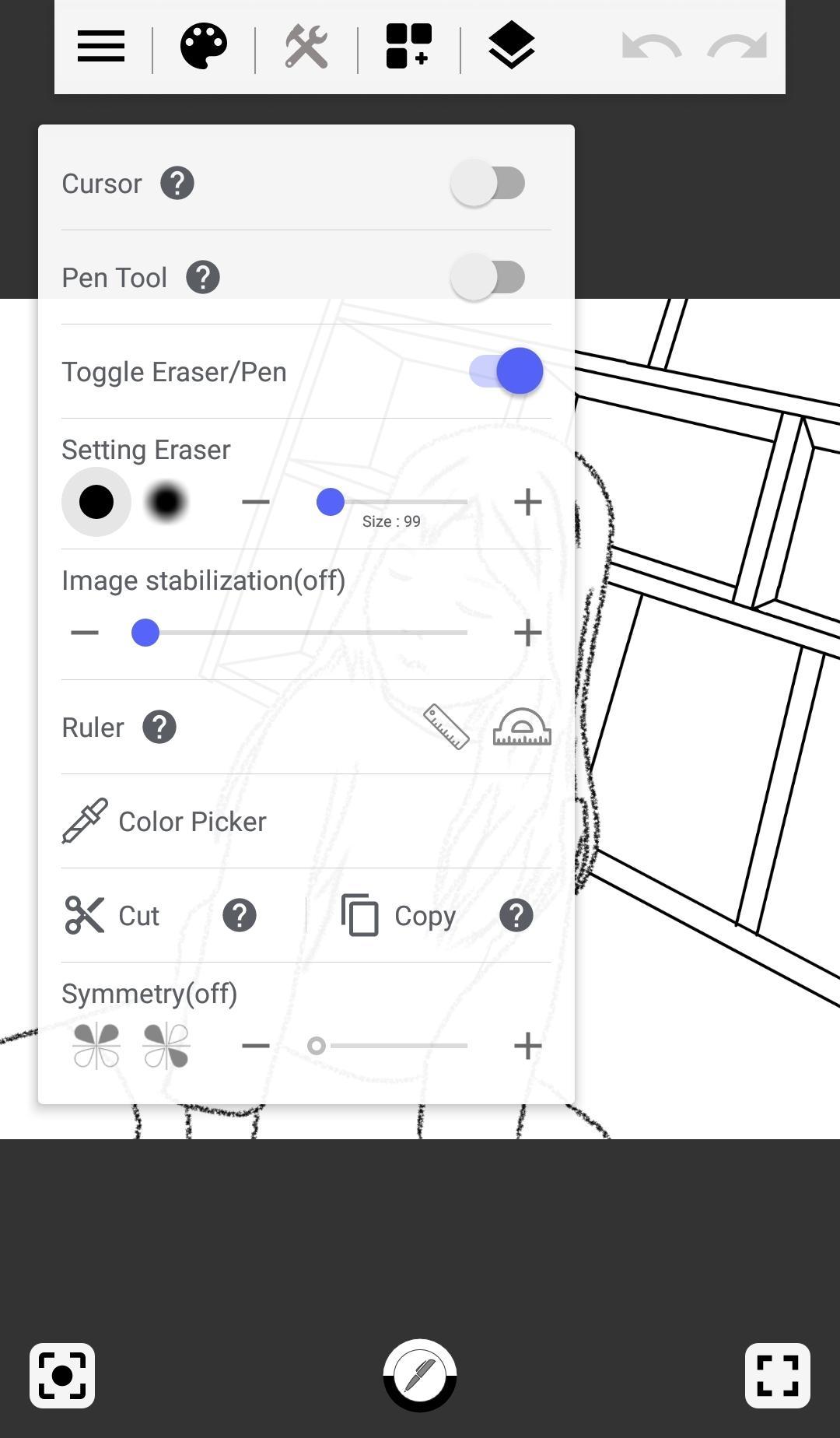
- Image stabilization
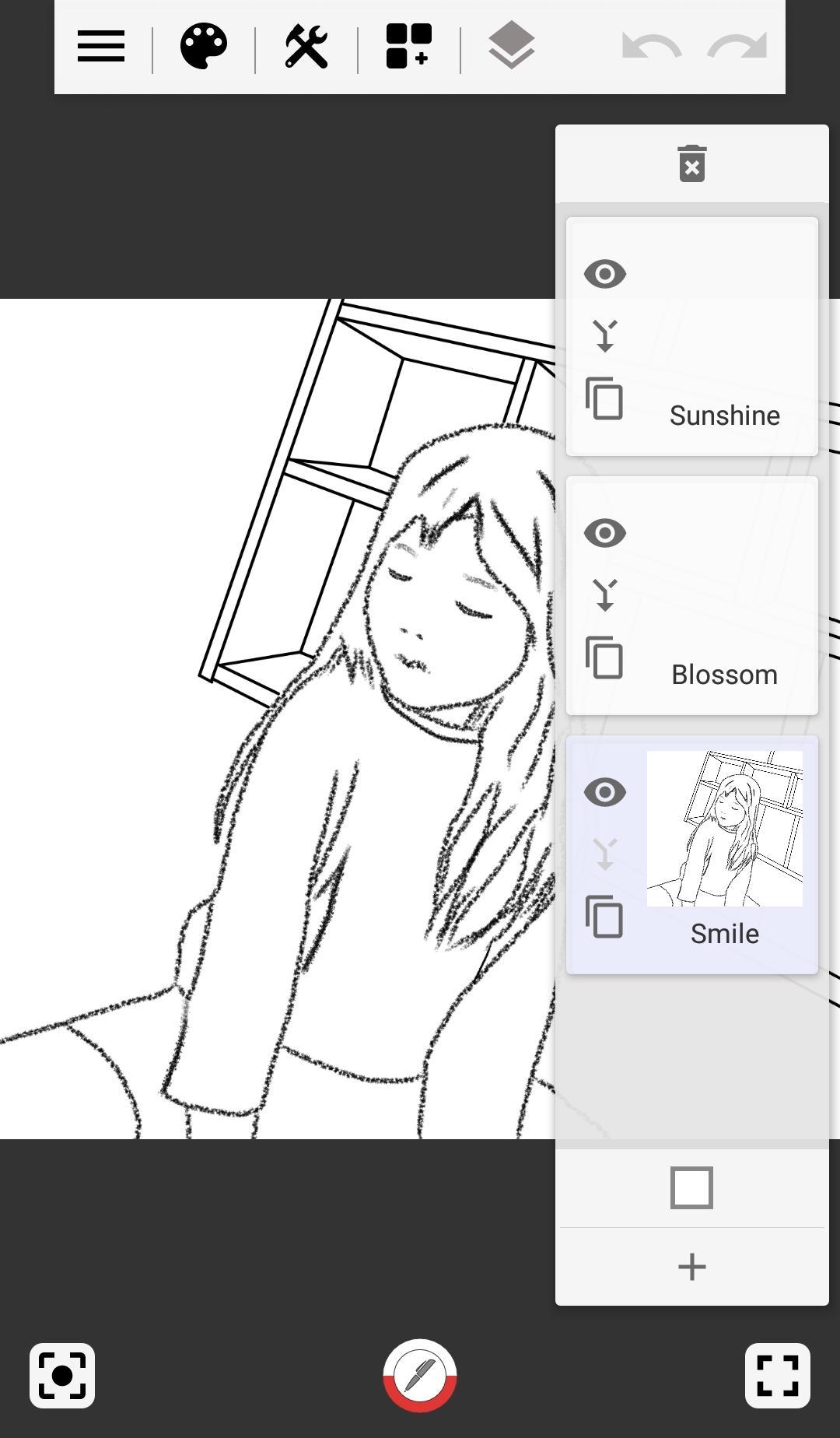
- Support up to 10 layers
- Change background colors
- Line picking function with pen tool
- Delicate drawing with cursor
- Support undo / redo
- Support straight / oval ruler
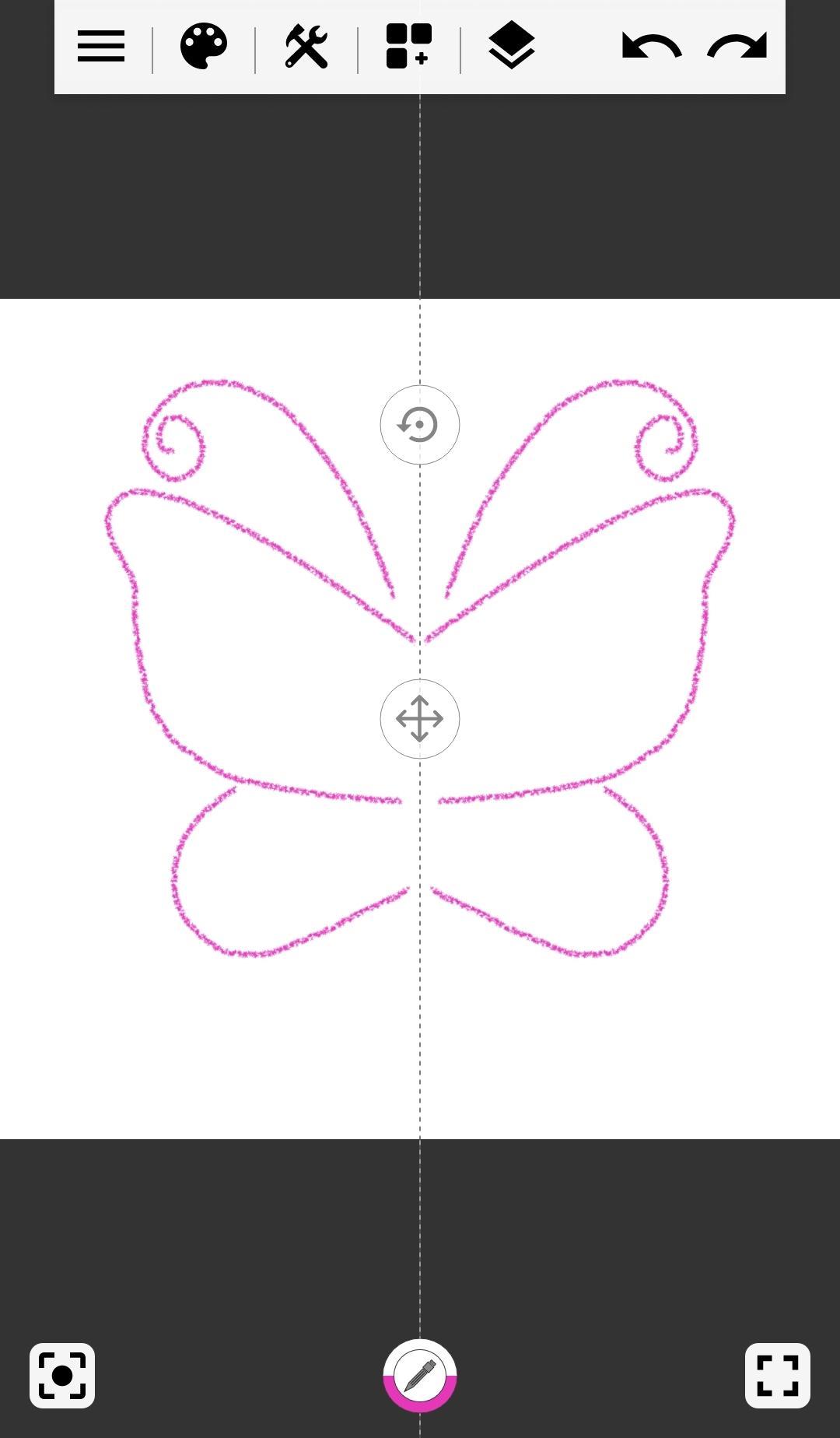
- Support decalcomania function
- Draw a picture by zooming in or out canvas with pinch-to-zoom
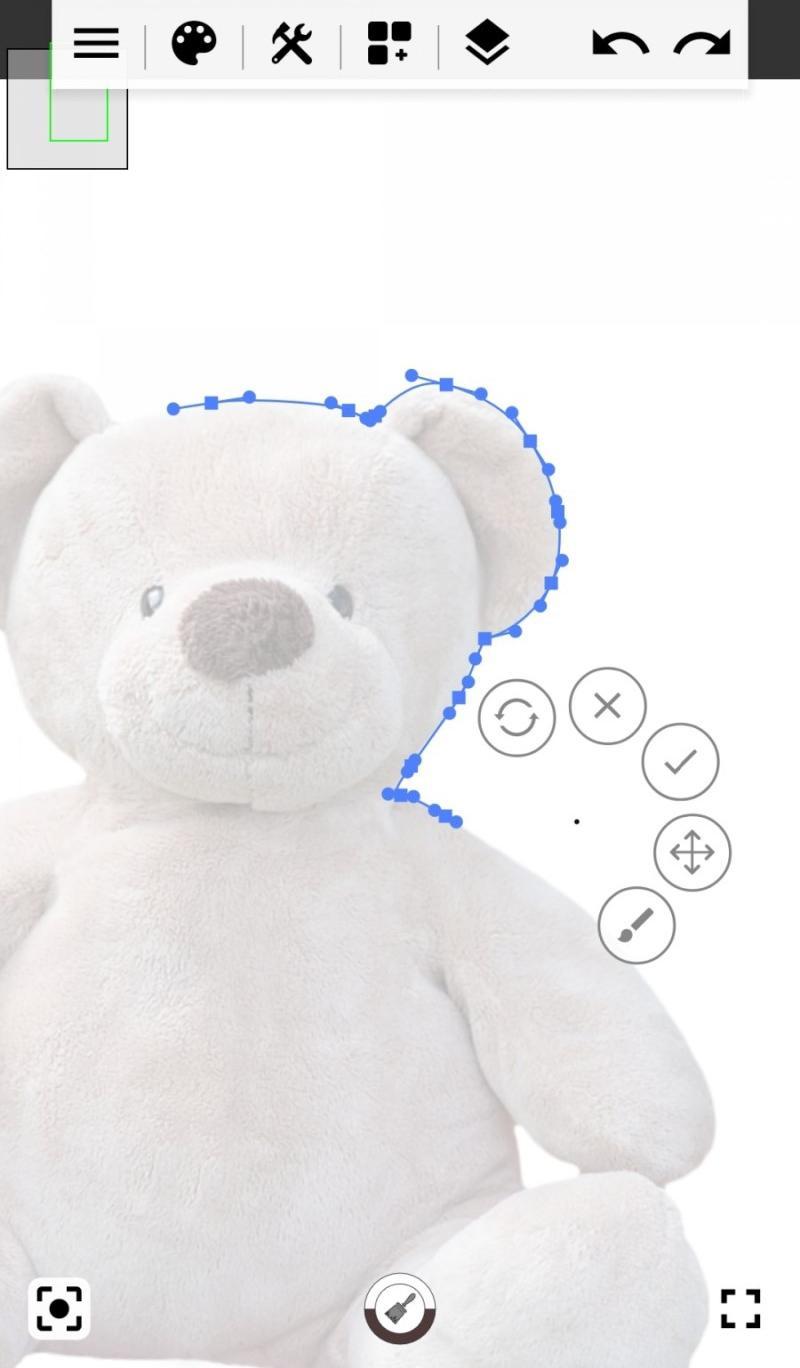
- Import photo via album or camera shooting
- Save and retrieve works
- Save as image to album
- Add texts
Please contact us by comments or email for suggestions or problems.
Privacy Policy
: https://docs.google.com/document/d/125ugqJeFCWj84Y0OO-kTn-lA4LcPKeG8p72wgT4hBYk/edit?usp=sharing
Latest Version
2.2.9Uploaded by
Sebastian Uciechowski
Requires Android
Android 4.4+
Category
Free Art & Design AppContent Rating
Everyone
Security Report
Report
Flag as inappropriateLast updated on Aug 12, 2025
Fixing Screen Artifacts When Using Blur and Mosaic Brushes



APKPure - A multi-platform app store primarily focused on Android, providing extensive app-related content. Discover the app you want easier, faster, and safer, with quick and efficient downloads and installations.