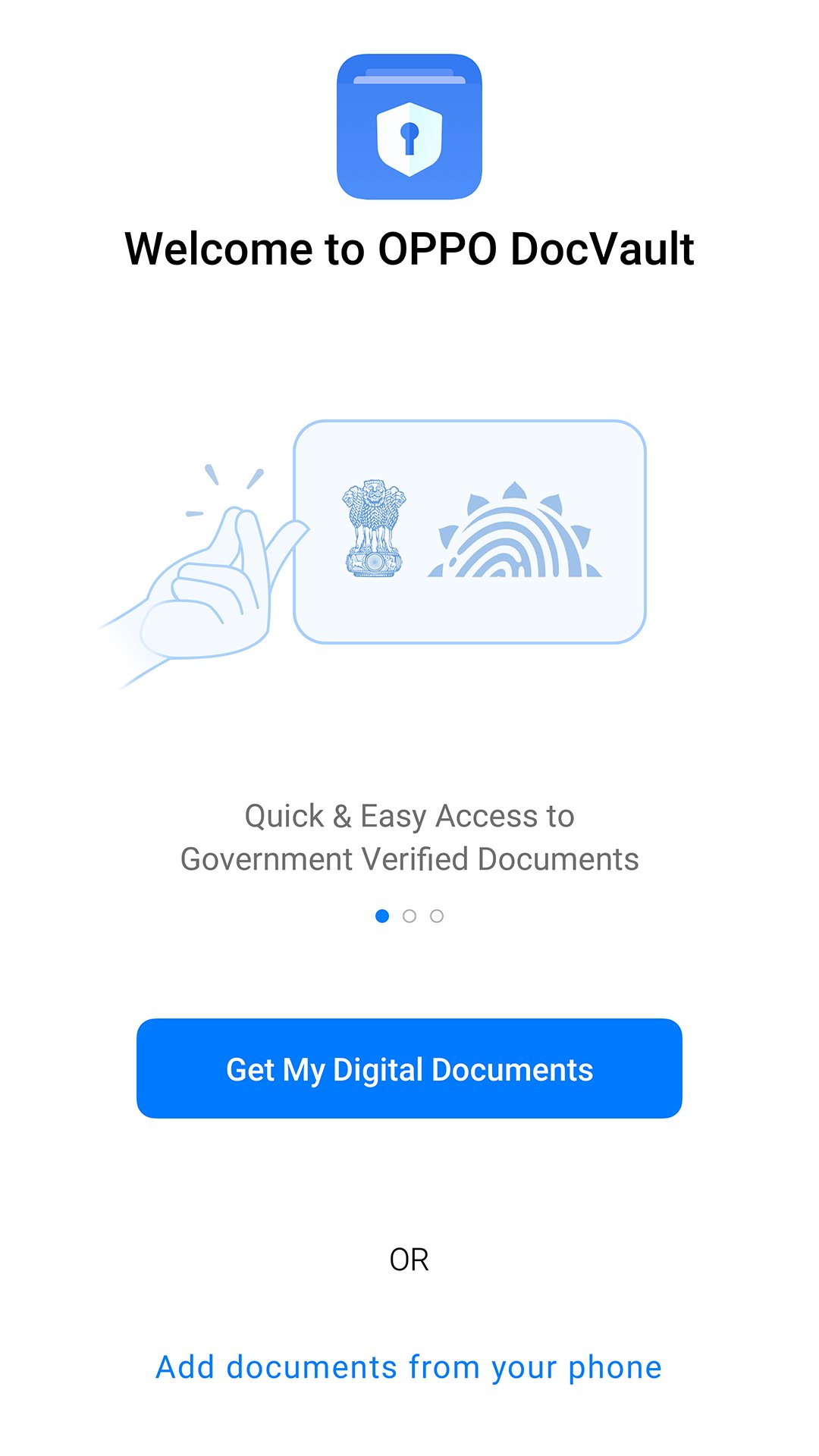
DocVault is an app that allows you to easily and conveniently manage your personal documents on phone while on the move.
You can also download government issued and verified documents by linking to your “DigiLocker" account. All your documents are secured via password, encrypted and private to you. Enjoy the rich visual experience and enhanced features like creating Categories for documents, adding Multiple-Formats of documents like PDF and Images, linking Fingerprints for easy retrieval, quick access to Favorite documents and much more !!
Latest Version
13.0.5Uploaded by
ColorOS
Requires Android
Category
Free Productivity AppContent Rating
Everyone
Report
Flag as inappropriateLast updated on Dec 9, 2024
This release includes minor bug fixes and general improvements. Update to the latest version for the best experience.





APKPure - A multi-platform app store primarily focused on Android, providing extensive app-related content. Discover the app you want easier, faster, and safer, with quick and efficient downloads and installations.