Scan Date:Sep 13, 2025
Show More


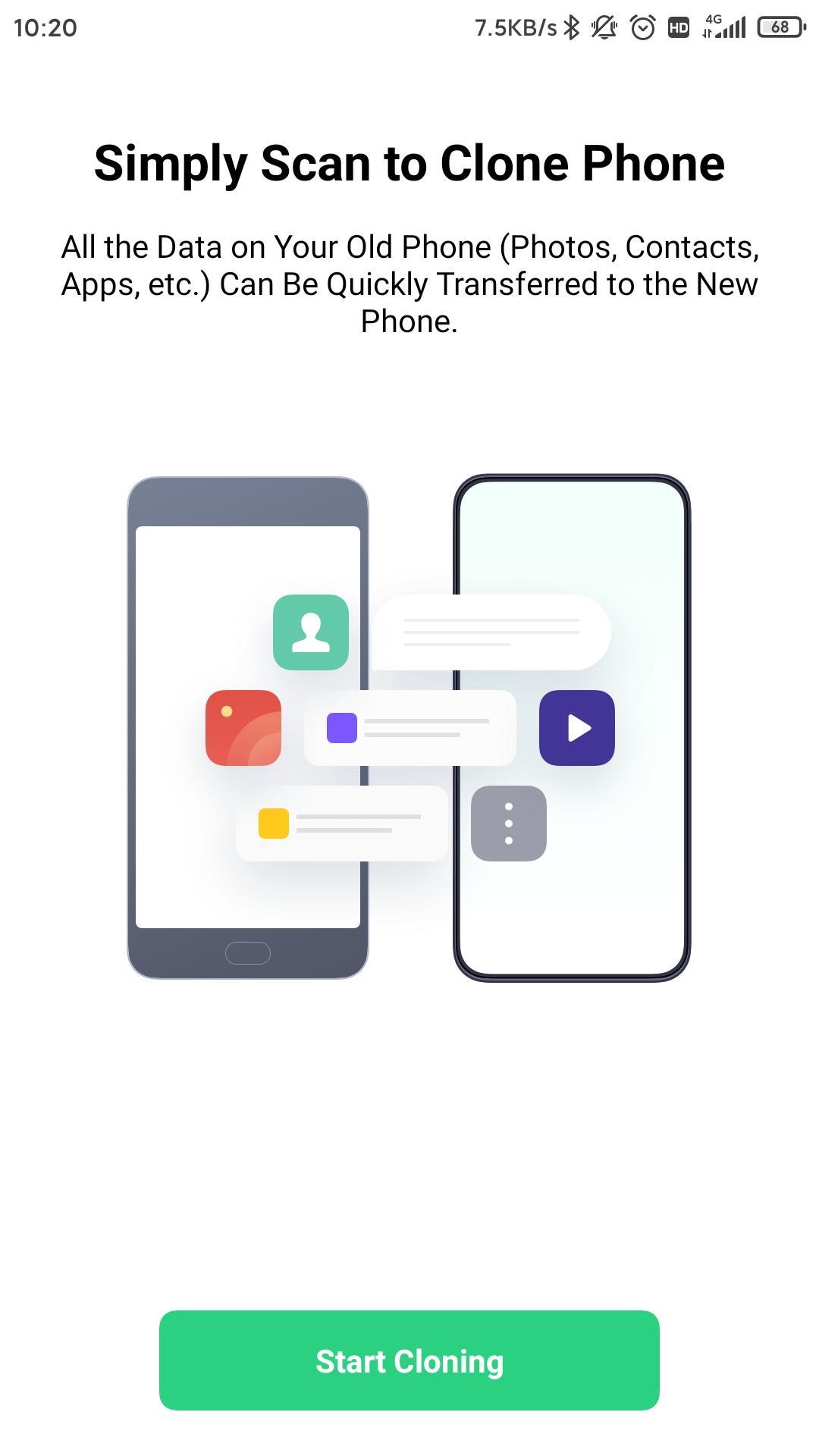
OPPO Clone Phone helps users switch to a new OPPO phone without hassle. When you change phones, it guides you through a simple connection so your personal content moves over locally. As a result, you avoid mobile data use and do not need cables or a computer. The process suits users coming from Android or iPhone, and it focuses on privacy by keeping transfer traffic between the two phones. For convenient setup, users looking for OPPO Clone Phone APK can prepare both devices and start pairing.
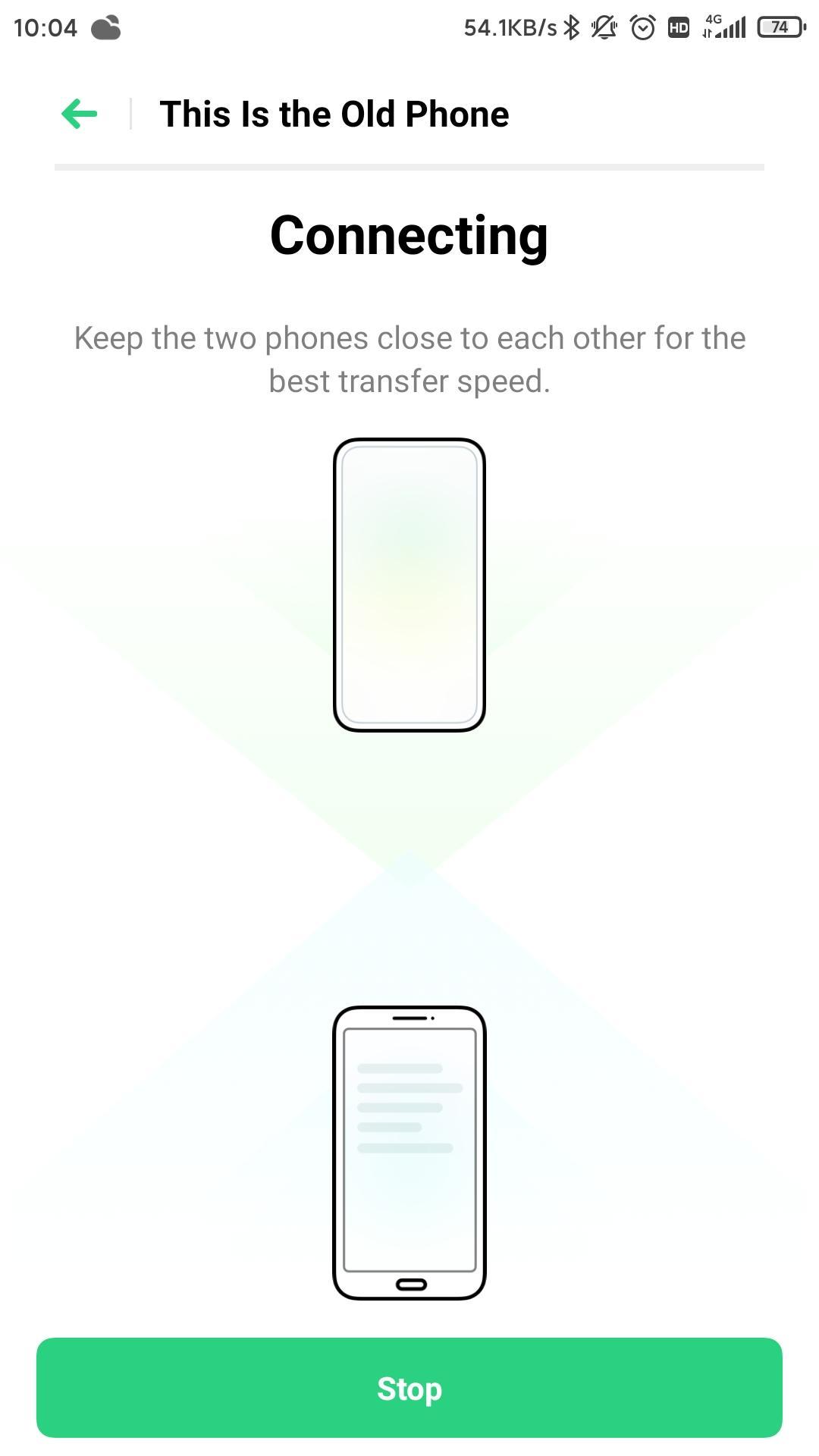
OPPO Clone Phone connects the two phones by scanning a QR code generated on the new OPPO device. After you pair, the app builds a local connection so the transfer starts quickly. You do not need a computer or cables, which reduces setup steps. This approach keeps the process clear for users switching during a busy day.
Fast local Wi Fi with zero mobile data useThe transfer runs over local Wi Fi created between the two phones. Because traffic stays local, the app does not consume your mobile data plan. This helps when you are migrating a large photo library or many videos. In turn, the process remains steady even if your cellular signal is weak.
Cross platform source supportOPPO Clone Phone supports migrations from Android and iPhone to an OPPO device. You can use an older Android phone or an iPhone as the source, then set the OPPO phone as the destination. This flexibility makes the app suitable for users coming from different ecosystems. Meanwhile, the receiving device stays consistent so your setup on OPPO remains organized.
Move more types on Android, including apps and app dataFrom Android, OPPO Clone Phone covers a wide range of data types such as contacts, SMS, call history, photos, videos, audio, files, calendar, notes, alarms, wallpapers, and system settings. It also supports installed apps and certain app data, like WeChat or QQ, when available. This means you can keep more of your everyday setup intact. As you review options, you choose which categories to include before starting.
Private point to point transferThe app uses a direct phone to phone connection, which reduces exposure compared with cloud uploads. Nothing goes through external servers during the move, so your personal data stays on the devices involved. This helps users keep sensitive information away from public networks. As the phones communicate locally, you monitor progress on screen until completion.
Before you begin, check which data types can move based on your source device. This helps you plan what to keep and what to replace after setup.
By reviewing these lists first, you avoid surprises and can plan replacements for items that do not carry over from iOS.
OPPO Clone Phone is designed for migrations where the receiving phone is an OPPO device running ColorOS. It is commonly preinstalled on OPPO phones, and you can open it directly during setup. If the app is missing or outdated, look for OPPO Clone Phone app download options and use the OPPO Clone Phone APK latest version that matches your phone model. If you see a not compatible message on a non OPPO device, set that device as the source instead and select an OPPO phone as the destination.
Use the steps below to move data to your new OPPO handset with local pairing. For a smooth start, prepare both phones fully charged and keep them close while you download OPPO Clone Phone if needed.
OPPO Clone Phone streamlines phone switching by pairing devices and moving content locally without cables. For stable performance and coverage, use OPPO Clone Phone latest version on both phones before you migrate.
For reference, the following official page offers product guidance:
Latest Version
16.6.0Uploaded by
ColorOS
Requires Android
Android 6.0+
Category
Free Productivity AppContent Rating
Everyone
Security Report
Report
Flag as inappropriateLast updated on Nov 10, 2025
Minor bug fixes and improvements. Install or update to the newest version to check it out!



APKPure - A multi-platform app store primarily focused on Android, providing extensive app-related content. Discover the app you want easier, faster, and safer, with quick and efficient downloads and installations.