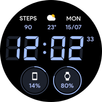
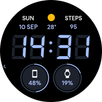
[Only available on Wear OS 3+ devices]
If watch face is shown as not available, please open this link in a web browser. https://play.google.com/store/apps/details?id=com.jhwatchfaces.digitalpixelplus
The phone app only serves as a placeholder so that the watch face is easier to find and install on an Android phone. Select your watch from the install drop-down menu.
---
Features
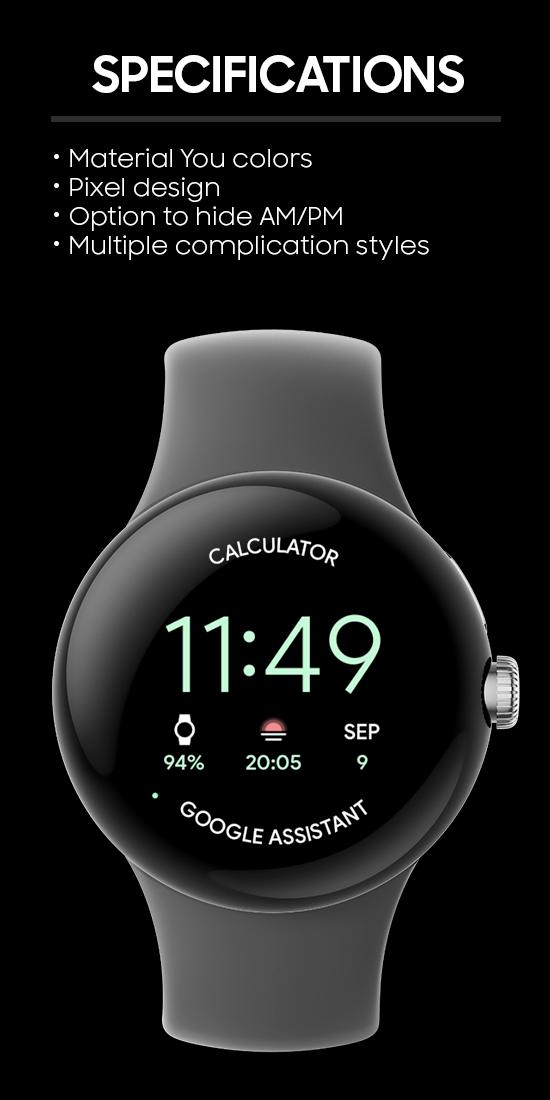
- Pixel inspired theme
- Customizable complications with different styles; short text, icon and small image
- Support for Wear OS 3 and 4
- Battery optimized, won’t drain your battery!
- Built with Watch Face Studio, supports Watch Face Format (WFF)
Customization
Long press on the watch face > Click gear icon
- 5 customizable complications
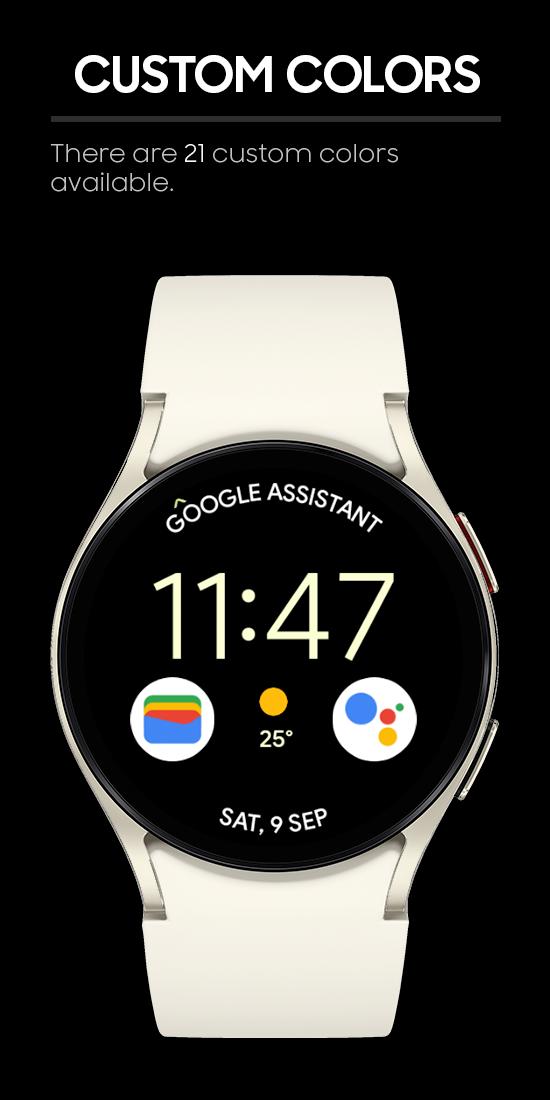
- 21 different color options
- 4 Always On styles
- Option to hide AM/PM indicator in 12h mode
Complications
- 2x Long Text
- 3x Round Complication (short_text + icon + small_image)
Complication Apps
Some complications used in my screenshots are from other developers. See below for the links.
Complications Suite – Made by amoledwatchfaces
https://play.google.com/store/apps/details?id=com.weartools.weekdayutccomp
Phone Battery Complication – Made by amoledwatchfaces
https://play.google.com/store/apps/details?id=com.weartools.phonebattcomp
Heart Rate complication – Made by amoledwatchfaces
https://play.google.com/store/apps/details?id=com.weartools.heartratecomp
---
My other watch faces can be found here: https://play.google.com/store/apps/dev?id=5003816928530763896
Join my Telegram group for free coupons and discussions: https://t.me/jhwatchfaces
Latest Version
Varies with deviceRequires Android
Category
Personalization AppContent Rating
Everyone
Report
Flag as inappropriateLast updated on Jul 24, 2024
Minor bug fixes and improvements. Install or update to the newest version to check it out!






APKPure - A multi-platform app store primarily focused on Android, providing extensive app-related content. Discover the app you want easier, faster, and safer, with quick and efficient downloads and installations.