Scan Date:Apr 22, 2026
Show More

Now you can use dark mode 2022 launcher to convert you mobile human eye friendly device. Download now!
Features:
- Start Menu
- Android application in Stylish Tiles - In Start Menu
- Best application are available on One Click - Create Shortcuts of most used application on Desktop by press and Hold Feature.
- Easy Navigation to the Apps
- Built-In support of File Explorer
- Create Folders, Cut, Copy, Paste, Move, Share etc.
- Listing of all of your drives, SD Card, Storage, audio and video files and pictures in PC style.
- Taskbar
- put the files to Recycle Bin and delete later in style
- Built-in ZIP support allows you to decompress or extract ZIP/RAR files
- Action Center. Notifier Center: You can check the notice of application or system with Notification Center.
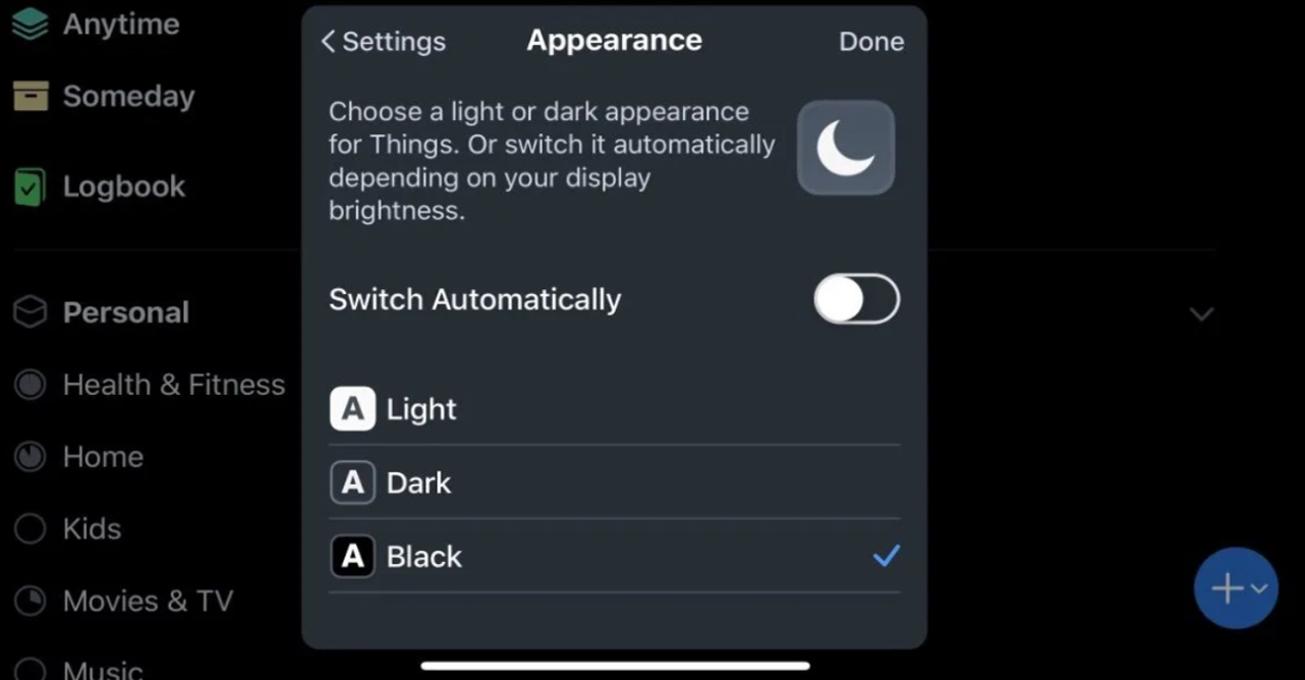
Dark Mode 2022 or Night Mode: allows you to apply a filter to the screen, minimizing eye strain and reducing the blue light emitted by your smartphone screen.
What are the benefits of Dark Mode 2022?
Enabling Dark Mode 2022 helps reduce the strain on eyes and also improves the battery life of the device.
Dark Mode 2022 provides the option to set the night mode automatically based on the time of the day. This switches the supported Dark Mode 2022 app automatically to night mode based on the time of the day.
Powerful Dark Mode 2022 and Night Mode features
Enabling dark mode helps reduce the strain on eyes and also improves the battery life of the device. Dark mode provides the option to set the night mode automatically based on the time of the day. This switches the supported Dark mode app automatically to night mode based on the time of the day.
- Desktop Widgets
- Drag and drop Improved
- Clock Widget
- Weather Widget
- RAM info widget
- Changeable desktop folders
- Live Wallpapers
- Photo tiles changeable
- Task-bar icons removable
- Desktop App Folders
- Weather, Calendar and Photos tiles Added
- Task-bar Transparency option added
- Improved Themes Compatibility
- Multi Tasking Made optional (enable /disable from settings)
- Lock Screen
- Multi Color Support for Task bar and menu
- Themes and Icon Pack - Android TV /Tablet support
- Hide Applications
- Desktop Icons Removable
- Add Applications in Start Menu (Paid Only)
- Change the Start Menu Application (Press and Hold the app to change)
- Change applications in Task-bar (Press and Hold)
- Built-In Gallery Feature added
- Photo Tile changeable
- Widgets in desktop mode
- Built in apps (Photo viewer) :
Get Dark Mode 2022 now and enjoy!
Dark Mode 2022 app will not work on all devices since some smartphone manufacturers disabled or blocked Dark Mode 2022 option for their devices. For more details, please refer to the Q&A section in our Dark Mode 2022 application.
Recent changes:
Amazing Dark Mode 2022 for your device!
Dark Mode 2022 for Instagram
Dark Mode 2022 for all Social media coming soon
Download Dark Mode now and enjoy!
Dark Mode app will not work on all devices since some smartphone manufacturers disabled or blocked dark mode option for their devices.
Latest Version
1.0Uploaded by
Mari Mariami
Requires Android
Android 4.4+
Category
Free Personalization AppContent Rating
Everyone
Security Report
Report
Flag as inappropriateLast updated on Jul 16, 2022
Minor bug fixes and improvements. Install or update to the newest version to check it out!




APKPure - A multi-platform app store primarily focused on Android, providing extensive app-related content. Discover the app you want easier, faster, and safer, with quick and efficient downloads and installations.