Scan Date:May 4, 2026
Show More


Cross DJ by Mixvibes brings a mobile mixing environment to iOS, Android, and macOS with low latency control and detailed waveforms. It is designed for on the go sets, home practice, and club prep with accurate tempo tools and clear visual feedback. The app connects to your music library, supports SoundCloud streaming, and links multiple devices on the same network with Ableton Link for collaborative sessions. You can also connect compatible controllers and audio interfaces, organize tracks by tempo and key, and record your own sets when local files are used. Therefore it adapts to many workflows from quick blends to longer recorded mixes.
Precision mixing and timing
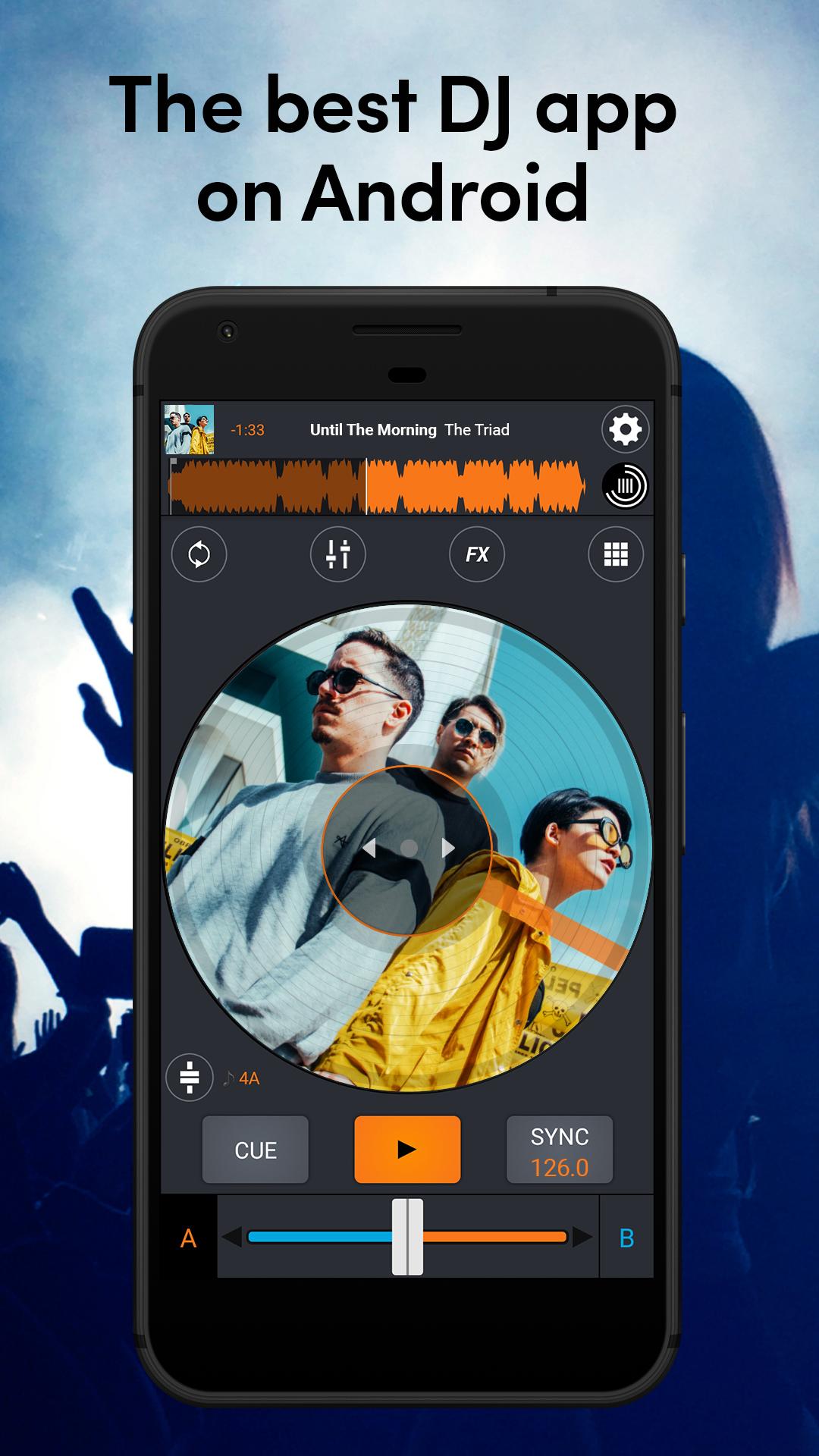
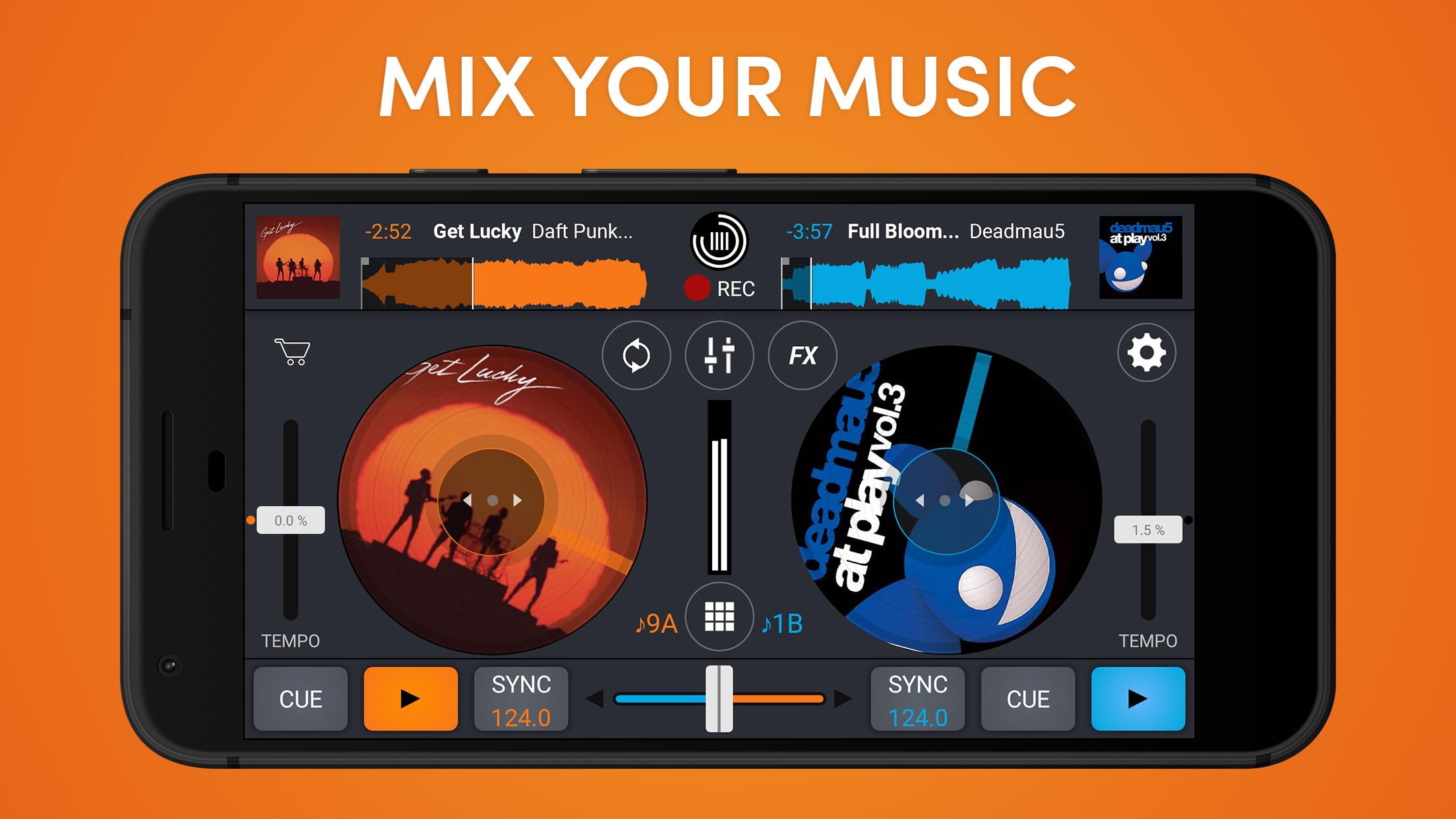
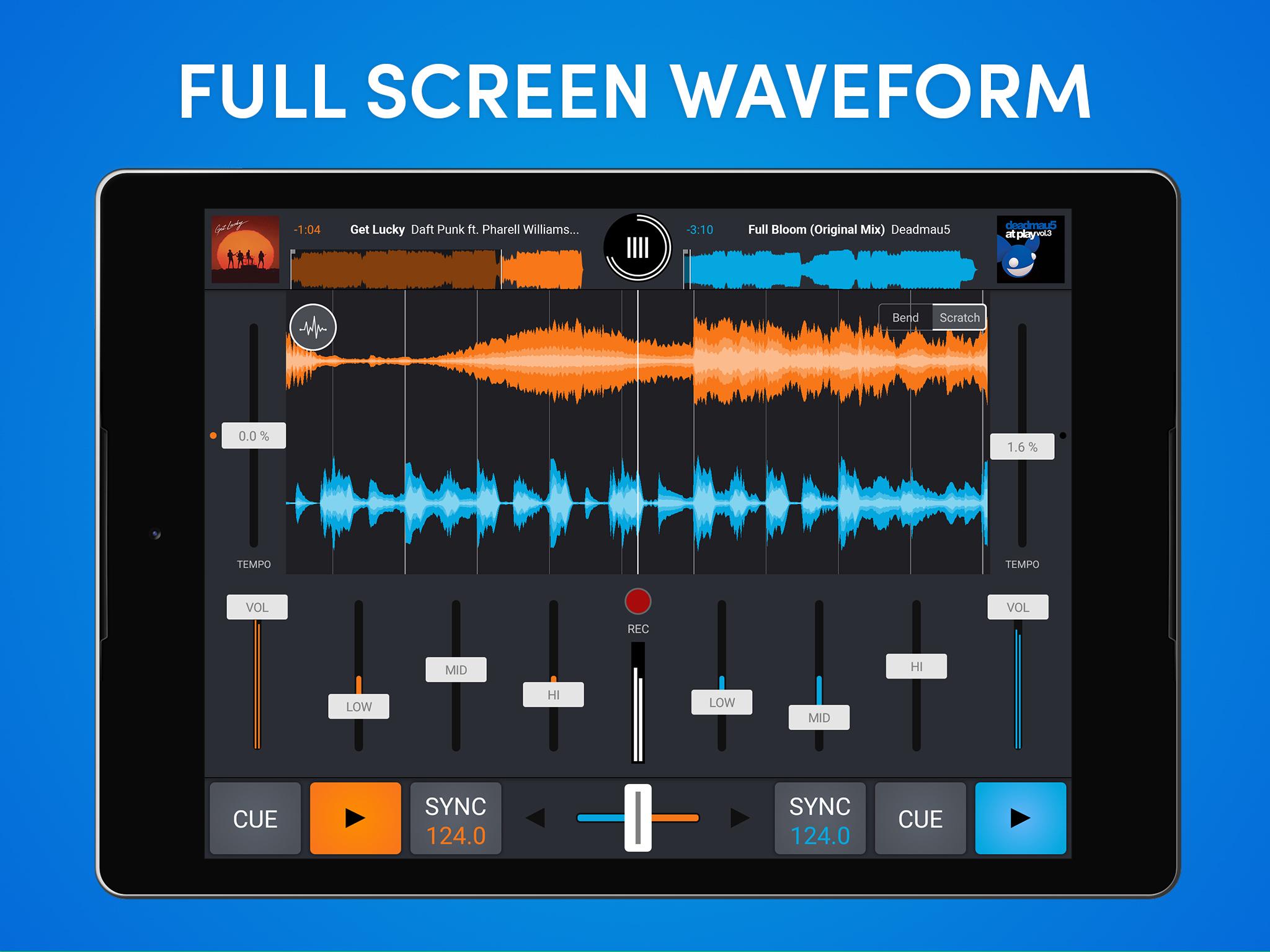
Cross DJ provides an accurate waveform player, automatic BPM sync, quantized cue and loop launches, and key detection with keylock. These tools help you align phrases and keep transitions on time. As a result, blends stay tight even when you switch styles or tempos.
Real time stem separation
Cross DJ can isolate beats and vocals while a track is playing. You can remove drums to create space for acapellas or drop the vocal to focus on rhythm. This opens creative transitions and mashups without pre processing.
Effects, loops, and sampler
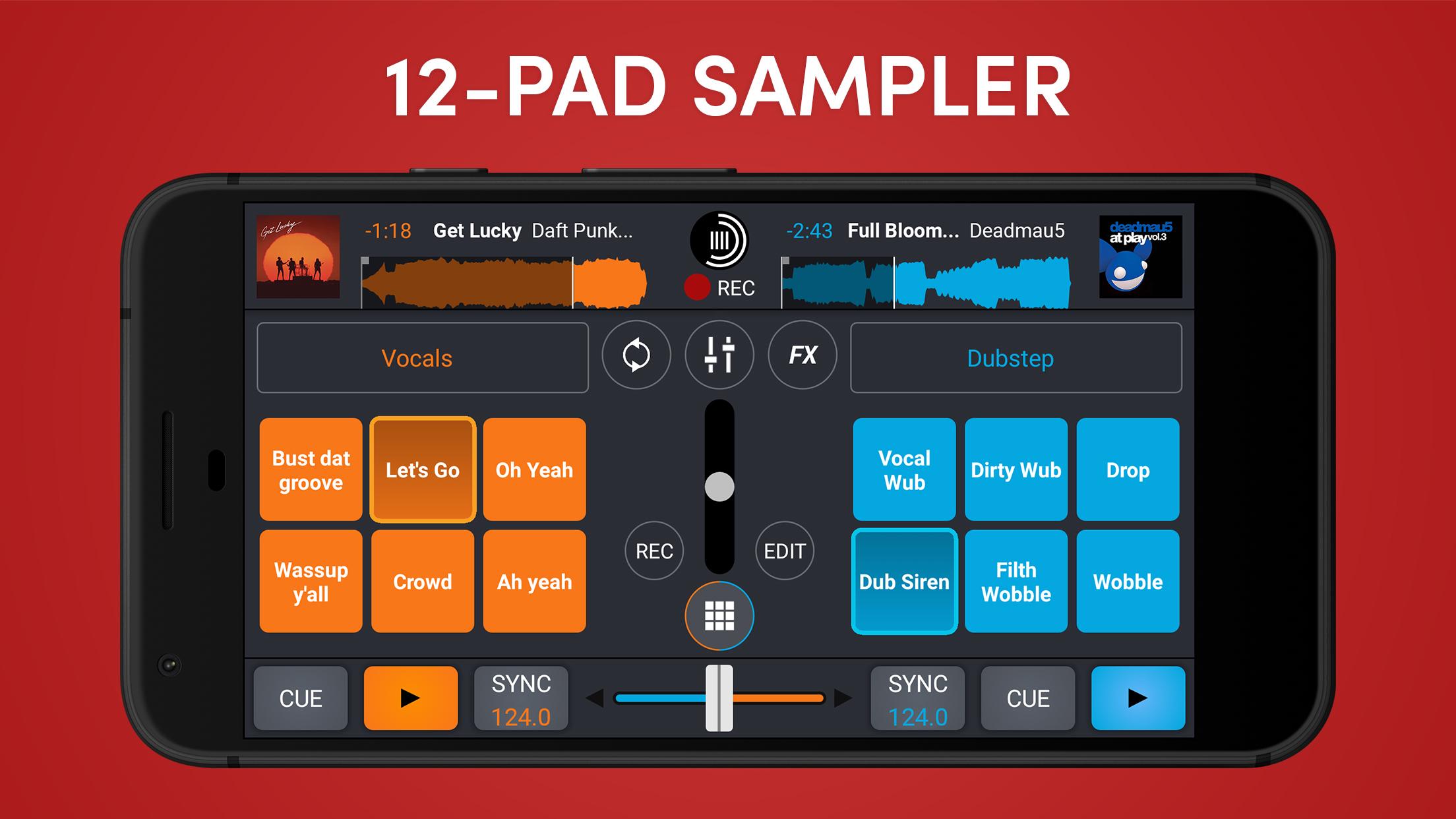
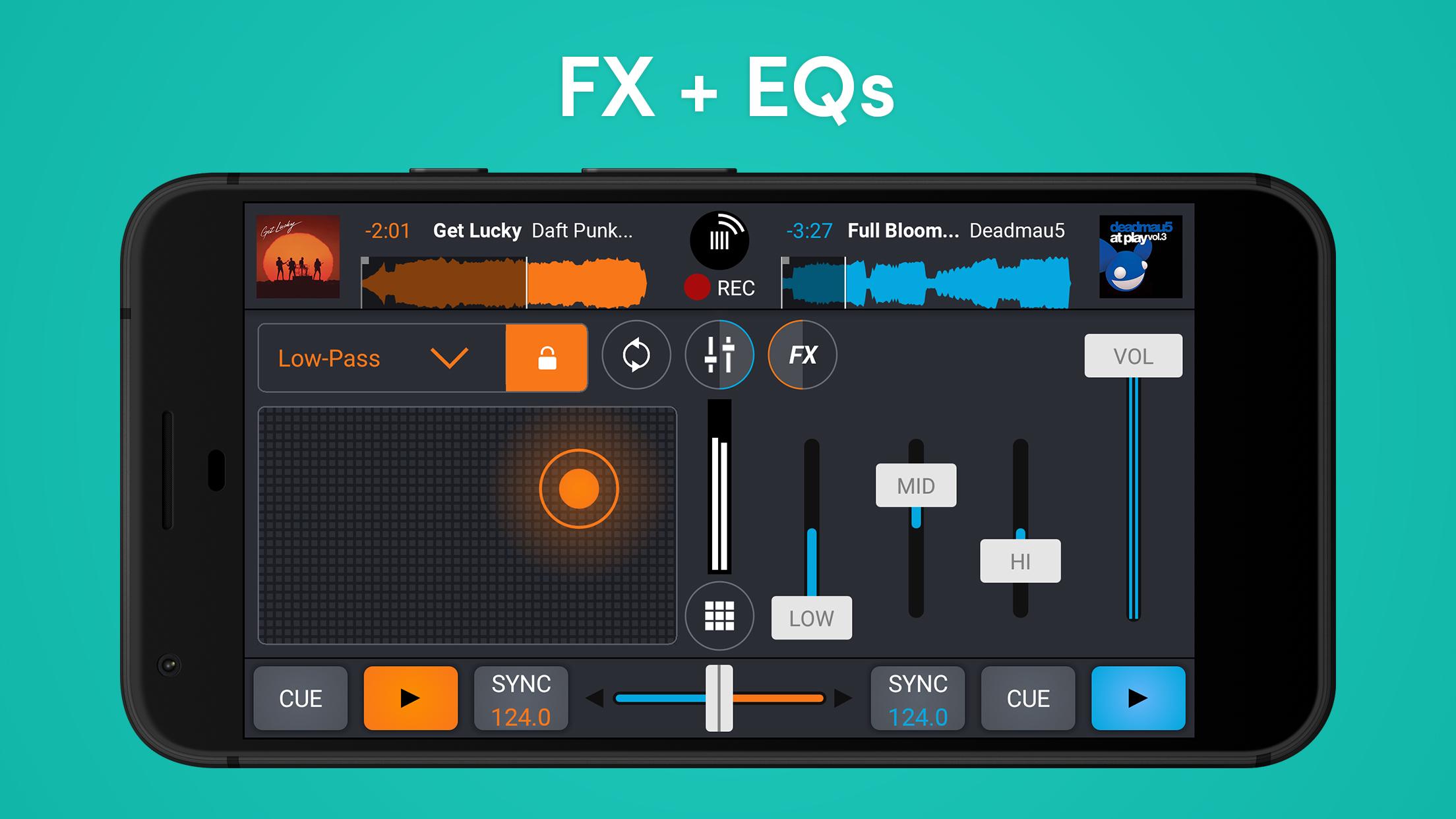
Cross DJ includes more than 30 effects plus a bank of one shots and loops for building energy. You can record your own samples and trigger them with the Launcher and Looper. In addition, effects and loops are tempo aware so they fit the current mix.
Smart Automix
Cross DJ can handle transitions when you want to step back. Automix selects entry points and crossfades based on track analysis. This is useful for warm ups, background sets, or quick breaks during a performance.
Controller and audio routing support
Cross DJ works with MIDI controllers such as Pioneer DDJ 200, DDJ 400, DDJ SB, and WeGO 2, as well as Mixvibes U‑Mix series. You can use split cue, external mixer EQs, and multichannel USB audio to route signals properly. Moreover, Ableton Link keeps multiple devices in sync on the same network.
Library management and sharing
Cross DJ imports common audio formats including MP3, AAC, FLAC, WAV, and AIFF. You can sort by BPM, key, and other tags, then record your performance as an audio file for sharing. Please note that mixes made from streamed tracks cannot be recorded.
Platform availability and multi device performance
Cross DJ runs on iOS, Android, and macOS so your workflow can move across phone, tablet, and desktop. With Ableton Link, you can sync tempo and phase between several devices for tight group jams. This helps when a second device is running drums or when a friend joins your set.
Subscriptions and feature access
Cross DJ offers monthly or yearly subscriptions that unlock all current features and future additions during the active period. This option is designed for users who want the full toolset without separate add ons. You can choose the plan that matches how often you perform.
Controller compatibility details
Supported devices include Pioneer DDJ 200, DDJ 400, DDJ SB, WeGO 2, and Mixvibes U‑Mix controllers. For the latest list and setup tips, see the official page from Mixvibes. This helps you confirm mappings and audio routing before a gig.
Streaming and recording limitations
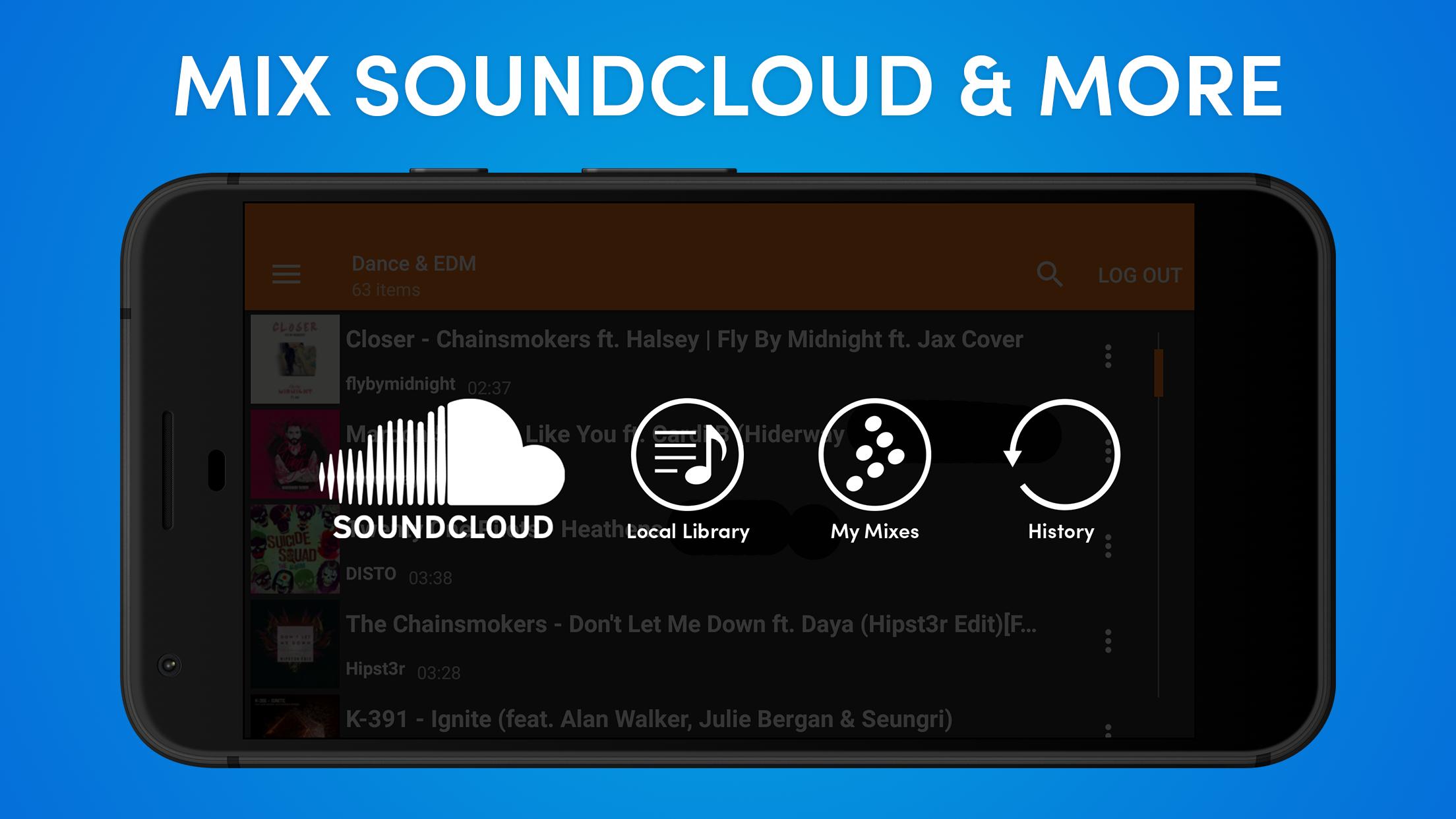
Cross DJ integrates SoundCloud so you can stream and mix tracks from your account. However, recording is disabled when a mix includes streamed tracks due to copyright restrictions. Therefore, record sets only when all tracks are local files.
Android beta and upcoming updates
Cross DJ is preparing a major overhaul with the Cross DJ 5 beta on Android. Availability can change, so check the listing on APKPure for builds marked as Beta. Trying a beta helps you preview new workflows early.
Getting started with Cross DJ is straightforward. The app guides you from importing music to recording your first set. Follow these steps to build a clean first mix.
Cross DJ focuses on accurate control, flexible audio routing, and performance ready tools that fit mobile and desktop. Get the latest Cross DJ APK on APKPure to start mixing, and check back for Cross DJ APK latest version updates.
If you need official help or documentation, use the links below.
How do I download Cross DJ APK latest version on APKPure?
To download Cross DJ APK latest version, open the Cross DJ page on APKPure and tap Download. APKPure will provide the current build name and version so you can install it safely. You can also follow the app to receive update alerts.
Can I download old versions of Cross DJ APK?
Yes, APKPure hosts previous releases so you can download Cross DJ in an older version if needed. Go to the Versions section on the Cross DJ page, then pick the build you want. This is useful when testing or matching a setup across devices.
What is the difference between Cross DJ and Cross DJ Pro?
Cross DJ Pro is the paid edition from Mixvibes that unlocks more features and removes certain limitations compared with the free Cross DJ app. If you need advanced tools from the start, consider Cross DJ Pro. Both apps share the same core mixing engine.
Can Cross DJ record mixes when streaming from SoundCloud?
No, Cross DJ cannot record mixes that include SoundCloud streamed tracks due to copyright rules. You can still record sets when all tracks are local files. This limitation applies only to streaming content.
Is there a separate “3D Cross DJ” app?
No, there is not a separate 3D edition, and searches for “3D Cross DJ app download” usually refer to Cross DJ’s waveform and virtual deck view. To try it, download Cross DJ APK on APKPure and load a track to see the detailed waveforms in action.
Latest Version
4.0.18Uploaded by
محمد هيثم
Requires Android
Android 7.0+
Category
Free Music & Audio AppContent Rating
Everyone
Security Report
Report
Flag as inappropriateLast updated on May 4, 2026
Version 4.0.18 :
- Stability Improvement and bug fixes
- Fix Multiples crashs and ANR.




APKPure - A multi-platform app store primarily focused on Android, providing extensive app-related content. Discover the app you want easier, faster, and safer, with quick and efficient downloads and installations.