Scan Date:Oct 9, 2025
Show More

Rap Maker helps users who want a quick way to turn ideas into complete songs on a phone. When you look for Rap Maker APK, you likely want simple tools that connect beats and vocals without extra gear. The app focuses on clear workflows from picking a beat to capturing takes and exporting a finished file. As a result, it suits quick demos and full releases, and it keeps ownership straightforward for sharing later.
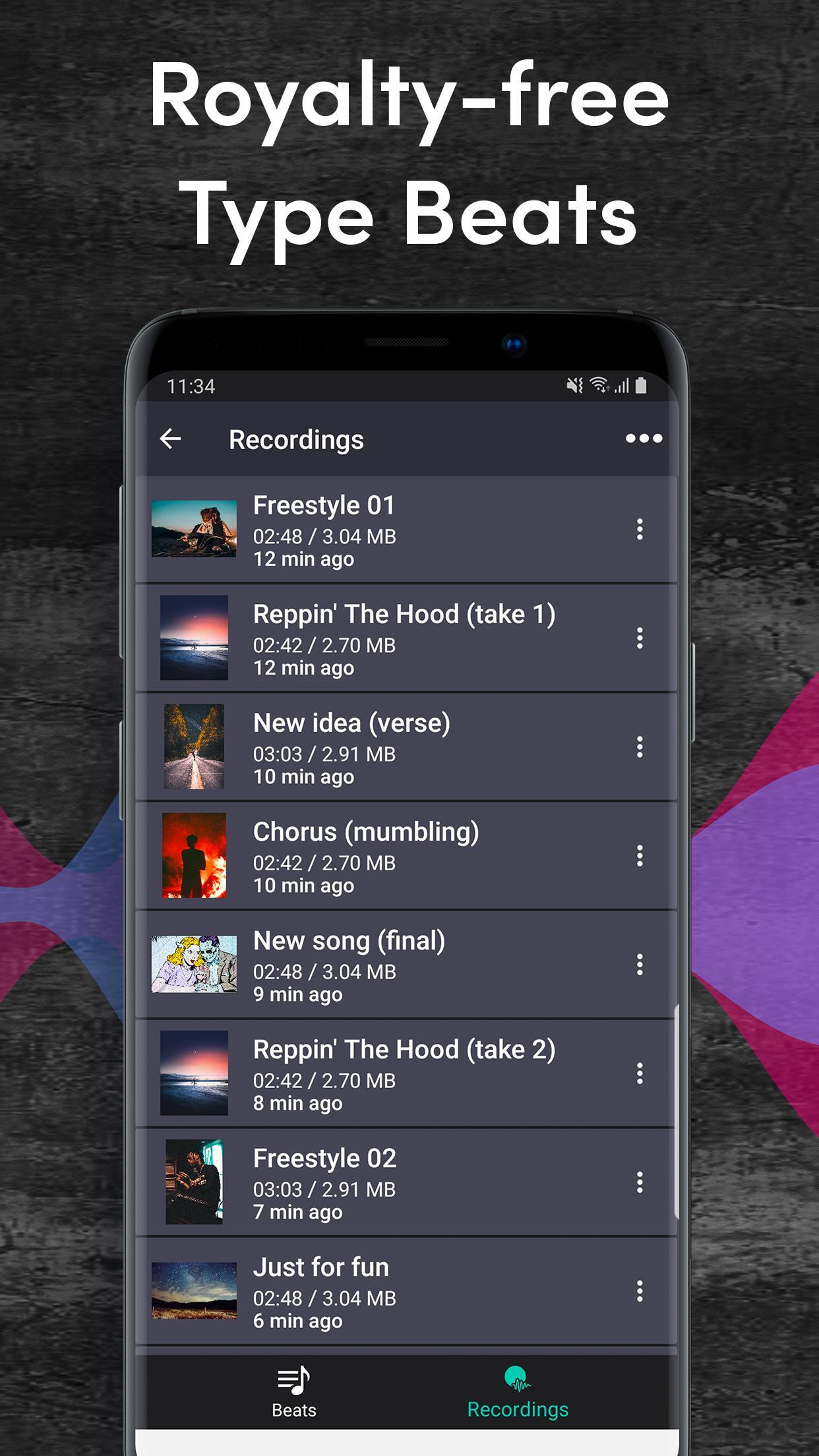
Rap Maker offers a large catalog of type beats inspired by popular hip-hop and pop styles. Browse high-quality samples and stems, then pick what fits your flow without worrying about usage rights. New content appears regularly, and if you download Rap Maker this library becomes a quick starting point.
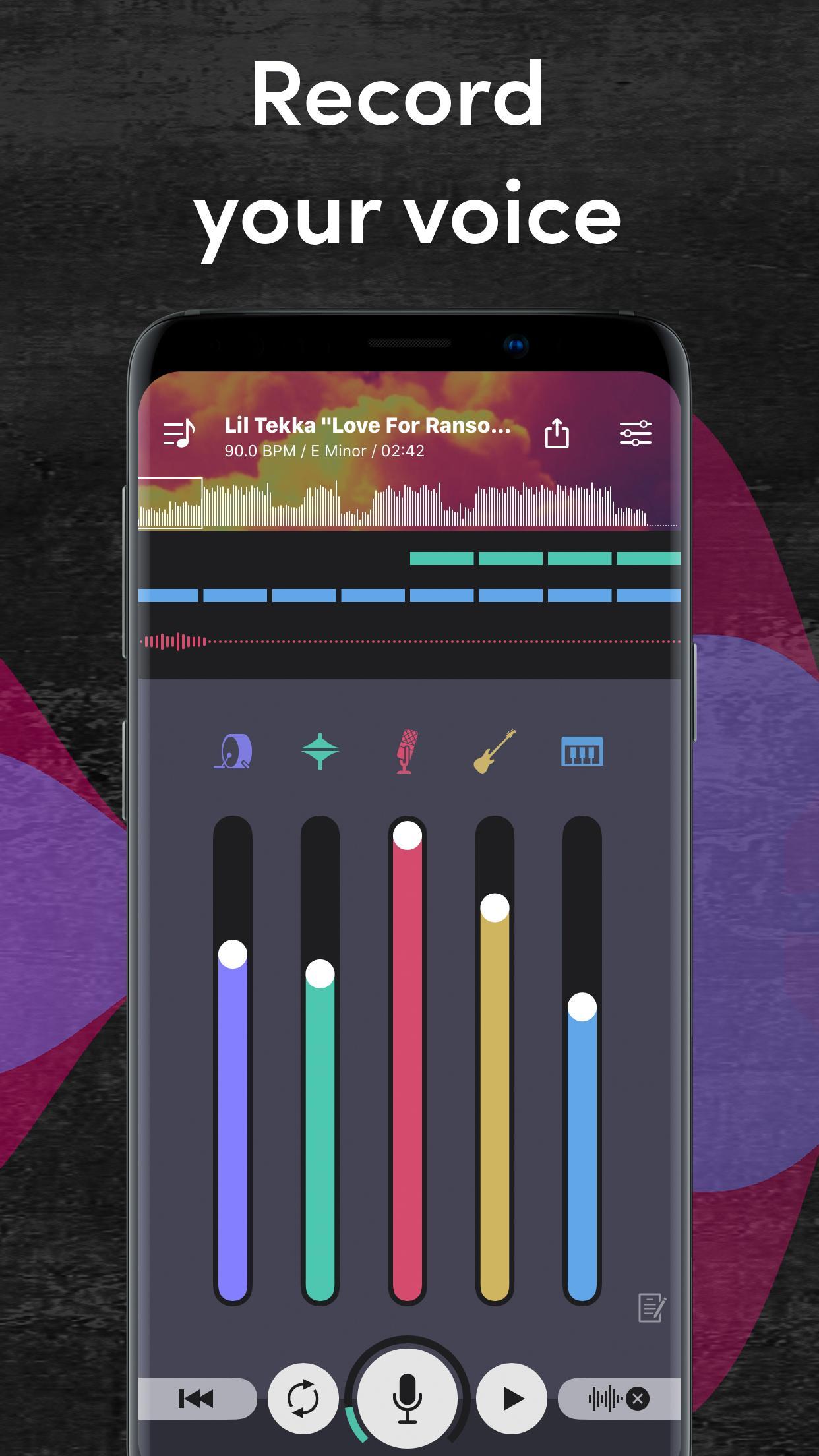
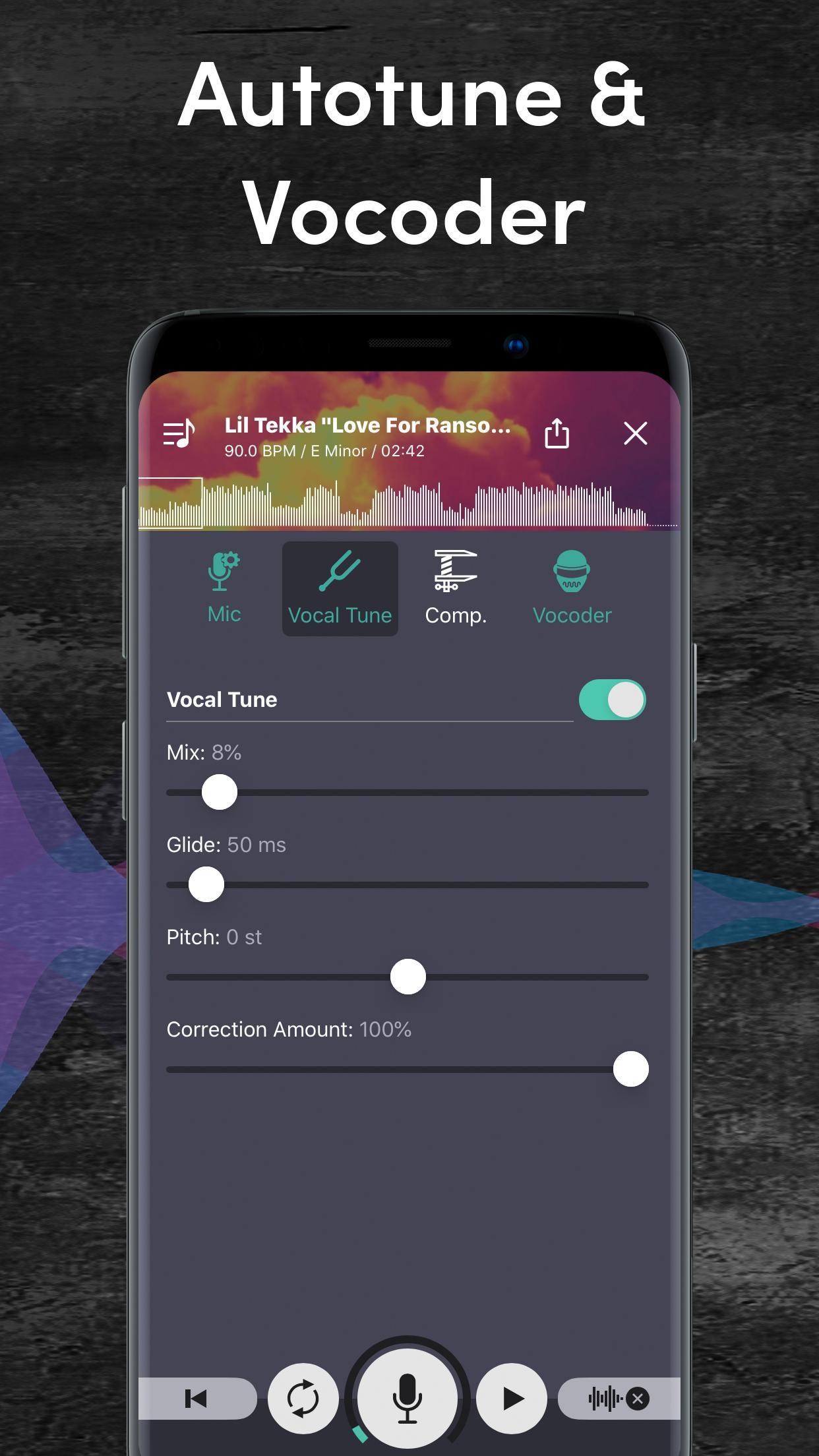
Real-time vocal tuning and controlRecord with auto voice tune that matches your voice to the beat’s key in real time. Key detection sets the pitch target, and you can adjust pitch, reverb, compressor, auto gain, and limiter. Changes are audible on the spot, so you set levels before a full take.
Import your own beatsImport your own instrumentals and start recording in seconds. This suits quick ideas and full tracks when a beat is already prepared. After import, the same effects and mixing controls stay available for a consistent workflow.
Stem-based mixing for clarityAdjust individual stems such as drums, bass, and synths to create space for vocals. Mute parts that crowd the mids or lower a heavy bass to improve clarity. Small moves help verses sit better over the beat.
Record, share, and keep your rightsRecord and share to platforms like YouTube or SoundCloud when your track is ready. Creations are copyright-free and belong to you, allowing monetization under the app’s usage terms. Mixvibes provides exclusive type beats and unlimited track creation to keep output flexible.
All beats in the in-app library are royalty-free, and tracks you export are owned by you. This allows posting and monetizing on platforms such as YouTube and SoundCloud without separate licensing for the included beats. If you use an imported beat, confirm you hold rights or have permission. Keeping rights clear helps avoid takedowns when sharing or earning revenue.
Some users unlock beat exports for free by watching short ads when prompted in the app. If an export shows as locked, check for an ad unlock option to proceed without payment. To reduce “file too big” messages, select a smaller audio format if a choice is available, trim long silences before exporting, and keep cover art file sizes modest. After export, upload the audio to your channel first, then add descriptions and tags to improve discoverability.
Rap Maker focuses on a simple path from idea to finished audio. After installing Rap Maker APK, follow the steps below to set up, record, and share a track.
Rap Maker centers on fast beat selection, real-time vocal control, stem mixing, and simple sharing. To begin a clean workflow on Android, install the Rap Maker latest version and start a new project. This suits quick demos, full tracks, and straightforward posting with clear usage rights.
For support and official information, use the links below.
Latest Version
2.0.4Uploaded by
Саша Гербер
Requires Android
Android 5.0+
Category
Free Music & Audio AppContent Rating
Everyone
Security Report
Report
Flag as inappropriateLast updated on Nov 22, 2022
Because you guys are the best rappers, you deserve the best app! This is why we keep improving Rap Maker by adding cool features.
We receive lots of feedback and emails at support@mixvibes.com, keep sending your love and requests.
And if you like Rap Maker, make sure to rate it on the Play Store ;)
What's new:
- Improve latency
- Improve stability





APKPure - A multi-platform app store primarily focused on Android, providing extensive app-related content. Discover the app you want easier, faster, and safer, with quick and efficient downloads and installations.