Scan Date:May 1, 2026
Show More

#1 Auto Blur Photo Editor 🔥 Best of 2023 🏆 Top Rated App 🌟Free Premium Filters 🐶
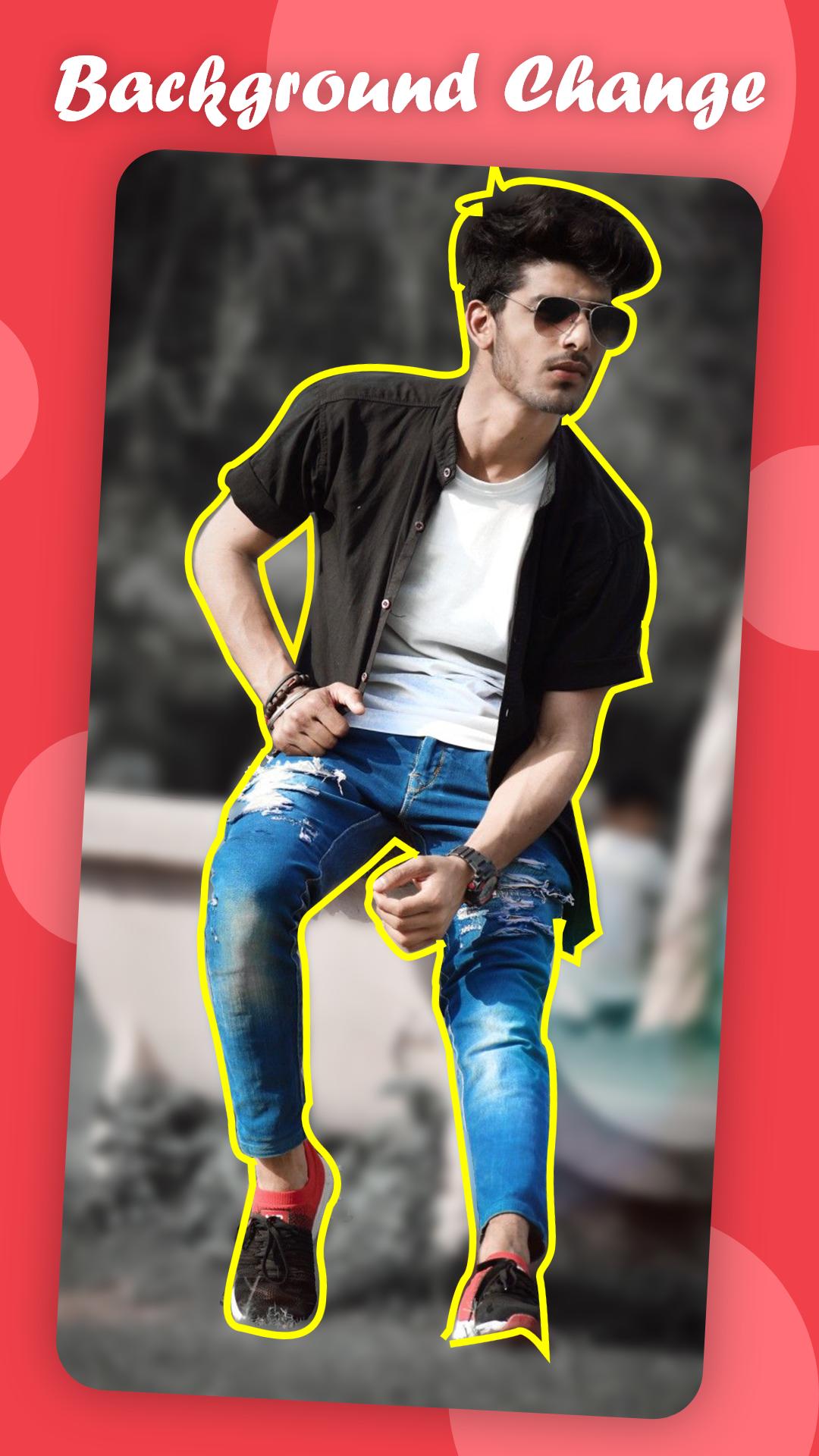
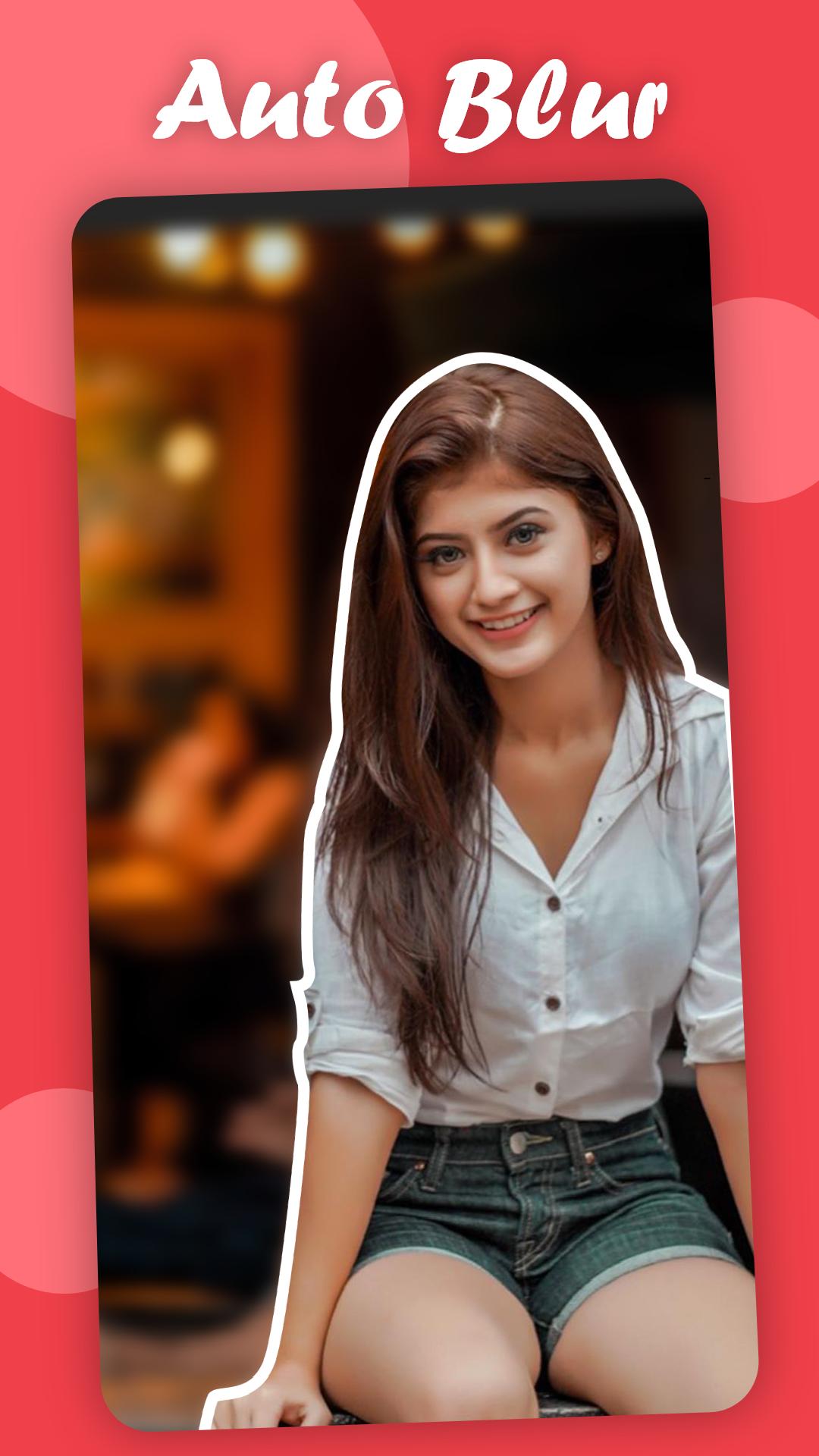
Auto Blur background Photo Editor - Now Blur image with Blur photo Editor with great precision with Bokeh effect . Get your photo with Premium Filters for FREE .
Blur background photo editor is a cool DSLR blur effect photo background editing app for blur image background and that too free.
Get some life into your photo with focus on you, by loads of blurry effects like blur camera photo background with blurry background effect, Zoom, blur and Unblur features, DSLR effect.
Also apply some cool filters to your photo.
⚡️How to auto blur background in photo ?.
⚡️Import the picture to be blurred from gallery or blur camera,
⚡️Start touching areas to become blur to apply blurry effect.
⚡️You can also unblur the photo areas using the photo blur editor.
Features:
🔥 Get the background blur effect like DSLR effect on your photo.
🔥 Blur image background is a super easy blur photo editor with auto feature to detect your portrait.
🔥 Blur unwanted portions with touch blur photo editor with zoom helper
🔥 DSLR style blur effect with Focus photo and point blur feature
🔥 Auto Blur image with great accuracy using machine learning technique giving a DSLR blur effect
The Blur Image Editor mainly focus on blur filter additionally with lots of cool and fun filters for you to enhance the image and make you look beautiful. Now create the best auto blur background with the blur camera and selfie editor.
⭐ Gallery / Camera photo:
Now import your beautiful photo either from the blur camera or your gallery to apply the blurry effect. The file imported is very flexible and easy to use. This forms the base for blur image editor.
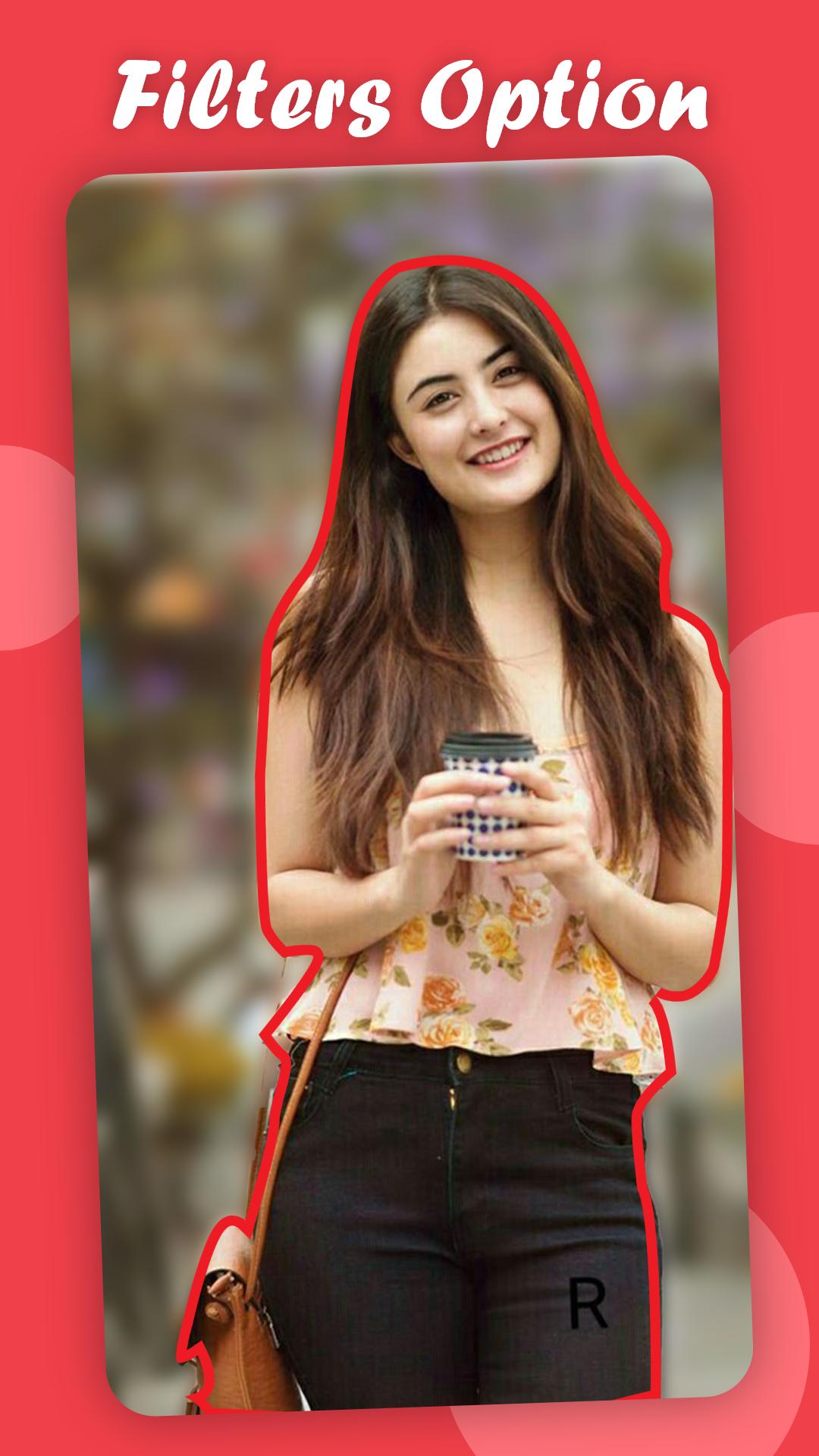
⭐ Amazing Filters
Get the amazing effects in the blur photo editor with loads of mesmerising filters to beautify your blur camera photos and make it more attractive. The filters add some more glam into the blurred photo and take it one level up with auto blur background.
⭐ Unblur
You can use this to unblur the selection and make your photo areas stand out the rest. Unblur photo will easily reverse the blue filter and you can do it in your precision with DSLR camera Blur photo Editor.
⭐ Easy to use:
The blur photo editing app will provide you easy to use brush, with which you can also set a offset of the blur editor and view your finger action easily. Best DSLR type photo effect at your fingers with shape blur.
⭐ Undo feature:
Now this is a important feature to undo the blurry effect. The Undo button can easily undo the last edit using this blur photo image app or get the blur on photo app called auto blur photo editor
⭐ Beautiful UI.
The app beautiful layout for a blur background editor so that you can easily add the blurry picture effect and auto blur photo background using the available tools.
What are you waiting for , get your auto blur image background for your favourite photos with blurry background effects.
Latest Version
26.04.18Uploaded by
Maman Adem Bouazizi
Requires Android
Android 7.1+
Category
Free Photography AppContent Rating
Everyone
Security Report
Report
Flag as inappropriateLast updated on May 1, 2026
What’s New in This Version:
New "Recent Projects" Section: Never lose your work again! Quickly access and continue editing your previous photos directly from the home screen.
Faster Workflow: Re-open your favorite edits with one tap—perfect for applying different blur styles to the same photo.
Performance Boost: Optimized image loading for a smoother experience in the gallery.
No Watermark: High-quality, professional results without any branding—completely free!






APKPure - A multi-platform app store primarily focused on Android, providing extensive app-related content. Discover the app you want easier, faster, and safer, with quick and efficient downloads and installations.