

Bandicam helps users who need to show how an app works, explain a game move, or create a quick demo. It records what happens on your screen so others can follow along more easily. Additionally, you can add commentary and on-screen reactions after recording to make points clearer. This suits students, creators, and anyone preparing training clips. If you plan to share guides, download Bandicam to keep the process simple and consistent.
Single tap screen recording
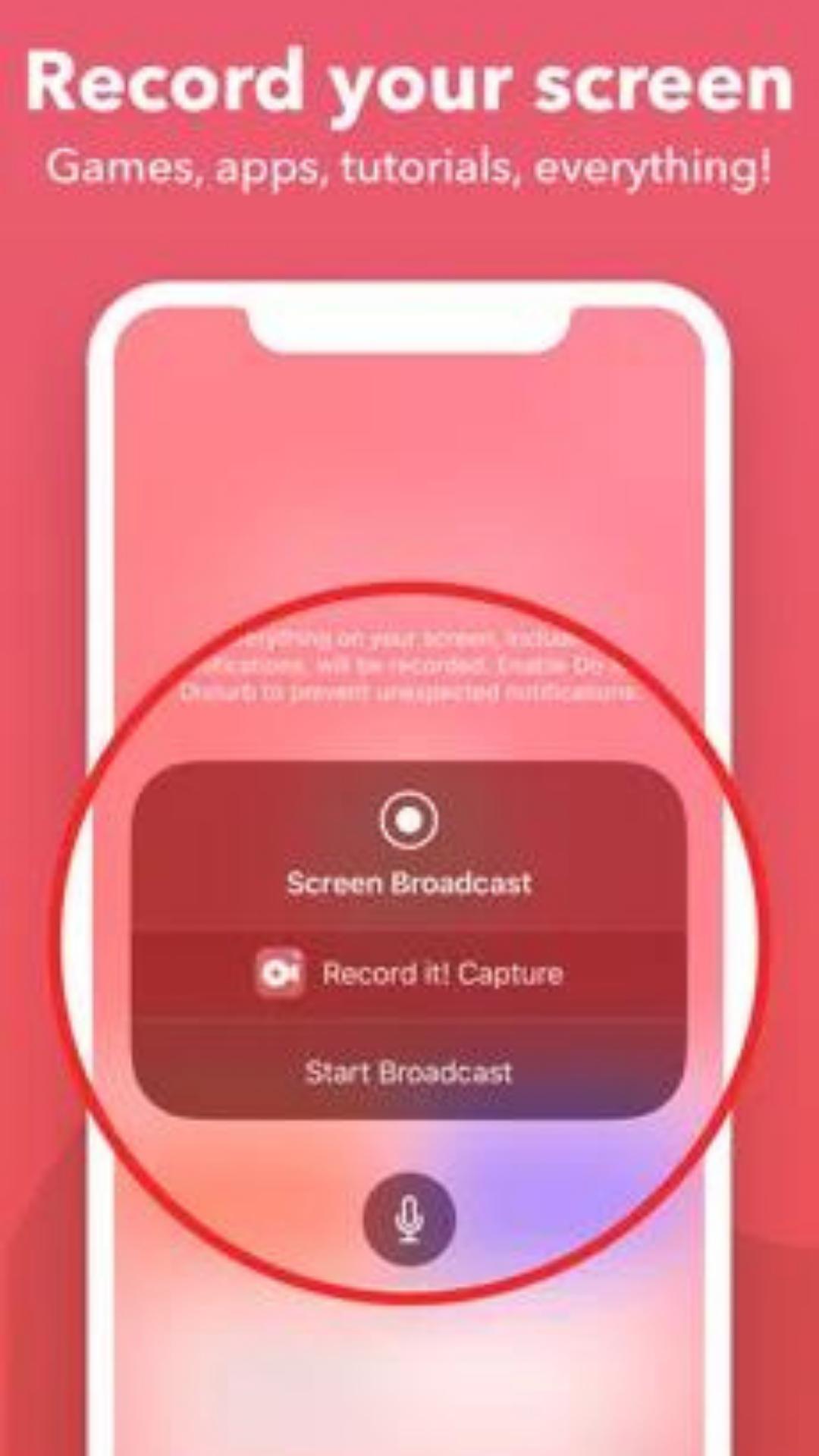
You can start a full screen capture with a single tap. It records games, app screens, and tutorial steps without extra setup. This helps you begin a session quickly when a moment is time sensitive.
FaceCam and commentary
React to existing videos
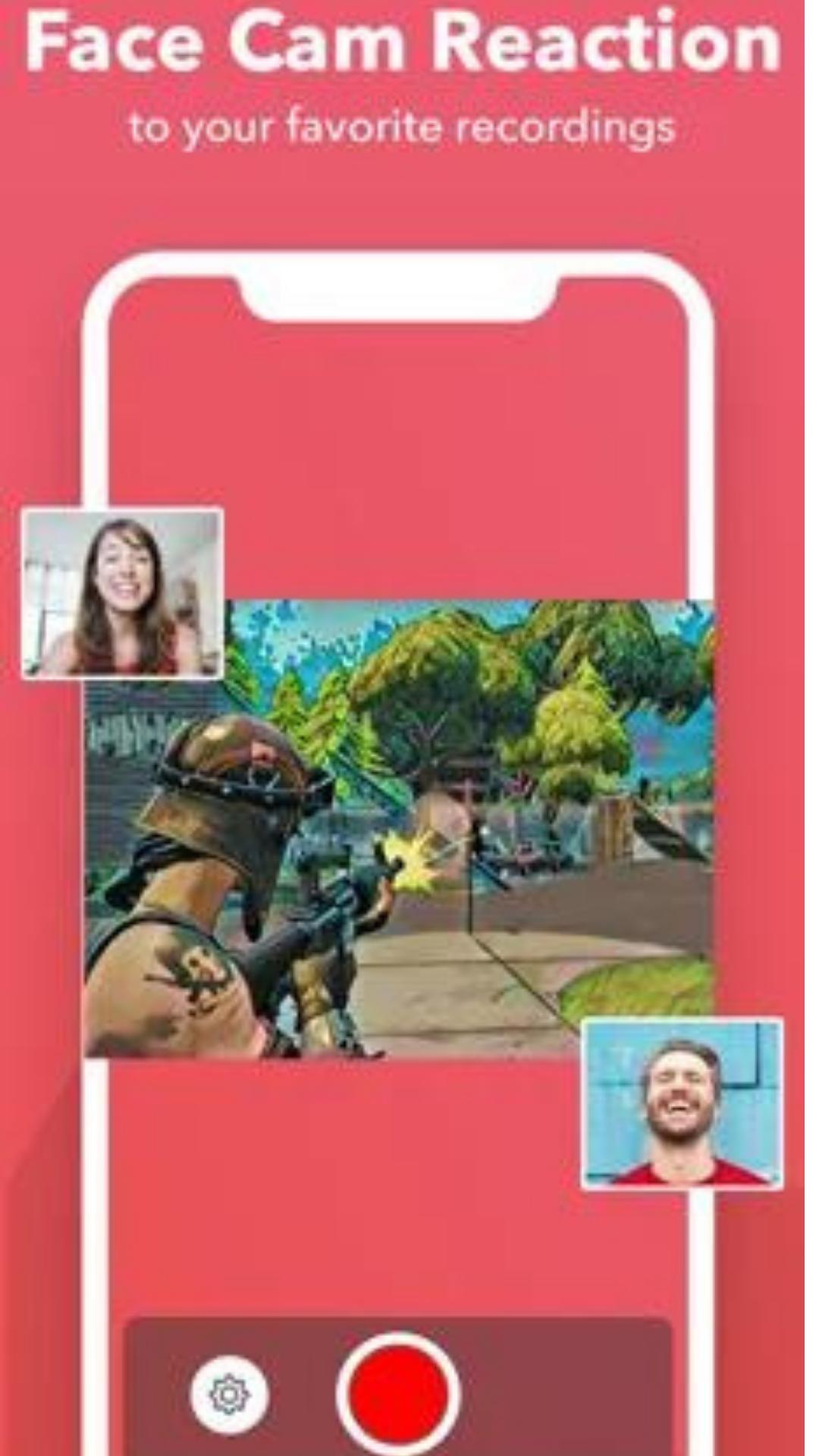
Bandicam lets you add reactions to videos already saved on your device, including your favorite YouTube videos. This is useful for explaining a highlight or reviewing a practice run without recording the screen again. If you are installing Bandicam APK for the first time, follow the in app guidance before your first export.
Bandicam focuses on clear screen capture and customizable reactions for tutorials and gameplay. Users can record, then enhance videos with camera and audio when needed. To keep features working as expected, check you are on the Bandicam latest version before creating long sessions.
Latest Version
1.0.0Uploaded by
Trương Hoàng Tuấn
Requires Android
Android 5.1+
Category
Free Video Players & Editors AppContent Rating
Everyone
Report
Flag as inappropriateLast updated on Jan 21, 2022
Minor bug fixes and improvements. Install or update to the newest version to check it out!


APKPure - A multi-platform app store primarily focused on Android, providing extensive app-related content. Discover the app you want easier, faster, and safer, with quick and efficient downloads and installations.