
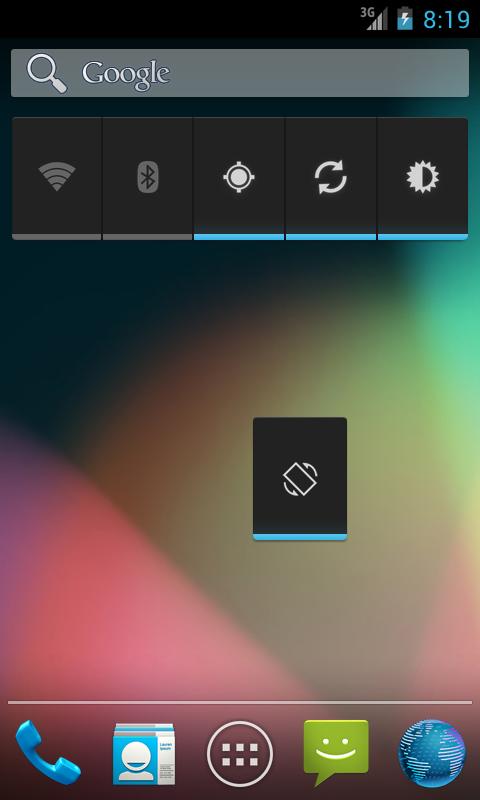
The Auto-Rotate Widget allows you to toggle the auto-rotate screen settings on and off quickly and easily! The Auto-Rotate Widget donate version is ad-free and its design integrates seamlessly with the Android look and feel.
If the widget doesn't show up in the widget list after installation, please try restarting your device. Please have in mind that in order to work, widgets cannot be installed on the SD Card.
After installation, the widget needs to be added to the home screen: Tap the Launcher, select Wigets, tap and hold the Auto-Rotate Widget Donate and drop it to a free slot on the home screen.
On earlier versions of Android: Tap and hold a free slot on the home screen, select Widgets, tap the Auto-Rotate Widget Donate.
Ratings and comments are highly appreciated.
If you have any issues with this widget, please don't hesitate to contact us.
Latest Version
1.0.3Requires Android
2.1
Category
Tools AppContent Rating
Everyone
Report
Flag as inappropriateLast updated on Jan 18, 2014
Minor bug fixes and improvements. Install or update to the newest version to check it out!




APKPure - A multi-platform app store primarily focused on Android, providing extensive app-related content. Discover the app you want easier, faster, and safer, with quick and efficient downloads and installations.