Scan Date:Mar 18, 2026
Show More

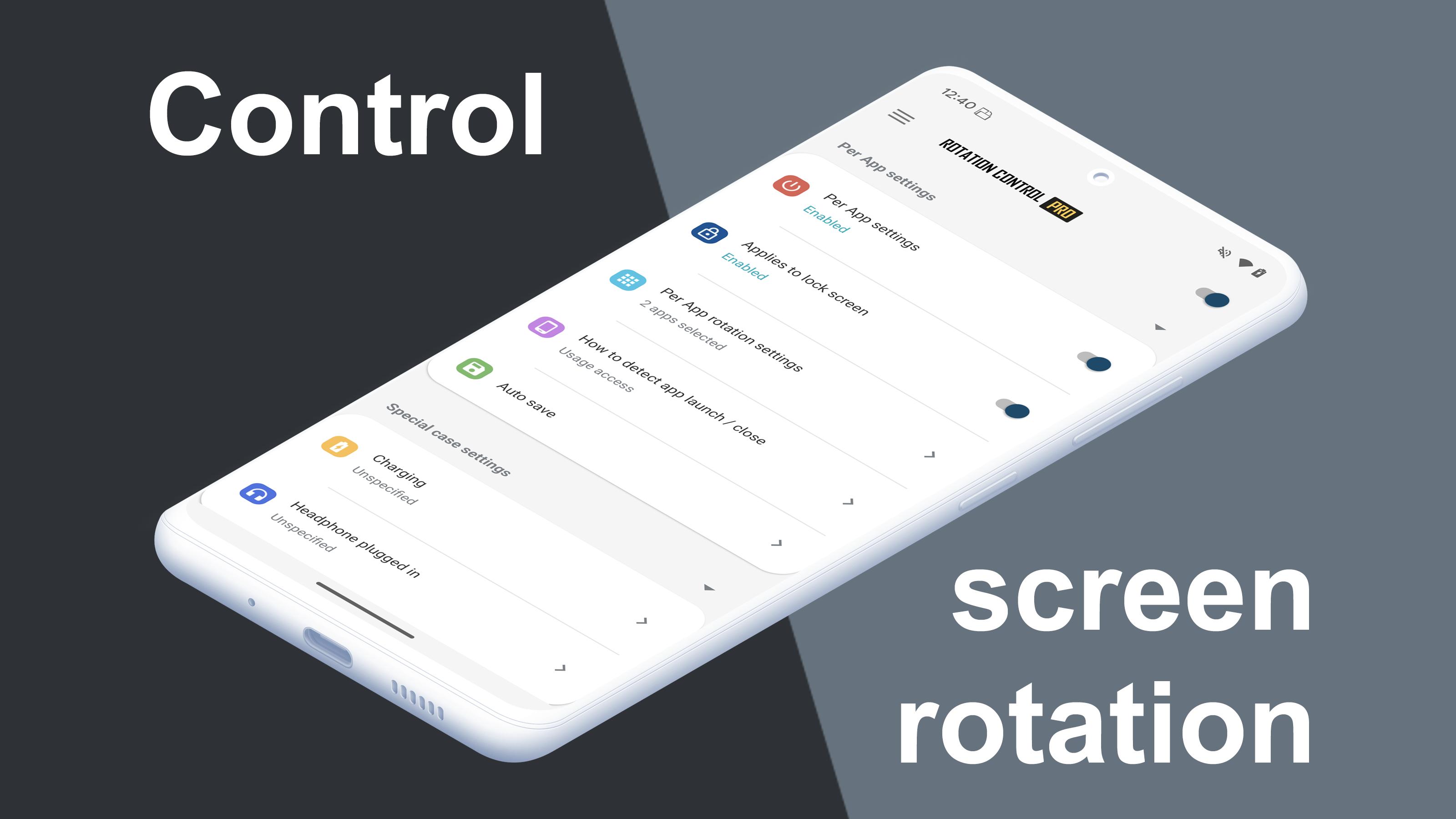
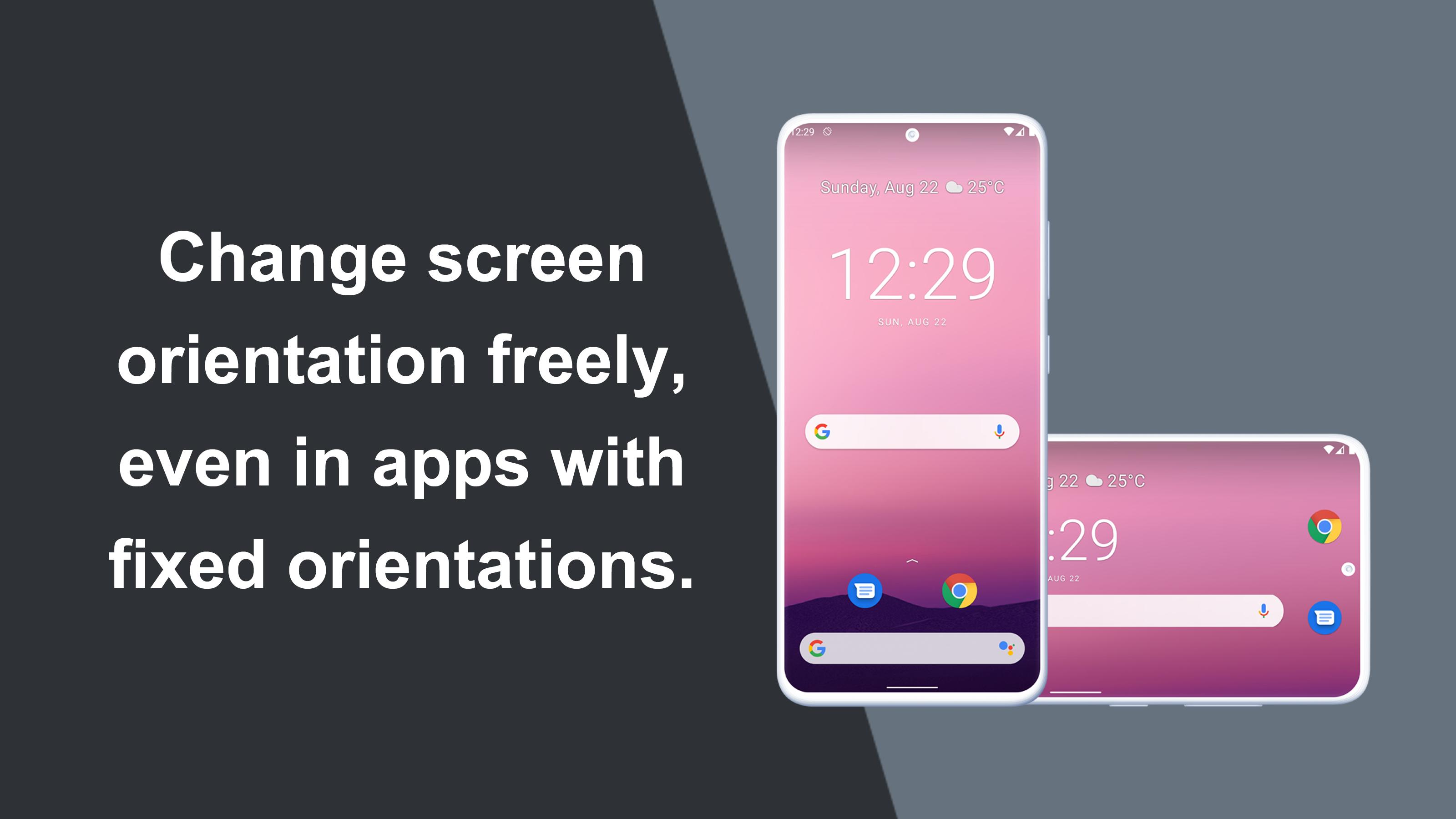
Can force a particular rotation on apps with fixed screen orientation.
A simple design with functions that are easy to understand and use.
=-=-=-=-=-=-=-=-=-=-=-=-=-=-=-=
Recommended for people who:
- Want to use their smartphone home screen in landscape mode
- Want to use landscape mode games or video apps in portrait mode
- Want to always use their tablet in landscape mode
- Want to switch between fixed orientations with one tap via the status bar
=-=-=-=-=-=-=-=-=-=-=-=-=-=-=-=
Features
►Rotation settings
Can configure the rotation of the screen.
►Notification settings
Control the rotation of the screen easily from the notification bar.
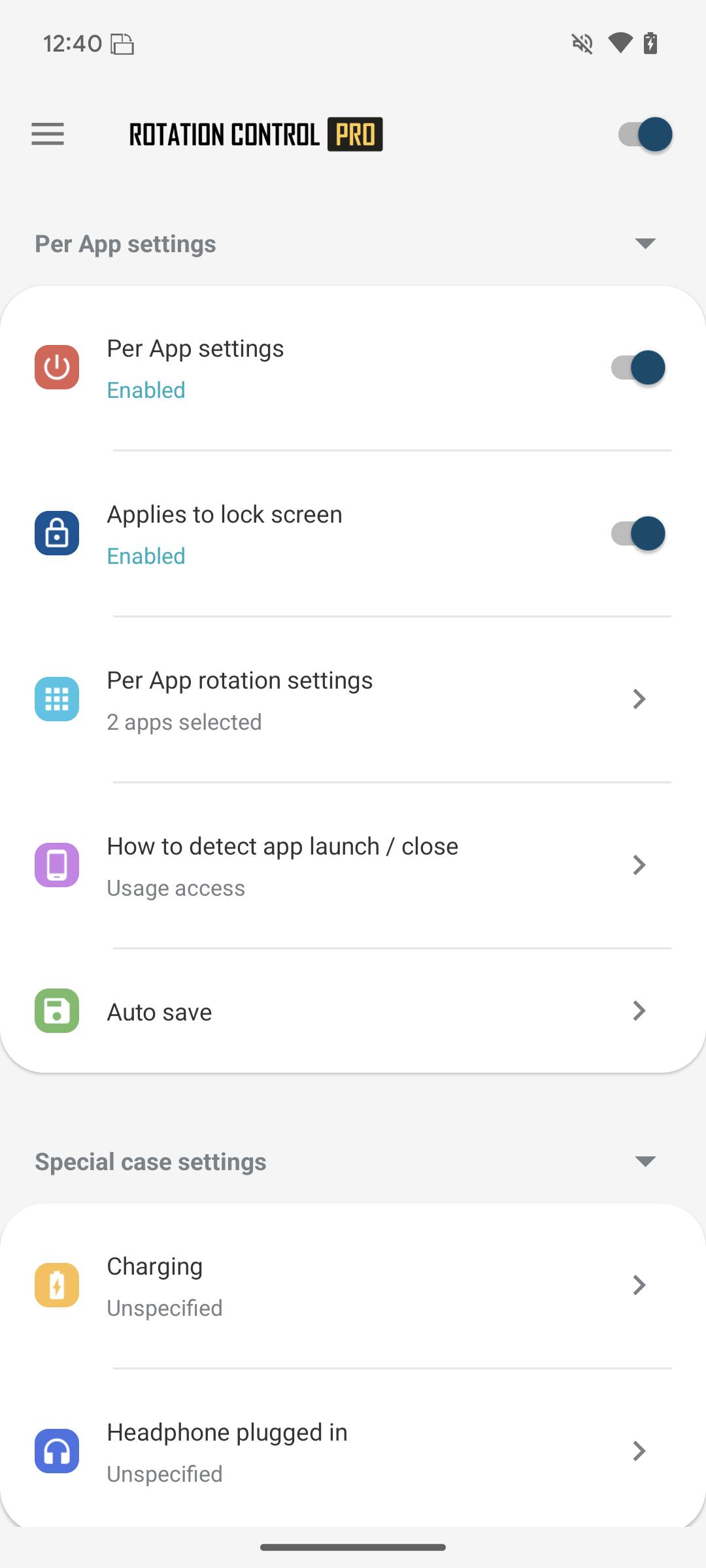
►Per App rotation settings
Can configure different rotations for each apps.
Rotates to your preset screen orientation upon starting the application.
Returns to the original screen orientation on closing the application.
►Special case settings
Detects when chargers or earphones are connected and rotates to your preset screen orientation.
Returns to the original screen orientation when they are removed.
Difference from PRO version
This is a free version that allows you to check the app's operations and functions.
It will expire 2 days after installation.
Pro version
https://play.google.com/store/apps/details?id=jp.snowlife01.android.rotationcontrolpro&referrer=store
Rotation
Automatic : the screen rotates based on a sensor.
Landscape : the screen is fixed to a horizontal orientation.
Landscape (Reverse) : the screen is fixed horizontal upside down.
Landscape (Auto) : rotates automatically to a horizontal orientation based on a sensor.
Portrait : the screen is fixed to a vertical orientation.
Portrait (Reverse) : the screen is fixed vertical upside down.
Portrait (Auto) : rotates automatically to a vertical orientation based on a sensor.
* Some of the direction of rotation may not correspond depending on device specifications. This is not an issue with the app.
【For OPPO users】
This app needs to run a service in the background to detect which app has started.
OPPO devices require special settings to operate app services in the background due to their unique specifications. (If you do not do this, services running in the background will be forcibly terminated, and the app will not operate properly.)
Please drag this app a little down from the recent apps history and lock it.
If you do not know how to set, please search for "OPPO task lock".
[Use of AccessibilityService API]
This app utilizes the AccessibilityService API to provide the following features:
- Lock Screen Orientation Control: Used to change the screen orientation on the lock screen, where control is typically restricted for standard applications.
- Per-App Orientation Settings: Used to detect the launch and closure of specified applications to automatically apply the designated orientation settings for each app.
Privacy and Data Handling:
- This app does not collect personal information, record keystrokes, or read any on-screen content through this API.
- Any information processed is used exclusively for executing the app's functions within the device and is never transmitted to external servers or third parties.
- To use these features, the user must explicitly grant permission through the system settings.
Latest Version
7.0.0Uploaded by
Jesus Antonio Herrera Chable
Requires Android
Android 8.0+
Category
Free Personalization AppContent Rating
Everyone
Security Report
Report
Flag as inappropriateLast updated on Mar 18, 2026
[Feature Restored] Lock Screen Rotation Control
After re-evaluating the latest policy guidelines, we have determined that this feature can be offered safely with proper disclosure and user consent. We have re-enabled it as a result. While this feature uses the Accessibility API, it is used exclusively for rotation control and will never be used for data collection or any other purpose.




APKPure - A multi-platform app store primarily focused on Android, providing extensive app-related content. Discover the app you want easier, faster, and safer, with quick and efficient downloads and installations.