
Note::
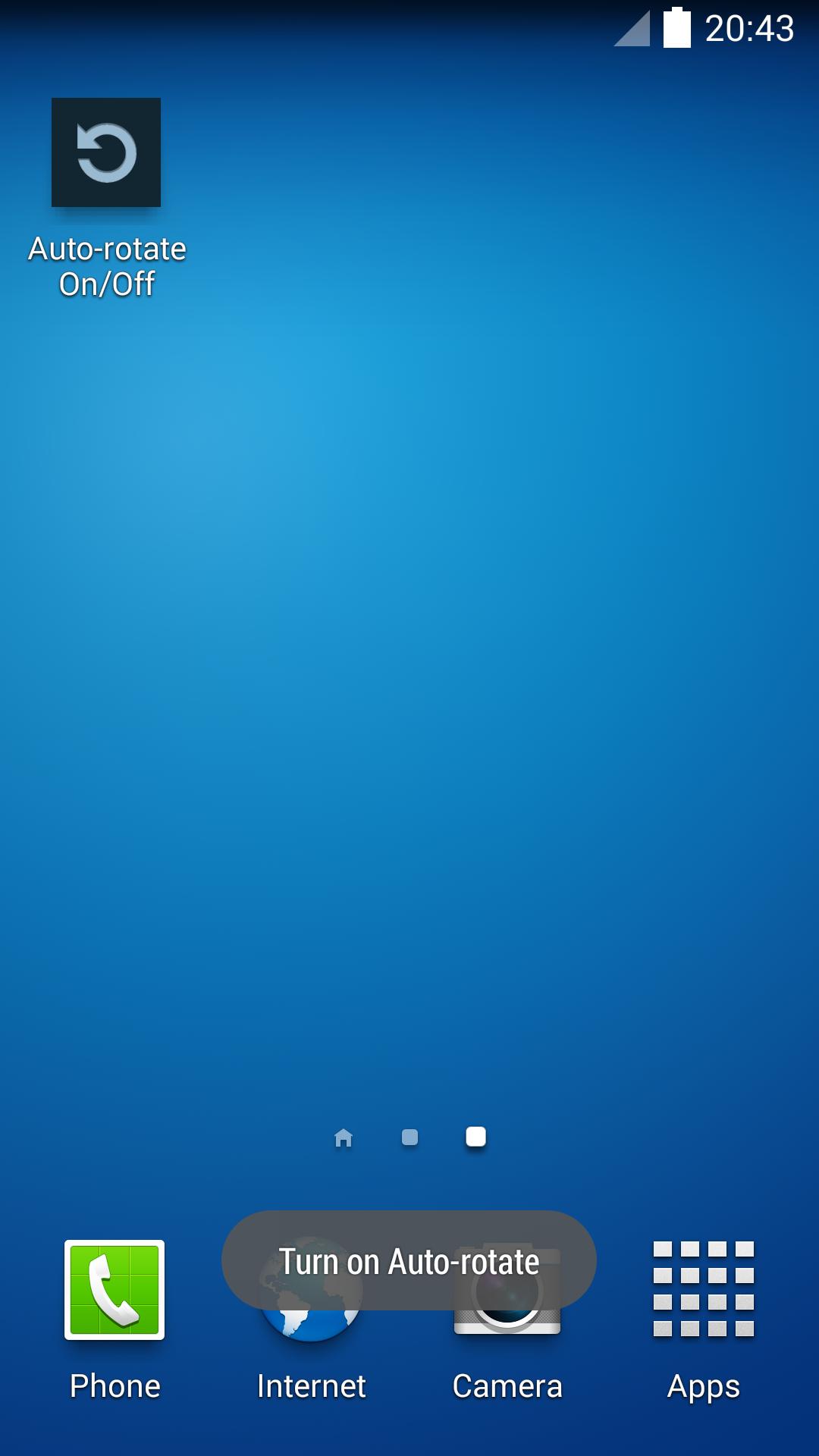
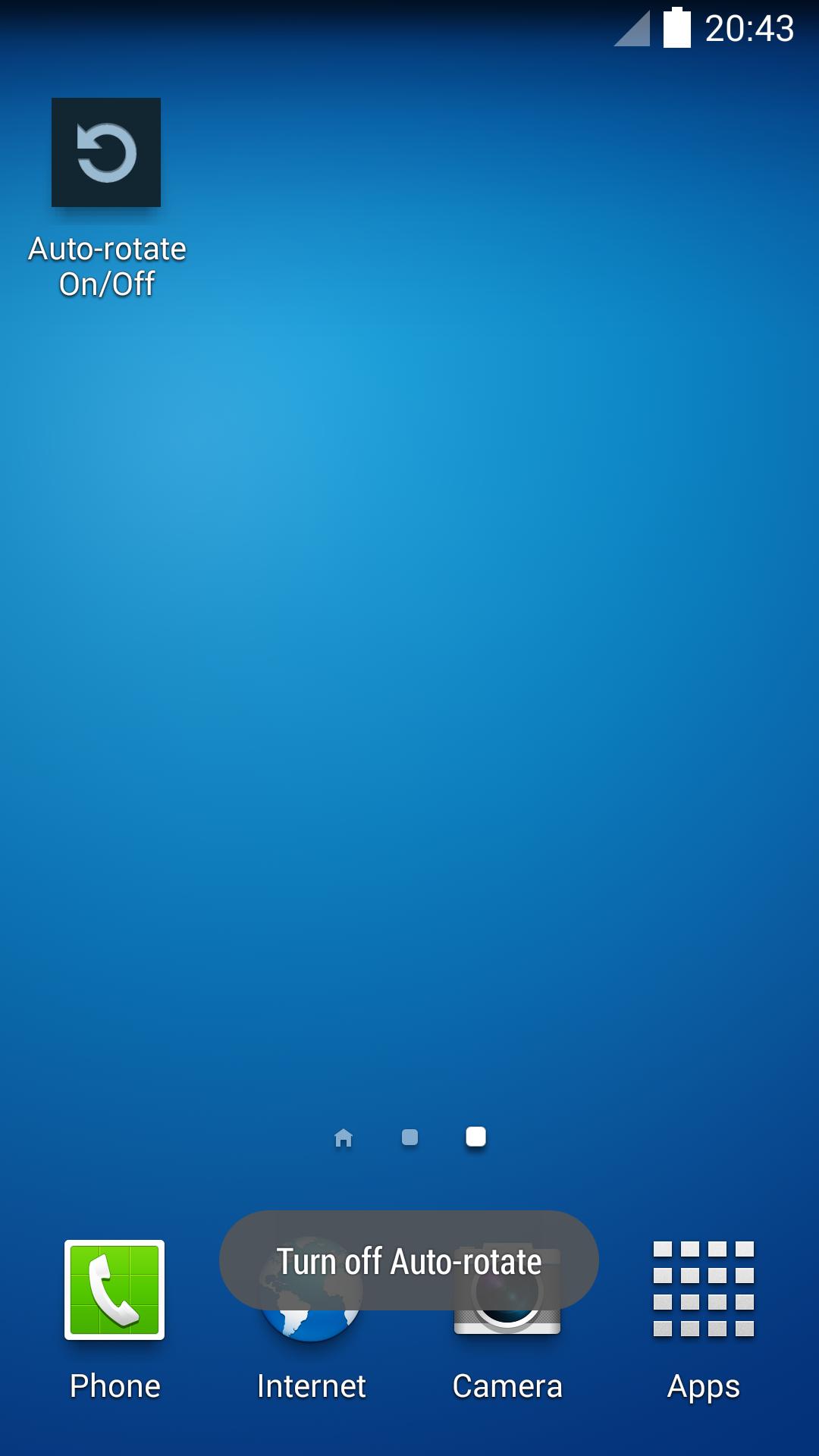
On some devices, auto-rotate is called "Orientation Lock" and may have an icon to switch it on or off after expanding the notification bar. This app will not change the state of the "Orientation Lock" icon. If auto-rotate is turned ON by this app, you can use your device's "Orientation Lock" as usual to control it on or off. If auto-rotate is turned OFF by this app, no matter you set your device's "Orientation Lock", auto-rotate is off.
See section "More by ACTIVE SOFT" for other useful apps.
Latest Version
1.0Uploaded by
Ajinkya Shewale
Requires Android
Android 2.2+
Category
Free Tools AppContent Rating
Everyone
Report
Flag as inappropriateLast updated on Oct 13, 2015
Sep 24, 2104 1.0
The first version


APKPure - A multi-platform app store primarily focused on Android, providing extensive app-related content. Discover the app you want easier, faster, and safer, with quick and efficient downloads and installations.