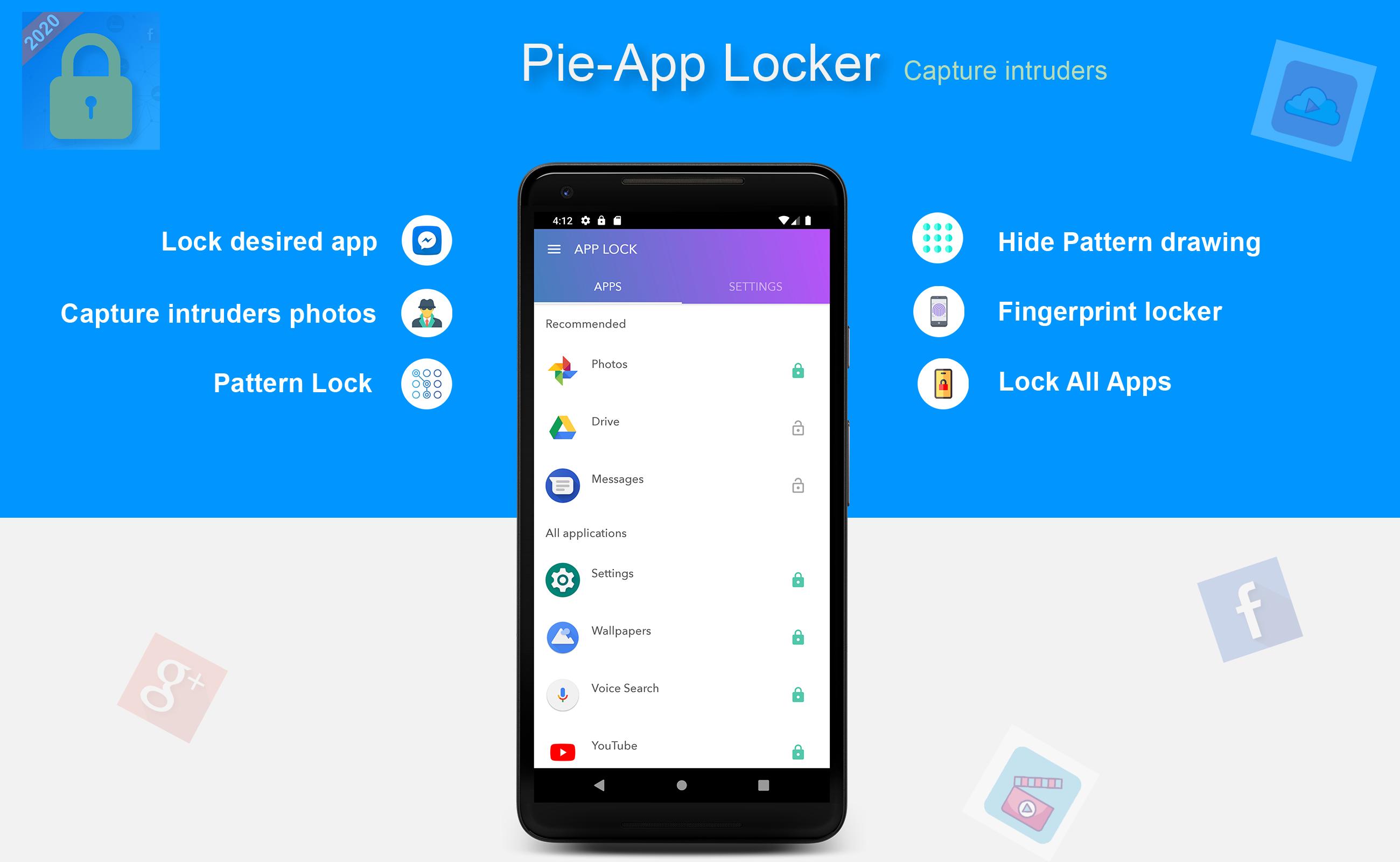
Pie-App Locker is a Free light-weight app locker with Fingerprint support. App locker is optimized for hardware to reduce battery consumption. Ads
Key Features:
* Lock Single App or Lock All Apps
* Pattern Code password
* Make Pattern invisible
* Secretly takes any intruder photos who try to unlock your apps
* Fingerprint supported Applocker
* Minimal battery and memory usage.
* Sensitive App recommendations in the app list
* Free of cost
*****Prevent Uninstall*******
To protect your App Lock from getting uninstalled, you can go to AppLock setting and press "Prevent Force Close/Uninstall".
Frequently Asked Queries:
----------
Q1 : How to prevent someone from uninstalling App Lock?
A: Go to your phone's settings and click “Prevent Force Close/Uninstall”. Then Lock your mobile Settings using App Lock.
Q2 : Does App Lock work if I restart my Phone?
A: Yes, it starts working, and your locked apps will stay protected.
Q3 : I installed AppLock, but there is no option to lock my apps with the fingerprint?
A: Your mobile should have finger print sensor in its hardware for this feature to work.
Q4 : In my Huawei Phone when I open AppLock it again asks to On the Option of AppLock service?
A: Because you need to App Locker app in your Protected Apps list of your Huawei Phone.
Q5 : How do i uninstall Pie App Locker?
A: So Firstly Remove App Locker from Device Admin from mobile settings or AppLock settings and then simply uninstall it.
Latest Version
0.2Uploaded by
CuOng Pesek
Requires Android
Android 4.2+
Category
Free Tools AppContent Rating
Everyone
Report
Flag as inappropriateLast updated on Mar 4, 2021
Performance and stability enhancements



APKPure - A multi-platform app store primarily focused on Android, providing extensive app-related content. Discover the app you want easier, faster, and safer, with quick and efficient downloads and installations.