


Package Name:appinventor.ai_izzybella419.AmateurRadioQCodeQuiz
SHA-256:d6f69cd616b89352efedab2d8db4cf308eda36435d5d525ad248a9f221cceeb8
Show More
No ads, nags, social media, or in-app purchases. No internet required. Free ham radio learning app.
Q-codes, or Q-signals, are used by amateur ham radio operators (and other radio services) as a form of shorthand and abbreviations for commonly exchanged information. Originating with Morse code operators, Q-codes are also used widely on phone as a common language among other hams all over the world.
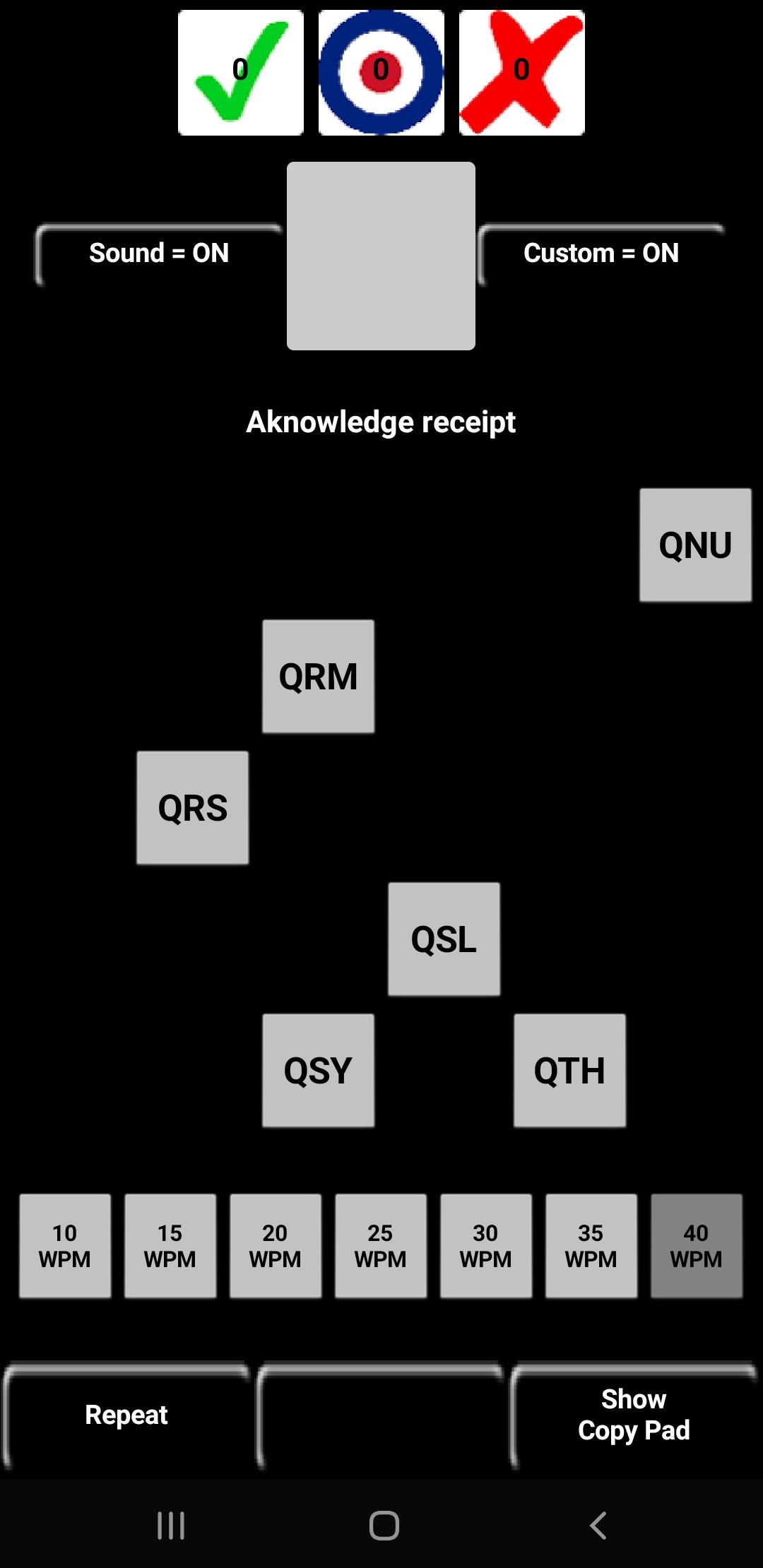
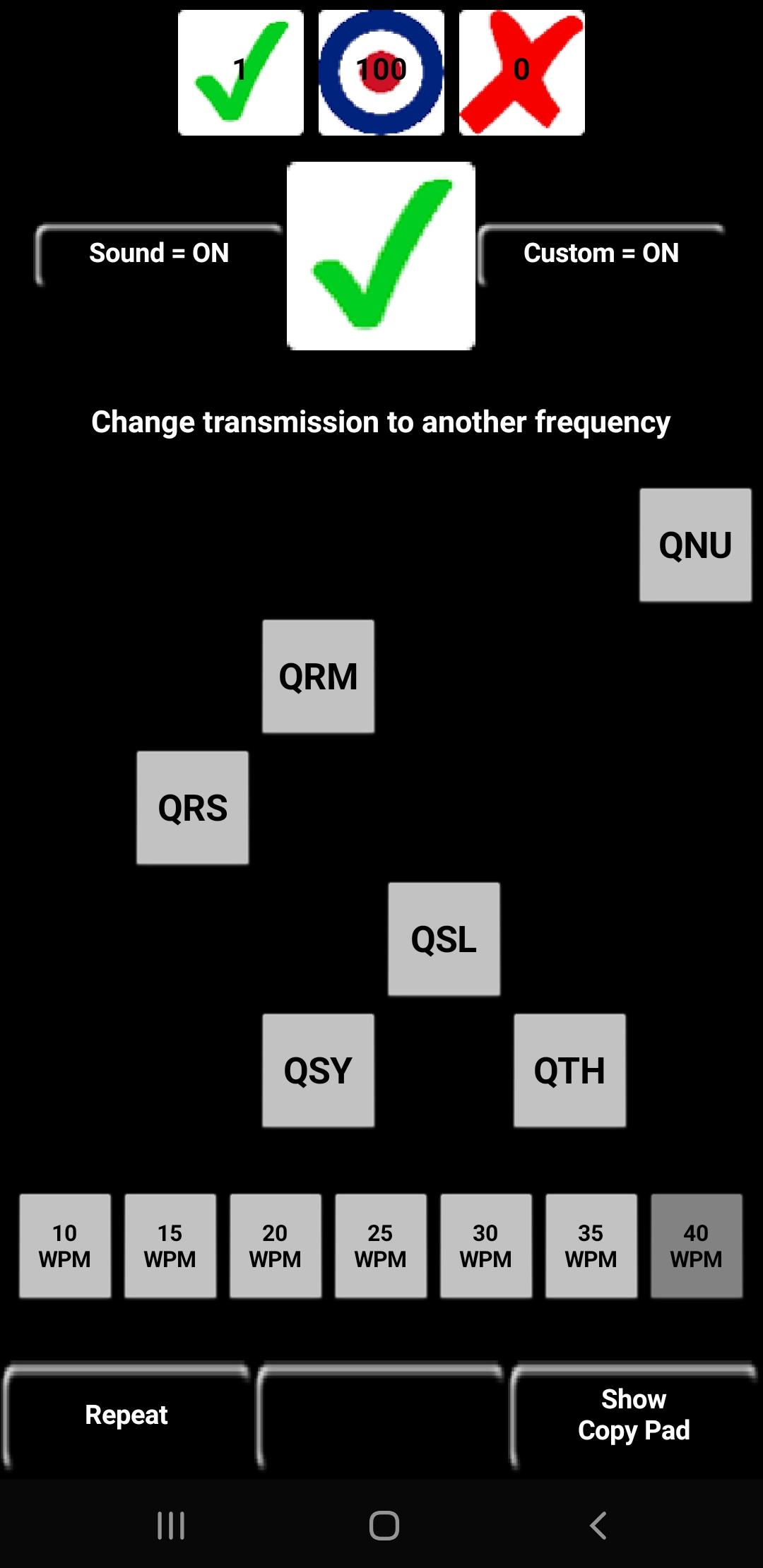
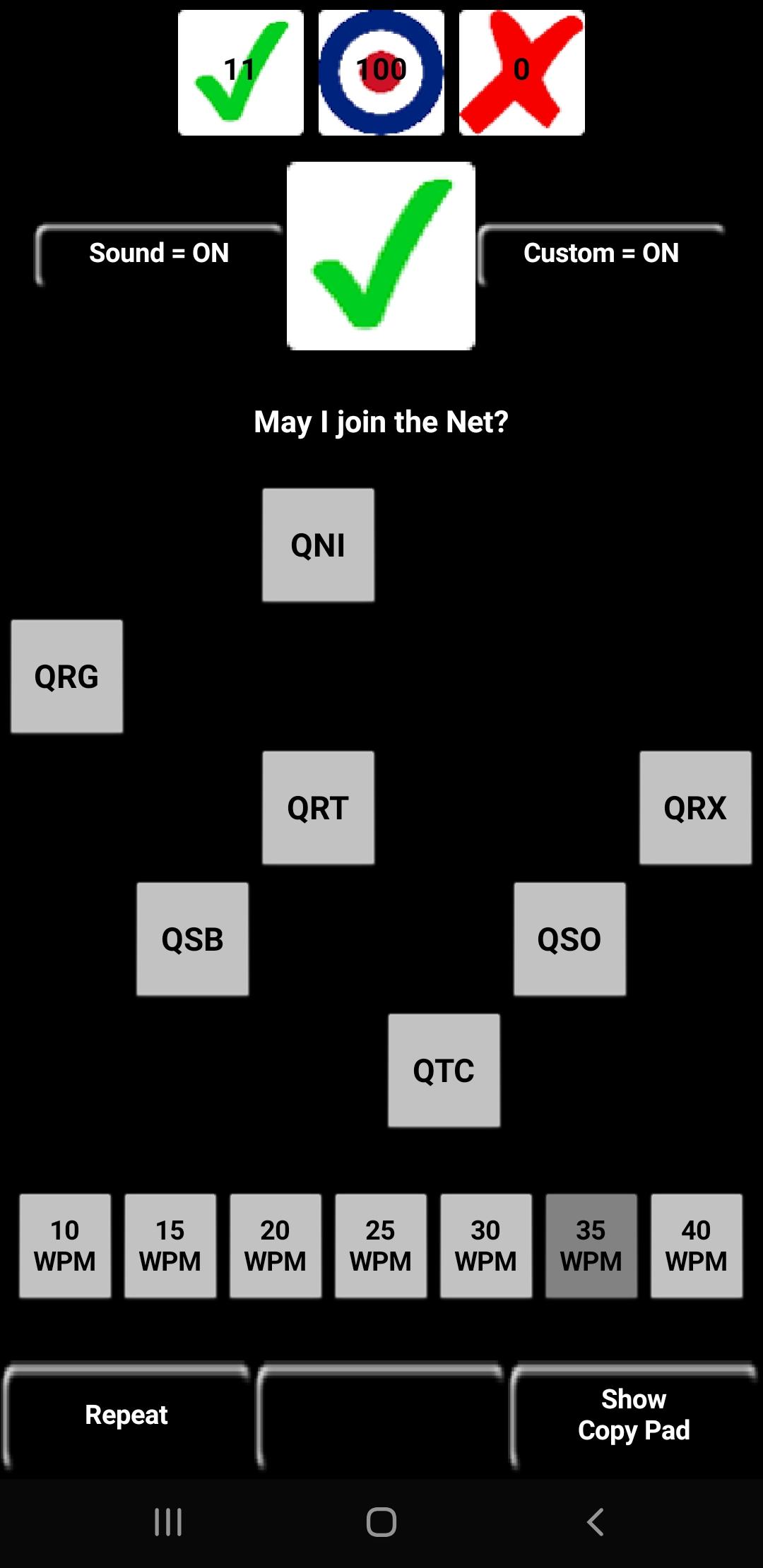
This free learning app quizzes your acquaintance with common Q-codes. You may select from 24 of the most common Q-codes used by amateur ham radio operators on phone and CW modes. Also included are a few of the QN-codes adopted by the ARRL to be used only on Nets:
QNC,QNE,QNI,QNJ,QNO,QNU,QRG,QRL,QRM,QRN,QRO,QRP,QRQ,QRS,QRT,QRU,QRV,QRX,QRZ,QSB,QSK,QSL,QSO,QSP,QST,QSX,QSY,QTC,QTH,QTR
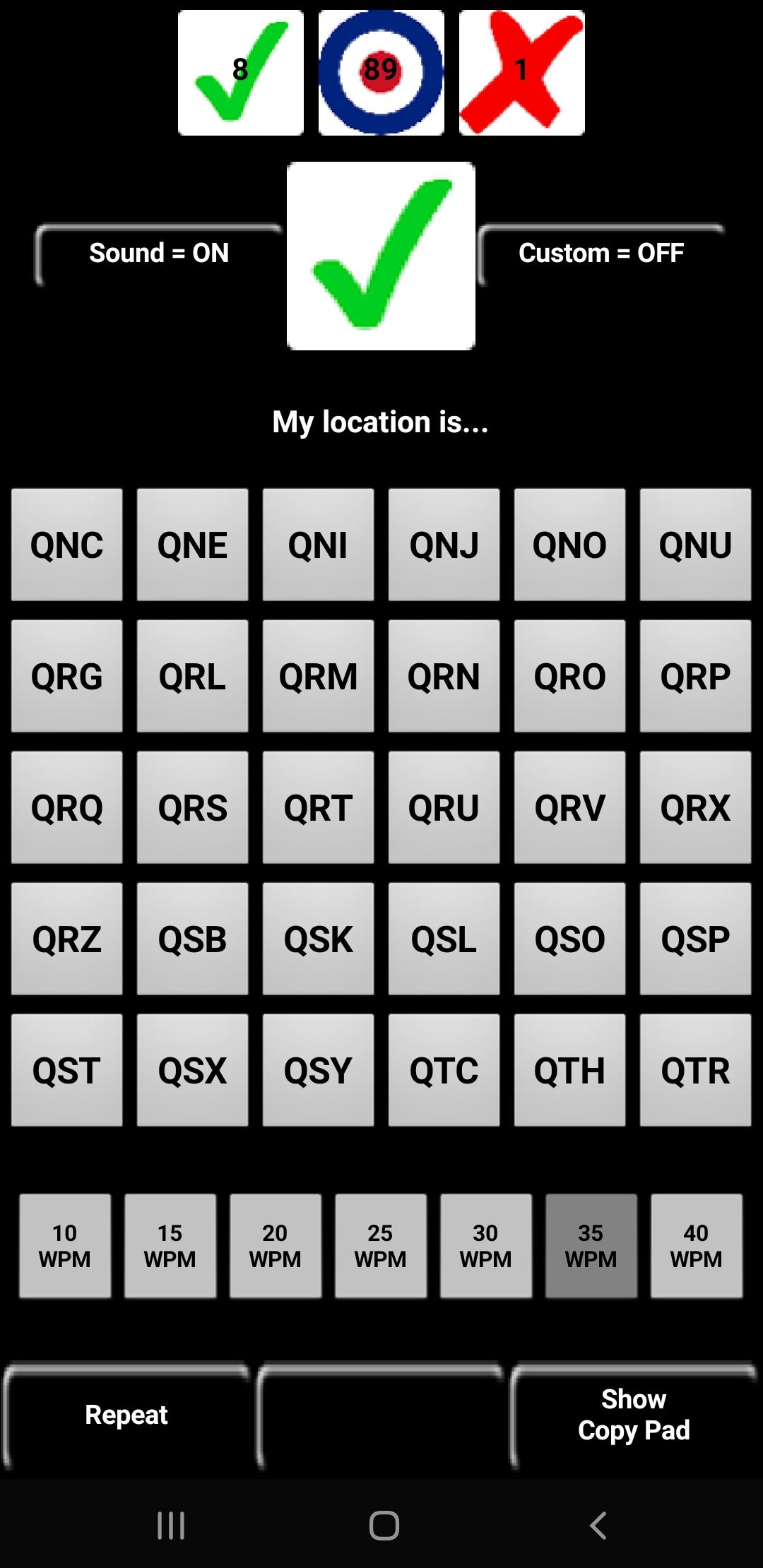
Turn the Sound ON and the app will play Q-signals in Morse code as well as display their definitions. Your task is to tap the matching Q-code from the keypad below. Turn the Sound OFF to eliminate the Morse code report and use the Q-code definitions only. Tap the Q-code definition to turn it on/off and listen to Morse code only.
Hold down any Q-signal key to play the Q-code in Morse code and to display its definition.
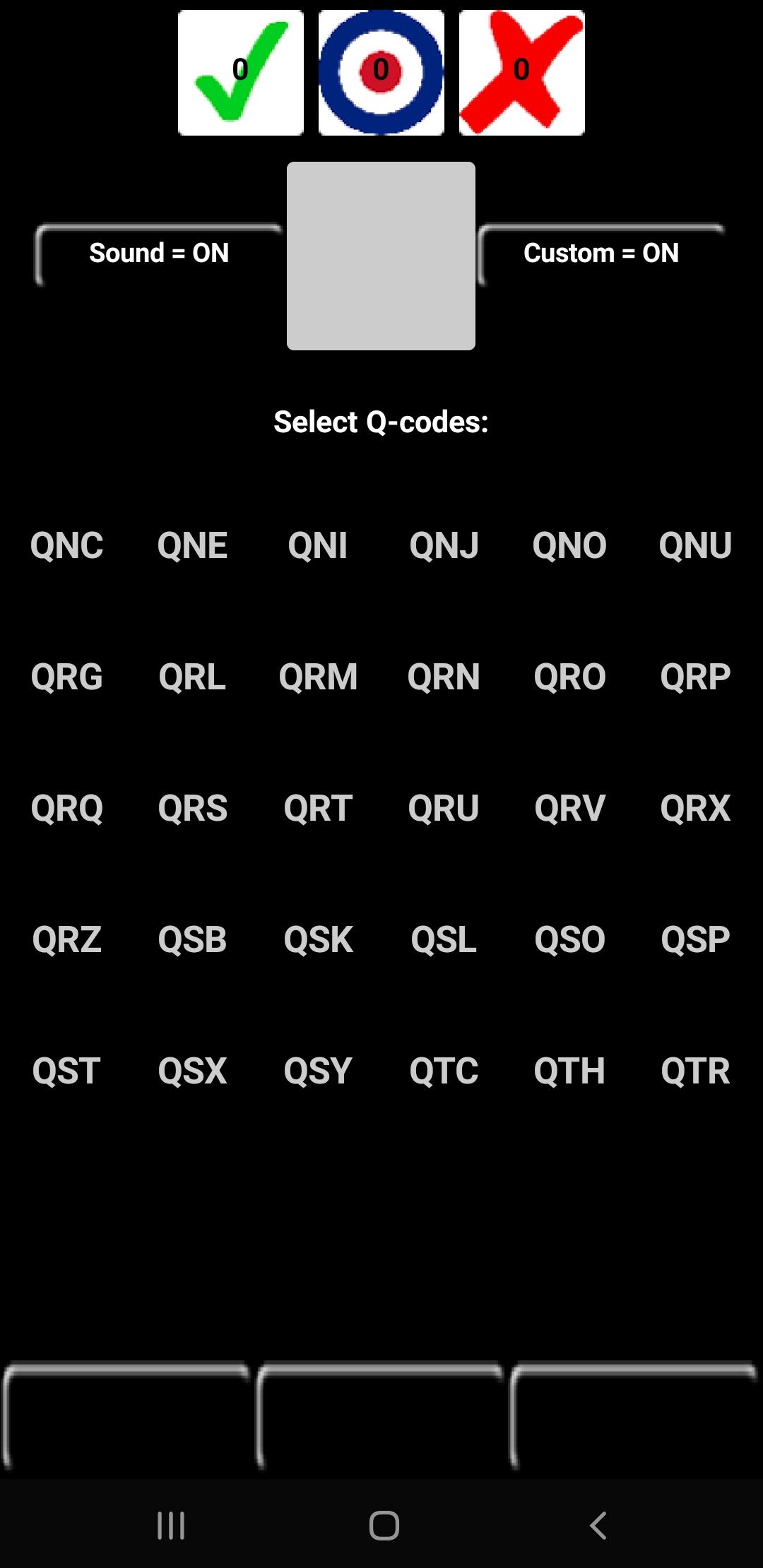
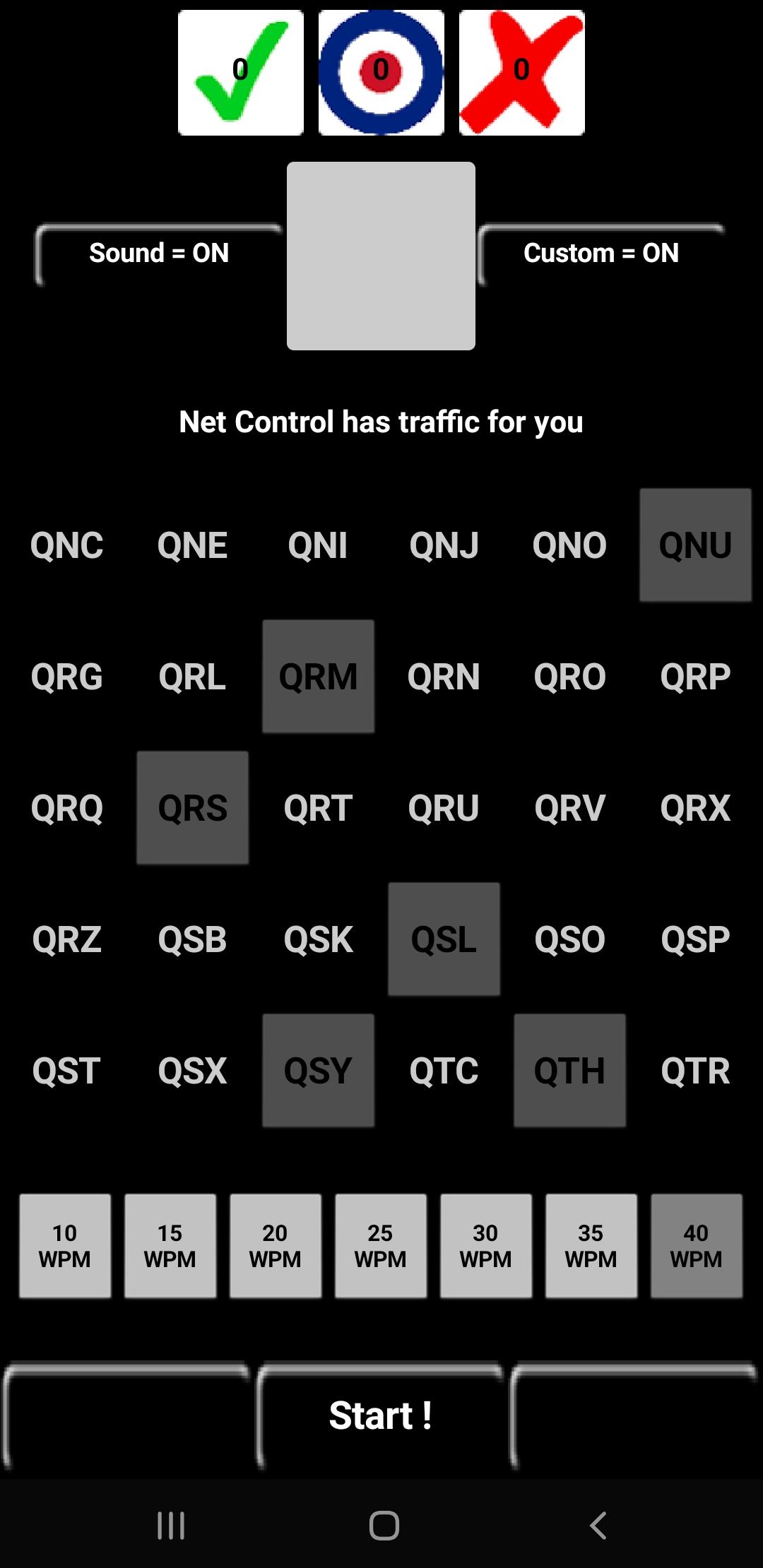
You may enter a custom subset of Q-signals by tapping the Custom button and selecting the desired Q-codes. Once done selecting, tap the desired WPM and then tap Start! This custom list may be cleared by holding the Custom button, after which you will be prompted to enter a new set. Clearing the custom list has no effect on your stats.
Stats may be cleared by holding the Target button on top. If you are in Custom mode, then only the personalized Q-code subset stats will be reset. Turn Custom mode OFF and hold the Target button to reset all stats.
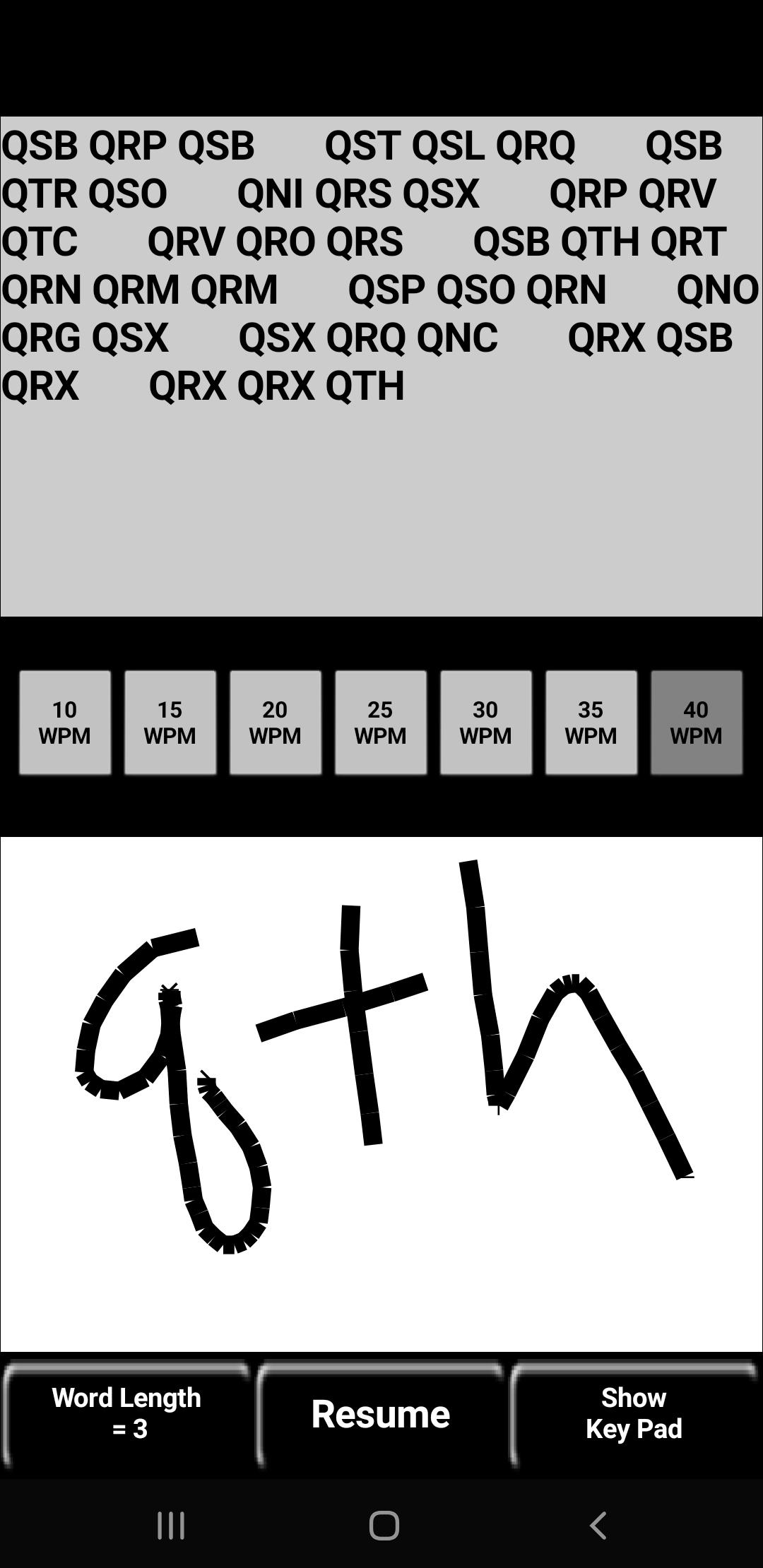
Also included is a Copy Pad which plays Q-signals in Morse code and displays their definitions. You can write in the whitespace, or on a piece of paper, or headcopy. The Copy Pad DOES NOT attempt to recognize your handwriting and is intended as a self-check.
Lastly, if you have comments, suggestions, complaints, or otherwise, then please email appsKG9E@gmail.com
Latest Version
1.1.12Uploaded by
Kishan Dadhaniya
Requires Android
Android 2.1+
Category
Free Education AppContent Rating
Everyone
Security Report
Check Now
Report
Flag as inappropriateLast updated on Sep 28, 2025
TargetSDK=35, per Google requirements.



APKPure - A multi-platform app store primarily focused on Android, providing extensive app-related content. Discover the app you want easier, faster, and safer, with quick and efficient downloads and installations.









