Scan Date:Apr 22, 2026
Package Name:com.mobilogix.edgelighting.roundcorner.display.galaxyflasher.edgelightning
SHA-256:ecfb7a9773ac79b4ded20ed134328ce358c98f626f8f3aef8cdf16e4daf7ba72
SHA-1:17065729e512791604d00ecc1556a23b285b3c69
Show More
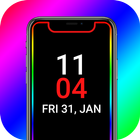
Always On Display AMOLED: BorderLight AOD will bring all the impressive features of Edge Lighting Colors and AOA to your phone.
Always On AMOLED - AOA
Always On AMOLED AOD will provide you with information about your notifications, clock, date, edge lighting, and much more on your screen without having to touch your phone or tablet.
Edge Lighting - LED Borderlight:
Edge Lighting - Borderlight AOD consists of Color effects, which will run around the screen when an incoming call/SMS or new notification arrives. It Offers beautiful RGB color combinations and customization options to make your phone screen lock stunning and unique.
Top Feature Of Always On Display - Edge Lighting AOD:
- Borderlight with color effects, duration animation, and speed animation.
- Round Corners are very catchy and produce very nice effects on all Android phones
- you can display your picture or your favorite photo on your Amoled Screen
- You Can also display your favorite best emoji on the Always on Display Screen
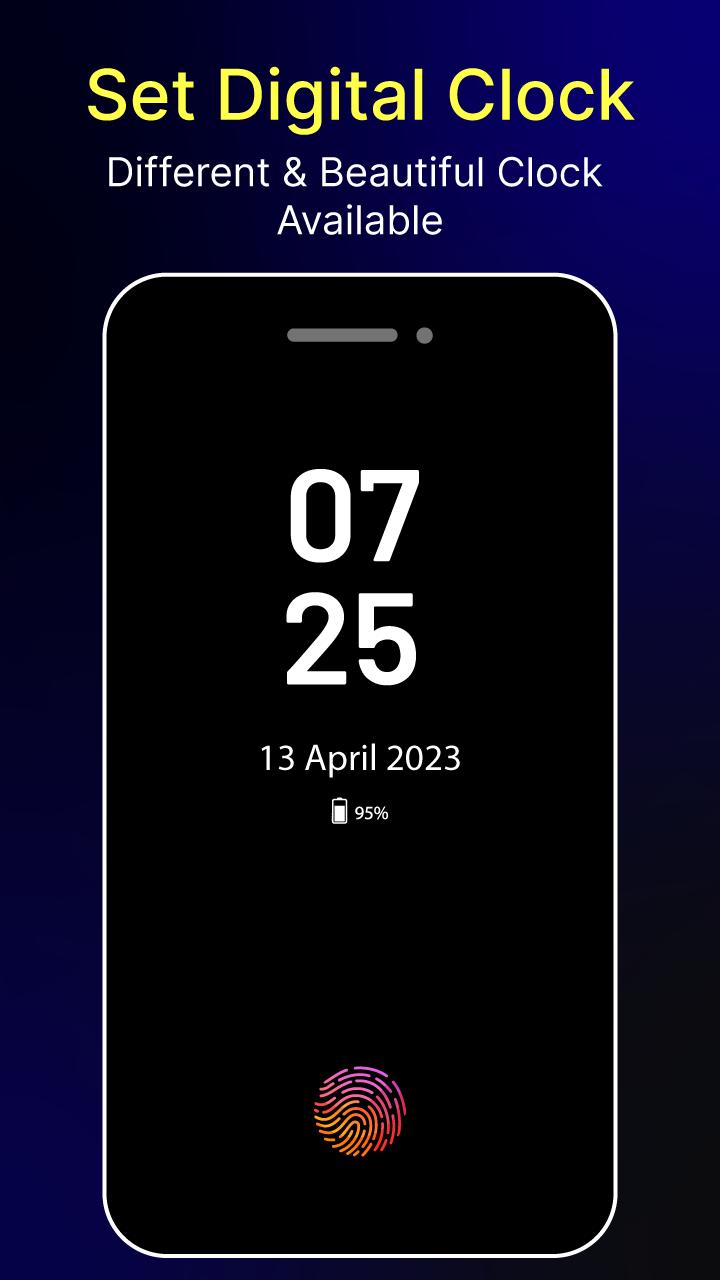
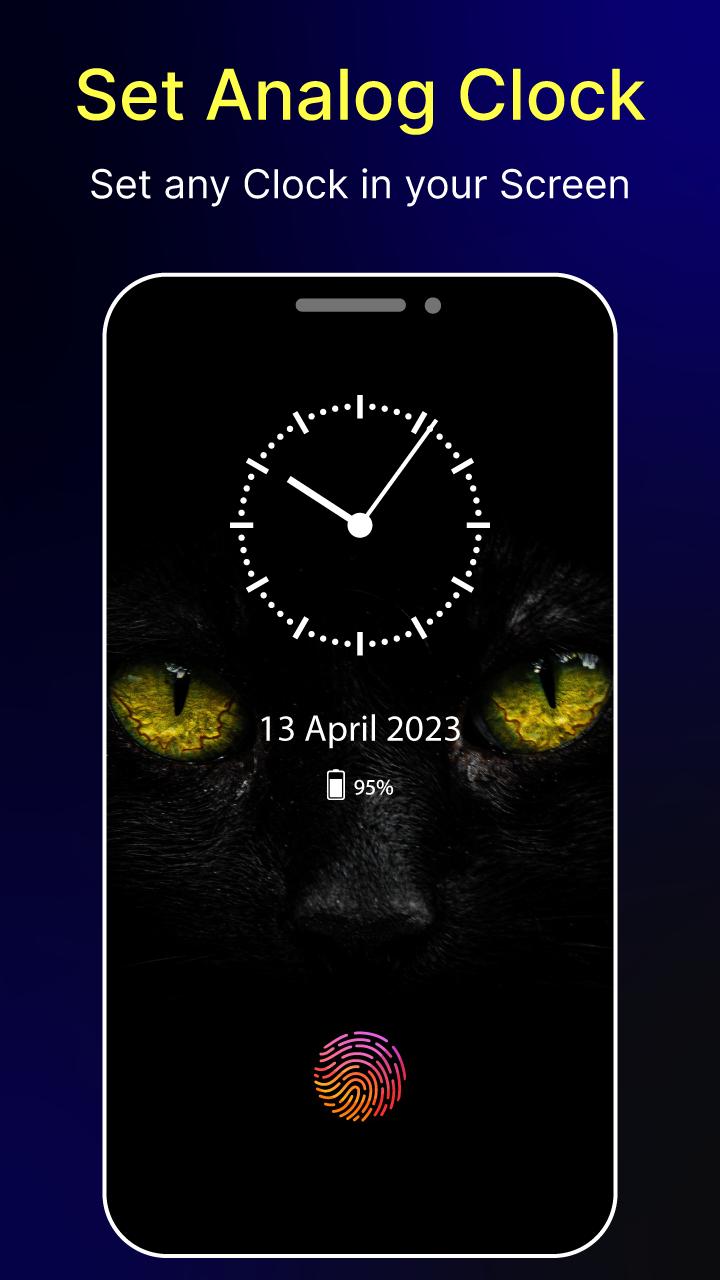
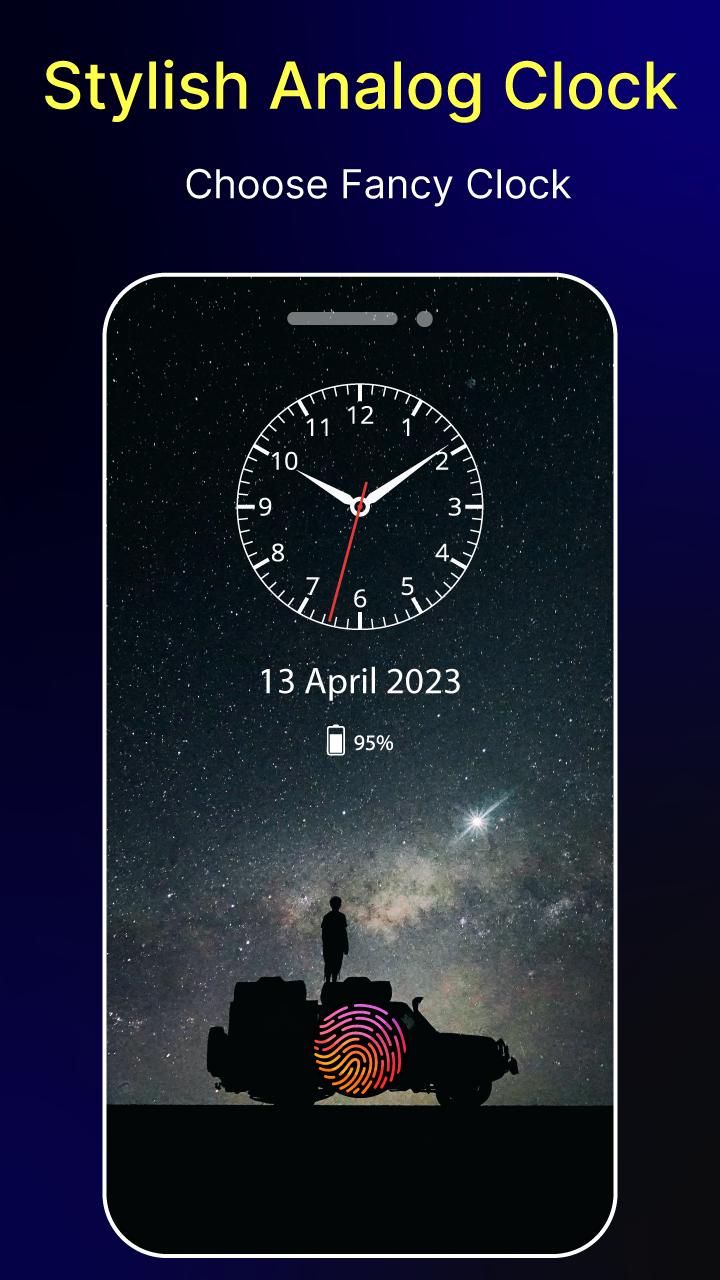
- Change clock style (digital, analog, Photo, and Emoji clock).
- Always On Memo - write a reminder and make it show up on your screen all the time!
- Customization - change the text color, text size, font, brightness, and more
- Display notification icon with message title
I wish the app ( Always On AMOLED - BorderLight ) will make your life better and more convenient.
Latest Version
1.0.12Uploaded by
Nahed Kahia
Requires Android
Android 5.0+
Category
Free Personalization AppContent Rating
Everyone
Security Report
Report
Flag as inappropriateLast updated on Mar 7, 2024
- Crashes Fixed




APKPure - A multi-platform app store primarily focused on Android, providing extensive app-related content. Discover the app you want easier, faster, and safer, with quick and efficient downloads and installations.