

AirFrozen~Disabler(ROOT) helps when background apps slow down your phone or distract you. It focuses on disabling unwanted processes so the device runs with fewer interruptions. Additionally, frozen apps are not uninstalled, and their data stays intact, which makes it safe to use on daily apps. The interface is simple and lightweight, so you can get tasks done quickly without extra steps. If you prefer small tools that do one job well, consider the AirFrozen~Disabler(ROOT) APK to manage app behavior more easily.
Freeze and force stop apps
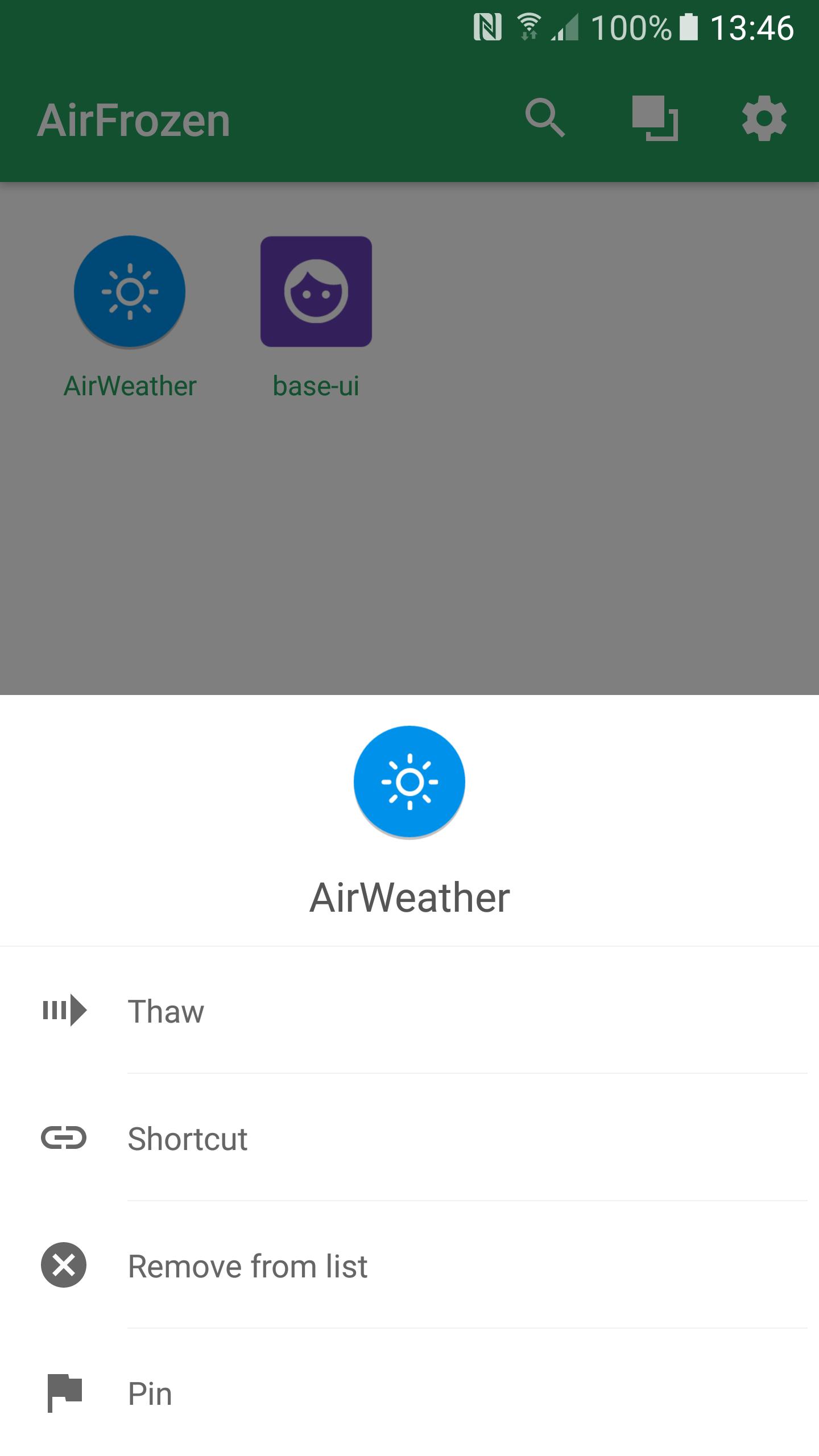
You can select specific apps to freeze and reduce background activity. When an app needs a full stop, use the Force Stop action to halt it immediately. This helps maintain a smoother experience while you keep control over which apps are active.
Auto freeze on exit or screen lock
AirFrozen~Disabler(ROOT) offers options to freeze an app when you leave it or when the screen is locked. With accessibility and usage permissions enabled, you can keep the app in the foreground active while others get frozen. This keeps your current task uninterrupted.
Disable without uninstalling
Frozen apps are only disabled, not removed. No app data is cleared during freezing. When you need the app again, simply unfreeze it and continue from where you left off.
Small size and optional permissions
The app is clean and lite at about 400 KB. Most permissions are optional and off by default. Assist lets you long press to launch the app, Accessibility enables freeze-on-exit, Device Admin supports root free use, and KNOX permissions apply to Samsung devices when available.
AirFrozen~Disabler(ROOT) helps you freeze, disable, and manage apps without uninstalling them. Set up the optional permissions that match your workflow and start controlling background activity. Install the AirFrozen~Disabler(ROOT) latest version to access the current tools and options.
Latest Version
1.6.2Uploaded by
စိုင္း လြမ္းေနာင္
Requires Android
Android 4.0+
Category
Free Tools AppContent Rating
Everyone
Report
Flag as inappropriateLast updated on Jul 19, 2019
#New# Adaptive icon
#Fix# Tile service with inactive mode
#Fix# Crashing on android 8.0(O)






APKPure - A multi-platform app store primarily focused on Android, providing extensive app-related content. Discover the app you want easier, faster, and safer, with quick and efficient downloads and installations.




![App Freezer - Ice Box [ROOT] APK](https://image.winudf.com/v2/image/ZXhhLmZyZWUuZl9pY29uXzE1MjE5NzIyMjBfMDkw/icon.png?w=102&fakeurl=1)